 ProMapRanker
2026 Guide to the Best Email Management Software for Teams

Support teams with ticketing and workflows · Pricing starts at: $25 per user a month
Direct answer
Hiver is the first pick on this list for support teams with ticketing and workflows. Listed starting prices: Hiver from $25 per user a month, Missive from $14 per user per month and Front from $25 per seat a month. Missive fits light inbox collaboration; Front fits shared inboxes with AI customer service. The remaining 3 options are covered below with prices and limits.
If you are comparing email management software for teams, this page covers 6 tools in one place: what each is best for, what it costs to start, whether it has a free plan, and the main limit to know about.
Key takeaways
- Hiver takes the first slot, best suited to support teams with ticketing and workflows.
- Spark is the one to check for unified inbox across accounts.
- Spark is the only tool of the 6 with a free plan.
- For the cheapest start, look at Spark: $10 per user per month.
Quick comparison
| Pick | Great for | Pricing starts at | Free tier | |
|---|---|---|---|---|
| Hiver | Support teams with ticketing and workflows | $25 per user a month | Free trial | Visit |
 Missive | Light inbox collaboration | $14 per user per month | Free trial | Visit |
 Front | Shared inboxes with AI customer service | $25 per seat a month | Free trial | Visit |
 SaneBox | Automatic inbox triage | See website | Not stated | Visit |
 Superhuman | Quick personal email with AI | See website | Not stated | Visit |
 Spark | Unified inbox across accounts | $10 per user a month | Yes | Visit |
Our 6 email management software for teams
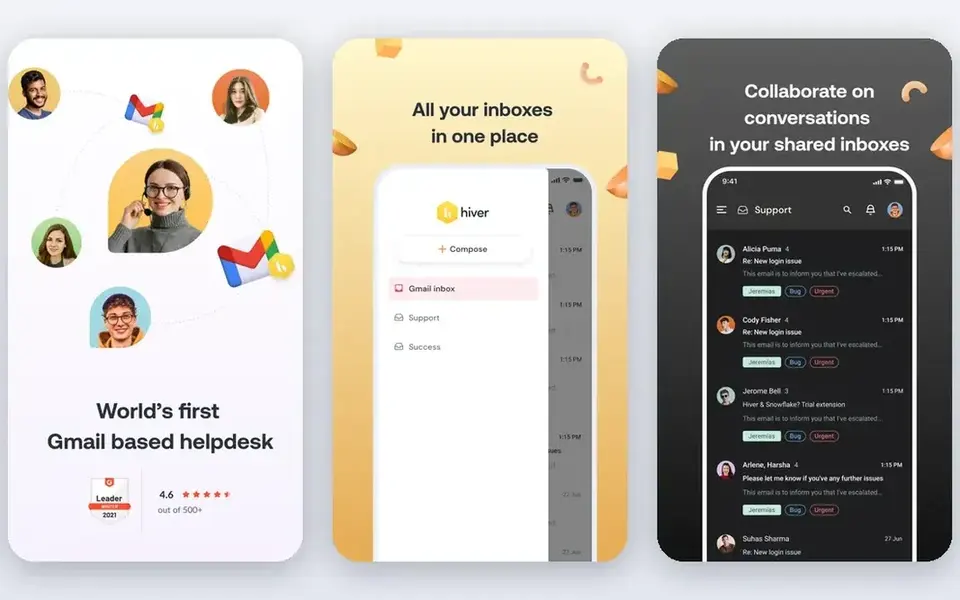
Hiver targets support teams with ticketing and workflows. Teams wanting a general productivity suite instead of a service system should look elsewhere.
Downsides: May be more structure than internal teams need.
Hiver is an agentic customer service system for tackling complicated customer issues across channels with AI, ticketing, cross-team collaboration and workflows. It is aimed at support and service teams that require more structure than plain shared email, including assignment, tracking and process automation. What you pay to start with Hiver: $25 per user per month. Free plan details: Free trial.
- Shared inboxes with ticketing
- Cross-team collaboration features
- Concentrated on service use cases
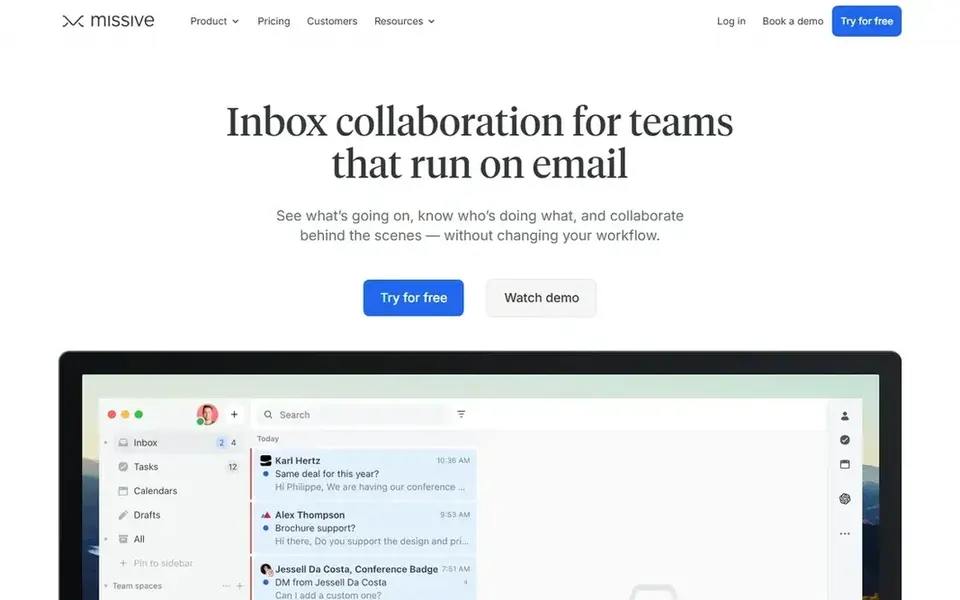
Missive is aimed squarely at light inbox collaboration. It fits teams that want shared email handling without adopting a full customer service suite.
Pick Missive when collaborative email is the priority and you want to keep your current email habits mostly intact. On cost, Missive starts like this: $14 per user per month. Trial and free access: Free trial.
What to check first: Advanced service workflows may need another tool.
- Collaboration behind the scenes
- Works without changing your workflow
- Less ticketing depth than support systems
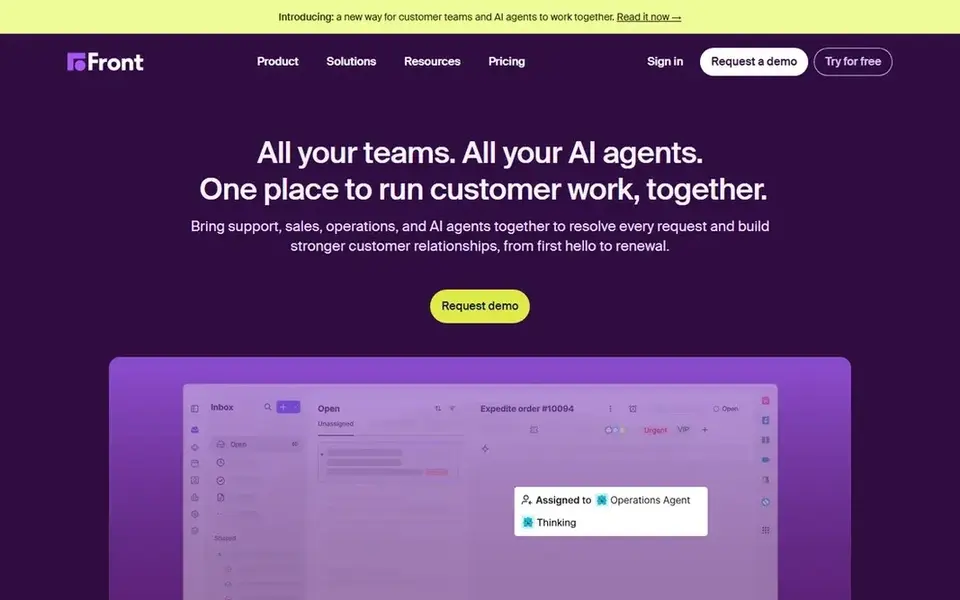
Front makes the most sense for shared inboxes with AI customer service. It suits customer-facing teams that want email and other channels handled in one collaborative workspace with AI assistance built in.
Limits to weigh: Setup effort grows with team size.
Because Front is positioned as a broader service system, teams that only need light inbox sharing may find it more than necessary. What you pay to start with Front: $25 per seat per month. Free access: Free trial.
- Collaboration across teams in one system
- Shared inboxes for support and sales
- Wide product may feel heavy for straightforward inboxes
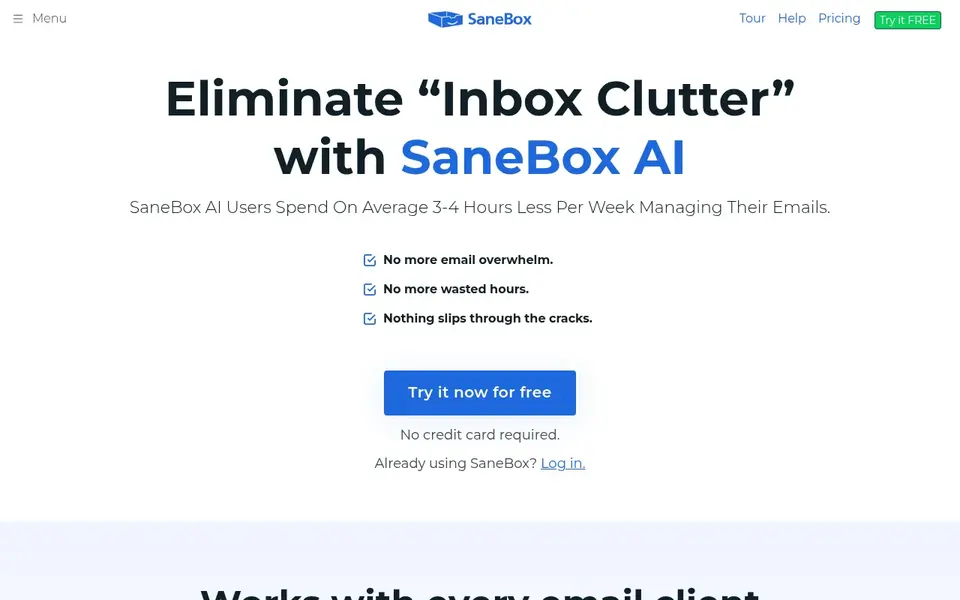
SaneBox works best for automatic inbox triage. SaneBox concentrates on triage instead of shared inboxes or team assignment, so it does not replace collaboration systems.
Results rely on how well its sorting matches your habits, and important mail should still be checked. Pricing for SaneBox is not stated here, so ask the vendor for current figures. As for free access: Not stated.
Limits to weigh: Not a shared inbox collaboration tool.
- Sorts and filters incoming email
- Works with any inbox
- Triage relies on rules and training
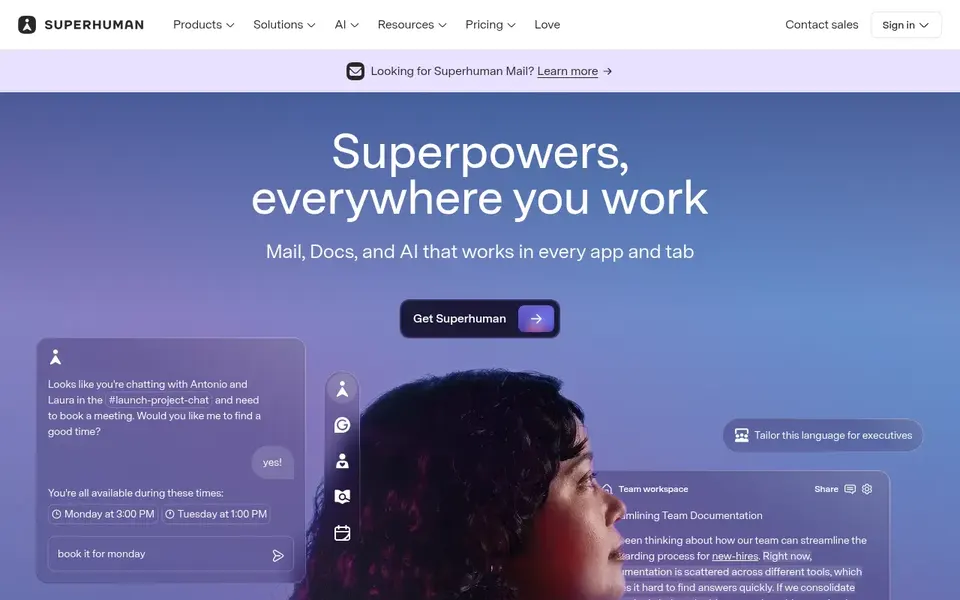
Superhuman serves quick personal email with AI. Superhuman is an AI productivity suite spanning docs, mail and AI that work everywhere, positioned to help people be more creative, strategic and impactful.
Downsides: Less concentrated on shared inbox collaboration.
In practice, Superhuman is centered on individual productivity, so teams needing shared inboxes, assignment and service workflows may need a dedicated collaboration tool alongside it. In practice, pick Superhuman when speed and AI-assisted personal email matter more than shared mailbox management. This comparison lists no price for Superhuman; ask the vendor. As for free access: Not stated.
- AI productivity suite across tools
- Mail plus docs in one place
- Team email ownership needs other tools
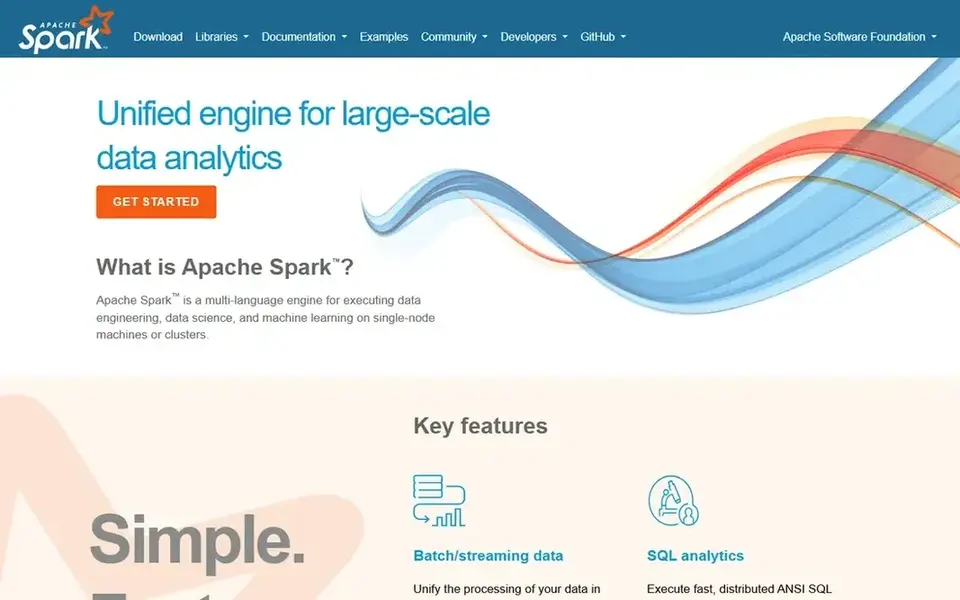
Choose Spark for unified inbox across accounts. Choose Spark when a clean, cross-platform inbox with smart organization is the primary goal.
Where it falls short: Feature set varies across systems.
Teams that require assignment, service workflows and shared ownership should consider a dedicated system. Spark is primarily an email client, so deep shared inbox collaboration and ticketing are not its focus. Spark starts at: $10 per user per month. Free access exists with Spark.
- Brings together Gmail
- Outlook and iCloud
- Team collaboration is lighter than shared inbox tools
What went into this list
We compared the tools on published pricing, free plan or trial availability, feature coverage for email management software for teams, and the limits each vendor documents. Prices and plan limits come from vendor pages and can change, so confirm them on the vendor site before you buy. The ranking is editorial: typical fit first, then clear pricing, then free access. If your needs are unusual, read the profiles rather than relying on position.
Pre-purchase checklist
- Get a written quote from SaneBox and Superhuman; the list shows no starting price for them.
- Look at the free plan from Spark closely: its caps decide whether it is usable for real work.
- Use real work to test the free trial from Hiver, Missive and Front, rather than a demo project.
- Before choosing Hiver, weigh its main limit: concentrated on service use cases.
- Confirm the exact Front plan that includes your must-have features.
- Before you load data into SaneBox, check what an export looks like and who can run it.
Frequently asked questions
How are the tools for email management software for teams ordered?
Hiver sits first and Spark last because the order follows typical fit for email management software for teams, then price clarity and free access. It is a judgement call, so read each profile for fit and limits.
Is Hiver the right pick for everyone comparing email management software for teams?
No single tool suits every team. Hiver comes first because it fits support teams with ticketing and workflows, while Missive suits lightweight inbox collaboration and Front suits shared inboxes with AI customer service. Match the tool to your own size, budget and workflow before deciding.
Do these tools publish their prices?
Not all of them. SaneBox and Superhuman publish no starting price, so expect a quote request for those. The rest, Hiver included, show a starting price, though seats and billing terms still change the final cost.
What is the cheapest option for email management software for teams in this list?
On published monthly entry prices, Spark is the lowest here at $10 per user per month. Entry price is only part of the cost, because seats, add-ons and billing terms can change the total. Each of the 6 options in this email management software for teams guide has its own card above with the price, free plan and limits.
Sources
See where you really rank - block by block
ProMapRanker scans Google Maps across a grid of your service area. Simple monthly plans from $19, white-label on every plan.
Start freeBrowse all guides
← 2026 Guide to the Best Email Autoresponder SoftwareComparing 5 Email Marketing Software for Universities in 2026 →
 best drip campaign software for onboarding
Drip Campaign Software for Onboarding: Best Picks of 2026
Weighing the best drip campaign software for onboarding? We lined up 6 products by cost, free access and fit. Read the caveats before you buy. Decide faster.
Read → best ai email verification software
AI Email Verification Software in 2026: Top 5 Compared
Searching for the best AI email verification software? Here are 5 options with prices and free plans. Strengths and gaps are listed per tool. No filler.
Read → klaviyo alternatives shopify
Top Klaviyo Alternatives for 2026, With Prices
Compare 5 picks for klaviyo alternatives shopify, with prices, free plans and who each fits. We note where every tool falls short. Skim the table first.
Read → best mass email marketing software
Mass Email Marketing Software
Best mass email marketing software: 6 contenders ranked by fit, with entry costs and free tiers. Where a tool struggles is spelled out. Updated November 2026.
Read → best email drip software
Best Email Drip Software in 2026
7 tools for the best email drip software, compared on pricing, free plans and best-fit use. Every pick includes one clear drawback. Updated November 2026.
Read → statusbrew alternatives
Best Statusbrew Alternatives in 2026
We compared the best Statusbrew alternatives for scheduling, inboxes and social reporting, with prices, free plans and honest trade-offs for teams of all sizes.
Read →More in Email Marketing · All guides A to Z by date · Latest guides