 ProMapRanker
Best Email Management Software in 2026


Speed for power users · Pricing starts at: $30 per user per month
Key takeaways
- Spark is the best free starting point for individuals, with a smart inbox and broad provider support.
- SaneBox suits people who want a cleaner inbox without switching email apps, since it sorts mail on the server.
- Superhuman suits power users who live in email and value speed, while Shortwave suits Gmail users who want AI search and triage.
- Front and Missive suit teams that share inboxes, while Hiver suits Google Workspace teams that want shared inboxes inside Gmail.
Quick comparison
| Pick | Great for | Pricing starts at | Free tier | |
|---|---|---|---|---|
| Superhuman | Speed for power users | $30 per user per month | No | Visit |
 Spark | Free smart inbox | Free | Yes | Visit |
 SaneBox | Sorting without switching apps | $7 per month | Free trial | Visit |
 Clean Email | Bulk cleanup and unsubscribing | $9.99 per month | Yes | Visit |
 Shortwave | AI-first Gmail management | Free | Yes | Visit |
 Missive | Shared team inboxes | $14 per user per month | Free trial | Visit |
 Front | Complex shared inboxes | $25 per user per month | Free trial | Visit |
 Hiver | Shared inboxes inside Gmail | $25 per user per month | Yes | Visit |
 Canary Mail | Privacy-focused multi-account mail | Free | Yes | Visit |
The best email management software
We compared tools that help individuals and teams triage, organize, and answer email faster, from clients and AI assistants to server-side filters and shared inboxes.
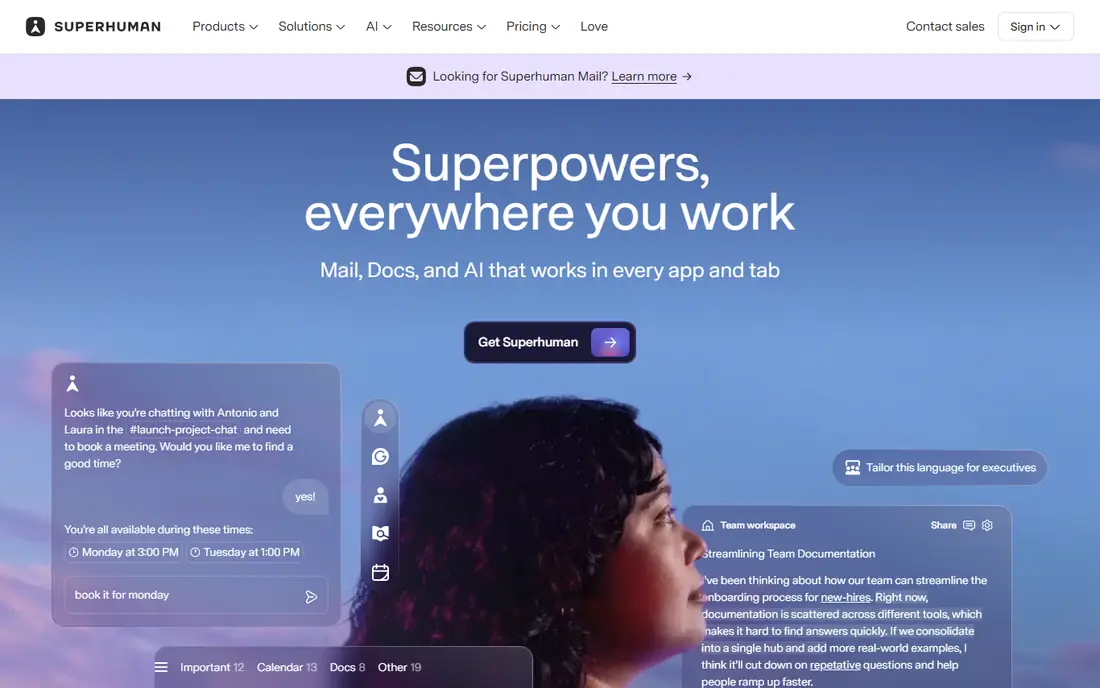
Superhuman is built for people who spend hours in email every day and want every action to feel instant. Keyboard shortcuts, split inbox views, send-later scheduling, and read statuses help power users clear mail fast, while newer AI features draft replies and sort messages. The design is polished, and the workflow rewards users who learn the shortcuts.
The price and account limits are the barriers. At $30 per user per month, Superhuman costs far more than Spark or Shortwave, and it only supports Gmail and Outlook accounts. If email is central to your work and speed saves you real time daily, Superhuman can justify its price. If you use iCloud or Yahoo, or you only check mail a few times a day, a cheaper tool will serve you better.
- Very fast keyboard-first interface
- AI triage, drafting, and auto-labels on higher plans
- Apps for Mac, Windows, iOS, Android, and web
- Highest price in this list for individuals
- Gmail and Outlook only
- No free plan or permanent free tier
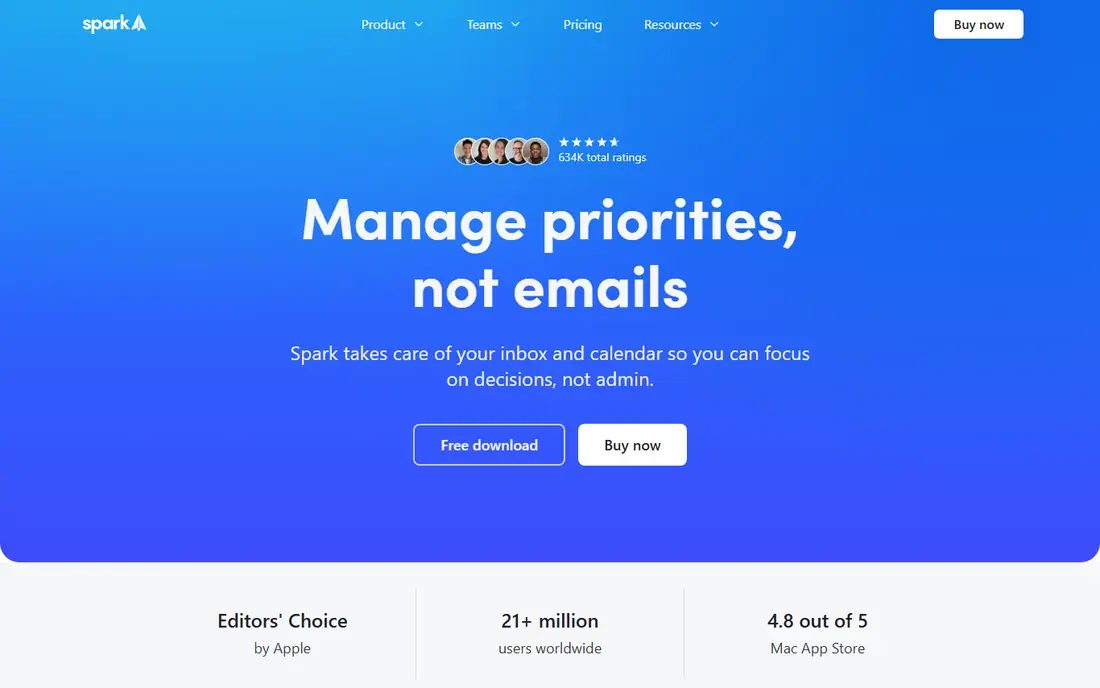
Spark is our pick for most individuals because the free plan is genuinely useful. The smart inbox sorts newsletters and notifications away from important mail, priority senders stay visible, and team features such as shared drafts and comments help small groups without a separate tool. Broad provider support means almost any account works, which is rare among modern mail apps.
The catch is that the best AI and team features sit behind Plus at $10 per month or Pro at $20 per month. For everyday triage, the free plan is enough. If you want AI summaries and advanced team workflows, compare the paid tiers with Shortwave and Missive before upgrading, since the right paid tool depends on your provider and team size.
- Free plan with unlimited accounts
- Smart inbox that prioritizes important mail
- Works with Gmail, Outlook, iCloud, Yahoo, and IMAP
- Paid AI and team features need Plus or Pro
- Some Pro features have been marked as coming soon
- Heavier than a minimal mail client
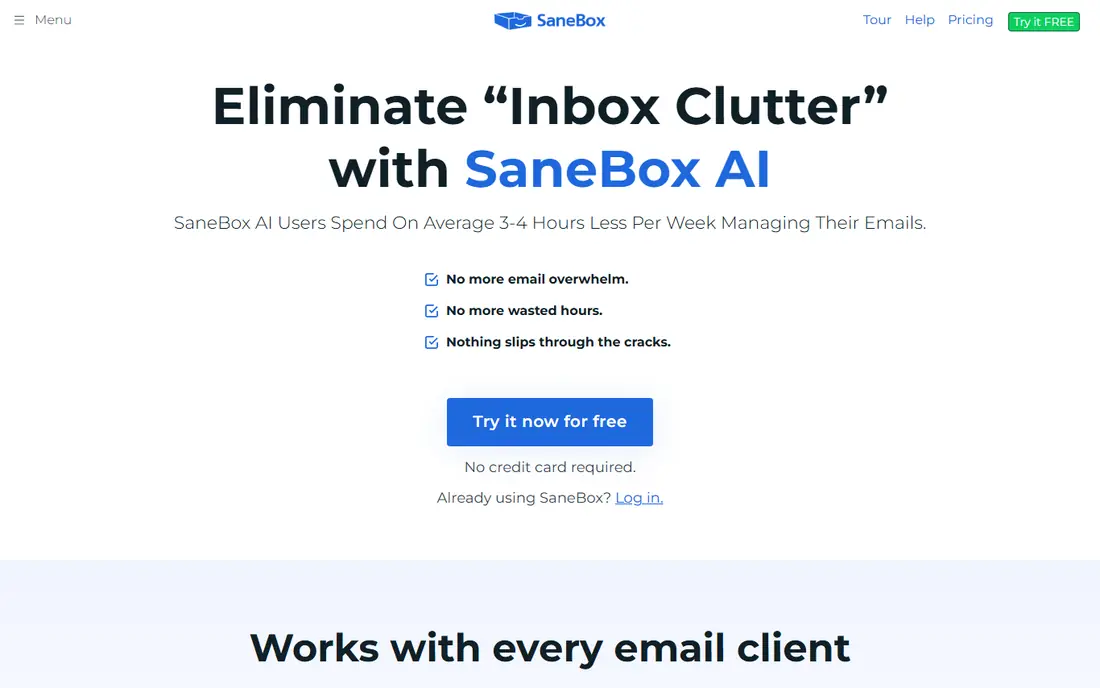
SaneBox suits people who like their current email app but hate the clutter inside it. It moves low-priority mail into folders on the server, so the same clean inbox appears in Apple Mail, Gmail, Outlook, or any other client. A daily digest summarizes what was filtered, and you can train it by moving messages between folders.
The limit is scope. SaneBox sorts mail, it does not give you a new app, AI drafting, or team inbox tools. If filtering is your main problem, SaneBox is the lowest-friction fix. If you also want a faster client or AI help writing replies, pair it with a client such as Spark, or pick Shortwave or Superhuman instead.
- Works inside any email app, since sorting happens on the server
- Low effort once trained
- Daily digest for low-priority mail
- No new email app or drafting tools
- Price varies by billing choice
- Needs training to sort well at first
Clean Email is the best tool for clearing years of inbox clutter in one session. It groups messages by sender, so you can delete, archive, or unsubscribe from a whole sender in a few clicks, rather than opening hundreds of messages one by one. Smart views for old mail, social updates, and newsletters make a large backlog manageable.
The trade-off is that Clean Email is a cleanup tool, not a replacement mail client for daily work. Use it to clear the backlog, then keep the inbox clean with SaneBox or a smart client such as Spark. For a one-time cleanup, the free plan covers up to 1,000 emails, while larger libraries need the paid plan.
- Groups old mail by sender for bulk delete, archive, and unsubscribe
- Free plan cleans up to 1,000 emails
- Works with Gmail, Outlook, and Yahoo
- Cleanup tool rather than a daily mail client
- Paid plan needed for large libraries
- Automation rules need care to avoid mistakes
Shortwave is the best AI-first option for Gmail users. It bundles related threads, surfaces important mail, and uses AI to search, summarize, and draft replies with context from your inbox. For a Gmail power user drowning in threads, Shortwave can make an inbox feel manageable in a way that plain Gmail does not.
The limit is provider lock-in. Shortwave only works with Gmail and Google Workspace, so Outlook, iCloud, and Yahoo users need another tool. Paid pricing has also varied across recent comparisons, so check the current Pro and Business rates before upgrading. If you live in Gmail, Shortwave is a strong free start with a clear upgrade path.
- Free plan for Gmail users
- AI search, thread bundling, and drafting
- Strong organization for heavy Gmail inboxes
- Gmail and Google Workspace only
- Paid plans have risen in recent comparisons, so confirm current pricing
- No support for Outlook or iCloud
Missive suits small teams that answer customers from a shared inbox and want chat built into the same workspace. Team members can assign messages, draft replies together, and discuss a thread internally without forwarding emails. SMS and WhatsApp support make it useful for businesses that hear from customers on more than one channel.
The drawback for individuals is price and focus. At $14 per user per month, Missive is a team tool, and solo users will find Spark or Shortwave cheaper and simpler. For a team of two or more people sharing support, sales, or info inboxes, Missive undercuts Front while covering the core shared inbox jobs well.
- Shared inboxes for email, SMS, and WhatsApp in one workspace
- Live co-drafting and internal chat
- Lower price than Front for small teams
- Built for teams, so solo users pay for team features
- No permanent free plan
- Setup takes care for larger shared inboxes
Front is the most complete shared inbox in this list, and it suits teams with complex routing, high volumes, and several channels. Messages can be assigned, tagged, automated with rules, and tracked with analytics, while AI add-ons help draft replies and sort incoming mail. Companies with support, sales, and operations inboxes often run all of them through Front.
The cost and setup reflect that depth. At $25 per user per month, Front is a serious team purchase, and smaller teams may find Missive covers their needs for less. If your team handles high email volume with strict ownership and reporting needs, Front is the strongest pick. If you have a small shared inbox, start with Missive or Hiver.
- Most complete shared inbox for teams
- Assignments, rules, analytics, and multi-channel support
- AI add-ons for drafting and triage
- Higher price than Missive
- Setup and admin take time
- Overkill for a solo user or a tiny team
Hiver suits Google Workspace teams that want shared inboxes without leaving Gmail. Support and sales mail can be assigned, tracked, and discussed inside the Gmail interface your team already knows, which cuts training time and adoption friction. Notes, collision detection, and analytics help managers see who owns each conversation.
The limit is ecosystem. Hiver only works with Gmail and Google Workspace, so Outlook teams need Front or Missive instead. Paid pricing also matches Front, so compare channel coverage and admin needs before choosing. For a Gmail team that wants shared inboxes with minimal change, Hiver is the easiest path.
- Runs inside Gmail, so teams keep a familiar interface
- Shared inboxes, assignments, and notes
- Free plan for small Google Workspace teams
- Google Workspace only
- Price matches Front for paid plans
- Less multi-channel depth than Front or Missive
Canary Mail suits users who want one app for many accounts with a privacy focus. It supports Gmail, Outlook, Microsoft 365, Exchange, iCloud, Yahoo, and IMAP, and it emphasizes on-device encryption and tracker handling. The free plan covers everyday mail, while the paid plan adds AI Copilot features for drafting and summaries.
The trade-off is team depth. Canary Mail is an individual client first, so teams that need shared inboxes, assignments, and analytics should pick Missive, Front, or Hiver. For a person with mixed accounts who values privacy and wants a clean, capable client, Canary Mail is a strong free starting point.
- Free plan with broad provider support
- On-device encryption and privacy focus
- AI Copilot for drafting and summaries on paid plans
- Paid plan needed for full AI features
- Smaller team features than Missive or Front
- Interface is simpler than Superhuman
How we picked these
We compared vendor pricing pages, feature documentation, and October 2026 email app comparisons, and we kept only tools that are live and help manage email, not just send marketing campaigns. We mixed individual clients, AI assistants, cleanup tools, and team shared inboxes so different inbox problems are covered. We did not claim hands-on testing, and prices that varied across sources are described with the most recent published figure or marked for confirmation in the vendor page check.
What to check before you choose
Start with your provider
Superhuman supports Gmail and Outlook only, Shortwave and Hiver support Gmail and Google Workspace only, and SaneBox works with any provider on the server. Check provider support first, since the best tool for Gmail may not work with your iCloud or Yahoo account at all.
Test on your real inbox, not a clean demo
Use the free plan or trial on your own inbox for a week, including newsletters, threads, and attachments. Check search speed, filtering accuracy, and how the tool handles a busy Monday morning. A client that feels fast on a demo inbox can still struggle with a real, messy one.
Decide if you need a client, a filter, or a team inbox
Individuals usually need a better client or a filter, while teams need shared ownership and assignment. Buying a team platform for one person wastes money, and giving a team only a personal client creates duplicate replies and missed messages. Match the tool type to the inbox problem first, then compare prices.
Frequently asked questions
What is the best email management software?
Spark is best for most individuals thanks to a useful free plan, SaneBox is best for cleaning an existing inbox without switching apps, Superhuman is best for power users who value speed, and Front is best for complex team inboxes. The best tool depends on your provider, team size, and inbox problem.
Is there free email management software?
Yes. Spark, Shortwave, Clean Email, and Canary Mail offer free plans, and Hiver offers a free plan for Google Workspace teams. SaneBox, Superhuman, Missive, and Front offer free trials rather than permanent free plans, so test them before paying.
How do I manage email overload?
Start by unsubscribing from senders you never read, then use a filter such as SaneBox or a smart inbox such as Spark to separate important mail from newsletters. Set fixed times to check mail, use snooze and send-later for non-urgent messages, and clear old mail in bulk with Clean Email.
What is the best email management tool for teams?
Front is best for large teams with complex shared inboxes, Missive is best for small teams that want multi-channel inboxes at a lower price, and Hiver is best for Google Workspace teams that want shared inboxes inside Gmail. All three offer assignments, internal notes, and tracking to avoid duplicate replies.
Does Superhuman work with Outlook and Gmail?
Yes, Superhuman supports Gmail and Outlook accounts, including Microsoft 365, on Mac, Windows, iOS, Android, and web. It does not support iCloud, Yahoo, or generic IMAP accounts, so users on those providers should consider Spark or Canary Mail instead.
Sources
See where you really rank - block by block
ProMapRanker scans Google Maps across a grid of your service area. Simple monthly plans from $19, white-label on every plan.
Start freeKeep reading
 zoho inventory alternatives
6 Alternatives to Zoho Inventory, Compared on Price and Fit
Zoho Inventory alternatives: 6 tools compared on price, free plans and fit. Katana leads the list for manufacturers. Fit and flaws are laid out for each entry.
Read → zoho crm alternatives
Best Zoho CRM Alternatives (2026)
Need Zoho CRM alternatives? We compare 7 tools on cost, free access and who each suits. Every pick gets a straight assessment. Built for quick decisions.
Read → zelle alternatives
Best Zelle Alternatives in 2026
Compare the best Zelle alternatives for sending money to friends, paying sellers and moving funds abroad, with honest notes on fees, speed and safety in 2026.
Read →