 ProMapRanker
Best Email Mailing List Service

Key takeaways
- Only email people who gave permission, and keep a clear record of how and when they signed up.
- Prices usually rise with contact count, so clean your list regularly and archive people who unsubscribed.
- A free plan suits a very small list, but automation, testing and detailed reports usually need a paid plan.
- Never buy a list or use a tool built for purchased lists or spam, since that harms deliverability and trust.
Quick comparison
| Pick | Great for | Pricing starts at | Free tier | |
|---|---|---|---|---|
 Mailchimp | Small lists that need a free start | Free | Yes | Visit |
 Constant Contact | Event-led small businesses | $12 per month | No | Visit |
 Brevo | Transactional and marketing email in one account | See website | Yes | Visit |
 MailerLite | Simple newsletters on a budget | See website | Yes | Visit |
 Kit | Creators selling through email | See website | Yes | Visit |
 AWeber | Beginners who want templates and support | See website | Yes | Visit |
 Campaign Monitor | Agencies and design-led brands | See website | No | Visit |
The best email mailing list service options
We compared official feature pages, pricing pages, app store listings, privacy policies and public reviews. Every service below is for lawful business contact only, with signup forms, unsubscribe handling and consent records. We excluded purchased-list and spam tools entirely.
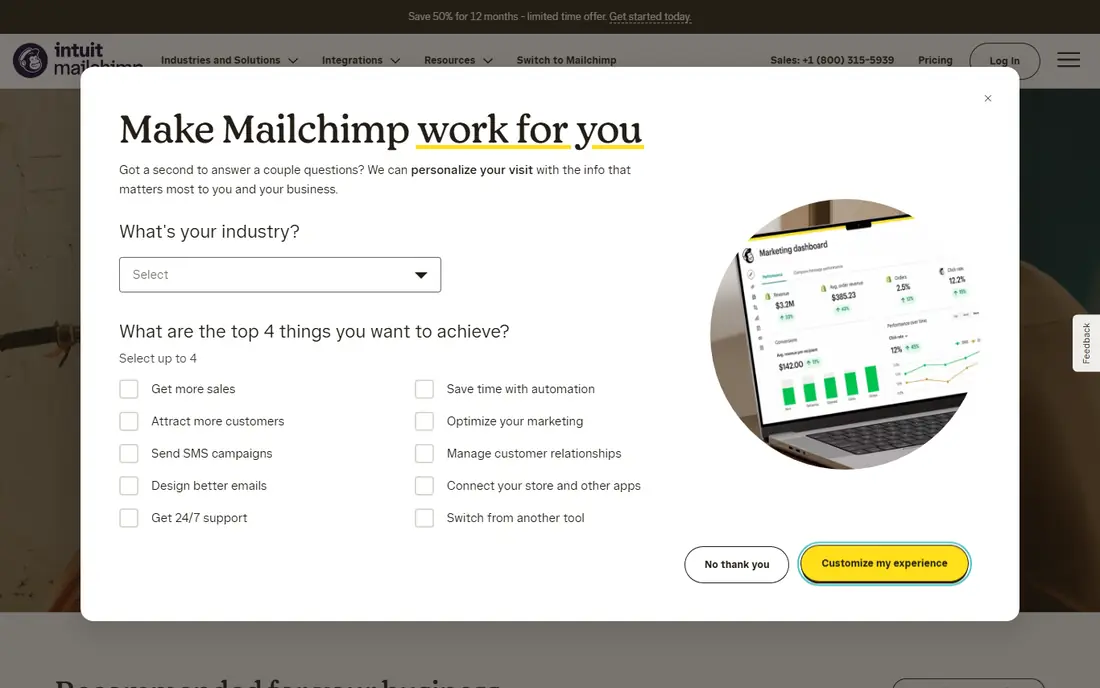
Mailchimp remains the most familiar starting point for a small business newsletter. Its free plan covers up to 250 contacts and 500 sends a month, with a single audience, while the Essentials plan starts from 13 dollars a month for 500 contacts on monthly billing. That makes it easy to test subject lines, templates and signup forms before committing.
The catch is contact billing. Unsubscribed and non-subscribed contacts can count toward your tier unless archived, so list hygiene directly affects cost. If your list grows past a few thousand contacts, compare the next tier price before you assume Mailchimp stays cheapest.
- Large template library
- Many integrations
- Clear signup forms and audience tools
- Free plan is now small at 250 contacts
- Paid prices rise quickly as contacts grow
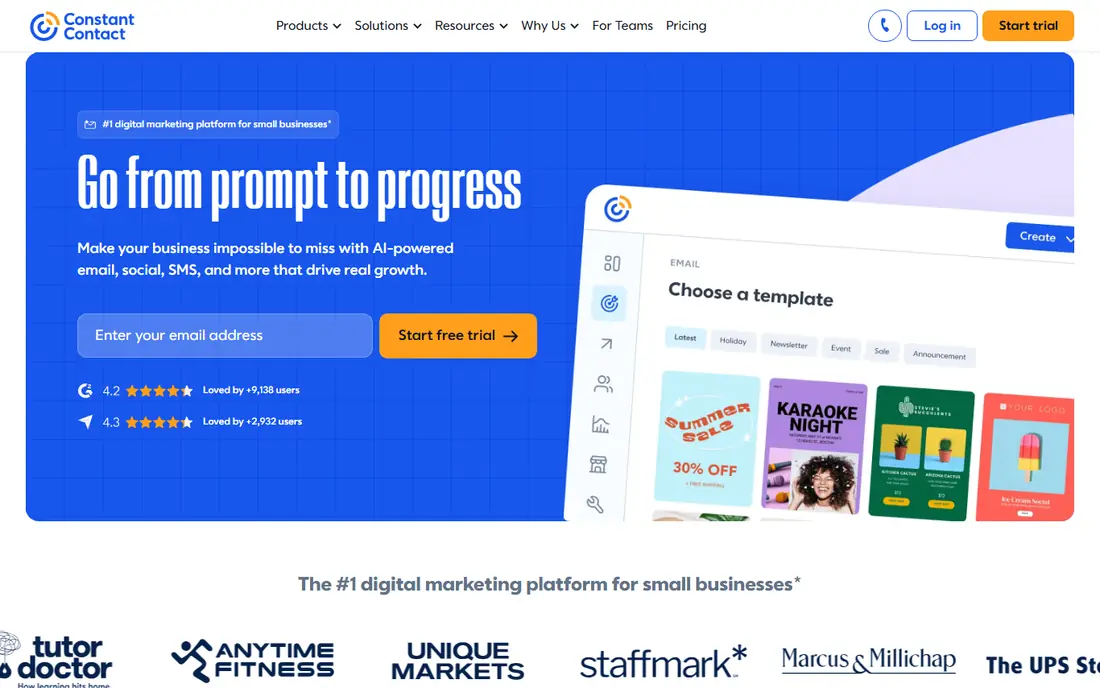
Constant Contact suits businesses that run events, classes or regular local promotions alongside email. Its Lite plan starts from 12 dollars a month on monthly billing for the smallest contact band, with Standard from 35 dollars and Premium from 80 dollars at that band. Prices rise as contacts grow, so check the band for your actual list size.
There is a free trial, but no permanent free plan, which makes it a weaker pick for a hobby list. The strength is simplicity: templates, signup forms and basic automation are easy to learn, and event registration tools give it an edge for community organisations.
- Simple editor
- Useful event and signup tools
- Phone and chat support options
- No permanent free plan
- Price rises by contact band
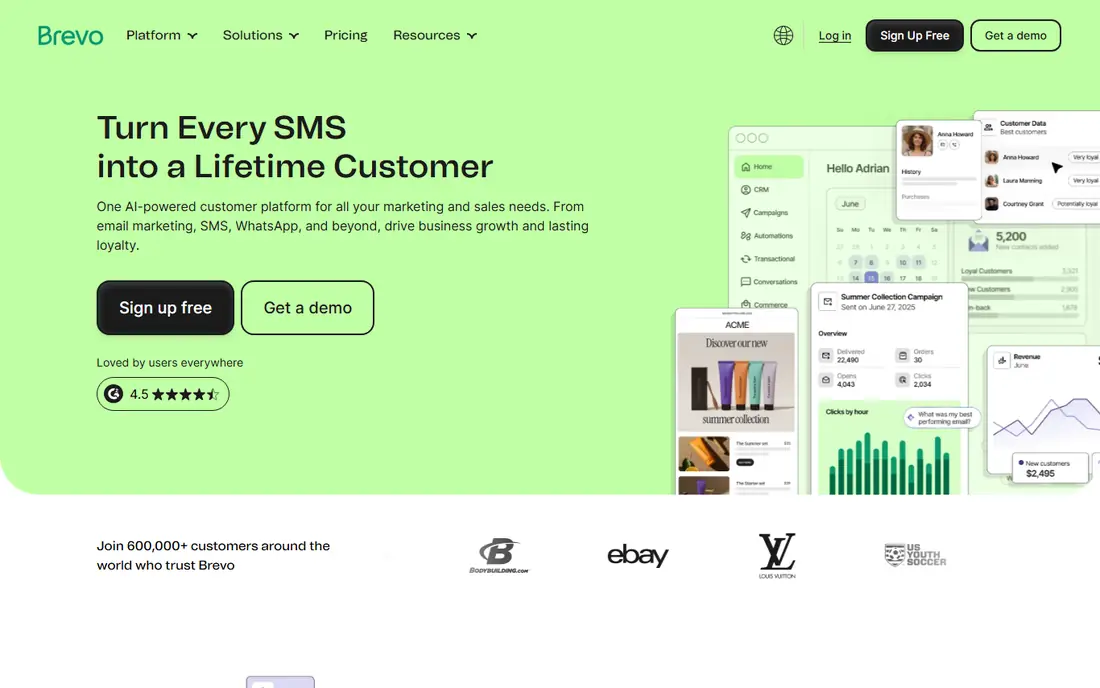
Brevo, formerly Sendinblue, lets a business send marketing campaigns and transactional messages such as order confirmations from one account. Its free plan suits low-volume senders, while paid plans raise daily and monthly send limits. That combination helps online stores that need both newsletters and reliable order emails.
The trade-off is that Brevo prices mainly by emails sent rather than contacts stored, so a business that emails rarely but stores a large list will see a different bill than on a contact-based tool. Check your monthly send pattern, not only your list size, before choosing.
- Free plan for small send volumes
- Transactional email alongside campaigns
- Contact and SMS options
- Pricing is based on send volume, which can confuse first-time buyers
MailerLite is a good fit for writers, small shops and nonprofits that want a plain, fast newsletter tool without a steep learning curve. Its free plan covers small lists and monthly sends, with paid plans adding more subscribers, automation steps and support options. Landing pages and embedded forms make list building straightforward.
New accounts go through approval checks, which protect deliverability but can slow a first campaign. Keep your signup source clear, use double opt-in where it fits, and avoid importing old contacts without proof of permission.
- Clean editor
- Generous free tier for small lists
- Landing pages and signup forms included
- Approval checks can delay first sends
- Advanced automation sits on higher plans
Kit, formerly ConvertKit, is built for creators, coaches and course sellers who grow a list through content and sell from email. Its free plan supports a small list, while paid plans add visual automation, more subscribers and commerce features. The focus is on sequences, tags and simple selling, not on complex corporate reporting.
If you need deep design control or enterprise approval workflows, Kit may feel limited. For a solo creator, the plain editor and automation rules are often a strength, since they keep attention on the message and the offer rather than layout tricks.
- Creator-focused automation
- Landing pages and forms
- Commerce tools for digital products
- Less suited to large corporate teams
- Design options are plainer than some rivals
AWeber has served small businesses and newsletter writers for many years, and that history shows in its templates, autoresponder tools and support materials. A free plan covers small lists, while paid plans scale with subscribers and add automation and split testing. It is a steady choice for a business that sends a regular newsletter and values human help.
The weakness is polish. Some screens feel older than newer rivals, and power users may miss deeper segmentation or analytics. For a beginner who wants to send reliably and get help when stuck, that trade is often acceptable.
- Long track record
- Many templates
- Helpful onboarding and support
- Interface feels dated in places
- Paid tiers rise with list size
Campaign Monitor appeals to brands and agencies that care about design, with polished templates, a visual builder and client account tools. Pricing is quoted by list size and send volume, so small senders should request a quote for their exact list before assuming it fits a tight budget.
There is no permanent free plan, which rules it out for a casual test list. For a design-led brand that sends regular campaigns and wants consistent branding across clients or sub-brands, the design quality and reporting can justify the higher starting cost.
- Strong design and template tools
- Agency-friendly accounts
- Solid reporting
- No free plan
- Can cost more than simpler tools for small lists
How we picked these
We compared official feature pages, pricing pages, app store listings, privacy policies and public reviews. We kept only services that support permission-based mailing, with signup forms, unsubscribe links and suppression of unsubscribed contacts. We excluded any tool marketed for purchased lists, scraped contacts or bulk spam, and where a price could not be verified we wrote See website.
How to build a list lawfully
Start with a clear signup form that says what people will receive and how often. Use double opt-in for lead magnets and website forms when you can, since it creates a clear consent record and reduces fake signups. Never add customers to marketing email just because they bought once, unless they clearly agreed to marketing messages.
Keep your consent records and suppression lists intact. When someone unsubscribes, stop mailing them and keep the suppression record so a later import cannot re-add them by accident. Add a physical mailing address and an easy unsubscribe link to every campaign, as required by US CAN-SPAM rules, and check privacy rules that apply in your state and in the states where your readers live.
Also protect your list data. Limit who can export contacts, use strong passwords and two-factor sign-in, and remove old exports from shared drives. A mailing list is personal data, and a leak harms the people who trusted you far more than it harms your open rate.
One more check matters before you import an old list. Ask yourself whether each contact clearly agreed to marketing email from your business, not only to a purchase, a download or an event. If the answer is unclear, send a fresh permission request or leave those contacts out. A smaller list of people who want your mail will deliver better, complain less, and cost less than a large list built on weak permission. Keep a simple record of each signup source, so a future team member can see why each contact is on the list.
Frequently asked questions
What is an email mailing list service?
It is a tool that stores contacts who gave permission, sends campaigns to them, and handles unsubscribes, bounces and reports. It also provides signup forms, templates and automation for welcome messages and regular newsletters.
Can I email people who did not sign up?
No, not for marketing. Only email people who gave permission for marketing messages, and keep proof of that permission. Buying or renting a list, or scraping addresses, risks spam complaints, blocked sending and legal trouble.
How much does a mailing list service cost?
Most services charge by contact count or by send volume, so cost depends on list size and sending frequency. Small lists can start free, while lists of several thousand contacts usually cost tens of dollars a month, with higher tiers for automation and testing.
What is double opt-in?
Double opt-in sends a confirmation email after signup, and the person must click to confirm. It reduces fake signups, improves deliverability and gives you a stronger consent record, though it can slightly reduce total signups.
How often should I clean my list?
Review bounces, unsubscribes and inactive contacts at least every few months. Archive unsubscribed contacts where your tool allows it, remove hard bounces, and consider a re-engagement campaign before removing long-inactive subscribers.
Sources
See where you really rank - block by block
ProMapRanker scans Google Maps across a grid of your service area. Simple monthly plans from $19, white-label on every plan.
Start freeKeep reading
 worlds best local seo company
8 Worlds Best Local SEO Companies for Map Pack Growth in 2026
Compare the worlds best local seo company options for Google Business Profile work, citations, reviews, and multi-location rankings and reporting in 2026.
Read → world's best web hosting company
World's Best Web Hosting Company in 2026
Searching for the world's best web hosting company? We compared 10 hosts on price, renewal rates, speed, and support to help you choose well today in 2026.
Read → who's got the best nanny tax services
Who's Got the Best Nanny Tax Services in 2026
We answer who's got the best nanny tax services, comparing full filing, back taxes, software, and pricing so families can handle nanny taxes correctly.
Read →