 ProMapRanker
Best Email Hosting Services for Small Business in 2026


Most small businesses · Pricing starts at: $7 per user per month
Key takeaways
- Google Workspace and Microsoft 365 lead for most small businesses, since email comes with docs, storage and video tools in one price.
- Zoho Mail is our pick for tight budgets, with paid plans from $1 per user per month and a free tier for very small teams.
- Proton Mail suits privacy-first teams, while Fastmail suits teams that want fast, simple email without a full office suite.
- Per-user pricing adds up fast, so count every mailbox, including shared and former staff mailboxes, before you compare totals.
- Check storage, migration help and domain setup before buying, since moving email later costs more time than the monthly saving.
Quick comparison
| Pick | Great for | Pricing starts at | Free tier | |
|---|---|---|---|---|
| Google Workspace | Most small businesses | $7 per user per month | Free trial | Visit |
 Microsoft 365 | Office and Outlook teams | $7 per user per month | Free trial | Visit |
 Zoho Mail | Tight budgets | $1 per user per month | Yes | Visit |
 Proton Mail | Privacy-first teams | $6.99 per user per month | Yes | Visit |
 Fastmail | Simple, fast email | $5 per user per month | Free trial | Visit |
 Titan | Small teams buying with a domain | See website | Free trial | Visit |
 Namecheap Private Email | Cheapest workable mailbox | See website | No | Visit |
 Rackspace Email | Teams that want strong support | $2.99 per user per month | Free trial | Visit |
 IONOS | Small businesses on a bundle | See website | Free trial | Visit |
The best email hosting services for small business
Business email hosting gives you addresses on your own domain, reliable delivery, spam filtering and admin controls, often with a full productivity suite attached. We compared official pricing pages and feature pages for services live in October 2026, focusing on what a small team actually pays per user and what it gets for that price.
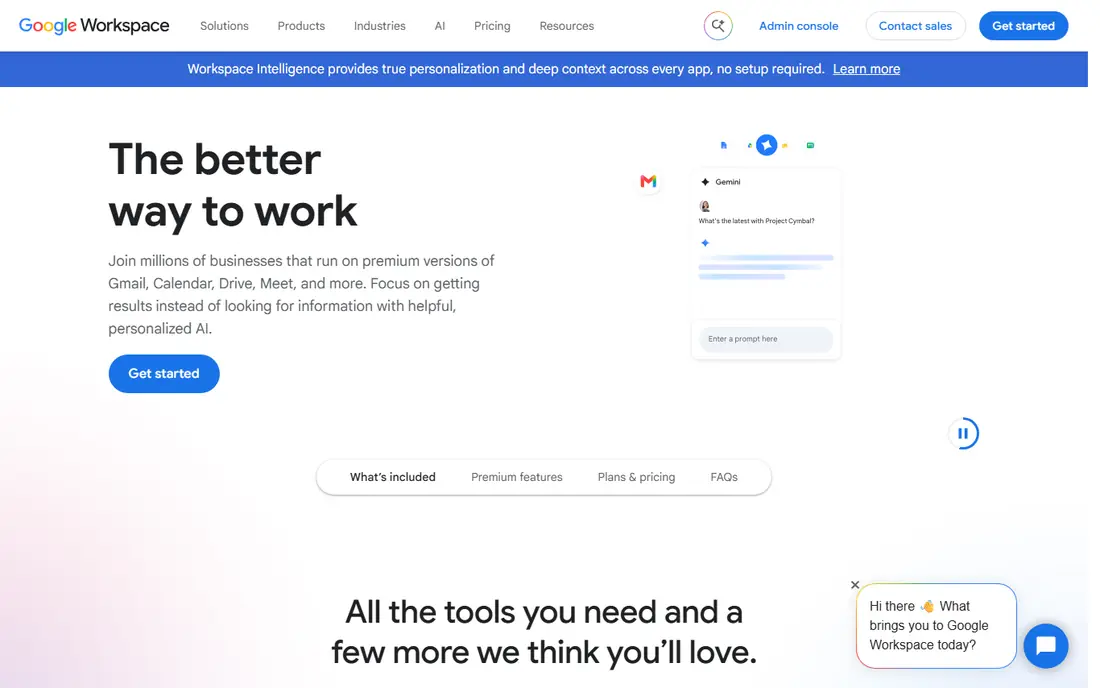
Google Workspace pairs Gmail on your own domain with Docs, Drive, Calendar and Meet. For most small teams, Gmail's search and spam filtering alone justify the choice, since staff spend hours a day in mail. The Business Starter plan starts at $7 per user per month with pooled storage, and higher plans add more storage and controls.
The cost adds up as the team grows, and heavy file users may need a higher tier sooner than expected. Still, if your team already uses Google tools or wants one simple suite, Workspace is our pick for most small businesses.
- Gmail search and spam filtering
- Docs, Drive and Meet included
- Strong mobile apps
- Storage is pooled and can feel tight
- Per-user cost grows with team
- Admin setup takes care
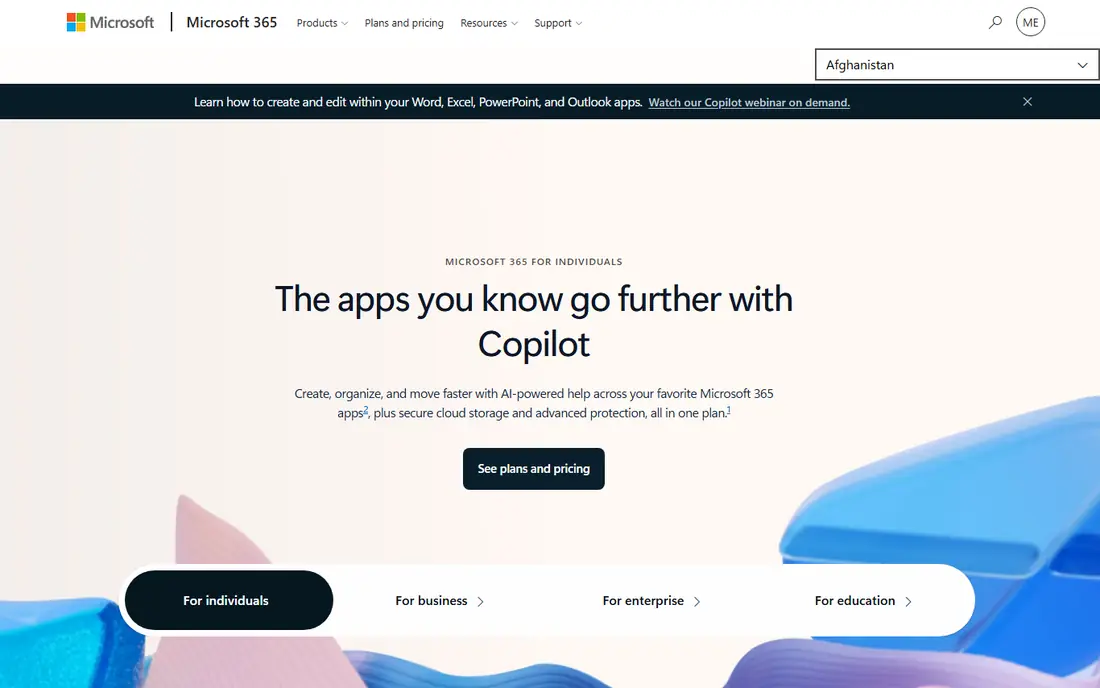
Microsoft 365 hosts email through Exchange Online, with Outlook on web and mobile, plus Teams, OneDrive and Office apps depending on plan. Business Basic starts at $7 per user per month and gives 50 GB of mailbox storage plus OneDrive storage. Teams that live in Word and Excel, or that need strict compliance controls, will find this the natural home.
The plan range is the honest drawback. Business Basic, Standard and Premium differ on desktop apps and security tools, so read the comparison table before buying. For Outlook-first teams, Microsoft 365 is the clear pick.
- Exchange email and Outlook
- Desktop Office apps on higher plans
- Strong compliance tools
- Plan structure can confuse
- Admin center has a learning curve
- Desktop apps cost more
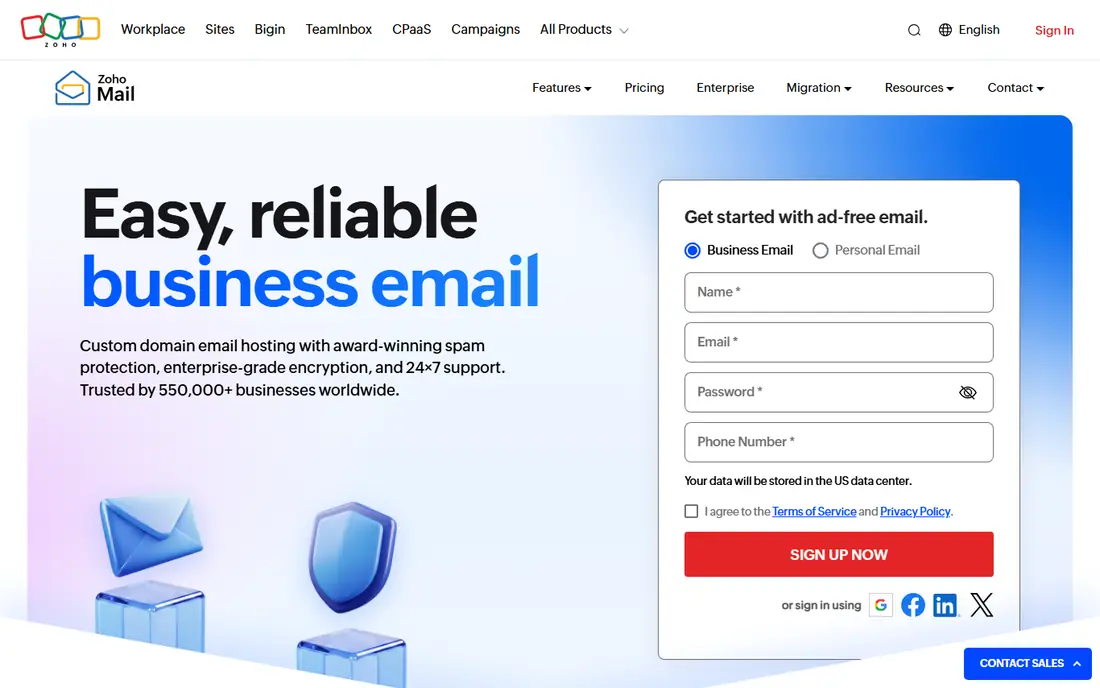
Zoho Mail is the budget champion that still feels professional. Paid plans start at $1 per user per month, and a free tier covers a single domain for a very small team. Mail is ad-free, with calendar, contacts and admin controls, and it integrates well with other Zoho apps if your business already uses them.
It does not match Google or Microsoft for broad third-party integrations or for a full office suite. For a startup or small shop that mainly needs reliable mail on its own domain, Zoho Mail is our pick on value.
- Lowest credible paid price
- Free tier for small teams
- Ad-free mail
- Smaller app ecosystem than Google or Microsoft
- Collaboration tools are lighter
- Interface feels plain
Proton Mail encrypts mail end to end by default, which suits regulated work, legal and health-adjacent firms, and any team handling sensitive client mail. Business plans start at $6.99 per user per month, with calendar, drive and VPN options on higher plans. Privacy controls are clear and well documented.
Encryption brings limits. Some third-party integrations and search features work differently than in Gmail or Outlook, and desktop mail in some setups needs the Proton Bridge app. If privacy is a core requirement rather than a nice extra, Proton Mail is worth its price.
- End-to-end encryption by default
- Swiss privacy focus
- Calendar and drive options
- Price sits near the big suites
- Some integrations are limited by design
- Desktop use needs Bridge for some apps
Fastmail focuses on doing email very well, without bundling a full office suite. Its interface is fast, search is strong, and it carries no ads or mail scanning for advertising. Business plans start at $5 per user per month, with calendar, contacts and file storage included at a modest level.
Teams that need Docs-style collaboration will still need another suite alongside it. But for a small team that wants excellent mail, clear pricing and a privacy-minded vendor, Fastmail is a refreshing pick.
- Fast, clean interface
- No ads or tracking
- Strong calendar and contacts
- No full office suite
- Smaller integration set
- Storage varies by plan
Titan is often sold alongside domain registration, which makes setup simple for a new business buying its first domain and mail together. Its interface is modern, with calendar, contacts and scheduling tools, and it suits owners who want professional mail without learning a large admin console.
It does not offer the depth of Google Workspace or Microsoft 365, and pricing varies by the host that sells it. Check the current Titan pricing page for your host before buying. For a new small business starting from a domain purchase, Titan is a convenient pick.
- Simple setup with domain hosts
- Modern mail interface
- Calendar and contacts included
- Smaller vendor than Google or Microsoft
- Suite depth is limited
- Pricing varies by host
Namecheap Private Email gives small teams and solo owners a professional mailbox on their own domain at a very low price. It covers the basics well, with webmail, mobile access and spam filtering, and it pairs naturally with a Namecheap domain. For a one-person business that only needs mail, it is hard to beat on price.
Features are basic compared with suites, and storage and collaboration tools are limited. Teams that need shared drives, video meetings or advanced admin controls should look at Google, Microsoft or Zoho instead. For the cheapest workable business mailbox, Namecheap earns its place.
- Very low cost
- Simple mailbox setup
- Works with Namecheap domains
- Basic features only
- Storage is modest
- Support is lighter than suites
Rackspace Email suits teams that value support over suite breadth. Starting at $2.99 per user per month for its basic email plan, it offers migration help and support channels that small teams without IT staff appreciate. Exchange-based options exist for Outlook-heavy teams that want Rackspace hosting.
It will not match Google or Microsoft for docs, storage and video tools in one price. But for a team that wants reliable mail plus a support team to call when migration or delivery issues arise, Rackspace is a solid choice.
- Human support reputation
- Simple migration help
- Rackspace Email and Exchange options
- Suite features are thinner than big rivals
- Webmail feels dated
- Prices vary by option
IONOS bundles email with domains and web hosting, which suits small businesses that want one vendor for their web presence and mail. Packages are simple to buy, and European data hosting options appeal to firms with EU customers. For a business already hosting its site with IONOS, adding mail there keeps billing and support in one place.
Mail alone is not IONOS's strongest story compared with Fastmail or Zoho, and plan details vary by region. Check the current IONOS page for storage and mailbox counts before buying. For a bundled small business setup, IONOS is a practical pick.
- Email bundled with hosting and domains
- Simple small business packages
- EU data options
- Interface can feel busy
- Mail-only value is weaker than specialists
- Plan details vary
How we picked these
We compared official pricing pages and feature pages for email hosting services live in October 2026. We kept services that host mail on a business domain, offer spam filtering and admin controls, and suit teams of one to about fifty people. Where prices varied by billing period or host, we listed the widely reported starting price or wrote See website rather than stating a figure we could not verify. We did not claim hands-on testing.
What to check before you buy
Count mailboxes honestly. Include owners, staff, shared inboxes such as info and support, and any former staff mailboxes you must keep. Per-user pricing looks small at $1 or $7 until you multiply it by twenty mailboxes, so compare annual totals, not monthly headlines.
Next, check migration and domain setup. Confirm the vendor offers DNS records, migration tools or guided help for moving old mail, and test that your domain, SPF, DKIM and DMARC records pass after setup. Those records decide whether your mail lands in inboxes or spam folders.
Storage and suite fit matter more than a dollar saved
A $1 plan with tiny storage can cost more in upgrades and lost mail than a $7 suite plan. Match storage to your team's file habits, and decide whether you need docs, video meetings and shared drives in the same price. If you already pay for those tools elsewhere, a mail-only service such as Fastmail may save money overall.
Security basics to confirm
Turn on two-factor authentication for all mailboxes, set admin controls for password resets, and confirm spam and phishing filtering. For sensitive work, check encryption, data location and compliance options before you commit. Good email hosting is also a security decision, not just a price decision.
Frequently asked questions
What is the best email hosting service for a small business?
Google Workspace is our pick for most small businesses, with Microsoft 365 close behind for Outlook teams. Zoho Mail wins on budget, Proton Mail on privacy, and Fastmail on simple, fast mail. Pick by the suite and tools your team already uses daily.
How much does business email hosting cost?
Most small business plans run from $1 to $7 per user per month at entry level, with higher tiers adding storage and apps. A ten-person team should budget roughly $10 to $70 per month at entry level, plus any add-ons for storage or security.
Can I keep my domain when I switch email hosts?
Yes. Your domain stays yours, and you change its mail records to point to the new host. Keep the old mailbox active until migration finishes, and confirm SPF, DKIM and DMARC records after the switch so delivery stays reliable.
Is free business email worth it?
Free tiers, such as Zoho Mail for very small teams, work for a startup with one domain and a few users. Growing teams usually need paid plans for more storage, support and admin controls. Free mail that shows ads or lacks your domain looks unprofessional for customer contact.
Do I need Google Workspace or Microsoft 365 if I only need email?
No. If you only need mail, Fastmail, Zoho Mail, Proton Mail or Namecheap Private Email can cost less and feel simpler. Buy a suite only when you also need its docs, storage, video or compliance tools.
How do I move old email to a new host?
Most major hosts offer migration tools or guided import from Gmail, Outlook, Zoho or IMAP mailboxes. Run migration before you switch mail records fully, check a sample of old mail and folders after import, and keep a backup until you are sure nothing is missing.
Sources
See where you really rank - block by block
ProMapRanker scans Google Maps across a grid of your service area. Simple monthly plans from $19, white-label on every plan.
Start freeKeep reading
 zoro.to alternatives
Best Zoro.to Alternatives in 2026
We compare the best zoro.to alternatives in 2026, listing only legal licensed anime streaming services, from Crunchyroll to free options for fans today.
Read → zip alternatives
Best Zip Alternatives in 2026
We compare the best zip alternatives for buy now, pay later in 2026, covering pay-in-4 plans, fees, spending limits, and credit reporting options today.
Read → yesware alternatives
Best Yesware Alternatives in 2026
Compare the best yesware alternatives for sales email tracking, templates, and sequences, with current pricing and honest tradeoffs for small sales teams.
Read →