 ProMapRanker
Best Email Hosting Services in 2026


All-round small business suite · Pricing starts at: $7 per user per month
Key takeaways
- For most small businesses, the choice is between Google Workspace and Microsoft 365, based on which office tools your team already uses.
- Zoho Mail is the lowest-cost credible option for custom-domain email, with a free tier for small teams.
- Proton Mail and Fastmail suit teams that want privacy or a simple, independent inbox without a full office suite.
- Check storage, trial length, and whether a free plan supports your own domain before you migrate.
- Set up SPF, DKIM, and DMARC after migration, because deliverability depends on authentication, not just the provider.
Quick comparison
| Pick | Great for | Pricing starts at | Free tier | |
|---|---|---|---|---|
| Google Workspace | All-round small business suite | $7 per user per month | Free trial | Visit |
 Microsoft 365 | Microsoft Office workplaces | $7 per user per month | Free trial | Visit |
 Zoho Mail | Low-cost custom-domain email | $1 per user per month | Yes | Visit |
 Proton Mail | Privacy-focused business email | See website | Yes | Visit |
 Fastmail | Simple independent email | $5 per user per month | Free trial | Visit |
 Titan Email | Email for hosting customers | See website | Free trial | Visit |
 Rackspace Email | Hosted business email | See website | Free trial | Visit |
 Namecheap Private Email | Low-cost solo email | See website | No | Visit |
The best email hosting services
Email hosting gives you a professional address at your own domain, reliable delivery, spam filtering, and admin controls. The services below differ in price, in whether they bundle office tools, and in privacy approach. Pick the bundle that matches your team, not just the cheapest mailbox.
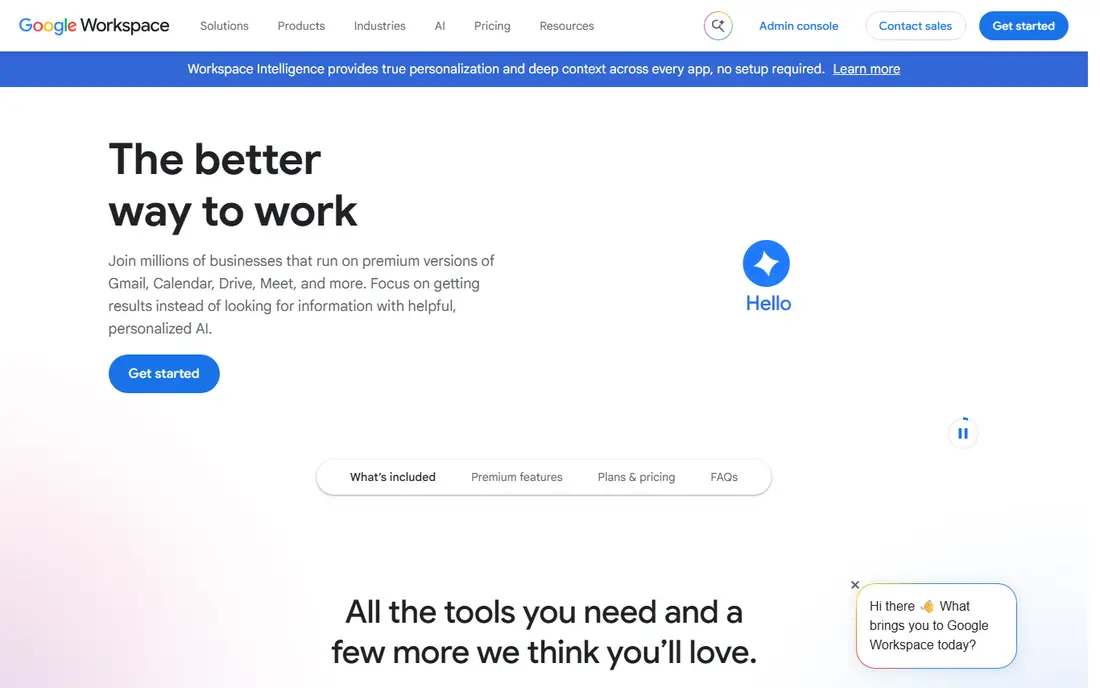
Google Workspace is our pick for most small businesses that want email plus collaboration in one package. Business Starter is listed at $7 per user per month on annual billing, with 30 GB of pooled storage per user in recent listings, and a 14-day trial. Gmail, Docs, Sheets, Meet, and Drive work together without extra setup, which is why many small teams choose it first.
The limit to watch is storage and tier jumps. Business Standard and Plus add storage and features at higher prices, so a team that stores large files may outgrow Starter quickly. If your team already lives in Gmail and Docs, Workspace is the natural fit. If your team lives in Outlook and Word, Microsoft 365 fits better.
- Gmail with your domain plus Docs, Drive, Meet, and Calendar
- Simple admin console for small teams
- Strong spam filtering and mobile apps
- Storage is pooled on the entry plan, so heavy users affect the team total
- Price rises with higher storage tiers

Microsoft 365 suits businesses that run on Outlook, Word, and Excel, or that need Teams for calls and meetings. Business Basic was listed at $6 per user per month, rising to $7 per user per month from July 2026 in recent listings, with a one-month trial in some listings. That change is why we list $7 per user per month and advise checking the checkout total.
The honest catch is plan complexity. Web-only Office apps, desktop apps, and Teams features differ by tier, so read the plan table before you buy. If your team already uses Microsoft tools on Windows, the fit is strong. If your team prefers Google Docs, Workspace will feel simpler.
- Outlook, Word, Excel, and Teams in one subscription
- 50 GB mailbox plus OneDrive storage on entry business plans
- Strong admin and security controls
- Price changed in mid-2026, so confirm the current rate at checkout
- Full desktop apps require higher tiers in some plans
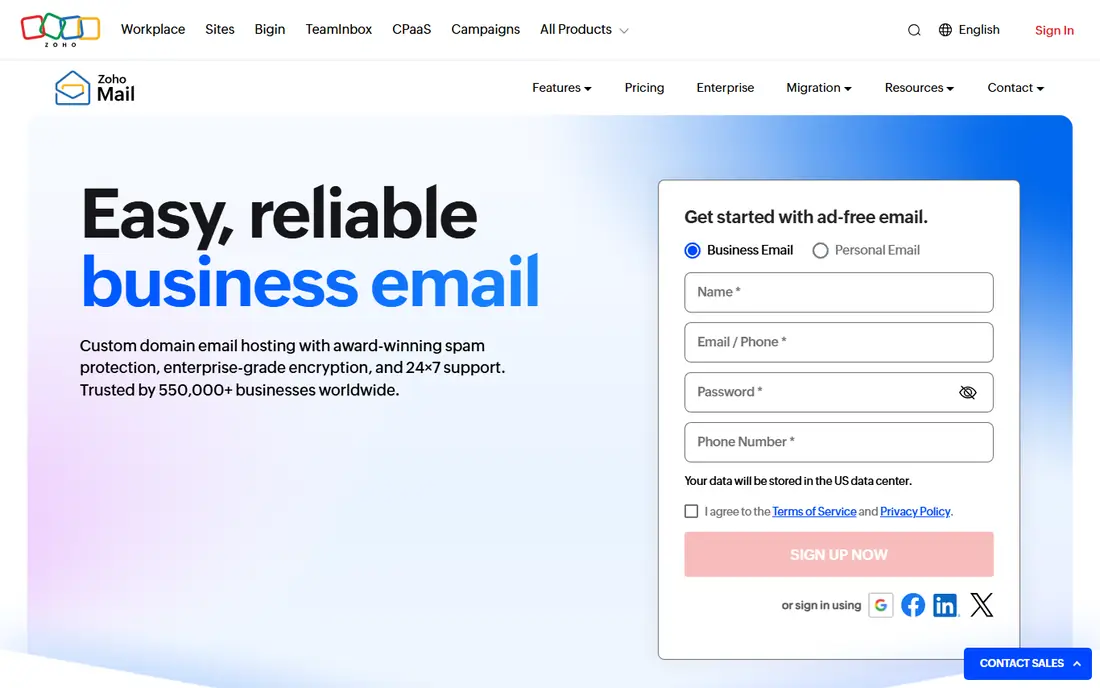
Zoho Mail is the budget pick that still feels like a real business product. Paid plans start at $1 per user per month on annual billing in recent listings, and a free tier covers small teams. For a solo operator or a team under five people who mainly need reliable custom-domain email, it is hard to beat on price.
The limit is the free tier. It does not include IMAP, POP, or ActiveSync in recent listings, so phone and desktop mail app sync may need a paid plan. If you need full office tools, look at Zoho Workplace rather than Mail alone, and compare its total with Google Workspace.
- Lowest-cost credible custom-domain email in this list
- Free tier for up to 5 users in recent listings
- Clean webmail with calendar and contacts
- Free tier limits include no IMAP, POP, or ActiveSync in recent listings
- Full office suite requires Zoho Workplace
Proton Mail suits businesses that put privacy first. Its business plans offer custom domains, admin controls, and encryption, with a Swiss base that appeals to privacy-minded teams. Recent listings show business pricing around $6.99 to $7.99 per user per month on annual billing, depending on plan and source, which is why we list See website and advise checking the current business page.
The trade-off is ecosystem. Proton does not bundle a full Google-style or Microsoft-style office suite, so teams that need Docs or Word will add another tool. For email-first teams with strict privacy needs, that trade-off is often worth it.
- End-to-end encryption and Swiss jurisdiction
- Business plans with custom domains and admin controls
- Free personal plan for testing
- Business pricing varies by plan and term, so confirm at checkout
- Custom domain is not available on the free plan
Fastmail is the pick for teams that want excellent email and nothing else. Its Standard plan is listed at $5 per user per month on annual billing in recent listings, with 30 GB of storage per user. The interface is fast, search is strong, and custom domains work without buying a full productivity bundle.
The limit is scope. If you need Docs, Sheets, or Teams, you will pay for a second service. If you already use separate tools for documents and meetings, Fastmail keeps email simple, fast, and independent from the largest platforms.
- Fast, focused webmail without a large suite
- Custom domains, calendars, and contacts
- Independent provider with a clear privacy stance
- No bundled office suite
- Smaller ecosystem than Google or Microsoft
Titan Email suits small businesses that already buy a domain and hosting from a partner that offers Titan. Setup is simple: you get a professional address, calendar, and contacts without managing a separate suite. That bundling is convenient for a new website owner.
The caution is pricing variation. Titan is sold through hosting partners, so the price and trial terms differ by partner. Check the price from your host, not just a general listing, and confirm storage and support terms before you migrate an existing mailbox.
- Business email often bundled with web hosting
- Simple setup for domain owners
- Calendar, contacts, and mobile apps
- Pricing varies by hosting partner and term
- Fewer standalone office features than Workspace or Microsoft 365
Rackspace Email suits businesses that want a managed hosted email service with support, rather than a self-serve suite. It offers standard hosted email and hosted Exchange options, which fit teams that need Outlook-style mail without running their own server.
The limit is transparency. Pricing varies by plan, so we list See website. If you need a full office suite, Workspace or Microsoft 365 will bundle more. If you need reliable hosted mail with human support, Rackspace is worth a quote.
- Long-standing hosted email provider
- Business email and hosted Exchange options
- Support-focused service model
- Pricing varies by plan and is not a single public figure
- Less modern collaboration bundling than Workspace or Microsoft 365
Namecheap Private Email suits a solo operator who already owns a domain at Namecheap and needs a professional address at low cost. Setup is straightforward, and the price is lower than a full suite, which matters when you only need one or two mailboxes.
The trade-off is support and scope. This is email hosting, not a collaboration suite, and support is geared to domain and hosting customers rather than to enterprise IT teams. For a single mailbox or a very small team, it is a practical, low-cost start.
- Low-cost email for domain owners
- Simple setup alongside a Namecheap domain
- Suitable for solo operators and startups
- Support is registrar-tier rather than enterprise-grade
- Fewer collaboration features than full suites
How we picked these
We compared official pricing pages and recent business email comparisons, and we kept only services that are live in October 2026 and that support custom-domain business email. We favored providers with clear trial or free options, spam filtering, and admin controls, and we wrote See website where pricing varies by partner, plan, or term. We did not claim hands-on testing, and we left out transactional-only sending services, because they are not a replacement for a user inbox.
What to check before you migrate email
Start with the number of users, the storage you need, and the tools your team already uses. A suite is worth paying for only if your team uses its docs, calendar, and meeting tools. A standalone email service is better if you already use separate tools for those jobs.
Migration, authentication, and backup
Plan migration in stages: create the new mailboxes, move old mail, update MX records, and test sending and receiving before you cancel the old service. After migration, set up SPF, DKIM, and DMARC records, because those records affect whether your mail reaches inboxes. Keep a backup or export of old mail, and test mobile and desktop access for each user, including any user who relies on IMAP or a desktop client.
Frequently asked questions
What is the best email hosting service for a small business?
Google Workspace is a strong all-round pick for most small businesses, while Microsoft 365 suits teams that use Outlook and Office tools. Zoho Mail is the lowest-cost option for custom-domain email, and Fastmail suits teams that want simple, independent email.
How much does business email hosting cost?
Recent listings show Zoho Mail from $1 per user per month, Fastmail from $5 per user per month, and Google Workspace and Microsoft 365 at about $7 per user per month on annual billing for entry business plans. Prices vary by term, storage, and plan, so confirm the checkout total.
Is there a free email hosting service for a small business?
Zoho Mail offers a free tier for small teams, and Proton Mail offers a free personal plan, but free plans have limits. Zoho's free tier does not include IMAP or ActiveSync in recent listings, and Proton's free plan does not support a custom domain, so check limits before you rely on a free plan for business mail.
What is the best free email hosting service?
For a free start, Zoho Mail's free tier is the most business-ready free option in this list, because it supports a custom domain for small teams. For personal use with privacy features, Proton Mail's free plan is a strong alternative, though it lacks custom-domain support.
Do I need Google Workspace or Microsoft 365, or just email?
You need a suite only if your team uses its docs, storage, calendar, and meeting tools. If your team only needs reliable email at your domain, a standalone service such as Zoho Mail, Fastmail, or Proton Mail can cost less and stay simpler.
How do I move my email to a new host without losing mail?
Create the new mailboxes first, migrate old mail with the provider's migration tool, update MX records, and test sending and receiving before cancelling the old service. Set up SPF, DKIM, and DMARC after migration, and keep an export of old mail until the move is confirmed.
Sources
See where you really rank - block by block
ProMapRanker scans Google Maps across a grid of your service area. Simple monthly plans from $19, white-label on every plan.
Start freeKeep reading
 zoho inventory alternatives
6 Alternatives to Zoho Inventory, Compared on Price and Fit
Zoho Inventory alternatives: 6 tools compared on price, free plans and fit. Katana leads the list for manufacturers. Fit and flaws are laid out for each entry.
Read → zoho crm alternatives
Best Zoho CRM Alternatives (2026)
Need Zoho CRM alternatives? We compare 7 tools on cost, free access and who each suits. Every pick gets a straight assessment. Built for quick decisions.
Read → zelle alternatives
Best Zelle Alternatives in 2026
Compare the best Zelle alternatives for sending money to friends, paying sellers and moving funds abroad, with honest notes on fees, speed and safety in 2026.
Read →