 ProMapRanker
Best Email Forwarding Service in 2026

Key takeaways
- Email forwarding and alias services hide your real address by giving each site a different address that forwards to your inbox.
- SimpleLogin and addy.io are the strongest open-source options, with custom domains and unlimited aliases on paid plans.
- DuckDuckGo Email Protection is the best free option, with unlimited private addresses and no paid plan needed.
- Firefox Relay and Apple Hide My Email are best if you already use Firefox, iPhone, or Mac, since they are built into those platforms.
- If a sender starts spamming an alias, you can disable that one alias without changing your real address or other accounts.
Quick comparison
| Pick | Great for | Pricing starts at | Free tier | |
|---|---|---|---|---|
 SimpleLogin | Open-source aliases | $4 per month | Yes | Visit |
 addy.io | Cheapest flexible aliases | $1 per month | Yes | Visit |
 Firefox Relay | Firefox users | $0.99 per month | Yes | Visit |
 DuckDuckGo Email Protection | Free unlimited aliases | Free | Yes | Visit |
 Apple Hide My Email | iPhone and Mac users | $0.99 per month | No | Visit |
 Proton Pass | Proton users | See website | Yes | Visit |
 Forward Email | Custom domain forwarding | See website | Yes | Visit |
 ImprovMX | Simple domain forwarding | See website | Yes | Visit |
 Pobox | Long-running forwarding | See website | No | Visit |
The best email forwarding services
We compared alias and forwarding services on free allowances, paid prices, custom domain support, reply-from-alias support, open-source code, and ease of use. Some services in this list create disposable aliases for sign-ups, while others forward mail for a domain you own, so we note which job each service does best.
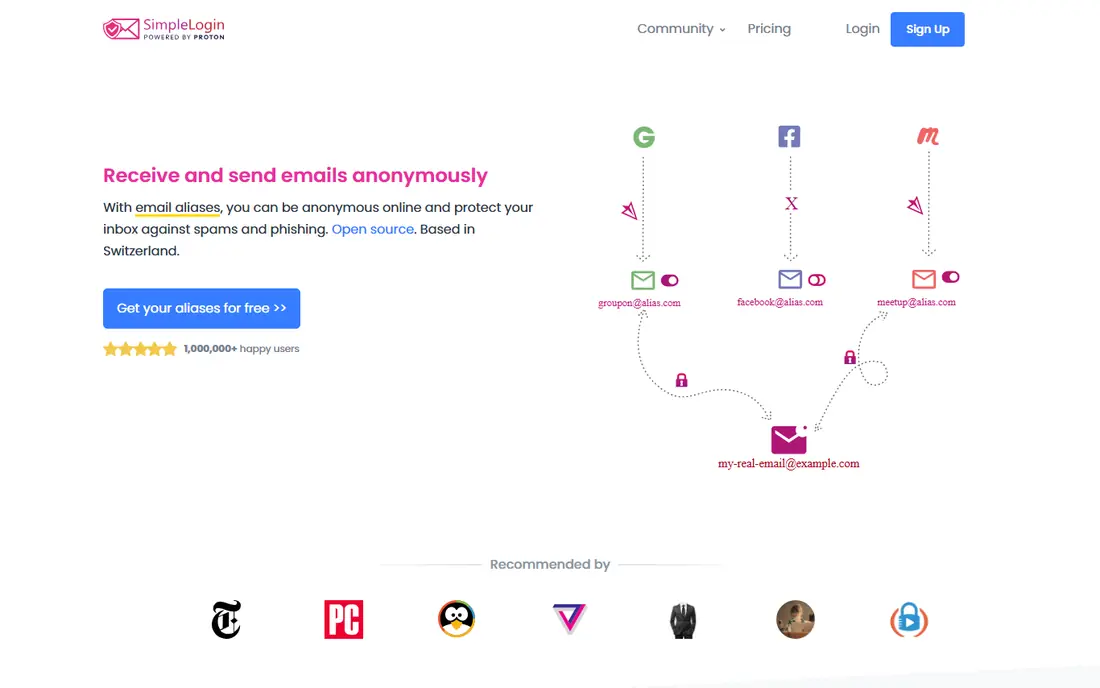
SimpleLogin, owned by Proton, is the strongest open-source alias service in this list. Its free plan gives 10 aliases and one destination mailbox, while Premium costs $4 per month or $36 per year and adds unlimited aliases, unlimited custom domains, multiple mailboxes, PGP encryption, and the ability to send mail from an alias. You can also self-host SimpleLogin if you want full control.
The trade-off is complexity. SimpleLogin offers more controls than a casual user may need, and its interface feels more technical than Firefox Relay or Apple Hide My Email. For privacy-minded users who want open code, custom domains, and Proton integration, it is the best choice. For a quick disposable address, a simpler service may be faster.
- Fully open source
- Unlimited aliases and custom domains on Premium
- Reply from alias support
- Interface is more technical than rivals
- Free plan is limited to 10 aliases
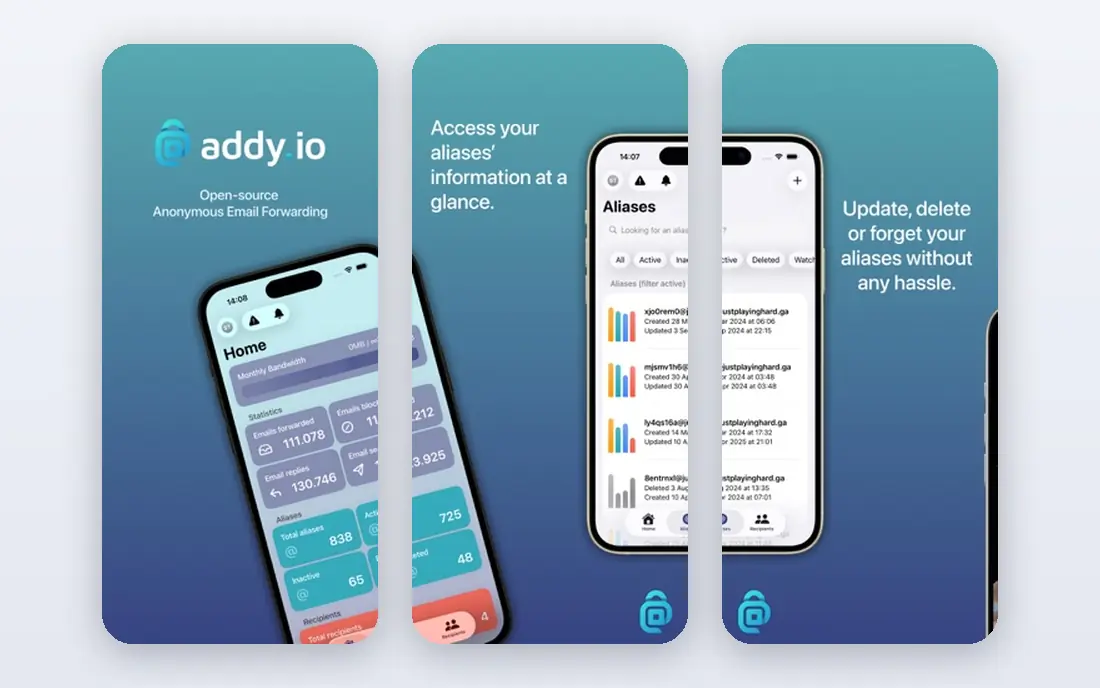
addy.io, formerly AnonAddy, is the most flexible and cheapest alias service to start with. Its free plan offers unlimited standard aliases based on your subdomain, with limits of 10 shared-domain aliases, one recipient, and 10 MB of monthly bandwidth. Paid plans start at $1 per month billed yearly for Lite and $3 per month billed yearly for Pro, which adds custom domains, unlimited bandwidth, PGP, and regex rules.
The free bandwidth cap is the main limit: 10 MB per month fills quickly if aliases receive attachments or newsletters with images. The interface is also less polished than SimpleLogin or Firefox Relay. For power users who want granular rules, multiple recipients, and the lowest paid price, addy.io is hard to beat.
- Unlimited standard aliases on free plan
- Very low paid price
- Open source and self-hostable
- Free plan bandwidth is capped at 10 MB per month
- Interface is less polished than rivals

Firefox Relay is Mozilla alias service, and it is the easiest option for Firefox users. Masks can be created directly in the browser when a site asks for an email address, and the free plan gives a small set of masks to try the approach before paying. Premium starts near $0.99 per month in published comparisons and adds unlimited masks and reply support.
Published comparisons differ on the free allowance, with some listing 5 masks and others listing 50, so check the current Relay page before relying on a specific number. Custom domain support is also limited to a subdomain on Mozilla domain on Premium, rather than a full custom domain. For Firefox users who want simple, in-browser aliasing, Relay is the most convenient choice.
- Built into Firefox
- Easy mask creation in the browser
- Open source
- Free plan is limited to 5 masks in some comparisons, 50 in others
- Custom domain support is limited to a subdomain
DuckDuckGo Email Protection is the best free email forwarding service. It gives unlimited private addresses at a duck.com domain, strips email trackers, and lets you reply from an alias so your real address stays hidden. There is no paid plan and no paid tier to open, which makes it the simplest long-term free option.
The limits are custom domains and ecosystem. You cannot use your own domain with DuckDuckGo Email Protection, and the service works best with the DuckDuckGo browser or extension. For shoppers, newsletter sign-ups, and trial accounts, those limits rarely matter. For a professional address on your own domain, SimpleLogin, addy.io, or Forward Email fits better.
- Unlimited private addresses at no cost
- Removes trackers
- Reply from alias support
- No custom domain support
- Tied to DuckDuckGo account and browser extension
Apple Hide My Email is included with iCloud+, which starts at $0.99 per month for 50 GB of storage, and it creates random, unique addresses for sign-ups across Safari, iOS apps, and Mail. When a site asks for an email address in Safari, you can tap Hide My Email above the keyboard and get a fresh address in seconds. You can label each address and add notes, which helps you remember what each alias was for months later.
Hide My Email only works inside the Apple ecosystem, and you cannot choose a custom username for an alias. It also requires a paid iCloud+ plan, so it is not free in the strict sense, though many Apple users already pay for iCloud+. For iPhone and Mac users, it is the lowest-effort alias service available.
- Built into Safari, Mail, and iOS
- Random addresses for every sign-up
- Reply from alias in Mail
- Requires iCloud+
- Locked to Apple ecosystem
- No custom address names
Proton Pass combines a password manager with email aliases, which is convenient if you already use Proton Mail or Proton VPN. Its free plan includes up to 10 aliases, while paid plans add unlimited aliases, custom domains, and deeper Proton Mail integration. Aliases created in Pass can forward to your Proton mailbox and hide your real address from sites you sign up for.
The main limit is that the best alias features sit behind a paid plan, and custom domain support also needs a paid tier. Proton Pass is also less focused on forwarding than SimpleLogin, which is a dedicated alias service from the same company. For Proton users who want passwords and aliases in one app, Pass is a natural choice. For alias-first users, SimpleLogin may be stronger.
- Aliases built into a password manager
- Proton Mail integration
- Swiss-based privacy focus
- Full alias features need a paid plan
- Custom domains need a paid tier
Forward Email is a forwarding service for people who own a domain and want every address on that domain to forward to their real inbox. It supports unlimited domains and aliases on paid plans, offers an API, and publishes open-source code, which appeals to developers and small businesses. You can set up catch-all forwarding, so any address at your domain reaches you without creating each alias by hand.
Forward Email is more technical than consumer alias services, since it requires DNS setup for your domain, including SPF, DKIM, and DMARC records. That setup is standard for domain forwarding, but it is more work than creating a mask in a browser. For domain owners who want full control and unlimited aliases, Forward Email is a strong, privacy-focused choice.
- Unlimited domains and aliases on paid plans
- Open source
- API and advanced forwarding rules
- More technical to set up
- Free plan limits may apply to larger use
ImprovMX is a simple email forwarding service for domain owners. You point your domain DNS records to ImprovMX, create aliases such as [email protected], and mail forwards to your real inbox. The free tier covers basic forwarding for personal use, while paid plans add more aliases, more domains, and the ability to send mail from an alias.
ImprovMX does not offer disposable aliases for sign-ups in the same way as SimpleLogin or DuckDuckGo, since its job is forwarding for a domain you own. Sending from an alias also requires a paid plan, which matters if you want replies to come from your domain address. For a simple personal domain forward, ImprovMX is one of the easiest options to set up.
- Simple setup for domain forwarding
- Free tier available
- Alias and catch-all support
- Free tier has limits
- Sending mail from an alias needs a paid plan
Pobox is a long-running email forwarding service owned by Fastmail, and it has a reputation for reliable delivery and strong spam filtering. It forwards mail for addresses and domains you control to your real inbox, and it supports custom domains, which makes it useful for professionals who want a stable address that never changes even when they switch mailbox providers.
Pobox has no free plan, and its interface feels dated next to SimpleLogin, addy.io, and Firefox Relay. It also focuses on forwarding rather than disposable aliases for sign-ups, so it pairs better with a mailbox than as a standalone privacy tool. For users who want a dependable, long-lived forwarding address, Pobox remains a solid choice.
- Long history of reliable forwarding
- Custom domain support
- Spam filtering
- No free plan
- Interface feels dated compared with newer alias services
How we picked these
We compared official pricing and feature pages and published 2026 alias service comparisons, and we kept only services that are live in October 2026 and forward mail or create aliases that forward to a real inbox. We weighed free allowances, paid prices, custom domain support, reply support, open-source availability, and ease of use. We did not claim hands-on testing, and where published comparisons differed on a free allowance, we noted the difference rather than picking one number as certain.
How to choose an email forwarding service
Start with the job. If you want disposable addresses for sign-ups, pick an alias service such as SimpleLogin, addy.io, DuckDuckGo, or Firefox Relay. If you own a domain and want a professional address, pick a domain forwarding service such as Forward Email, ImprovMX, or Pobox, or a paid alias plan with custom domain support.
Next, check reply support and custom domains, since those two features decide whether an alias is useful long-term or only for receiving mail. A service that cannot reply from an alias will expose your real address the first time you answer a message. Finally, label every alias with the site and date, since a list of random addresses is useless six months later when one starts receiving spam and you cannot tell which site leaked it.
Frequently asked questions
What is the difference between email forwarding and an email alias?
An alias is a separate address that forwards to your real inbox, while forwarding is the mechanism that moves the mail. Alias services create many disposable addresses, while domain forwarding services route mail for addresses on a domain you own to your inbox.
Is email forwarding safe?
Yes, when you use a reputable service with spam filtering and secure handling, forwarding is safe for most sign-ups and newsletters. Do not use a forwarding alias for password recovery on critical accounts unless you trust the service and have strong account security, since the alias provider sits in the mail path.
Can I reply from a forwarded alias?
On many services, yes, but it often requires a paid plan. SimpleLogin, addy.io on paid plans, DuckDuckGo, Firefox Relay Premium, and Apple Hide My Email all support replying from an alias, while free tiers may limit this feature.
Can I use my own domain with an email forwarding service?
Yes, with SimpleLogin Premium, addy.io Pro, Forward Email, ImprovMX, and Pobox, among others. You will need to set DNS records for your domain, including SPF, DKIM, and DMARC, to make delivery reliable and prevent spoofing.
What happens if an alias starts getting spam?
Disable or delete that alias. Mail to that address stops reaching your inbox, while your real address and other aliases keep working. That is the main advantage of using a different alias for each site.
Sources
See where you really rank - block by block
ProMapRanker scans Google Maps across a grid of your service area. Simple monthly plans from $19, white-label on every plan.
Start freeKeep reading
 zoro.to alternatives
Best Zoro.to Alternatives in 2026
We compare the best zoro.to alternatives in 2026, listing only legal licensed anime streaming services, from Crunchyroll to free options for fans today.
Read → zip alternatives
Best Zip Alternatives in 2026
We compare the best zip alternatives for buy now, pay later in 2026, covering pay-in-4 plans, fees, spending limits, and credit reporting options today.
Read → yesware alternatives
Best Yesware Alternatives in 2026
Compare the best yesware alternatives for sales email tracking, templates, and sequences, with current pricing and honest tradeoffs for small sales teams.
Read →