 ProMapRanker
Best Email Encryption Services in 2026

Key takeaways
- End-to-end encryption only protects mail when both sides use it, so recipient steps matter as much as the sender's plan.
- Private inboxes such as Proton Mail and Tuta Mail suit individuals, while Virtru, Paubox, and PreVeil suit business and healthcare teams.
- Some services encrypt mail inside their own apps only, while others add encryption to Gmail or Microsoft 365 without changing addresses.
- Check key recovery, search limits, and app support before you move a main inbox, because those daily details matter more than a feature list.
Quick comparison
| Pick | Great for | Pricing starts at | Free tier | |
|---|---|---|---|---|
 Proton Mail | Private inbox with a full suite | Free | Yes | Visit |
 Tuta Mail | Low-cost encrypted inbox | Free | Yes | Visit |
 StartMail | PGP mail with unlimited aliases | $4.99 per month | Free trial | Visit |
 Virtru | Business email control | $119 per month for 5 users | No | Visit |
 Paubox | Healthcare teams with low friction | $32 per month | No | Visit |
 PreVeil | Separate secure inbox | Free | Yes | Visit |
 Mailfence | Encrypted inbox plus office tools | See website | Yes | Visit |
 Hushmail | Simple encrypted webmail | See website | No | Visit |
 Posteo | Cheap private inbox | See website | No | Visit |
The best email encryption services
Email encryption comes in two main forms. A private inbox encrypts mail between users of the same service, and often adds password-protected mail for outsiders. A business layer adds encryption, controls, and compliance tools to an existing Gmail or Microsoft 365 mailbox. Both help, but they solve different problems, so this list includes both types and states the recipient experience for each.

Proton Mail is the best general private inbox for most people. Mail between Proton users is end-to-end encrypted by default, and password-protected messages can be sent to outsiders. The free plan includes one address and 1 GB storage, while Mail Plus costs $3.99 per month billed annually, or $4.99 monthly, with 15 GB storage, 10 addresses, and one custom domain.
The limits are practical, not just price. Free storage is tight for heavy attachment users, and using Proton Mail in other mail apps needs the Bridge tool on paid plans. For a private main inbox with a wider privacy suite, including calendar, drive, and password manager on Unlimited plans, Proton Mail is the most complete package in this list.
- End-to-end encryption between Proton users
- Swiss jurisdiction
- Calendar, drive, and VPN in paid bundles
- Free plan has 1 GB storage and one address
- Full search and app access need paid plans for some features
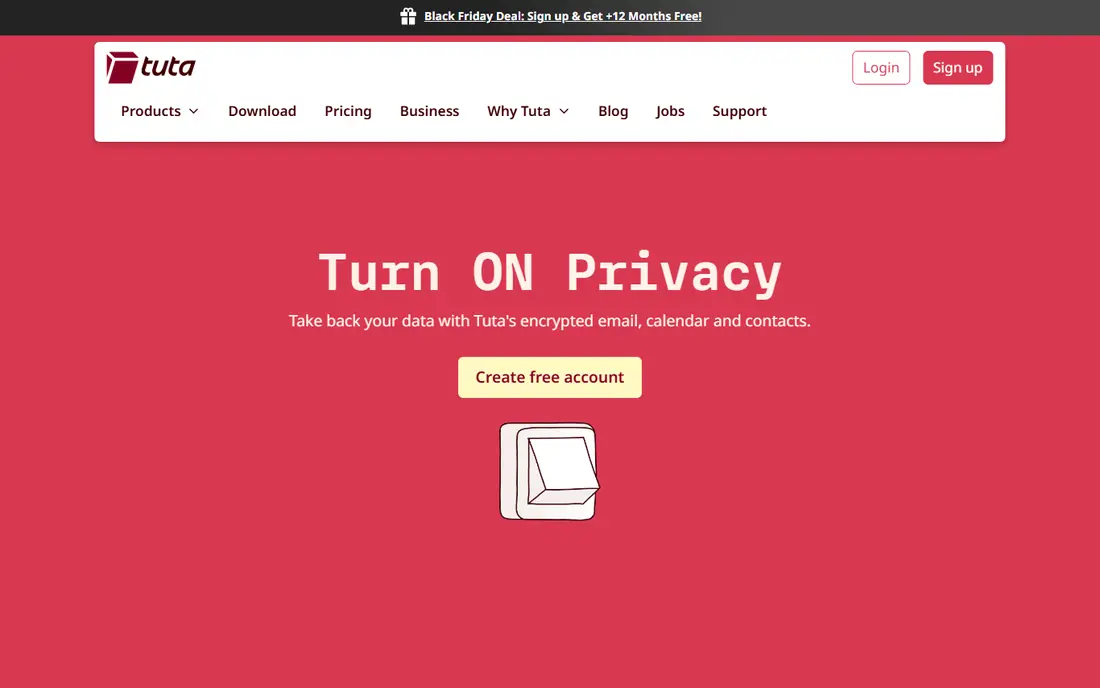
Tuta Mail, formerly Tutanota, is a strong low-cost alternative to Proton Mail. It encrypts message bodies, subjects, contacts, and calendars, and its apps are open source. The free plan includes 1 GB storage, one calendar, and three labels, while the Revolutionary plan costs 3 euros per month billed yearly with 20 GB storage, 15 extra addresses, and three custom domains.
The main trade-off is app support. Tuta Mail does not offer IMAP or SMTP, so you cannot use Apple Mail, Outlook, or Thunderbird with it. You must use Tuta apps, and search runs on a local encrypted index. If you accept that closed app model, Tuta Mail offers strong privacy at a low paid price.
- Free plan with 1 GB
- Encrypts subjects, contacts, and calendars
- Open-source apps
- No IMAP or SMTP support
- Free accounts are deleted after six months without login
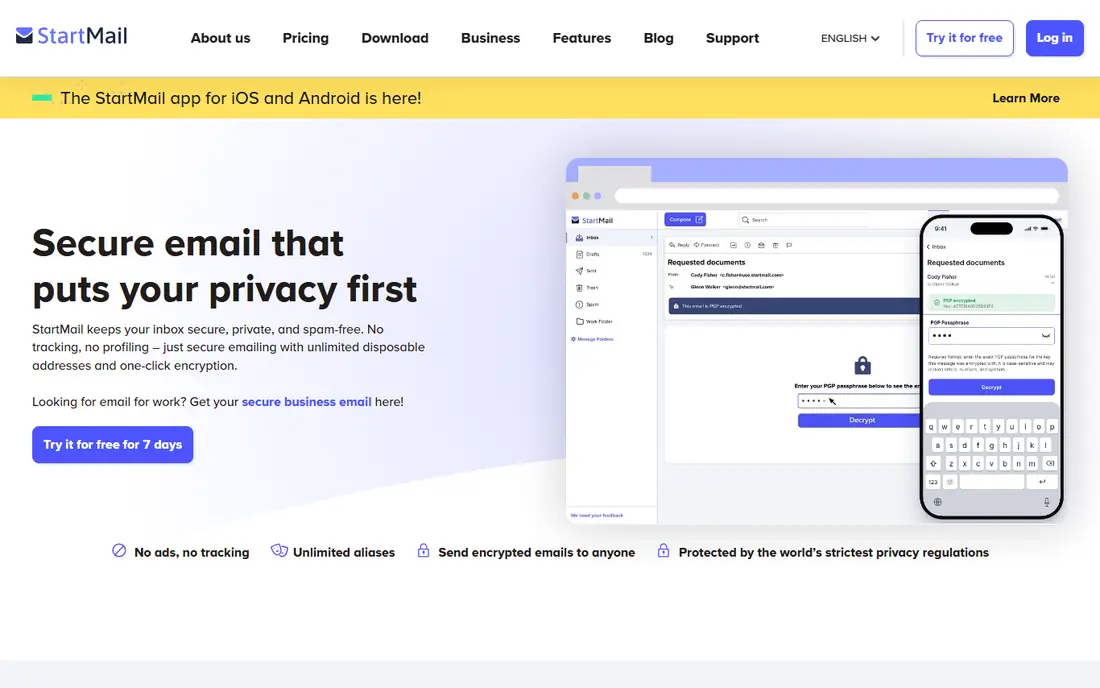
StartMail suits privacy users who want PGP encryption without giving up standard mail apps. It offers one-click PGP in webmail, plus IMAP and SMTP support, so you can use your preferred desktop or mobile app. The Personal plan costs $4.99 per month billed annually, with 20 GB storage and unlimited aliases, which helps separate newsletters, shopping, and personal mail.
The limit is that there is no free plan, only a 7-day trial, so you must pay to keep the account. StartMail is also based in the Netherlands, under EU privacy law, which some users prefer and others will want to weigh against Swiss or German options. For alias-heavy mail with PGP, it is a clean, app-friendly choice.
- One-click PGP
- Works in standard mail apps
- Unlimited aliases
- No free plan, only a 7-day trial
- Paid plan needed for all features
Virtru is built for teams that want to keep their existing Gmail or Microsoft 365 addresses and add encryption controls on top. Senders can encrypt messages, set expiry, and revoke access after sending, and admins can set policies that encrypt mail containing sensitive patterns. The Starter Data Protection Package is listed at $119 per month for five users billed annually, with higher tiers adding integrations and broader compliance coverage.
The cost model is the limit for very small teams. A five-user minimum means a solo user pays for a bundle, not a single seat, and advanced compliance tiers cost more. For a business that needs control, audit, and policy automation without moving inboxes, Virtru is one of the most usable business options.
- Works with Gmail and Microsoft 365
- Revoke and expiry controls
- Data loss prevention options
- Business pricing starts as a 5-user bundle
- No free tier for business use
Paubox is the best fit for small healthcare teams that want encryption with almost no recipient steps. It connects to business Google Workspace or Microsoft 365 mail, protects outbound messages automatically, and usually delivers them straight to the recipient's inbox. If the receiving server cannot use the required TLS connection, Paubox falls back to a secure link. The Email Suite minimum is listed at $32 per month billed annually for up to five addresses.
The honest limit is technical. TLS inbox delivery protects mail in transit and at the receiving server, but it is not end-to-end encryption, because the recipient's mail service receives the message. Paubox also requires a custom business domain and a supported business account, not a personal Gmail address. For HIPAA workflows where recipient friction blocks adoption, that trade is often worth it.
- Automatic outbound protection
- Recipients usually open mail in their own inbox
- HIPAA-focused design
- Needs a business domain and supported business mail
- Inbox delivery via TLS is not end-to-end
PreVeil suits people and teams that want a separate encrypted inbox without changing their main address. It adds an end-to-end encrypted inbox alongside existing Outlook or Gmail mail, lets users keep their email addresses, and offers business administration controls. A free Basic plan is listed for individuals, while the Business plan is listed at $30 per user per month.
The limit is workflow. Staff gain one more inbox to check, and PreVeil does not turn every message in an ordinary mailbox into an encrypted message. It works best when a team agrees which messages belong in PreVeil, such as sensitive documents and regulated mail, and uses ordinary mail for the rest. For that split, it is a clear and controlled option.
- End-to-end encrypted inbox alongside Gmail or Outlook
- Keeps existing addresses
- Business admin controls
- Second inbox to check
- Does not encrypt all mail in an ordinary mailbox
Mailfence is a good middle option for users who want an encrypted inbox plus office tools in one account. It supports OpenPGP in webmail, includes calendar, contacts, and document tools, and is based in Belgium under EU privacy law. A free plan with limited storage lets you test the interface, while paid plans add storage and features.
The limits are scale and app depth. Mailfence is smaller than Proton Mail, and its free storage is modest, so heavy users will need a paid plan. It also suits users who are comfortable with PGP concepts, such as key management, more than users who want fully automatic encryption. For a private inbox with office tools, it is a solid European option.
- PGP support in webmail
- Calendar, contacts, and documents included
- Belgium jurisdiction
- Free plan has limited storage
- Advanced features need a paid plan
Hushmail is one of the longest-running encrypted webmail services, and its appeal is simplicity. Mail between Hushmail users is encrypted, and the webmail interface is straightforward for users who do not want a suite of extra apps. That focus suits a secondary secure inbox for sensitive messages rather than a full replacement for a main mailbox.
The limits are modern features and pricing clarity. Hushmail does not match Proton Mail on storage, calendar, drive, and app depth, and current pricing should be confirmed on its site before you buy. For a simple, long-running encrypted webmail account, it remains a valid choice, but most new users will get more from Proton Mail or Tuta Mail.
- Simple webmail interface
- Encrypted mail between Hushmail users
- Long-running service
- No free plan in current listings
- Fewer modern suite features than Proton Mail or Tuta Mail
Posteo is a low-cost private inbox based in Germany, with a published price of 1 euro per month in many listings. It offers encrypted storage, PGP support, and calendar and contacts, and it allows signup without giving extensive personal details. That combination appeals to users who want a cheap, no-frills private mailbox.
The limits are storage and suite depth. Posteo is not a full productivity suite, and storage and feature details should be confirmed on its pricing page, since listings differ. There is no free plan, though a first-month refund is noted in some comparisons. For a low-cost private inbox with a clear privacy stance, Posteo is hard to beat on price.
- Low monthly cost
- PGP and encrypted storage
- Anonymous signup options
- No free plan
- 2 GB storage on some listings needs a plan check
- Smaller feature set
How we picked these
We compared official product pages, pricing pages, and independent email encryption comparisons from 2026. We kept only services that exist today and that offer a clear encryption model, whether a private inbox or a business layer for existing mail. We checked starting prices, free plans, recipient steps, and app support, and we noted where a service uses TLS delivery rather than end-to-end encryption. We did not claim hands-on testing.
How to choose an email encryption service
Start with who you mail and how they will open it. If most contacts use the same private service, a private inbox gives the strongest protection. If you mail clients on Gmail and Outlook, a business layer such as Virtru or Paubox, or a password-protected message from Proton Mail or Tuta Mail, will cause less friction. Test the recipient step with a colleague before you move a main inbox.
Next, check key recovery, search, and app support. Some private inboxes cannot recover mail if you lose a password, and some do not support standard mail apps. Those limits affect daily use far more than a headline encryption claim. Pick the service whose recovery, search, and app trade-offs you can live with for years, not just for a trial week.
Do not rely on encryption alone
Encryption protects message content, but it does not hide sender, recipient, timing, or subject in every system, and it does not stop phishing, malware, or a compromised device. Use strong passwords, two-factor authentication, and careful link habits alongside encryption. For highly sensitive mail, confirm the recipient's identity through a second channel before you send documents.
Frequently asked questions
What is the best email encryption service?
Proton Mail is the best general pick for a private inbox, Tuta Mail is the best low-cost private inbox, and Virtru and Paubox are stronger for business and healthcare teams. The best email encryption service for you depends on whether you need a new inbox or a layer on existing Gmail or Microsoft 365 mail.
What is the best email encryption service for business?
Virtru suits teams that want revoke, expiry, and policy controls on Gmail or Microsoft 365, while Paubox suits healthcare teams that want automatic protection with low recipient friction. PreVeil suits teams that want a separate secure inbox. Compare minimum seat counts and compliance needs before you choose.
Is Proton Mail really end-to-end encrypted?
Mail between Proton Mail users is end-to-end encrypted by default, and password-protected messages can be sent to outsiders. Mail to a regular Gmail or Outlook address without a password is protected in transit and at rest on Proton servers, but it is not end-to-end encrypted once it reaches the other provider.
Can I keep my Gmail address and still encrypt email?
Yes. Virtru and Paubox add encryption to Gmail or Microsoft 365 without changing your address, and PreVeil adds a separate encrypted inbox alongside your existing mail. Those options suit teams that cannot move addresses but still need controls for sensitive messages.
Does email encryption stop all tracking?
No. Encryption protects message content in the systems that support it, but metadata such as sender, recipient, and timing may still be visible, and some services do not encrypt subjects. Use a private inbox, strong passwords, and two-factor authentication together, and avoid clicking links in unexpected mail.
What happens if I lose my encryption password?
It depends on the service. Some private inboxes use zero-access encryption, which means the provider cannot reset your password and recover your mail. Save recovery details in a safe place when you sign up, and test recovery steps before you move important mail into a new encrypted inbox.
Sources
See where you really rank - block by block
ProMapRanker scans Google Maps across a grid of your service area. Simple monthly plans from $19, white-label on every plan.
Start freeKeep reading
 zscaler alternatives
Best Zscaler Alternatives in 2026
Looking for zscaler alternatives? We compare 9 SASE and zero trust platforms on architecture, data protection, pricing, and fit for your network and team.
Read → zapier alternatives free
Best Zapier Alternatives Free in 2026
Nine automation tools for zapier alternatives free in 2026, all with genuinely free tiers, plus free plan limits, starting prices and upgrade paths explained.
Read → which platform is best for online reputation
Which Platform Is Best for Online Reputation in 2026
Wondering which platform is best for online reputation? We compare 8 review, listing, and response tools for small and multi-location businesses and agencies.
Read →