 ProMapRanker
Best Email Client Software in 2026


Windows and Mac professionals wanting mail, calendar, tasks and chat in one app · Pricing starts at: From $49/license (see website)
Direct answer
eM Client is the first pick on this list for Windows and Mac professionals wanting mail, calendar, tasks and chat in one app. Alternatives: Apple Mail for Apple users who want email that just works, and Canary Mail for privacy-focused users who also want AI assistance. Prices, free plans and limits for all 6 tools follow.
Key takeaways
- The list opens with eM Client, aimed at Windows and Mac professionals wanting mail, calendar, tasks and chat in one app.
- Spark is the one to check for teams and individuals wanting AI-assisted triage across systems.
- What to know about Canary Mail first: smaller user base, encryption needs both sides cooperating, newer AI features maturing.
- Free plans exist at 4 of 6 tools (eM Client, Apple Mail, Microsoft Outlook, Spark).
Quick comparison
| Pick | Great for | Pricing starts at | Free tier | |
|---|---|---|---|---|
| eM Client | Windows and Mac professionals wanting mail, calendar, tasks and chat in one app | From $49/license (see website) | Yes | Visit |
 Apple Mail | Apple users who want email that just works | Free with Apple devices | Yes | Visit |
 Canary Mail | Privacy-focused users who also want AI assistance | From $25/year (see website) | Free trial | Visit |
 Microsoft Outlook | Anyone in a Microsoft 365 or Exchange workplace | Included with Microsoft 365 plans (see website) | Yes | Visit |
 Airmail | Mac and iOS users wanting deep customization | Premium app (see website) | Free trial | Visit |
 Spark | Teams and individuals wanting AI-assisted triage across systems | Free; Premium from $6/month (see website) | Yes | Visit |
Our 6 picks for email client software
Choosing email client software usually comes down to price, fit and limits. This ProMapRanker guide sets 6 tools side by side on those three points, with the facts kept short and checkable.
eM Client
Great for: Windows and Mac professionals wanting mail, calendar, tasks and chat in one app
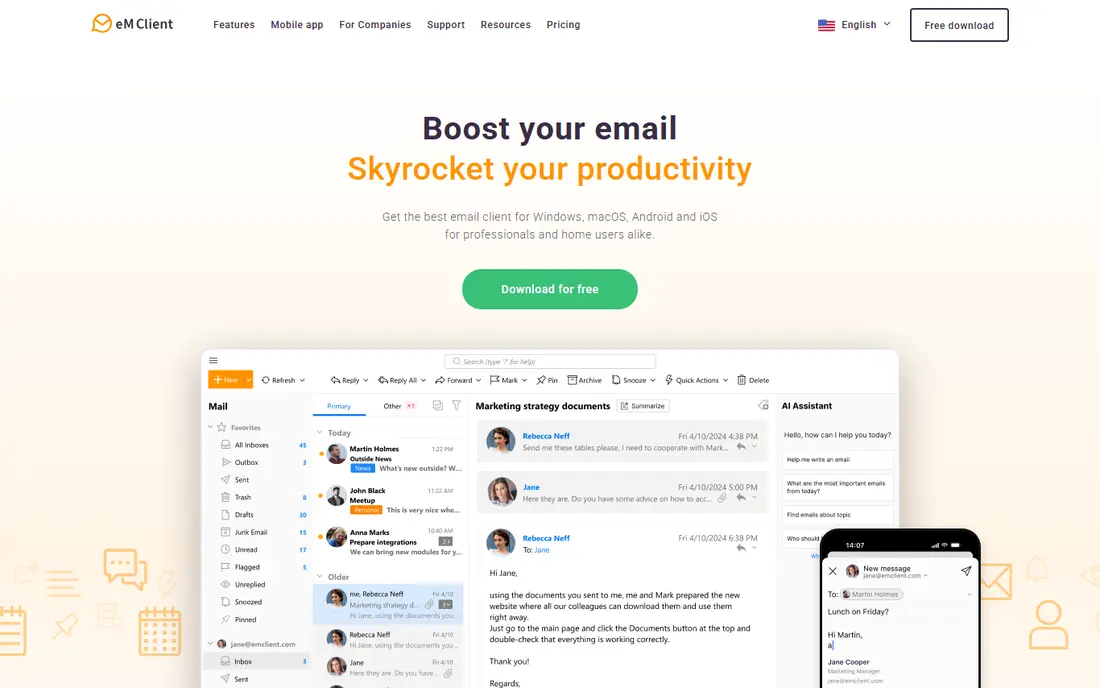
eM Client was built for Windows and Mac professionals wanting mail, calendar, tasks and chat in one app. It will not win beauty contests, and the mobile story is thinner.
Price to start with eM Client: From $49/license. You can start on eM Client without paying.
Where it is weaker: smaller community than Thunderbird.
- One-time license choice
- Unified inbox done well
- Mobile apps less mature
For Apple users who want email that just works, Apple Mail is a natural candidate. For straightforward email needs, it takes care of several accounts steadily with zero configuration fuss.
Apple Mail pricing: Free with Apple devices. Apple Mail has a free plan.
What to check first: only on Apple devices.
- Deep iOS and macOS integration
- Privacy-friendly defaults
- Entry-level feature set, restricted customization
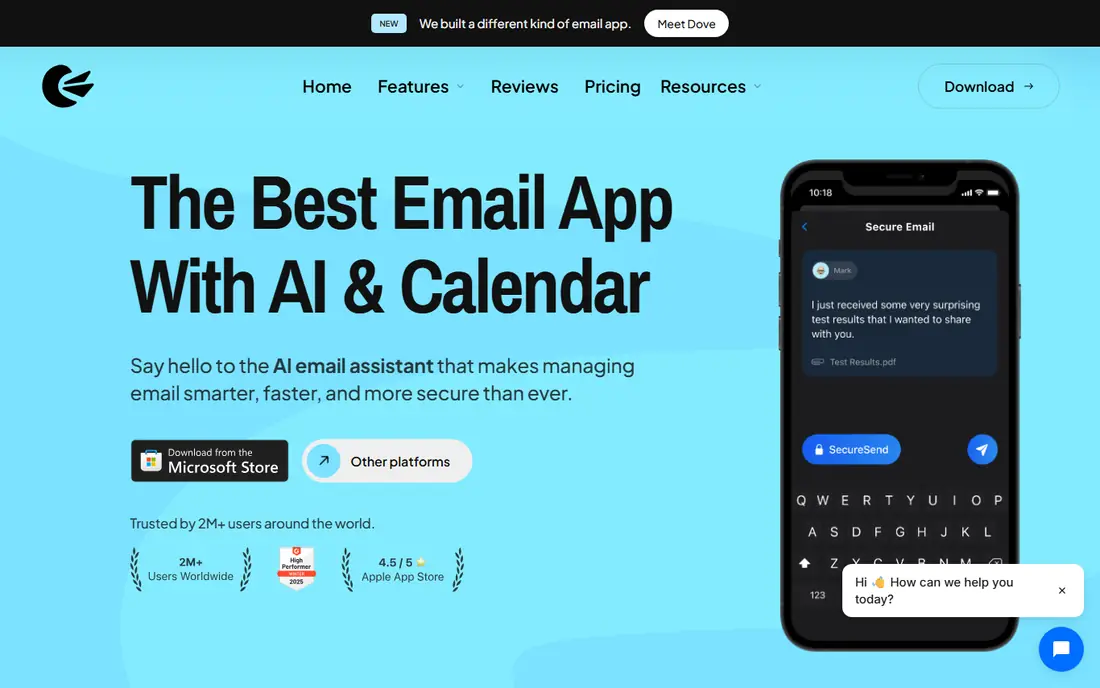
Canary Mail targets privacy-focused users who also want AI assistance. For the privacy-first buyer who still wants AI help, Canary is the most complete answer.
Downsides: Smaller user base.
Also, privacy-conscious professionals get security without sacrificing modern conveniences. Starting cost for Canary Mail: From $25/year. Trial and free access: Free trial.
- Cross-platform apps
- End-to-end encryption choices including PGP
- Newer AI features maturing
Where Microsoft Outlook fits: anyone in a Microsoft 365 or Exchange workplace. Outlook is the corporate standard since in a Microsoft workplace nothing else integrates as fully. Email, calendar, contacts and Teams share one context, and IT gets the compliance and security controls it needs.
Limits to weigh: overkill for personal Gmail use.
As for the details, personal users with Gmail or iCloud accounts get less of the benefit and more of the weight. But where Microsoft 365 is the stack, Outlook is the client. What you pay to start with Microsoft Outlook: Included with Microsoft 365 plans. Microsoft Outlook includes a free tier. Where it shines: available everywhere.
- Enterprise security and compliance
- Calendar and Teams in one app
- Can feel heavy and slow
In short, Airmail is for Mac and iOS users wanting deep customization. Themes, gestures, smart folders and integrations let heavy email users shape the client precisely. iCloud sync keeps Mac, iPhone and iPad coherent.
On top of that, the Apple-only limitation and premium model narrow the audience. Airmail starts at: premium app. Trial and free access: Free trial.
Strengths: Broad customization and themes; decent automation and integrations.
- Quick and native
- ICloud sync across devices
- Apple-only, premium upfront, smaller development team
Spark works best for teams and individuals wanting AI-assisted triage across systems. The cross-platform apps are refined.
What to check first: smaller ecosystem than giants.
Worth adding: team features like shared drafts, delegated emails and collaborative threads suit small companies. Spark cost at the entry level: Free. Spark offers a free plan.
Where it shines: Smart inbox prioritization.
- Clean cross-platform apps
- Collaborative email for teams
- Some privacy concerns around data handling
Worth knowing about email client software
An email client is the app between you and your inbox. The choice comes down to three things: which accounts it manages well, how quick it lets you process mail, and who you trust with your credentials. Webmail works for everyone, but a good client earns its place through speed, keyboard flow, offline access and unified inboxes.
In daily use, nobody needs all nine; most people have to pick one lane.
How we chose
For each of the 6 tools we noted price, free plan or trial, fit for email client software and the main limit, using vendor pages and documentation. Treat prices as a snapshot: vendors change plans often, so check the vendor site for the figure that applies today. Tools are placed by general fit for email client software, with price clarity and free access as tie-breakers. A different team can reasonably rank them differently.
Pre-purchase checklist
- Check the current price for eM Client, Spark and the rest on each vendor page, since seats and billing terms change the total.
- Check what the free option really includes: eM Client, Apple Mail, Microsoft Outlook and Spark offer a free plan, and usage caps differ.
- Use real work to test the free trial from Canary Mail and Airmail, rather than a demo project.
- Before choosing eM Client, weigh its main limit: interface utilitarian, mobile apps less mature, smaller community than Thunderbird.
- Ask eM Client how an export works before you move any records in; an easy exit lowers the risk.
- Test how quickly Microsoft Outlook answers a pre-sales question; it hints at how support will feel later.
Frequently asked questions
How are the tools for email client software ordered?
eM Client sits first and Spark last because the order follows typical fit for email client software, then price clarity and free access. It is a judgement call, so read each profile for fit and limits.
Which options for email client software have a free plan?
eM Client, Apple Mail, Microsoft Outlook and Spark offer a free plan in this list. Free plans usually cap users, projects or features, so check the limits on the vendor page. Several others offer a trial instead.
Do these tools publish their prices?
Yes. Every tool from eM Client to Spark shows a starting price, though seats, add-ons and billing terms still change the final cost.
Is eM Client the right pick for everyone comparing email client software?
No single tool suits every team. eM Client comes first because it fits Windows and Mac professionals wanting mail, calendar, tasks and chat in one app, while Apple Mail suits Apple users who want email that simply works and Canary Mail suits privacy-focused users who also want AI assistance. Match the tool to your own size, budget and workflow before deciding.
Sources
See where you really rank - block by block
ProMapRanker scans Google Maps across a grid of your service area. Simple monthly plans from $19, white-label on every plan.
Start freeKeep reading
 zscaler alternatives
Best Zscaler Alternatives in 2026
Looking for zscaler alternatives? We compare 9 SASE and zero trust platforms on architecture, data protection, pricing, and fit for your network and team.
Read → zapier alternatives free
Best Zapier Alternatives Free in 2026
Nine automation tools for zapier alternatives free in 2026, all with genuinely free tiers, plus free plan limits, starting prices and upgrade paths explained.
Read → which platform is best for online reputation
Which Platform Is Best for Online Reputation in 2026
Wondering which platform is best for online reputation? We compare 8 review, listing, and response tools for small and multi-location businesses and agencies.
Read →