 ProMapRanker
Best Email Cleaner App in 2026

Key takeaways
- Our pick for most readers is Clean Email, because it covers the core job well without a steep learning curve.
- SaneBox is a strong second choice when you need more control or a different way of working.
- Prices and free tiers change often, so check the vendor pricing page before you pay for a plan.
- The right choice depends more on your workflow and budget than on any single headline feature.
Quick comparison
| Pick | Great for | Pricing starts at | Free tier | |
|---|---|---|---|---|
 Clean Email | Bulk cleanup across accounts | $9.99 per month | Yes | Visit |
 SaneBox | Automatic sorting without switching apps | $9.49 per month | Free trial | Visit |
 Mailstrom | Bulk deleting old mail | $9 per month | Free trial | Visit |
 Cleanfox | Free mass unsubscribe | Free | Yes | Visit |
 Unroll.Me | Daily digest of newsletters | Free | Yes | Visit |
 Leave Me Alone | Privacy-first unsubscribe | See website | Yes | Visit |
 Trimbox | Private unsubscribe inside Gmail | See website | Yes | Visit |
 Canary Mail | Unsubscribe inside a full email app | See website | Yes | Visit |
The best email cleaner app
We compared email cleaners on bulk delete, unsubscribe, sorting, privacy, provider support, and price, so you can clean an inbox without handing over more access than needed.
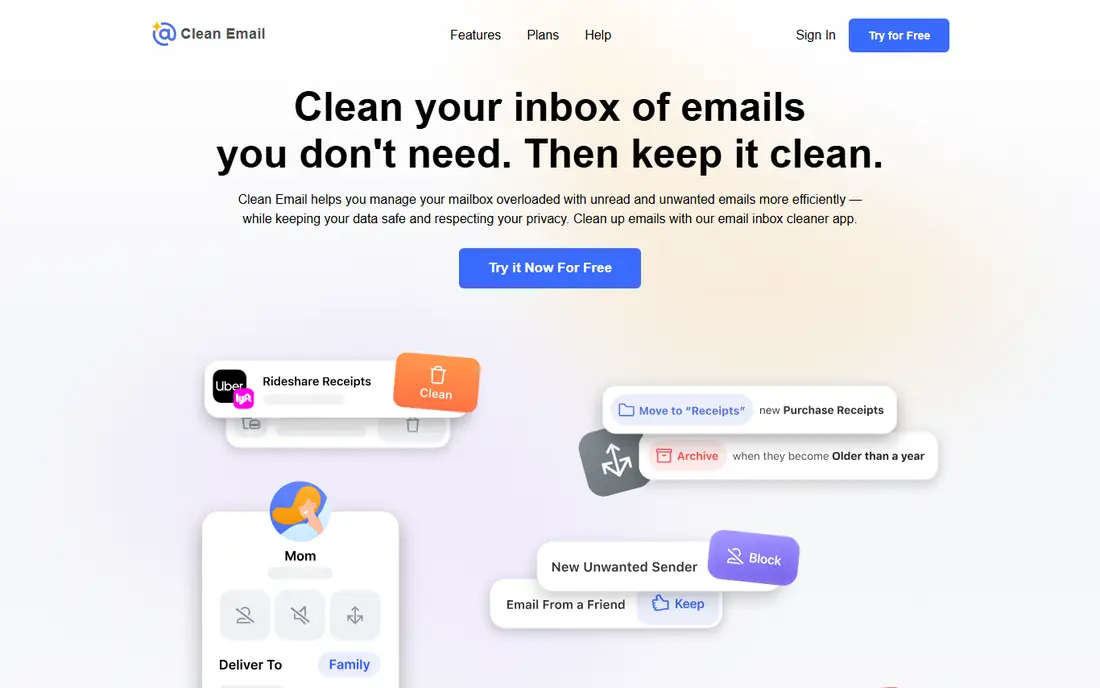
Clean Email suits people with years of inbox clutter who want bulk delete, unsubscribe, and automation in one tool.
Its strength is bulk action, because it groups senders and messages so you can delete or unsubscribe in batches rather than one message at a time. Automation rules keep new mail organised after the first cleanup, which helps the inbox stay tidy without daily effort.
The honest catch is cost, since full cleanup needs a paid plan, so start with a small account or trial to judge the time saved. Before you commit, try the free tier or trial on a small real project and check export, sharing, and billing terms.
- Bulk delete and unsubscribe
- Automation rules
- Multi-account plans
- Paid plan needed for full cleanup
- Learning curve for rules
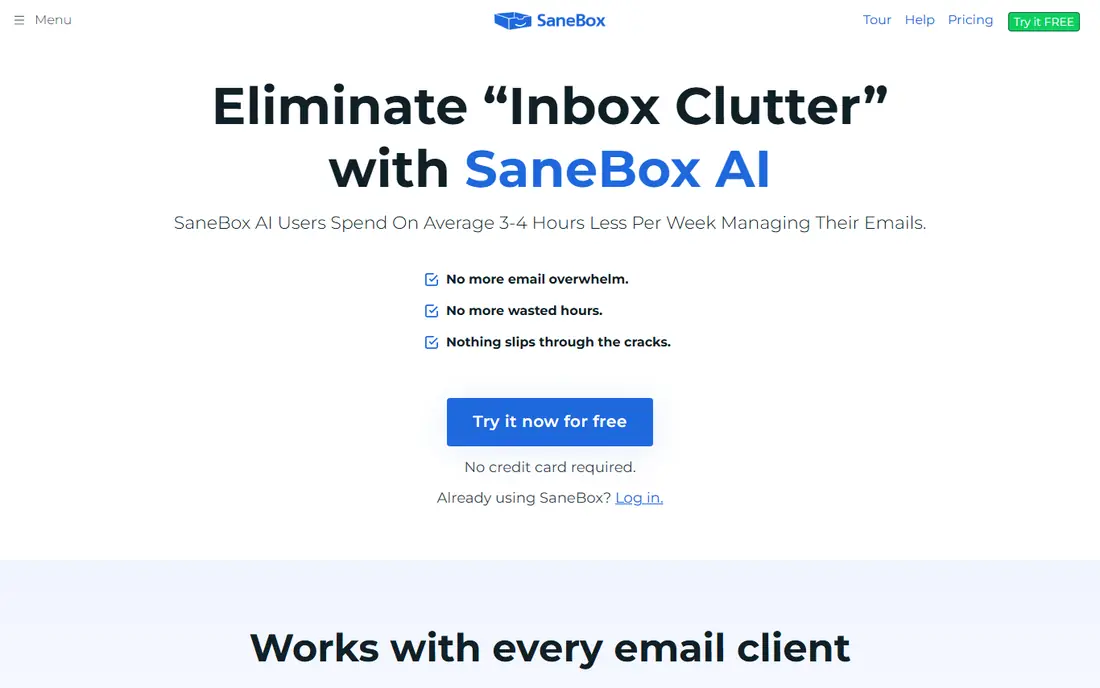
SaneBox suits people whose inbox fills faster than they can sort it, and who want sorting without switching email apps.
Its strength is server-side sorting, because it learns which senders matter and moves lower-priority mail into folders that appear in any app. Snooze, reminders, and follow-up tools help important threads resurface at the right time.
The honest catch is historic cleanup, since it is stronger at sorting new mail than at bulk-deleting years of old messages. Before you commit, try the free tier or trial on a small real project and check export, sharing, and billing terms.
- Learns priorities
- SaneLater folders
- Snooze and reminders
- Less suited to bulk historic deletion
- Full features need higher plans
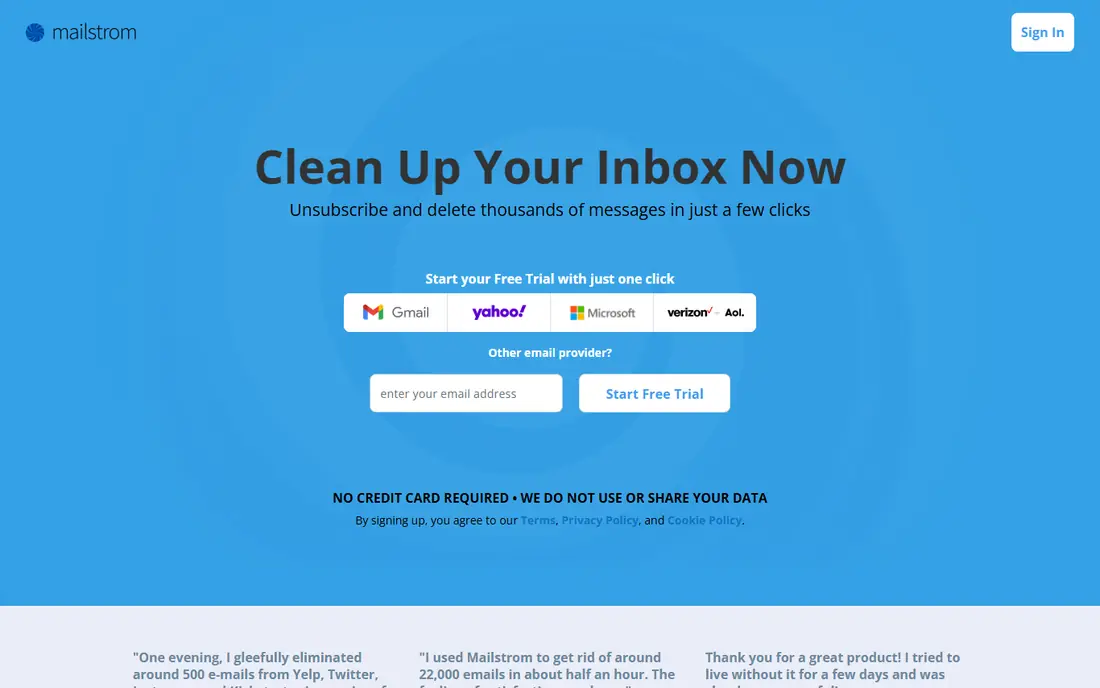
Mailstrom suits people who want to bulk-delete old mail by sender, subject, or size, and reclaim storage quickly.
Its strength is grouping, because it shows which senders and large messages take the most space, so a first cleanup takes less guessing. That view helps users spot newsletters and old threads that can go in bulk, rather than opening each message.
The honest catch is ongoing sorting, since it is built more for cleanup sessions than for daily inbox triage. Before you commit, try the free tier or trial on a small real project and check export, sharing, and billing terms.
- Groups mail by sender and size
- Bulk delete
- Unsubscribe tools
- Web app only for cleanup
- Ongoing sorting is thinner
Cleanfox suits users who want free mass unsubscribe and a simple sender list without paying for a cleanup tool.
Its strength is price and simplicity, because it lists senders and lets you unsubscribe in bulk with few steps. That makes it a quick first pass for newsletter-heavy inboxes, especially for users who rarely clean up.
The honest catch is the business model, since the free service is linked to market research data use, so read the privacy terms before connecting an inbox. Before you commit, try the free tier or trial on a small real project and check export, sharing, and billing terms.
- Free bulk unsubscribe
- Simple sender list
- Quick cleanup
- Free model is data funded
- Fewer automation features
Unroll.Me suits newsletter readers who want subscriptions rolled into one daily digest instead of many separate messages.
Its strength is the digest, because it reduces inbox noise while keeping newsletters available in one place. Bulk unsubscribe also helps users cut senders they no longer read, which is often the fastest inbox win.
The honest catch is privacy, since the service has faced criticism over data sharing from commercial emails, so read current terms carefully before use. Before you commit, try the free tier or trial on a small real project and check export, sharing, and billing terms.
- Rolls newsletters into one digest
- Bulk unsubscribe
- Simple setup
- Privacy concerns from data sharing history
- Gmail and Outlook focus
Leave Me Alone suits privacy-conscious users who want unsubscribe help without a service storing their email content.
Its strength is privacy design, because it focuses on unsubscribe actions and a digest, rather than holding message content. That approach appeals to users who are wary of giving a cleanup tool broad inbox access.
The honest catch is pricing shape, since passes and plans suit occasional use differently, so check the current price for your expected use. Before you commit, try the free tier or trial on a small real project and check export, sharing, and billing terms.
- Does not store email content
- One-click unsubscribe
- Digest option
- Pass-based pricing can cost more for frequent use
- Fewer bulk delete tools
Trimbox suits Gmail users who want private unsubscribe tools with email data kept on their own device.
Its strength is privacy, because processing stays local rather than sending message content to a third-party server. That makes it a good fit for users who want a light cleanup tool without a broad cloud service.
The honest catch is scope, since it is Gmail focused and less suited to bulk historic deletion across many providers. Before you commit, try the free tier or trial on a small real project and check export, sharing, and billing terms.
- Email data stays on device
- Gmail unsubscribe tools
- Simple flow
- Gmail focused
- Bulk historic delete is limited
Canary Mail suits users who want unsubscribe and organisation tools inside the email app they use every day.
Its strength is integration, because cleanup happens where mail is read, rather than in a separate cleanup dashboard. That helps users who clean up a little each day, instead of running one large cleanup session.
The honest catch is depth, since it is a full email client first, so dedicated bulk cleaners may handle very large backlogs faster. Before you commit, try the free tier or trial on a small real project and check export, sharing, and billing terms.
- Full email app
- Unsubscribe tools
- AI summaries on paid plans
- Cleanup is a feature, not a dedicated bulk cleaner
- Paid features vary
How we picked these
We compared official pricing pages, feature pages, and privacy notes for email cleaners live in October 2026. We checked what each tool actually does, whether it stores message content, and whether free use is a real plan or a short trial. For free data-funded tools, we flagged the privacy trade-off plainly, since inbox access deserves care.
How to clean your inbox safely
Start with access, not price. A cleaner needs inbox access to work, so check whether it stores message content, what data it shares, and whether you can revoke access easily. Prefer paid tools or local processing when privacy matters most.
Do a first pass by sender, not by message. Unsubscribe from newsletters you never open, delete large old threads, and block repeat senders, then set rules for new mail. That order gives the largest time saving with the least risk.
Keep a safety net for the first cleanup. Check the trash and unsubscribe list before permanent deletion, and keep important senders on an allow list. After cleanup, review the tool weekly until the inbox stays stable. If a cleaner ever deletes something important, pause it, check trash and filters, and change settings before running another bulk action. Also keep a separate backup of important mail before a large delete, because bulk actions are hard to undo once trash is emptied, and a short backup step protects tax, legal, and family messages.
Frequently asked questions
What is the best app to clean email inbox?
Clean Email is the strongest all-round bulk cleaner, while SaneBox suits automatic sorting of new mail. For free unsubscribe, Cleanfox is simple, though its data model needs a privacy check first.
What is the best email cleanup app for Gmail?
Trimbox is built for Gmail with local processing, and Clean Email, SaneBox, and Mailstrom also work with Gmail. Check provider support before paying, especially for work or school accounts.
Is there a free email cleaner app?
Yes. Cleanfox and Unroll.Me are free, and several paid tools offer free trials or limited free use. Free tools may fund themselves with data use, so read privacy terms before connecting an inbox.
Is it safe to give an app access to my email?
It depends on the tool. Check what it stores, what it shares, and how to revoke access, and prefer tools that store little or no message content. Never use a cleaner on an account where you cannot risk a mistake.
How do I delete emails in bulk?
Use a cleaner that groups mail by sender, size, or age, then delete in batches and check trash before permanent deletion. Gmail and Outlook search operators also handle many bulk jobs for free.
Sources
See where you really rank - block by block
ProMapRanker scans Google Maps across a grid of your service area. Simple monthly plans from $19, white-label on every plan.
Start freeKeep reading
 zscaler alternatives
Best Zscaler Alternatives in 2026
Looking for zscaler alternatives? We compare 9 SASE and zero trust platforms on architecture, data protection, pricing, and fit for your network and team.
Read → zapier alternatives free
Best Zapier Alternatives Free in 2026
Nine automation tools for zapier alternatives free in 2026, all with genuinely free tiers, plus free plan limits, starting prices and upgrade paths explained.
Read → which platform is best for online reputation
Which Platform Is Best for Online Reputation in 2026
Wondering which platform is best for online reputation? We compare 8 review, listing, and response tools for small and multi-location businesses and agencies.
Read →