 ProMapRanker
Best Email Apps Alternatives to Superhuman in 2026

Key takeaways
- Spark is the best free all-rounder, while Shortwave is the strongest Gmail-only pick for AI triage and search.
- HEY suits people who want a fresh inbox model, but it requires a new address and costs 99 dollars a year.
- Missive is the team pick, with shared inboxes and chat beside email, while Canary Mail and Proton Mail suit privacy-minded users.
- Superhuman costs 30 dollars a month, so most alternatives save money, but none matches its exact keyboard speed on every platform.
Quick comparison
| Pick | Great for | Pricing starts at | Free tier | |
|---|---|---|---|---|
 Spark | Free all-rounder across accounts | Free | Yes | Visit |
 Shortwave | AI triage for Gmail users | Free | Yes | Visit |
 HEY | Fresh inbox model with screening | $99 per year | No | Visit |
 Missive | Shared team inboxes | $14 per user per month | Free trial | Visit |
 Canary Mail | Privacy plus AI across providers | Free | Yes | Visit |
 Proton Mail | Encrypted email service | Free | Yes | Visit |
 Fastmail | Fast independent email service | $5 per month | Free trial | Visit |
 Spike | Chat-style email with team spaces | Free | Yes | Visit |
 Mimestream | Native Gmail on Mac | $4.99 per month | Free trial | Visit |
 SaneBox | Cleaner inbox inside any app | $3.49 per month | Free trial | Visit |
The best email apps alternatives to superhuman
These ten apps and tools help you clear email faster, without Superhuman price or its Gmail and Outlook limits. Each one takes a different approach, from AI sorting to screening to team inboxes.
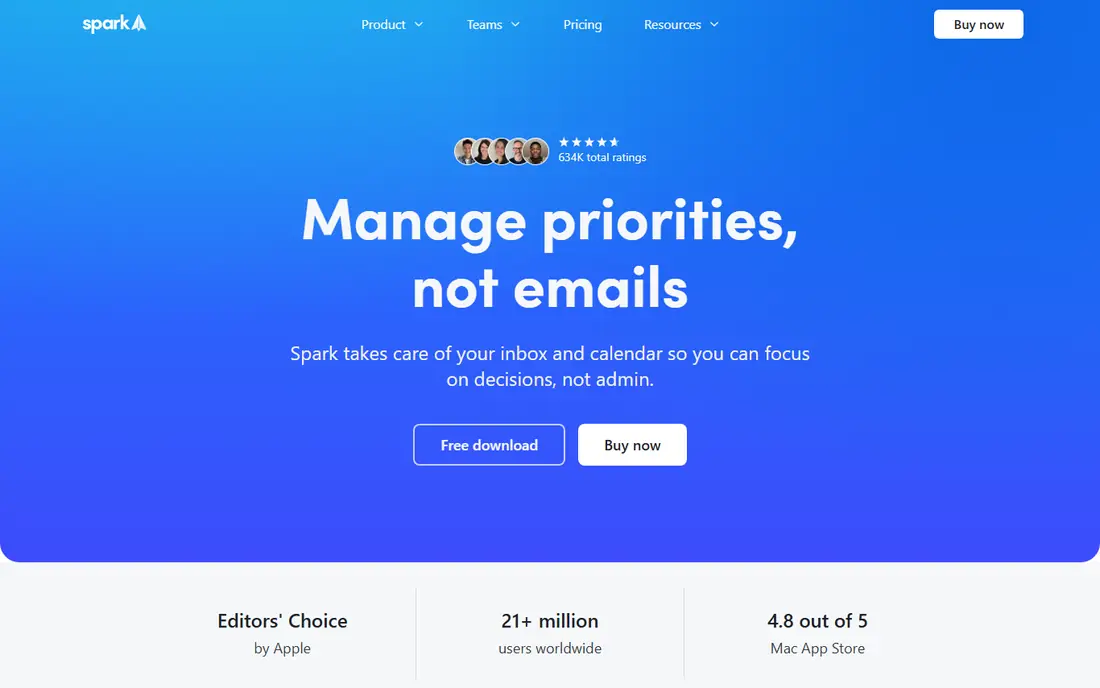
Spark is our pick for most people leaving Superhuman, because the free plan is genuinely useful. It unifies Gmail, Outlook, Exchange, iCloud, Yahoo and IMAP accounts in one inbox, sorts mail into people, newsletters and notifications, and screens first-time senders with Gatekeeper. Shared drafts and team comments help small teams without a separate tool.
Paid plans add AI writing and summaries plus team features. Plus costs 10 dollars a month or 99 dollars a year, and Pro costs more for larger teams. The catch is that AI help is paid, and privacy-minded users should read how Spark handles mail processing. For a free, fast daily inbox, Spark is hard to beat.
- Free for unlimited accounts
- Smart Inbox and Gatekeeper screening
- Works with Gmail, Outlook, iCloud and IMAP
- AI features sit on paid plans
- Some mail processing happens on vendor servers
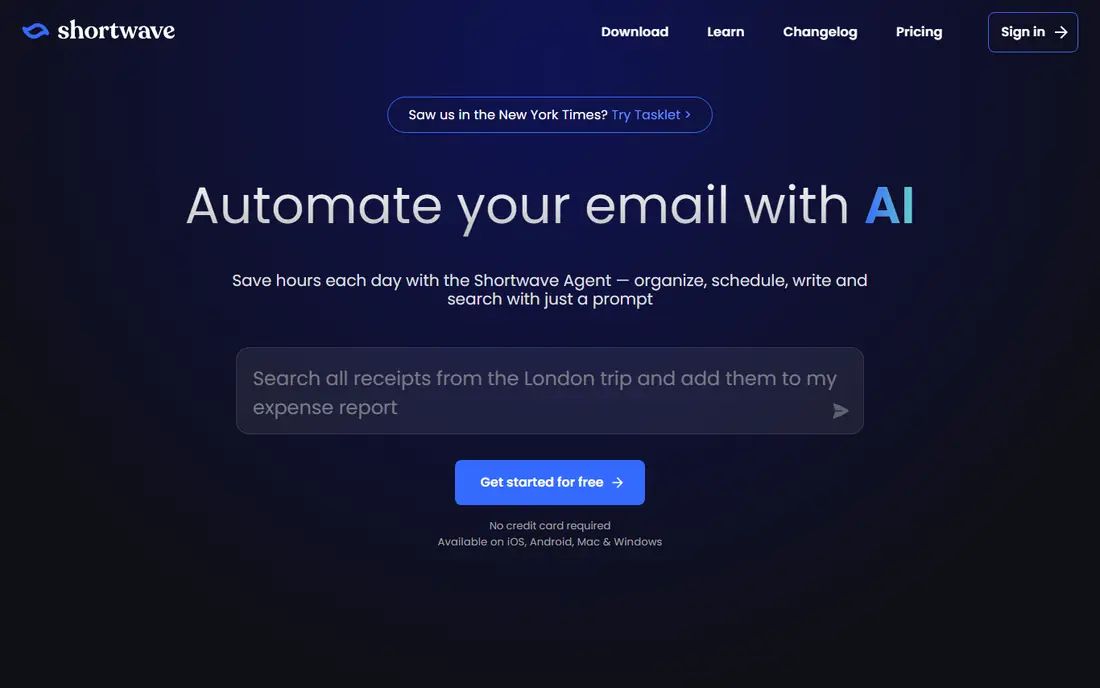
Shortwave is the closest AI-first alternative for Gmail users. It bundles similar threads, summarizes long conversations, drafts replies in your style and lets you search years of mail in plain language. That search alone saves time when you need an old attachment or decision buried in a thread. The free plan covers basic use with limits, while Pro costs 18 dollars a month.
The limit is account support. Shortwave works only with Gmail and Google Workspace, so Outlook, iCloud and IMAP users must look elsewhere. Free search history is also limited to 90 days in recent listings. If Gmail is your whole inbox, Shortwave is the strongest Superhuman rival here.
- Strong AI summaries and natural language search
- Smart bundling
- Built by former Gmail engineers
- Gmail and Google Workspace only
- Full AI history needs a paid plan
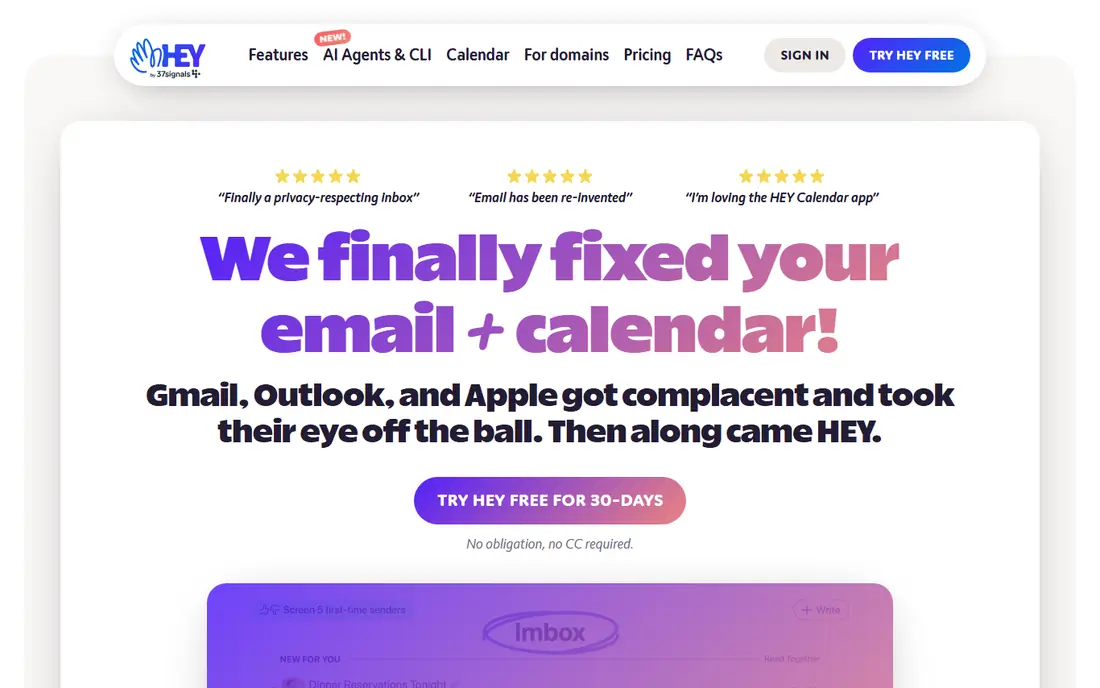
HEY rebuilds email around consent. New senders land in the Screener, where you approve or block them, while approved mail flows into the Imbox and newsletters and notifications sit in the Feed. Reply Later and Set Aside give you a calmer way to handle mail that needs action but not now. HEY for You costs 99 dollars a year and includes a hey.com address and calendar.
The price and the address change are the real costs. You cannot bring your existing Gmail address into HEY as a full mailbox, though forwarding is possible. If your inbox feels out of control and you are willing to start fresh, HEY is a thoughtful reset. If you must keep your current address, Spark or SaneBox will suit you better.
- Screener controls who can email you
- Imbox separates important mail
- No tracking pixels
- Requires a new address
- No free plan, only a trial
- 99 dollars a year for personal use
Missive is the team alternative to Superhuman. It turns a shared inbox into a workspace where messages can be assigned, commented on internally and drafted together, without forwarding threads or losing context. It also pulls SMS, WhatsApp and social messages into the same view for teams that answer customers across channels. Paid plans start at 14 dollars per user per month billed annually, with a 30-day trial.
For a solo user, Missive is more tool than needed, and the lack of a free plan makes it harder to test casually. For a support, sales or operations team that shares support@ or sales@ addresses, it replaces a tangle of forwards and side chats with one clear queue.
- True shared inboxes with assignments and comments
- Email plus SMS and chat in one place
- Live co-drafting
- No permanent free plan
- Overkill for a single personal inbox
Canary Mail suits people who want AI help without giving up their current providers. It connects Gmail, Outlook, Microsoft 365, Exchange, iCloud, Yahoo and IMAP accounts, offers a free plan with unlimited accounts on limited devices, and adds AI summaries, writing help and security features on paid plans. Growth starts at 36 dollars a year in recent listings.
The free plan is a fair trial, but the best AI features sit behind the paid tier. Canary also positions itself on privacy, with on-device processing claims that privacy-minded users should verify on its current pages. If you use several providers and want one calm inbox, Canary is a strong mid-priced pick.
- Works with Gmail, Outlook, iCloud, Yahoo and IMAP
- Free plan with unlimited accounts
- AI features on paid plans
- Full AI and team features need the paid Growth plan
- Smaller ecosystem than Spark
Proton Mail is an email service, not just an app, which changes the comparison. It offers end-to-end encryption between Proton users, a free plan, and paid plans from 3.99 dollars a month billed annually that add storage, custom domains and extra addresses. Bundles with VPN, Drive and password manager add value if you already use Proton products.
The trade-offs are practical. Proton to outside addresses uses standard email encryption, not end-to-end, and desktop IMAP access runs through Proton Bridge. That setup is less smooth than Fastmail or Gmail in some clients. If privacy and independence from large ad-driven providers matter most, Proton Mail is the principled pick.
- End-to-end encryption between Proton users
- Free plan with 1 GB storage
- Swiss privacy laws
- Full IMAP access needs Bridge on desktop
- Custom domains need a paid plan
Fastmail is an independent, ad-free email service that has run since 1999, and it feels like a well-kept tool rather than a growth experiment. It offers a fast web client, full IMAP, SMTP, calendar and contacts, masked email aliases and custom domain hosting. Paid plans start at 5 dollars a month billed annually, with a 30-day trial and no permanent free plan.
Privacy is strong but different from Proton Mail. Fastmail encrypts mail at rest on its servers, but it does not offer end-to-end encryption between users in the same way. For most people, the speed, reliability and standard protocols matter more, and Fastmail works cleanly with Apple Mail, Outlook, Thunderbird and other clients.
- Fast web client and standard IMAP
- Masked aliases and custom domains
- Calendar and contacts included
- No permanent free plan
- Encryption is server-side rather than end-to-end
Spike turns email threads into a chat-like view, sorted by person, which suits people who treat email like messaging. Around that core it adds team spaces with channels, group chats, video calls and shared docs, plus AI writing and summaries on paid plans. The free plan covers one address, while Pro costs 6 dollars per user a month billed annually for up to three addresses.
The chat view divides opinion. Some people clear mail much faster this way, while others find long formal threads harder to follow. Search on the free plan is also limited. If your inbox is mostly short, conversational mail, Spike feels fresh. If your mail is long reports and contracts, Spark or Shortwave will feel more natural.
- Chat-like threads for fast replies
- Team spaces with chat and docs
- Works across major platforms
- Free plan covers one address
- Chat view does not suit formal long threads
Mimestream is a Mac-only Gmail client that does one job very well. It is a native app, not a web wrapper, so it feels fast, respects Gmail labels, categories and filters, and stays light on battery and memory. Pricing is 4.99 dollars a month or 49.99 dollars a year, with a 14-day trial and no permanent free plan.
The limits are absolute: Mac only, Gmail only. Windows, iPhone and Android users cannot use it as a daily client, and Outlook or iCloud users are out entirely. For a Mac user who lives in Gmail and wants a clean, fast native app without AI clutter, Mimestream is an excellent niche pick.
- Native Mac app built for Gmail
- Fast and lightweight
- Gmail labels and categories done properly
- Mac only
- Gmail and Google Workspace only
- No free plan
SaneBox is different from the rest of this list, because it is an add-on rather than a new app. It sorts incoming mail into folders, screens new senders and sends a daily digest, all inside Gmail, Outlook or any app you already use. Pricing starts at 3.49 dollars a month in recent listings, with a trial instead of a free plan.
That approach suits people who like their current app but hate their inbox. You keep your address, your client and your habits, and SaneBox does the sorting in the background. It will not give you Superhuman keyboard speed or a new interface, but for a low monthly cost it cuts inbox noise without a migration.
- Works inside your existing email app
- Screening and digest features
- No app switch required
- Not a full email client
- No permanent free plan
- AI sorting needs higher tiers
How we picked these
We compared official pricing pages, app store listings and product documentation for email apps and tools live in October 2026. We favored tools that speed up triage, search, drafting or team handling, and we included one service-based option and one add-on where they solve the same inbox problem. We left out Notion Mail, which was listed as shutting down in September 2026. Where pricing varies by billing term, we used the most commonly published figure.
What to check before you switch
Keep your address plan clear
Apps such as Spark, Canary Mail and SaneBox work with your existing address, while HEY, Proton Mail and Fastmail give you a new address or domain. Decide whether you want a new address before you invest time in setup.
Test AI with your real mail
AI summaries and drafts sound good in demos but vary with your writing style and thread length. Run a paid trial on your actual inbox for a week, and check drafts before you send them, since AI can smooth over a wrong fact.
Check privacy and server processing
Some apps process mail on vendor servers for AI or sorting, while others keep more work on device. Read the privacy page for the plan you will use, especially if you handle client or medical mail.
Frequently asked questions
What is the cheapest Superhuman alternative?
Spark is the cheapest practical alternative, since its free plan covers unlimited accounts with a Smart Inbox and screening. SaneBox starts near 3.49 dollars a month if you want to keep your current app, while Mimestream and Fastmail start near 5 dollars a month.
Which alternative is best for Gmail users?
Shortwave is best for Gmail users who want AI triage and search, while Mimestream is best for Mac users who want a native Gmail app. Spark is best if you also use Outlook, iCloud or IMAP accounts beside Gmail.
Does any alternative work with Outlook?
Yes. Spark, Missive, Canary Mail, Spike and SaneBox all work with Outlook or Microsoft 365 accounts, while Shortwave and Mimestream do not. Check the current account page for each app before you pay.
Can I keep my current email address?
Yes, with most apps on this list. Spark, Shortwave, Missive, Canary Mail, Spike and SaneBox work with your existing address. HEY, Proton Mail and Fastmail are services that give you a new address, though forwarding and domain options can bridge the gap.
Is Superhuman still worth 30 dollars a month?
For people who process very high email volume and value its keyboard speed, split inbox and team features, it can be. For most people, Spark free or Shortwave Pro at 18 dollars a month covers the same daily work for less money.
How do I move from Superhuman without losing mail?
Your mail stays with Gmail or Outlook, since Superhuman is a client rather than a mailbox. Install the new app, connect the same account, and check labels, snoozed mail and snippets before you cancel Superhuman.
Sources
See where you really rank - block by block
ProMapRanker scans Google Maps across a grid of your service area. Simple monthly plans from $19, white-label on every plan.
Start freeKeep reading
 zscaler alternatives
Best Zscaler Alternatives in 2026
Looking for zscaler alternatives? We compare 9 SASE and zero trust platforms on architecture, data protection, pricing, and fit for your network and team.
Read → zapier alternatives free
Best Zapier Alternatives Free in 2026
Nine automation tools for zapier alternatives free in 2026, all with genuinely free tiers, plus free plan limits, starting prices and upgrade paths explained.
Read → which platform is best for online reputation
Which Platform Is Best for Online Reputation in 2026
Wondering which platform is best for online reputation? We compare 8 review, listing, and response tools for small and multi-location businesses and agencies.
Read →