 ProMapRanker
Best Electronic Fax Service in 2026

Key takeaways
- Fax.Plus and iFax offer the best value for small businesses that fax regularly but want clear page limits.
- eFax and RingCentral Fax suit larger firms that need compliance, team features, and broad integrations.
- Dropbox Fax suits teams already using Dropbox, while SRFax suits healthcare and legal users who need strong compliance support.
- FaxZero is the best free option for a rare, one-off fax, but it does not replace a full service for business use.
- Always check page limits, overage fees, and whether HIPAA compliance needs a specific plan and signed agreement.
Quick comparison
| Pick | Great for | Pricing starts at | Free tier | |
|---|---|---|---|---|
 eFax | Established business faxing | See website | Free trial | Visit |
 Fax.Plus | Small business value | $6.99 per month | Yes | Visit |
 iFax | Polished mobile and web faxing | $8.33 per month | Free trial | Visit |
 RingCentral Fax | Integrated business communications | See website | Free trial | Visit |
 Dropbox Fax | Dropbox users | See website | Free trial | Visit |
 SRFax | Healthcare and legal compliance | $12.60 per month | Free trial | Visit |
 CocoFax | Low-cost team faxing | $7.99 per month | Free trial | Visit |
 FaxZero | Rare free faxes | Free | Yes | Visit |
The best electronic fax services
Electronic fax services replace a fax machine with an app, email, or web portal. We weighed price, page limits, fax-to-email support, mobile apps, compliance, and ease of use, and we kept only services that are live and maintained in 2026.
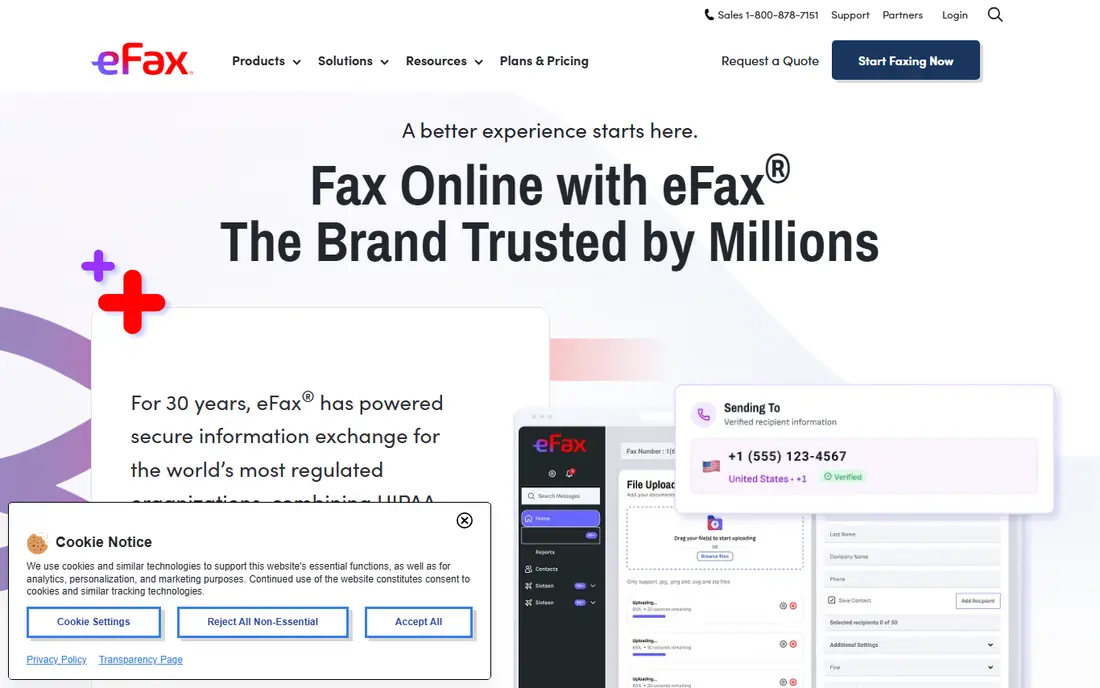
eFax is the safest pick for a business that wants a known name and a permanent number. Send and receive faxes from an app, web portal, or email, and keep a number that clients already know. That stability matters in healthcare, legal, and real estate work, where a changed number can disrupt referrals.
Cost is the main drawback. eFax starting prices vary by billing period, with annual pricing often shown first, so check the monthly rate and page limit before you commit. For a firm that faxes daily and values brand stability, eFax is worth the premium. For occasional use, Fax.Plus or FaxZero will cost less.
- Long-established brand
- Permanent fax number
- Send and receive by app, web, and email
- Pricing varies by billing period
- Higher starting cost than budget rivals
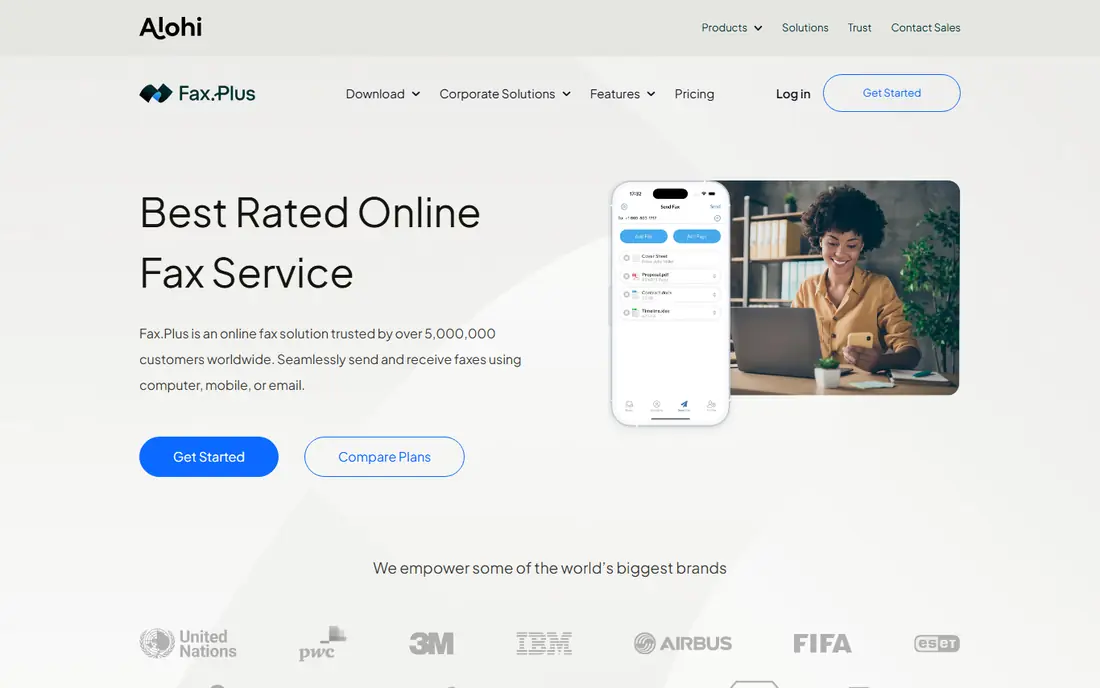
Fax.Plus is our pick for most small businesses. The Basic plan covers regular sending and receiving at a low monthly cost, the app is clean, and Google Workspace integration helps teams that live in Gmail and Drive. A free tier with a small page allowance lets you test sending before you pay.
Compliance needs care. HIPAA compliance with a signed agreement is available on the Enterprise plan only, so healthcare firms must budget for that tier rather than assuming a low plan covers patient data. Check page limits and overage fees as well. For general business faxing, Fax.Plus offers the best balance of price and polish here.
- Low starting price
- Clean app and web experience
- Google Workspace integration
- HIPAA compliance needs the Enterprise plan
- API access is Enterprise-only
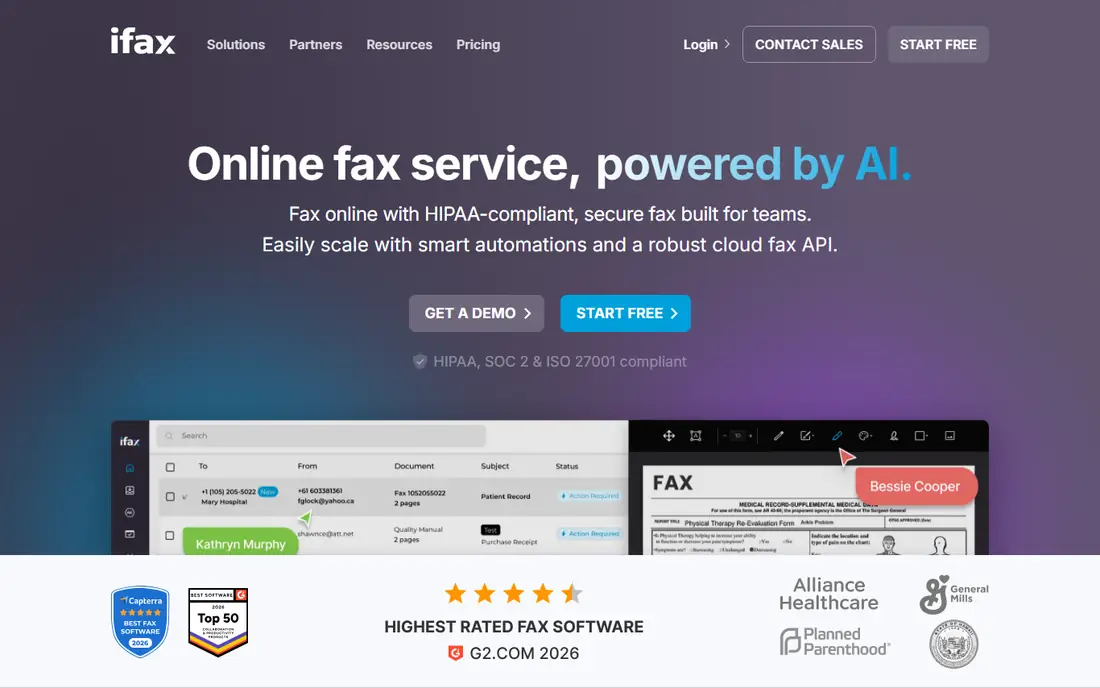
iFax suits professionals who fax from a phone or laptop and want a polished experience. The apps are tidy, digital signatures help with contracts, and OCR turns received faxes into searchable text. Cross-platform sending by app, web, and email covers most workflows.
Pricing is page-based, so a high-volume month costs more than a quiet one. Estimate your monthly pages honestly, and check overage rates before you choose a tier. For steady, moderate-volume faxing with a focus on mobile use, iFax is a strong, professional choice.
- Polished apps
- Digital signatures
- OCR to make faxes searchable
- Page-based pricing can rise with volume
- Higher tiers needed for larger teams
RingCentral Fax makes most sense inside RingCentral. If your team already uses RingCentral for calls and messaging, adding fax keeps numbers, admin, and compliance in one system. Team controls, audit features, and compliance support suit larger firms and regulated teams.
As a standalone fax service, it can look expensive next to Fax.Plus or iFax. Check whether your RingCentral plan already includes fax, and what page limits apply. For a firm consolidating communications, RingCentral Fax is a clean fit. For fax alone, a dedicated service will usually cost less.
- Fax inside a wider phone and messaging system
- Strong compliance options
- Team admin controls
- Best value only if you already use RingCentral
- Standalone fax cost can look high
Dropbox Fax, formerly HelloFax, suits teams that already store documents in Dropbox. Sending a fax from a stored file avoids downloads and uploads, and the web workflow is simple for occasional business faxing. For a team that already pays for Dropbox, that convenience is real.
Depth is the limit. Dedicated fax services offer more page plans, compliance tiers, and admin controls than Dropbox Fax. Check current pricing and page limits on the Dropbox site, since fax is one part of a larger product. If Dropbox is your document home, Dropbox Fax is convenient. If fax is core to your work, pick a dedicated service.
- Faxing close to Dropbox files
- Simple web workflow
- Familiar interface for Dropbox teams
- Less fax-specific depth than dedicated services
- Pricing and page limits need checking
SRFax suits healthcare, legal, and other regulated firms that put compliance first. It supports fax by web, email, and printer, and it offers a business associate agreement on request for covered firms. Security features and audit trails matter more here than a flashy mobile app.
The interface reflects that focus. It is functional and reliable, but less polished than iFax or Fax.Plus for mobile-first users. Check the plan that fits your page volume and compliance needs, and confirm agreement terms before sending sensitive data. For regulated faxing, SRFax is a trusted, focused choice.
- Strong security and compliance focus
- Fax by web, email, and printer
- Agreement available on request
- Interface is more functional than polished
- Fewer mobile-first features than iFax
CocoFax is a good low-cost pick for solo professionals and small teams. Paid plans include a permanent local or toll-free number, fax-to-email, and secure storage, while higher tiers add integrations and team member support. The starting price undercuts many rivals for regular use.
Trial limits need reading. The free trial does not include a permanent number or receiving, so it tests sending only. If you need team controls or integrations, budget for a higher tier. For affordable, straightforward business faxing, CocoFax offers solid value.
- Low starting price
- Permanent number on paid plans
- Slack and Google Workspace links on higher tiers
- Free trial lacks a permanent number and receiving
- Team features need higher tiers
FaxZero is best for a rare, one-off fax when you do not want a subscription. Send a small fax from the web at no cost, without creating a paid account. That simplicity suits a personal document or a single business form.
Limits are clear. Free faxes carry branding, page limits apply, and the service is not built for regular business volume, receiving, or sensitive compliance work. Do not use a free ad-supported service for patient, legal, or financial data without checking its privacy terms. For a one-off fax, FaxZero is the cheapest route here.
- Free for occasional faxes
- No subscription needed
- Simple web sending
- Ad-supported
- Cover page branding
- Not suited to regular business or sensitive faxing
How we picked these
We compared official pricing pages, feature pages, and public reviews for October 2026. We kept only services that are live, maintained, and able to send and receive real faxes today. We weighed price, page limits, fax-to-email support, mobile apps, compliance, and ease of use. We did not claim hands-on testing, and we did not invent page counts, ratings, or compliance claims. Prices that varied across sources are shown as See website.
How to choose an electronic fax service for a small business
Start with volume. Count how many pages you send and receive in a typical month, then pick a plan that covers that volume with room for a busy month. Overage fees add up fast, so a slightly larger plan can cost less than a small plan plus overage charges. Check whether the plan includes a dedicated number, receiving, and fax-to-email, since some low plans are send-only.
Next, check compliance and workflow. Healthcare and legal firms should confirm HIPAA or equivalent compliance, agreement availability, and the exact plan that includes it. Teams should check admin controls, integrations, and whether staff can fax from email or a mobile app. Finally, test sending and receiving during a trial, confirm delivery reports, and keep a record of your fax number and plan terms.
Frequently asked questions
What is the best electronic fax service?
For most small businesses, Fax.Plus offers the best balance of price, polish, and features. iFax suits mobile-first professionals, while eFax and RingCentral Fax suit larger or regulated firms. Your page volume, compliance needs, and existing tools should decide the final pick.
What is the best internet fax service for small business?
Fax.Plus and CocoFax are strong low-cost picks for small firms, with clear monthly plans and permanent numbers on paid tiers. iFax is also worth a look for polished mobile faxing. Compare page limits and overage fees, not just the headline monthly price.
What is the best free fax service online?
FaxZero is the best free option for a rare, one-off fax, with no subscription needed. Fax.Plus also offers a free tier with a small page allowance for testing. Free services suit occasional use only, and they are not a replacement for a paid business service with receiving and compliance support.
What is the best online faxing service for healthcare?
SRFax is a strong pick for healthcare, thanks to its compliance focus and agreement availability. Fax.Plus offers HIPAA compliance on its Enterprise plan, and RingCentral Fax also offers strong compliance options. Confirm the exact plan and signed agreement before sending patient data.
What is the best fax software for sending by email?
Most services here support fax-to-email, including eFax, Fax.Plus, iFax, and SRFax. Check whether your plan includes both sending and receiving by email, and whether a dedicated number is included. Test the email workflow during a trial to confirm delivery reports work as expected.
What is the best fax to email service for teams?
RingCentral Fax suits teams already using RingCentral, with admin controls and compliance in one system. Fax.Plus and CocoFax suit smaller teams that want simple email faxing at lower cost. Check user limits, number options, and page allowances before you choose a team plan.
Sources
See where you really rank - block by block
ProMapRanker scans Google Maps across a grid of your service area. Simple monthly plans from $19, white-label on every plan.
Start freeKeep reading
 zoho inventory alternatives
6 Alternatives to Zoho Inventory, Compared on Price and Fit
Zoho Inventory alternatives: 6 tools compared on price, free plans and fit. Katana leads the list for manufacturers. Fit and flaws are laid out for each entry.
Read → zoho crm alternatives
Best Zoho CRM Alternatives (2026)
Need Zoho CRM alternatives? We compare 7 tools on cost, free access and who each suits. Every pick gets a straight assessment. Built for quick decisions.
Read → zelle alternatives
Best Zelle Alternatives in 2026
Compare the best Zelle alternatives for sending money to friends, paying sellers and moving funds abroad, with honest notes on fees, speed and safety in 2026.
Read →