 ProMapRanker
6 Electrician Scheduling Software Options Ranked for 2026


Residential electrical teams that want route planning and flat-rate pricing · Pricing starts at: 59 dollars a month billed yearly, or 79 dollars a month billed per month, for one user
Direct answer
Housecall Pro leads the list, best for residential electrical teams that want route planning and flat-rate pricing. For a different need, simPRO covers commercial and project-led electrical businesses and Kickserv covers small electrical teams on a budget. Details, prices and limits for the rest of the 6 tools are below.
Key takeaways
- Housecall Pro takes the first slot, best suited to residential electrical teams that want route planning and flat-rate pricing.
- The main caution on Kickserv: no two-way texting on any plan, mobile app ratings are low, and QuickBooks Desktop sync costs an additional 50 dollars a month on the Run plan.
- For large high-volume electrical firms, ServiceTitan is worth a look.
- A permanent free plan is missing from all 6 tools, Housecall Pro and ServiceTitan included; plan for a trial or a premium start.
Quick comparison
| Pick | Great for | Pricing starts at | Free tier | |
|---|---|---|---|---|
| Housecall Pro | Residential electrical teams that want route planning and flat-rate pricing | 59 dollars a month billed yearly, or 79 dollars a month billed per month, for one user | Free trial (14 days) | Visit |
 simPRO | Commercial and project-led electrical businesses | Quote, third-party reports 70 to 149 dollars per user per month | No | Visit |
 Kickserv | Small electrical teams on a budget | 60 dollars a month for five users | Free trial (30 days) | Visit |
 mHelpDesk | Small electrical businesses that require offline access | Quote, third-party reports about 169 dollars a month | No | Visit |
 Jobber | Small and expanding electrical businesses | 49 dollars a month billed per month, or 29 dollars a month billed yearly, for one user | Free trial (14 days) | Visit |
 ServiceTitan | Large high-volume electrical businesses | Quote, third-party reports 245 to 500 dollars per technician per month | No | Visit |
The 6 tools in detail
Short on time? The summary and table above give the quick view of 6 tools for electrician scheduling software, and the profiles that follow give the detail behind each entry.
Housecall Pro
Great for: Residential electrical teams that want route planning and flat-rate pricing

Housecall Pro makes the most sense for residential electrical teams that want route planning and flat-rate pricing. The schedule displays jobs by electrician and by area, and the MAX plan brings route optimisation to cut drive time.
Estimates, invoices, and payments sit in the same flow. Housecall Pro starts at: 59 dollars per month billed annually, or 79 dollars per month billed. Free options: Free trial (14 days).
Points against: Plenty of handy extras.
- Online booking, payments
- Job costing in one flow
- For example the AI receptionist, campaigns, vehicle GPS
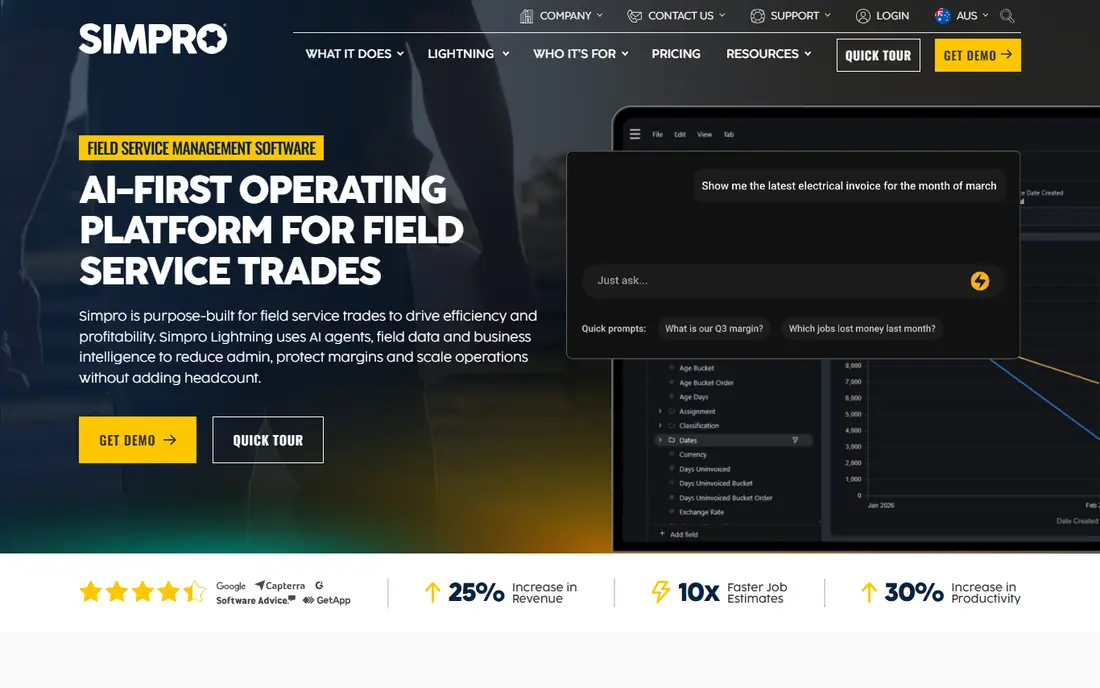
Think of simPRO for commercial and project-led electrical businesses. simPRO fits electrical businesses that mix small service jobs with bigger commercial projects and maintenance contracts.
In daily use, inventory and purchasing help businesses track stock, order parts, and link supplier catalogues to quotes. Also, job costing tracks labour, materials, contractors, and equipment against each job, so owners can see profit whereas work is still in progress. The starting price for simPRO: Quote, third-party reports 70 to 149 dollars per user per month. simPRO has no free plan.
Points against: complicated setup with a steep ramp-up time. Reasons to shortlist it: maintenance planning for bigger work.
- Inventory and purchasing
- In-depth job costing
- No published pricing
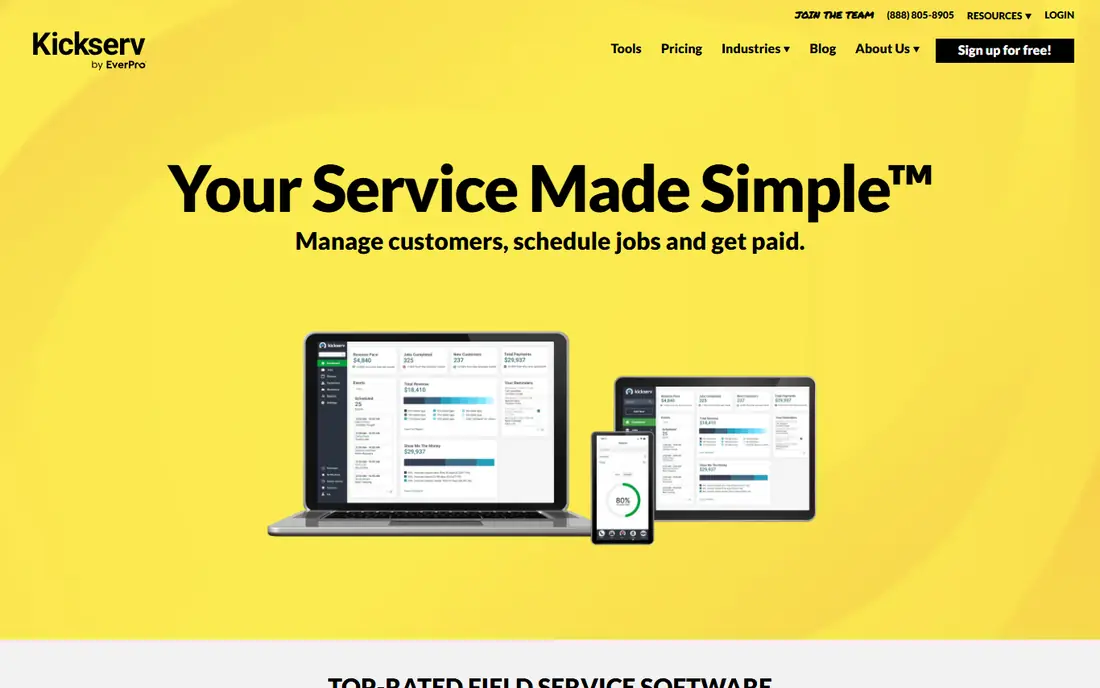
Kickserv serves small electrical teams on a budget. The Start plan contains scheduling, estimates, invoicing, customer records, time tracking, and QuickBooks Online sync for five users at 60 dollars a month.
That flat rate makes budgeting straightforward for a small crew. The primary limits are the missing two-way texting and the weak mobile app. Price to start with Kickserv: 60 dollars per month for five users. Free access: Free trial (30 days).
Drawbacks to consider: QuickBooks Desktop sync costs an extra 50 dollars a month on the Run plan.
- Low flat rate for five users, scheduling, estimates, invoicing, reminders
- QuickBooks Online sync
- Mobile app ratings are low
For small electrical businesses that require offline access, mHelpDesk is a natural candidate. mHelpDesk is one of the older field service tools, and it still fits small electrical businesses that want a straightforward system. Scheduling, work orders, invoicing, and customer records sit in one place.
The offline mode is a real advantage for electricians who work in basements, plant rooms, and new builds with poor signal. QuickBooks sync helps the office keep invoices and payments in step. The interface is dated, and there is no GPS tracking, no customer portal, and no service agreement tool, so expanding businesses may outgrow it. Entry price for mHelpDesk: Quote, third-party reports about 169 dollars per month. There is no free plan with mHelpDesk.
- Handy offline mode
- QuickBooks sync for work in poor signal areas
- Dated interface and mobile app, no GPS tracking, no customer portal, no service agreements, no published pricing
Jobber is built with small and expanding electrical businesses in mind. Quotes can contain photos and markups, which helps for panel work and bigger installs.
Also, Jobber performs well for electricians since the daily schedule is simple to read and simple to change. Price to start with Jobber: 49 dollars per month billed monthly, or 29 dollars per month billed. Free plan details: Free trial (14 days).
Trade-offs to know: Two-way texting is not included on the Core plan.
- Job costing in one system
- Time tracking
- The cost rises quick as you add users and team levels
ServiceTitan targets large high-volume electrical businesses. ServiceTitan is designed for scale, and it presents in the dispatch board, the price book, and the reporting.
Where it shines: in-depth reporting for large teams.
Points against: a 12-month minimum contract with no month-to-month choice. Beyond that, the price book supports tiered choices for each job, which helps electricians present an entry-level repair, a standard fix, and a premium upgrade in one quote. Price to start with ServiceTitan: Quote, third-party reports 245 to 500 dollars per technician per month. ServiceTitan does not include a free plan.
- Tiered price book
- Strong dispatch board
- High quote-based cost, steep ramp-up time, long onboarding
How much to budget for electrician scheduling software
Jobber Core costs 49 dollars a month billed monthly, or 29 dollars a month billed yearly, for one user. Kickserv Start costs 60 dollars a month for five users. A five-person firm should budget for the team level, not the solo level, and ask each vendor for the monthly total for your exact crew size, the cost of additional users, and any setup fee, in writing.
For instance, Jobber Grow for five users costs 299 dollars a month billed monthly, Housecall Pro Essentials for five users costs 189 dollars a month billed monthly, and Kickserv Run for ten users costs 149 dollars a month billed monthly.
A closer look at electrician scheduling software
Electricians should avoid choosing scheduling software on price alone, because the cheapest plan commonly lacks the dispatch, quoting, or invoicing tools an expanding firm needs, and that results in a second purchase within per year. In practice, another mistake is buying a large enterprise product for a two-person firm, since setup can take weeks and the per-technician cost can exceed the value of the additional features. On top of that, test it with a full week of real bookings, including an emergency call and a rescheduled job.
Finally, check the cost of additional users, card processing, and extras before signing, since those extras can double the monthly bill for a small firm. In practice, a fifth mistake is ignoring the mobile app, since electricians live on their phones. A slow or confusing app will slow every job.
For everyday use, Finally, check how simple it is to leave, since some tools make data export slow or restricted, and a long contract can lock you into a poor fit.
A closer look at electrician scheduling software
The scheduling and dispatch features that matter most for electricians are a live dispatch board, drag-and-drop rescheduling, route planning, and live job status updates. As for the details, a live board presents every electrician, every job. Every time slot in one place, so the office can move work when an emergency call comes in.
Also, a decent tool also supports recurring work, like safety checks and maintenance visits, with automatic repeat bookings. It should let electricians see job details and photos on a phone, even with a weak signal.
How we compared the tools
ProMapRanker looked at what each vendor publishes: pricing, plan limits, feature coverage for electrician scheduling software and stated drawbacks. No hands-on testing is claimed. Plan names, prices and limits change often. Treat the figures here as a starting point and verify them with the vendor. The ranking is editorial: typical fit first, then clear pricing, then free access. If your needs are unusual, read the profiles rather than relying on position.
A buyer's checklist
- Check the current price for Housecall Pro, ServiceTitan and the rest on each vendor page, since seats and billing terms change the total.
- Use real work to test the free trial from Housecall Pro, Kickserv and Jobber, rather than a demo project.
- Before choosing Housecall Pro, weigh its main limit: numerous handy extras, such as the AI receptionist, campaigns, and vehicle GPS, cost additional and have no published price.
- Test the integrations you rely on with Housecall Pro before committing; some connectors sit on upper tiers.
- Get the contract term, renewal terms and any onboarding fees from ServiceTitan in writing.
Frequently asked questions
Can electrician scheduling software manage emergency callouts?
The office can move a lower priority job, assign the nearest electrician, and send the customer a text with the new arrival time. Jobber, Housecall Pro, and ServiceTitan all support drag-and-drop rescheduling. Worth adding: check that the mobile app updates in live, so the electrician sees the change at once.
Can I try these options before paying?
Often, yes. Housecall Pro, Kickserv and Jobber offer a free trial. Use your own data and a real task during the test, and check what the free tier or trial limits before you rely on it.
How do I choose the best electrician scheduling software for a small firm?
Housecall Pro comes first here and is built for residential electrical teams that want route planning and flat-rate pricing. Buyers with other needs may prefer simPRO (for commercial and project-led electrical businesses) or Kickserv (for small electrical teams on a budget). Compare costs and limits first.
How are the tools for electrician scheduling software ordered?
The order follows typical fit for electrician scheduling software, with Housecall Pro first and ServiceTitan last, then price clarity and free access. It is editorial judgement, not a score, so another team could rank the tools differently.
What is the cheapest electrician scheduling software in this list?
Jobber is the cheapest for a solo electrician, at 49 dollars a month billed monthly, or 29 dollars a month billed yearly, for one user. Housecall Pro Basic costs 59 dollars a month billed yearly for one user. Quote-based tools can cost more, so get a written quote before you compare totals.
Do these tools publish their prices?
Yes. Every tool from Housecall Pro to ServiceTitan shows a starting price, though seats, add-ons and billing terms still change the final cost.
Sources
See where you really rank - block by block
ProMapRanker scans Google Maps across a grid of your service area. Simple monthly plans from $19, white-label on every plan.
Start freeKeep reading
 zscaler alternatives
Best Zscaler Alternatives in 2026
Looking for zscaler alternatives? We compare 9 SASE and zero trust platforms on architecture, data protection, pricing, and fit for your network and team.
Read → zapier alternatives free
Best Zapier Alternatives Free in 2026
Nine automation tools for zapier alternatives free in 2026, all with genuinely free tiers, plus free plan limits, starting prices and upgrade paths explained.
Read → which platform is best for online reputation
Which Platform Is Best for Online Reputation in 2026
Wondering which platform is best for online reputation? We compare 8 review, listing, and response tools for small and multi-location businesses and agencies.
Read →