 ProMapRanker
Best Elearning Tools in 2026

Key takeaways
- Thinkific is our pick for course creators who want strong teaching tools without a heavy marketing suite.
- TalentLMS suits staff training, with a free plan for up to 5 users and paid plans from $119 per month.
- Teachable is a simple route to selling a first course, though its Starter plan adds a 7.5 percent transaction fee.
- Moodle is free to download and highly flexible, but it needs hosting and technical setup that hosted tools avoid.
Quick comparison
| Pick | Great for | Pricing starts at | Free tier | |
|---|---|---|---|---|
 Thinkific | Course creators who teach first | $36 per month | No | Visit |
 Teachable | Selling a first course simply | $29 per month | No | Visit |
 TalentLMS | Staff and partner training | $119 per month | Yes | Visit |
 Moodle | Flexible open-source learning | Free | Yes | Visit |
 Kajabi | Courses plus marketing in one tool | $143 per month | No | Visit |
 LearnWorlds | Interactive branded courses | $29 per month | No | Visit |
 Podia | Budget all-in-one selling | $49 per month | No | Visit |
 LearnDash | WordPress course websites | $199 per year | No | Visit |
The best elearning tools
Elearning tools split into two jobs. Some help you sell courses to the public. Others train staff, partners, or customers inside an organisation. A tool that shines at marketing may be weak at compliance reporting, and a staff training system may be poor at checkout and sales pages.
This list covers both sides. Check whether you need sales, training, or both before you compare prices, because the cheapest plan on one side can be the wrong tool on the other.
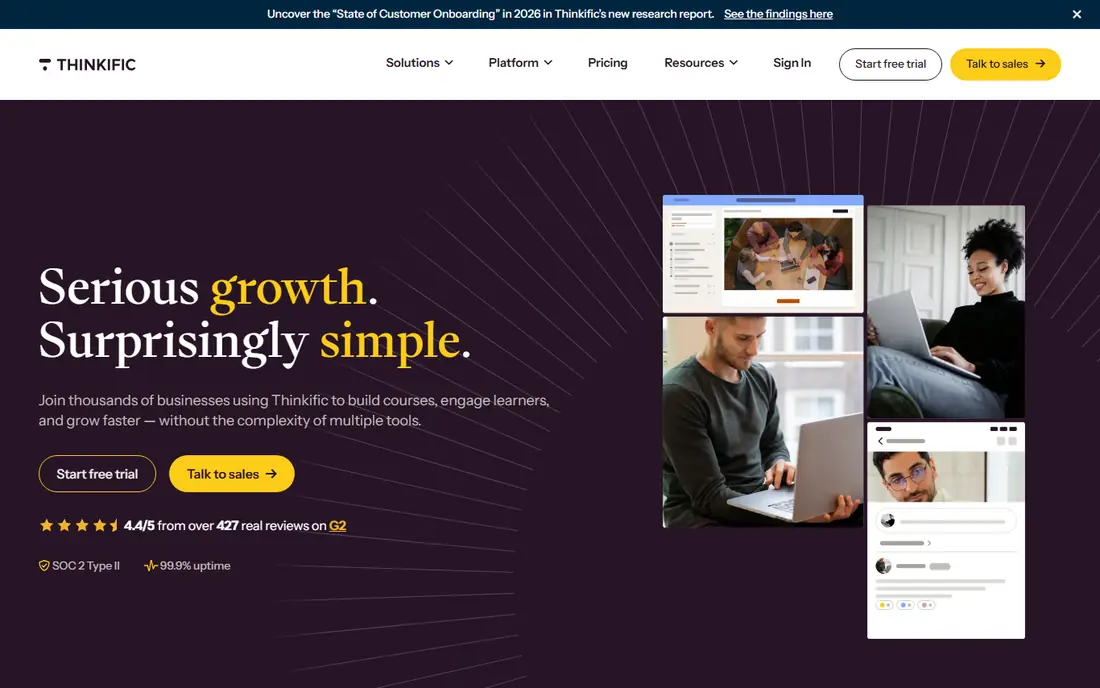
Thinkific puts the course first. You can build lessons with video, text, quizzes, assignments, and drip schedules, then sell bundles, memberships, or single courses. Recent pricing reports put the Basic plan at $36 per month on annual billing, with Start and Grow plans adding deeper learning, compliance, and business features. Thinkific Payments avoids a platform transaction fee, though using your own Stripe account can add a per-plan gateway fee.
The trade-off is marketing depth. Thinkific covers landing pages and email sequences, but it does not replace a full marketing suite. Creators who already have an audience will like that focus. Creators who need funnels, a CRM, and advanced automation in one bill may prefer Kajabi or Podia, at a higher price or with different limits.
- Strong course builder, quizzes, and certificates
- No platform fee with Thinkific Payments
- Supports memberships and bundles
- No free plan, only a trial
- Higher plans needed for advanced features
- Marketing tools are lighter than Kajabi
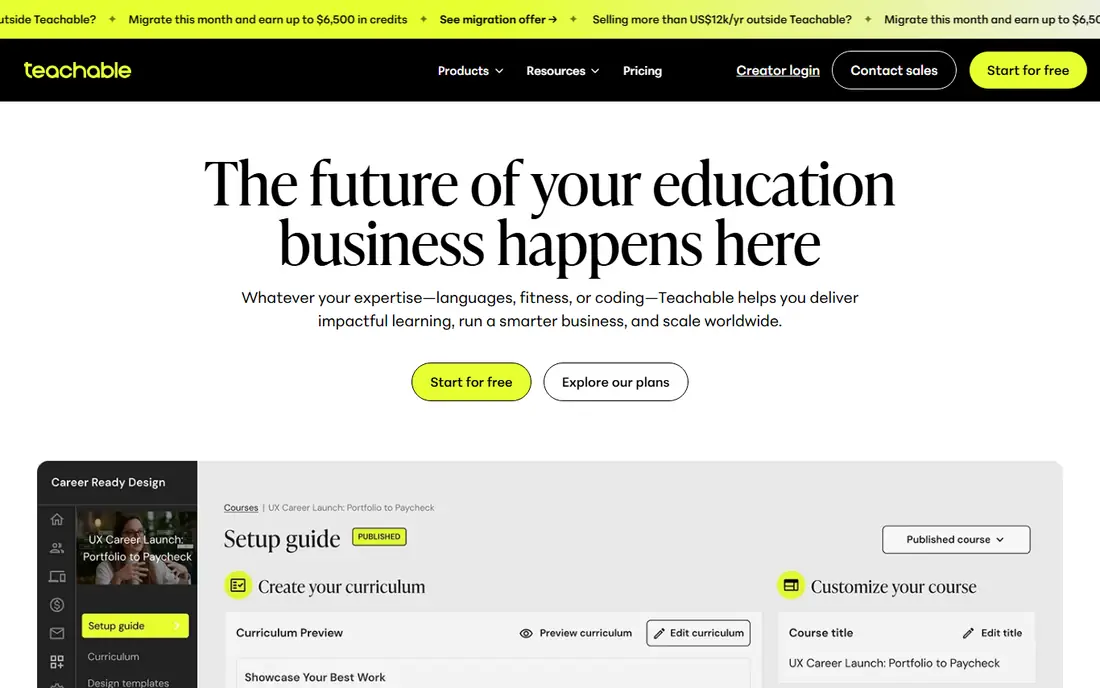
Teachable is the low-friction route to a first paid course. You can upload video, text, and quizzes, set a price, and open checkout without building a website. The Starter plan costs $29 per month on annual billing in recent reports, but it adds a 7.5 percent transaction fee on sales. Builder at $69 per month and Growth at $139 per month remove that platform fee and add more branding and team features.
That fee structure shapes the choice. Starter suits a test with low sales, where a small monthly bill matters more than the fee. Once sales grow, the fee can cost more than the jump to Builder, so do the maths on your expected monthly revenue. Teachable remains a good first school, but it is not the cheapest home for a proven course.
- Simple setup for a first school
- Built-in checkout and student management
- Clear upgrade path as sales grow
- Starter plan charges a 7.5 percent transaction fee
- No free plan, only a trial
- Email and branding tools are basic on low plans
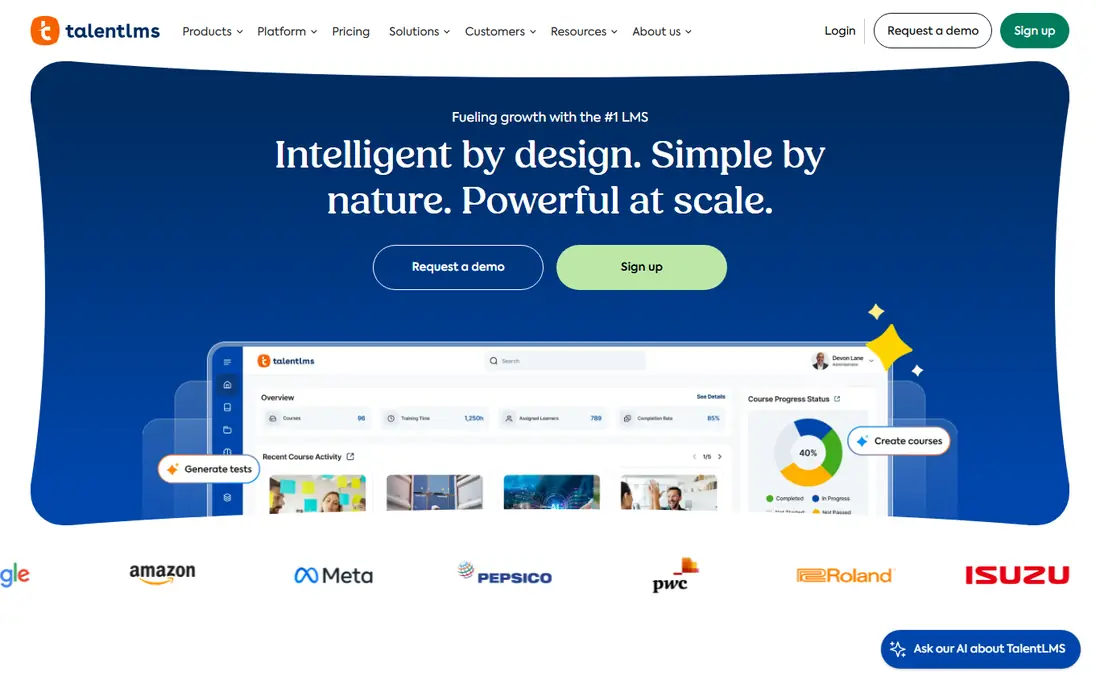
TalentLMS is built for training people inside an organisation, not for selling courses to strangers. Admins can assign courses, track completion, set certificates with expiry dates, and run reports for compliance. The free plan covers up to 5 users and 10 courses, which is enough to test the workflow. Core starts at $119 per month on annual billing for up to 40 users, with Grow and Pro adding branches, automations, and deeper reporting.
Pricing by user bracket needs care. Moving from 40 to 41 users can jump you to a higher bracket, so model headcount growth before you sign. The platform also charges extra for its ready-made course library. For onboarding, compliance, and partner training, though, TalentLMS is one of the most complete hosted options.
- Free plan for up to 5 users and 10 courses
- Gamification and automation built in
- Branches for separate teams or audiences
- Paid Core starts at $119 per month for up to 40 users
- Price rises with user brackets
- Ready-made course library is an add-on
Moodle is free to download, and that freedom is its main appeal. Schools, universities, and training teams can shape courses, grading, plugins, and enrolment to fit their rules. The plugin library covers quizzes, SCORM, badges, and many assessment types. MoodleCloud offers hosted plans for teams that do not want to run a server, with a Small plan reported near $490 per year in one pricing comparison.
Freedom has a cost in time. Someone must install, update, back up, and secure the site, and a dated interface can put off learners used to modern course apps. Moodle suits teams with technical support and specific needs that hosted tools cannot meet. Teams without that support should choose a hosted tool and accept its limits.
- Free open-source core
- Huge plugin library
- Suits schools and large institutions
- Needs hosting, setup, and maintenance
- Interface can feel dated
- Support depends on your team or a partner
Kajabi is for creators who want one tool for the whole business. Courses sit next to email marketing, landing pages, funnels, and a website, so a sale, a follow-up, and a membership can live in one system. The Basic plan costs $143 per month on annual billing in recent reports, with Growth and Pro adding more products, contacts, and automation. Kajabi Payments avoids a platform fee, while a third-party gateway can add a fee by plan.
That price is the filter. A creator with one course and a small list will pay for tools they do not use. A creator selling several products, running email campaigns, and building funnels can replace three or four subscriptions with Kajabi. Compare the total stack cost, not just the Kajabi bill, before you decide.
- Courses, email, funnels, and websites in one bill
- No platform fee with Kajabi Payments
- Strong landing page and automation tools
- Basic plan costs $143 per month on annual billing
- Overkill for a single course
- Using your own Stripe gateway can add a fee
LearnWorlds stands out for the learning experience itself. Interactive video, a branded player, assessments, and certificates make a course feel like a product rather than a playlist. The Starter plan costs $29 per month in recent comparisons, but it adds $5 per paid enrolment, which matters once sales grow. Higher plans remove that fee and add white-label branding, advanced analytics, and more integrations.
That fee makes Starter a testing plan, not a long-term home for a popular course. Creators who care about design, interactivity, and brand control will like LearnWorlds. Creators who want the lowest possible cost per sale should compare the next tier, or a platform with no per-sale fee, before they launch.
- Interactive video and branded course player
- SCORM support and assessments
- White-label options on higher plans
- Starter plan adds $5 per paid enrolment
- No free plan
- Advanced features need higher tiers
Podia is a simpler all-in-one for solo creators. You can sell courses, digital downloads, coaching, and memberships from one dashboard, with checkout and student management included. The Mover plan costs $49 per month in recent comparisons and adds a 5 percent transaction fee, while Shaker and above remove that fee and add more features. That structure suits a creator who wants one bill without Kajabi pricing.
Podia will not match Kajabi on funnels or LearnWorlds on interactivity, and its community tools are modest. What it offers is a clear, low-drama route to selling. If your course is the product and your email list is small, Podia is a sensible middle ground between a bare course host and a full marketing suite.
- Courses, downloads, and memberships in one place
- Simple setup for solo creators
- No platform fee on higher plans
- Mover plan adds a 5 percent transaction fee
- Email and design tools are simpler than Kajabi
- Community features are basic
LearnDash turns a WordPress site into a course platform. You keep your domain, your theme, and your content, and you add lessons, quizzes, drip schedules, certificates, and groups through the plugin. The Essentials plan costs $199 per year in recent comparisons, with higher plans adding more sites and Pro features. There is no platform transaction fee, though payment processing still applies.
WordPress ownership is both the benefit and the burden. You control the site, but you also own updates, backups, security, and plugin conflicts. LearnDash suits creators and schools already on WordPress who want that control. Creators who want a hosted school with no server work should pick Thinkific, Teachable, or Podia instead.
- Runs inside WordPress you already own
- No platform transaction fee
- Strong quiz, drip, and certificate features
- Needs WordPress hosting and upkeep
- Add-ons can add cost
- Design depends on your theme and plugins
How we picked these
We compared official pricing pages and recent October 2026 pricing reports, and we kept only tools that exist and work now for selling courses or training learners. We weighed course building, assessment, certificates, checkout fees, and the real monthly cost at expected sales levels. We left out marketplaces that take a revenue share on every sale, since their economics differ from a platform you run yourself.
How to choose between selling and training
Name your buyer first. If the buyer is the public, you need checkout, sales pages, and a low transaction fee at your sales level. If the buyer is your employer or your client, you need enrolment, completion reports, and certificates. A sales platform can train staff in a pinch, but its reporting will frustrate a compliance manager. A training platform can sell a course, but its checkout will frustrate a marketer.
Do the fee maths at your sales level
Take your expected monthly sales and apply both the monthly plan and the transaction fee. A $29 plan with a 7.5 percent fee can cost more than a $69 plan with no fee once sales pass a few hundred dollars a month. Include payment processing, which applies on every platform, and any per-enrolment fee. The cheapest sticker price is rarely the cheapest total.
Test one real lesson end to end
Build one lesson with video, a quiz, and a certificate, then enrol a test student on a phone. Watch for slow video, confusing navigation, and broken certificates. Ask the test student where they got stuck. A platform that feels smooth to the admin can still confuse learners, and learner confusion is what drives refunds and support tickets.
Check ownership and exit options
Ask how you export student data, course content, and enrolment records if you leave. Hosted platforms vary on exports, and WordPress tools give you more control by design. Also check whether your domain, email list, and payment history stay with you. A low monthly fee is a poor deal if leaving means rebuilding your school from scratch.
Frequently asked questions
What is the best elearning software for selling courses?
Thinkific is our pick for teaching-first creators, while Teachable suits a first course and Kajabi suits a full marketing business. Compare transaction fees at your sales level, since a low monthly plan with a high fee can cost more than a higher plan with no fee. Test checkout on mobile before you launch.
What is the best elearning platform for staff training?
TalentLMS is a strong hosted choice, with a free plan for small teams and compliance reporting on paid plans. Moodle suits larger teams with technical support and specific custom needs. Pick TalentLMS for speed, and Moodle for control.
What is the top elearning software for a WordPress site?
LearnDash is the leading WordPress-native option, with quizzes, drip content, and certificates inside your own site. It needs hosting and upkeep, so budget time for updates and backups. If you do not want server work, a hosted platform is a better fit.
Is there a free best elearning tool for small teams?
TalentLMS offers a free plan for up to 5 users and 10 courses, and Moodle is free to download as open-source software. Hosted course sellers such as Thinkific, Teachable, and Kajabi offer trials rather than permanent free plans. Free plans suit testing and tiny teams, not a large public school.
What is the best elearning tool for interactive courses?
LearnWorlds leads on interactive video and branded course design, with SCORM support and strong assessment tools. Thinkific and Kajabi also support quizzes and certificates, but with less interactive video depth. If interactivity is your main selling point, test LearnWorlds with a real lesson first.
Sources
See where you really rank - block by block
ProMapRanker scans Google Maps across a grid of your service area. Simple monthly plans from $19, white-label on every plan.
Start freeKeep reading
 zoho inventory alternatives
6 Alternatives to Zoho Inventory, Compared on Price and Fit
Zoho Inventory alternatives: 6 tools compared on price, free plans and fit. Katana leads the list for manufacturers. Fit and flaws are laid out for each entry.
Read → zoho crm alternatives
Best Zoho CRM Alternatives (2026)
Need Zoho CRM alternatives? We compare 7 tools on cost, free access and who each suits. Every pick gets a straight assessment. Built for quick decisions.
Read → zelle alternatives
Best Zelle Alternatives in 2026
Compare the best Zelle alternatives for sending money to friends, paying sellers and moving funds abroad, with honest notes on fees, speed and safety in 2026.
Read →