 ProMapRanker
Best Educational Apps for 4 Year Olds Free in 2026


Full free curriculum for ages 2 to 8 · Pricing starts at: Free
Key takeaways
- Khan Academy Kids is our top free pick, with a full curriculum, no ads, and no paid tier to open.
- PBS Kids Games and Duolingo ABC are strong free companions for familiar characters and early phonics.
- Starfall, ABCya, and ScratchJr add free phonics, games, and early coding play, with some paid extras to watch for.
- Lingokids and SplashLearn offer free tiers with broader subjects, but parents should check what sits behind a paywall.
Quick comparison
| Pick | Great for | Pricing starts at | Free tier | |
|---|---|---|---|---|
| Khan Academy Kids | Full free curriculum for ages 2 to 8 | Free | Yes | Visit |
 PBS Kids Games | Free games with familiar PBS characters | Free | Yes | Visit |
 Duolingo ABC | Free early phonics and reading | Free | Yes | Visit |
 Starfall | Free phonics with optional membership | Free | Yes | Visit |
 ABCya | Free games for early learning | Free | Yes | Visit |
 Lingokids | Free tier for play-based learning | Free | Yes | Visit |
 ScratchJr | Free early coding and storytelling | Free | Yes | Visit |
 SplashLearn | Free tier for math and reading games | Free | Yes | Visit |
The best educational apps for 4 year olds free
Pick one fully free curriculum app first, then add a phonics or game app, and check privacy and purchases before each install.
Four-year-olds learn best through short, playful activities with clear sounds, pictures, and repetition. The apps below all offer a genuinely free tier, so a family can start without a subscription, and most are designed for ages 2 to 8, which covers a 4-year-old and gives room to grow. We left out polished paid apps that only offer a short trial, because a trial is not a free tier and it creates pressure to pay before a child has settled into a routine. Parents should check age ratings and in-app purchases before installing any app, even a free one, because ratings and purchase options vary by store and device. Children's data privacy also matters at this age: prefer apps with clear parent sections, no third-party ads in the child area, and a privacy policy that explains what data is collected. Sit with your child for the first sessions, set device purchase controls, and keep screen time short and shared where possible.
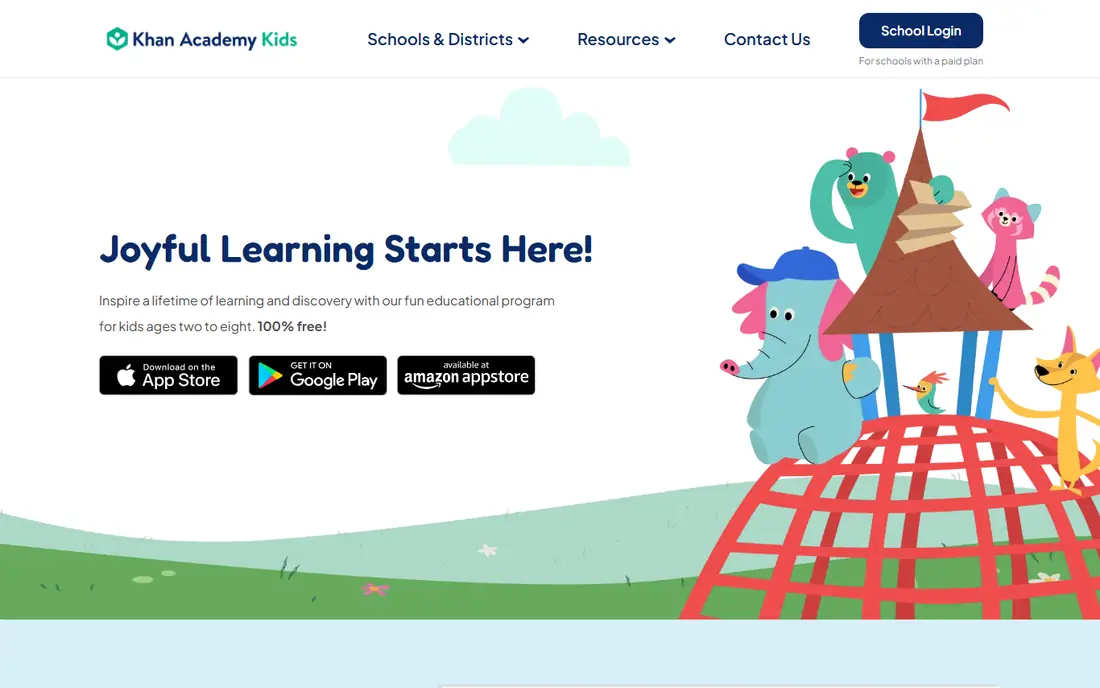
Khan Academy Kids is the clearest free pick for a 4-year-old. It is completely free, with no ads and no paid tier, and it covers early reading, math, logic, and social-emotional skills through books, games, songs, and activities featuring friendly characters. A parent section shows progress and lets an adult set up a profile, which helps a family track what a child is practising without needing to pay for reports.
The app works best when an adult stays nearby at first, because a 4-year-old may need help with instructions or with moving between activities. Some content reflects US school topics, so families outside the US may find a few references less familiar. Those are small limits for a free app with this breadth. If you install only one app from this list, install this one first and use the others as companions.
- Completely free with no ads
- Reading, math, and social-emotional activities
- Parent and teacher tools
- Content is US focused in places
- Some activities need an adult to guide a younger child
- No paid extras to add content
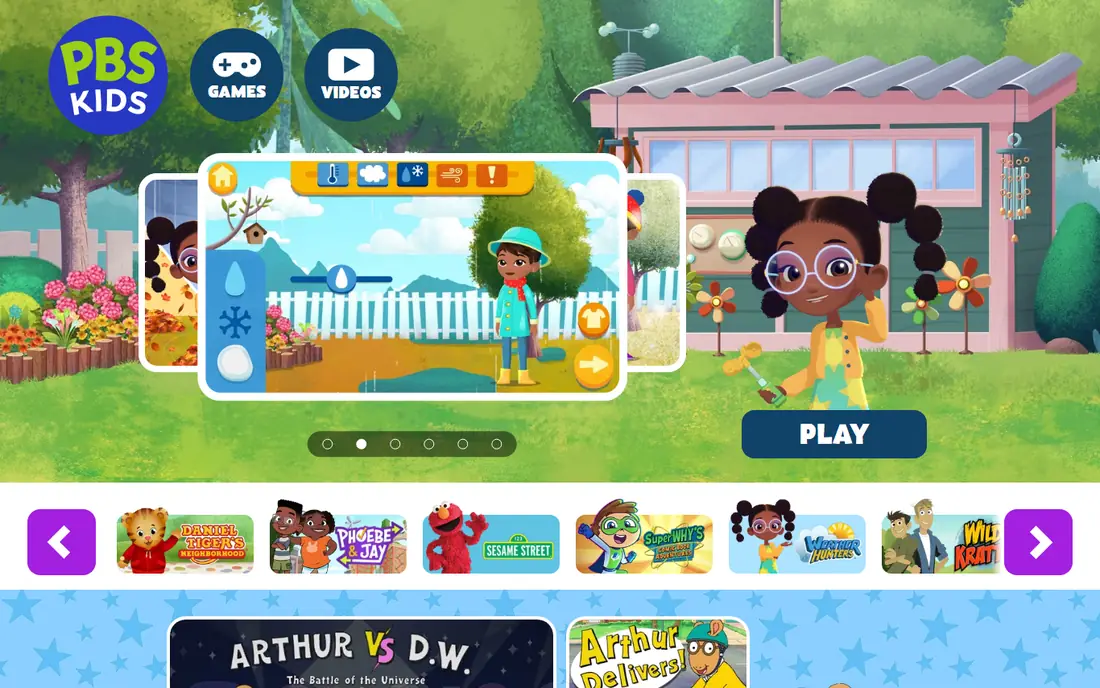
PBS Kids Games brings familiar characters into short, curriculum-based games that cover letters, numbers, shapes, science, and problem solving. A 4-year-old who already watches a PBS show will recognise the characters, which lowers the barrier to starting a game and helps an adult talk about what the child just played. The app is free, and the parent section offers information on games and settings, which is useful for families who want to limit play to certain shows or topics.
Not every game is equally strong, and some need an internet connection, so offline play is limited compared with Khan Academy Kids. Game difficulty also varies, so a 4-year-old may breeze through one game and need help with the next. PBS Kids Games works best as a second app for variety, used in short sessions alongside a more structured curriculum app, rather than as the only learning tool.
- Free games across subjects
- Familiar characters from PBS shows
- Parent section with controls
- Some games need internet access
- Quality varies by game
- Device and store ratings vary
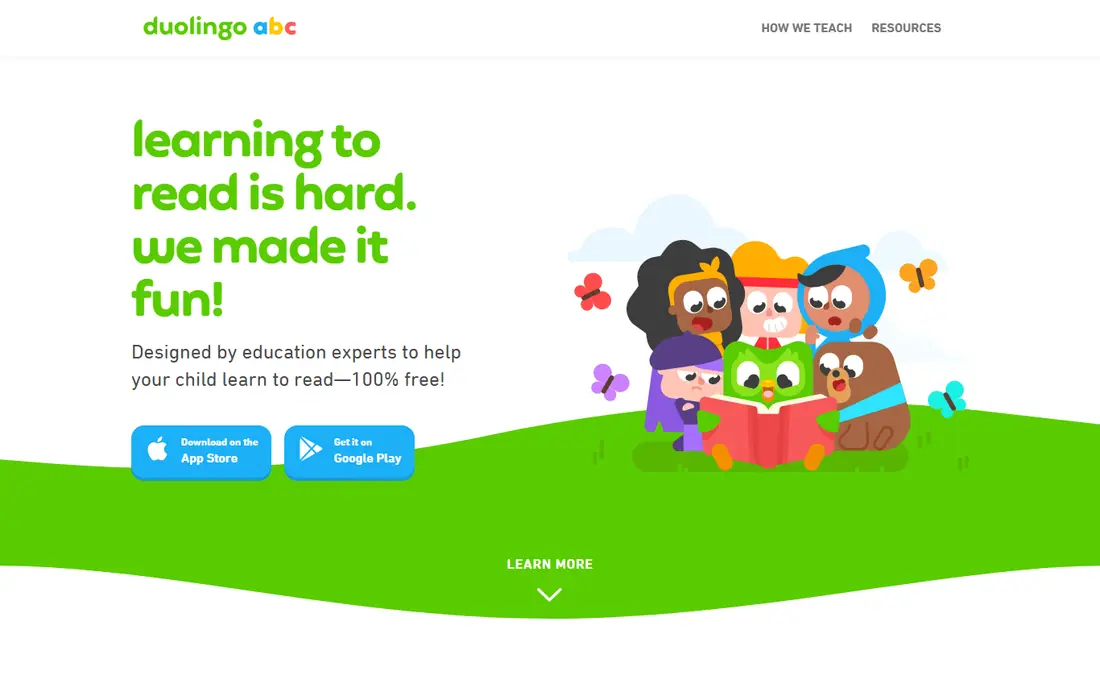
Duolingo ABC is a free app that teaches early reading through short phonics lessons, letter sounds, and simple stories. Lessons are bite sized, which suits a 4-year-old attention span, and the playful design keeps practice feeling like a game rather than a test. There are no ads in the child experience as presented by the maker, and no subscription is needed to use the core reading path, which makes it easy to recommend to families on a tight budget.
The limit is scope. Duolingo ABC is reading first, so it does not replace math, science, or creative play, and a child who needs broader practice will need another app. Age guidance and availability vary by app store, so parents should check the listing for their device before installing. Use Duolingo ABC for daily letter practice, and pair it with Khan Academy Kids for math and broader topics.
- Free learn-to-read app
- Short phonics lessons
- Playful rewards without paid pressure
- Reading focus only
- Limited math or science
- Availability and age guidance vary by store
Starfall has taught phonics to young readers for many years, and its free core content still covers letters, sounds, and early reading through songs, games, and interactive stories. A 4-year-old can start with letter recognition and move into simple words at their own pace, and the calm design avoids loud upsell prompts inside the free activities. That long history in classrooms gives parents a reason to trust the phonics sequence, even if the look feels simpler than newer apps.
The full curriculum, including broader math and reading content, sits behind a low-cost membership, so parents should check what is free and what is paid before a child expects a locked activity. Some Starfall content is best on the web rather than in an app, depending on device, so test the version you plan to use. Starfall is a strong free phonics companion, especially for a child who is just starting to connect letters and sounds.
- Free core phonics and reading content
- Songs and interactive stories
- Long track record in early reading
- Full math and reading curriculum needs a paid membership
- Some content is web based
- Design feels older than newer apps
ABCya offers a large set of free educational games for young children, with filters by grade and subject that help a parent find activities for a 4-year-old. Games cover letters, numbers, shapes, patterns, and early problem solving, and the short format suits a preschooler who wants to try several activities in one session. The free tier gives a family a useful taste of the library without paying upfront, which is why it belongs on a free list.
Parents should check the ad and purchase setup carefully. The free web version can show ads in some cases, and full access needs a subscription, so a child may meet a locked game or a prompt that an adult needs to handle. Some games are better for kindergarten and above, so a parent should preview a game before handing a device to a 4-year-old. Used with an adult nearby and with purchase controls on, ABCya adds welcome variety.
- Free tier with many games
- Covers letters, numbers, and shapes
- Grade and age filters
- Free tier includes ads on the web version in some cases
- Full access needs a subscription
- Some games suit older children
Lingokids uses songs, games, and playful characters to teach language, early math, and social skills, and its free version lets a family try that style without paying. A 4-year-old may enjoy the music and repetition, and the parent area shows activity and progress, which helps an adult see what a child has practised. The app is designed for young children, with bright visuals and short activities that suit preschool attention spans.
The free version is a sample, not the full library, and many activities sit behind a paid plan, so parents should set expectations and device controls before a child starts. A child who loves a locked game may ask to buy it, which is normal at this age but needs an adult decision. Lingokids works best as a try-before-you-buy companion, used for songs and language play alongside a fully free app such as Khan Academy Kids.
- Free version with games and songs
- Covers language, math, and social skills
- Parent progress area
- Many activities need a paid plan
- Free content is a sample of the full library
- Purchase prompts need parent controls
ScratchJr is a free app that lets young children create stories and games by snapping together programming blocks, with no reading required to start. A 4-year-old can move characters, add sounds, and build a simple scene with an adult nearby, which builds sequencing, cause and effect, and creative confidence. The app has no ads and no purchases in its core offer, which makes it one of the safest free picks for creative play.
ScratchJr is aimed at ages 5 to 7, so a 4-year-old will need more adult help than with a phonics app, especially for multi-step projects. It also does not teach reading or math directly, so it is a creative companion rather than a curriculum app. For a child who loves making things and telling stories, ScratchJr adds a kind of learning that reading and math apps do not cover, and it costs nothing to try.
- Completely free
- Block coding for ages 5 to 7 with younger play possible
- Creative storytelling
- Aimed slightly above age 4, so younger children need adult help
- No curriculum reports
- Limited reading content
SplashLearn offers game-based math and reading practice with a free tier that lets a family try its style before paying. Games use rewards, levels, and short challenges to keep a young child engaged, and a parent dashboard shows practice and progress. For a 4-year-old, the early math games covering counting, shapes, and simple patterns can complement a reading app, especially if a child prefers game rewards to book-style activities.
The free tier is limited, and full content needs a paid plan, so parents should check which grades and subjects are free for their child before promising a locked game. An account is needed for progress tracking, which brings data privacy into focus: check the privacy policy, use a parent email, and avoid entering extra personal details about a child. Used as a free math companion with controls on, SplashLearn adds variety without requiring a subscription.
- Free tier for math and reading practice
- Game-based rewards
- Parent dashboard
- Full content needs a paid plan
- Free tier is limited by subject and grade
- Some features need an account
How we picked these
We compared official feature pages, pricing pages, app store listings, and public help pages for each product, and we checked that each one is still offered in October 2026. We gave weight to fit for the stated use, clear pricing, and limits that a new user would meet in the first month. We left out products that had closed, changed into a different kind of tool, or did not match the topic closely enough, even when they were well known in another category. We did not claim hands-on testing. Our notes come from what vendors publish and what their public documentation says about plans, features, and restrictions. Prices change often, so we used the vendor page or app store listing as the source and wrote See website where a current price was not published clearly.
How to choose a free app for a 4-year-old
Start with one fully free app as the daily default. Khan Academy Kids covers reading, math, and social skills without ads or a paid tier, so it avoids the upsell pressure that comes with many free samples. Add one phonics app, such as Duolingo ABC or Starfall, and one game or creative app, such as PBS Kids Games or ScratchJr, rather than installing ten apps at once. Fewer apps mean fewer accounts, fewer purchase prompts, and more time for a child to learn one routine well. Check privacy and purchases before you hand over a device. Read the privacy policy summary, look for a parent section, and turn on device purchase controls so a child cannot buy a subscription by tapping. Prefer apps with no third-party ads in the child area, and avoid entering a child's full name, school, or photo where an app does not need it. If an app asks for more data than its learning job requires, choose a simpler alternative. Check age ratings in your own app store, because guidance can vary by device and region. Preview the first few activities yourself, and watch for locked content or chat features that do not belong in a preschool app. Keep sessions short and shared, with books, blocks, and conversation alongside app time.
Frequently asked questions
What are the best free educational apps for 4 year olds?
Khan Academy Kids is the best fully free pick, with PBS Kids Games and Duolingo ABC as strong free companions. Starfall adds free phonics, ABCya adds free games, and ScratchJr adds free creative coding play. All of these offer a genuinely free tier, but paid extras vary, so check each listing before you install.
Are these apps really free for 5 year olds too?
Yes, most apps on this list cover ages 2 to 8 or a similar range, so they also suit a 5-year-old, with harder activities to grow into. Khan Academy Kids, PBS Kids Games, Duolingo ABC, and Starfall all work for 5-year-olds, and the same free tiers apply. Check the age filter in each app for the right level for your child.
Are free educational apps safe for children?
The apps here are designed for young children and many have no ads in the child area, but safety still needs parent checks. Turn on purchase controls, read the privacy policy, preview activities, and sit nearby for early sessions. Avoid apps with open chat, third-party ads, or data collection that is not needed for learning.
Do free apps have in-app purchases?
Some do. Khan Academy Kids, PBS Kids Games, Duolingo ABC, and ScratchJr are free in their core offer, while Starfall, ABCya, Lingokids, and SplashLearn offer paid upgrades for full content. Set device purchase controls and explain to a child that locked items need a grown-up decision, so a tap does not become a subscription.
How much screen time is right for a 4-year-old?
Short, shared sessions work best, with a clear start and stop time and plenty of non-screen play, books, and conversation. Use the app for focused practice, such as letters or counting, rather than long passive viewing, and stop if a child is tired or frustrated. Your paediatrician or local health guidance can help you set a routine that fits your family.
Sources
See where you really rank - block by block
ProMapRanker scans Google Maps across a grid of your service area. Simple monthly plans from $19, white-label on every plan.
Start freeKeep reading
 zscaler alternatives
Best Zscaler Alternatives in 2026
Looking for zscaler alternatives? We compare 9 SASE and zero trust platforms on architecture, data protection, pricing, and fit for your network and team.
Read → zapier alternatives free
Best Zapier Alternatives Free in 2026
Nine automation tools for zapier alternatives free in 2026, all with genuinely free tiers, plus free plan limits, starting prices and upgrade paths explained.
Read → which platform is best for online reputation
Which Platform Is Best for Online Reputation in 2026
Wondering which platform is best for online reputation? We compare 8 review, listing, and response tools for small and multi-location businesses and agencies.
Read →