 ProMapRanker
Best Education Management Software in 2026


Large K-12 public school districts · Pricing starts at: See website
Key takeaways
- PowerSchool and Infinite Campus suit large public districts, while Blackbaud and FACTS suit private K-12 schools.
- Alma, Gradelink, and QuickSchools suit smaller schools that want a modern system without district-scale complexity.
- Most large school systems price by quote, so ask for the full module and implementation cost, not only a headline rate.
- Student data privacy needs a direct check: ask for FERPA handling, access controls, and a data processing agreement.
- Classe365 suits schools that want SIS, LMS, and billing in one place.
Quick comparison
| Pick | Great for | Pricing starts at | Free tier | |
|---|---|---|---|---|
| PowerSchool SIS | Large K-12 public school districts | See website | No | Visit |
 Blackbaud Education Management | Private K-12 schools with fundraising and tuition needs | See website | No | Visit |
 FACTS | K-12 schools that want family tools plus admin | See website | No | Visit |
 Alma | Modern K-12 schools replacing a legacy SIS | See website | Free trial | Visit |
 Infinite Campus | Large US public school districts | See website | No | Visit |
 Skyward | Public school districts that want SIS plus business tools | See website | No | Visit |
 Classe365 | Schools and academies that want an all-in-one platform | $100 per month | Free trial | Visit |
 Gradelink | Small private and faith-based schools | $121 per month | Free trial | Visit |
 QuickSchools | Small schools that need affordable core features | $0.99 per student per month | Free trial | Visit |
The best education management software
We compared nine education management systems for K-12 schools and academies, with a focus on student records, grading, attendance, billing, and family communication. For school use, we note student-data privacy in each case: only use tools that your school has approved, with proper access controls and data agreements.
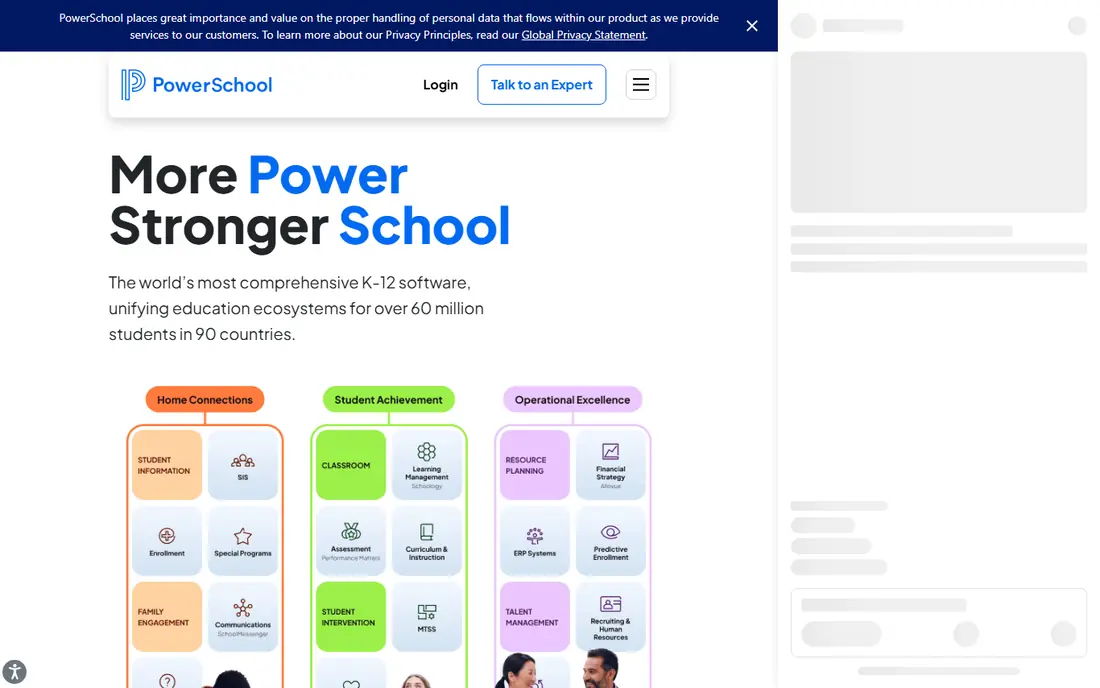
PowerSchool SIS is a strong option in this list. PowerSchool SIS is a widely used student information system for districts that need enrollment, grading, attendance, and state reporting. Its portals give families and students access to grades and attendance, while districts can add modules for scheduling, analytics, and more.
In our view, the main trade-off is this: pricing is by quote and implementation can be complex, so small schools should compare the full setup cost with a simpler system. That matters most when your volume, team size, or budget changes, so test the setup you will use every week before you commit.
- Student information system with grading and attendance
- State reporting tools
- Parent and student portals
- Pricing is by quote
- Implementation can be complex for small schools
Blackbaud Education Management
Great for: Private K-12 schools with fundraising and tuition needs

For many buyers, Blackbaud Education Management is a practical place to start. Blackbaud Education Management links academics with tuition, accounting, and fundraising for private schools. That link helps when a school wants enrollment, billing, and donor records to stay connected, rather than in separate tools.
The honest catch is pricing is by quote and the depth can mean a longer setup, so schools should test the exact workflows they use each term. Before you sign up, run one real task through it and check the result against your current process.
- Academics, tuition, and accounting links
- Fundraising tools
- Enrollment and family portals
- Pricing is by quote
- Depth can mean longer setup
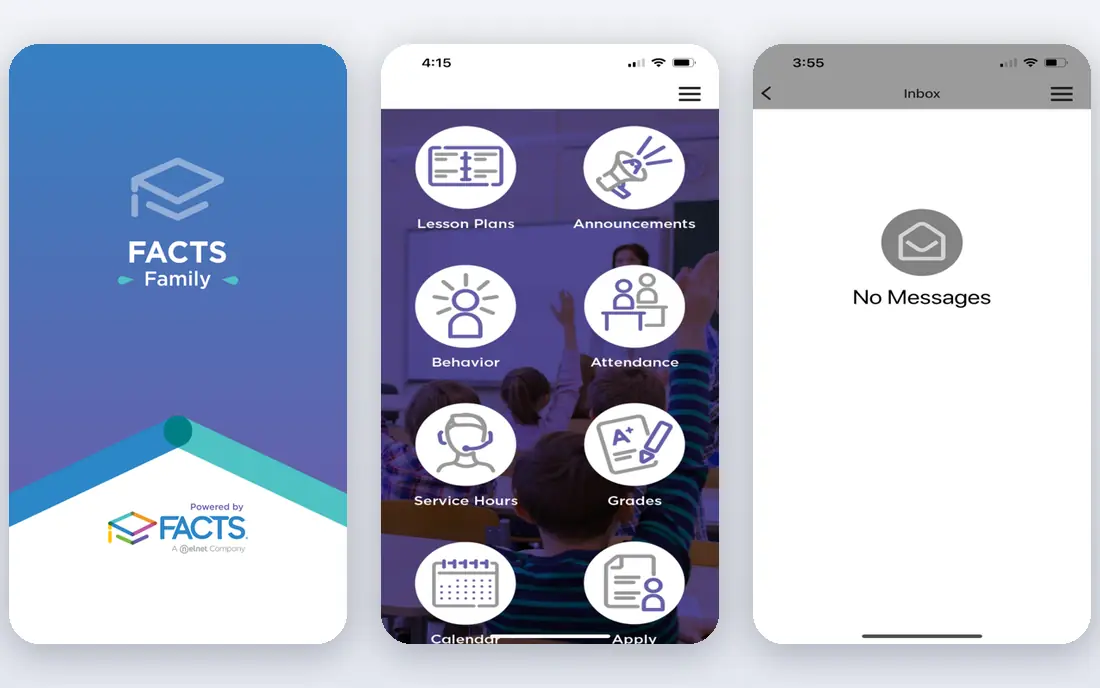
FACTS takes a different approach in this category. FACTS covers student information, tuition management, admissions, and family portals for K-12 schools. Its family tools help schools handle billing and communication in one place, alongside grades and attendance.
We would weigh this point carefully: pricing is by quote and the module range needs a careful check, since not every FACTS product is included in every quote. A short trial with your own data tells you more than a feature page, so use it before you move a whole workflow across.
- Student information and tuition management
- Family portals
- Admissions and enrollment tools
- Pricing is by quote
- Module range needs a careful check
Alma deserves a close look before you decide. Alma is a modern student information system with grading, attendance, scheduling, and family communication. Its cleaner interface appeals to schools moving away from an older system that staff found hard to use.
In our view, the main trade-off is this: pricing is by quote, and state reporting can need extra work in some comparisons, so districts should test their exact state reports. That matters most when your volume, team size, or budget changes, so test the setup you will use every week before you commit.
- Modern SIS with grading and attendance
- Parent and student communication
- Reporting tools
- Pricing is by quote
- State reporting can need extra work in comparisons
Infinite Campus is a strong option in this list. Infinite Campus serves large US districts with a district-wide student information system. Its state reporting, grading, and attendance tools are built for district scale, with portals for families and students.
The honest catch is pricing is by quote and implementation can take months for large districts, so planning and training time must be budgeted. Before you sign up, run one real task through it and check the result against your current process.
- District-wide SIS with grading and attendance
- State reporting
- Parent and student portals
- Pricing is by quote
- Implementation can take months for large districts
For many buyers, Skyward is a practical place to start. Skyward pairs student management with business tools for districts, including grading, attendance, and scheduling. Its combined student and business approach helps districts that want finance and HR links beside student records.
We would weigh this point carefully: pricing is by quote, and some users find the interface dated, so a demo with real district workflows is worth the time. A short trial with your own data tells you more than a feature page, so use it before you move a whole workflow across.
- Student management and business suite
- Grading, attendance, and scheduling
- Family access tools
- Pricing is by quote
- Interface can feel dated to some users
Classe365 takes a different approach in this category. Classe365 combines student management, learning tools, and CRM features for schools, academies, and universities. Its all-in-one setup suits smaller institutions that want admissions, billing, and learning in one place.
In our view, the main trade-off is this: the entry plan covers up to 100 students in the comparisons we read, so larger schools must price the next tier. That matters most when your volume, team size, or budget changes, so test the setup you will use every week before you commit.
- SIS, LMS, and CRM in one platform
- Admissions and billing
- Student and parent portals
- Entry plan covers up to 100 students in comparisons
- Larger schools need higher tiers
Gradelink deserves a close look before you decide. Gradelink serves small private and faith-based schools with grading, attendance, and parent communication. Its simpler setup suits schools that want core SIS tools without district-scale complexity.
The honest catch is the entry plan covers up to 50 students in the comparisons we read, so growing schools should check the next tier price. Before you sign up, run one real task through it and check the result against your current process.
- Student information with grading and attendance
- Parent communication
- Lesson planning tools
- Entry plan covers up to 50 students in comparisons
- Fewer district-scale tools than PowerSchool
QuickSchools is a strong option in this list. QuickSchools offers core student information tools at a low per-student price for small schools. Its grading, attendance, and parent portal cover the daily needs of a small school without a large contract.
We would weigh this point carefully: it has fewer advanced modules than large suites, so schools that need deep state reporting or fundraising tools should check coverage first. A short trial with your own data tells you more than a feature page, so use it before you move a whole workflow across.
- Core SIS with grading and attendance
- Parent portals
- Affordable per-student pricing
- Fewer advanced modules than large suites
- Support and setup vary by plan
How we picked these
We compared official product pages, pricing pages, and recent school management comparisons. We kept only systems that are still offered in October 2026 for K-12 or academy use. We used See website where a vendor does not publish a clear starting price. We did not claim hands-on testing. Schools should confirm FERPA handling, access controls, and data processing terms directly with each vendor before sharing student data.
What to check before a school signs a management contract
Start with your school type and size. A large public district needs state reporting and district scale, while a small private school needs simple grading, billing, and family communication. Ask for the full price, including modules, implementation, training, and annual support, since quote-only pricing hides the total. Check student data handling in writing: who can see records, how long data is kept, and whether a data processing agreement is available. Finally, run a pilot with real classes, schedules, and report cards, since a demo with sample data rarely shows the hard parts.
Frequently asked questions
What is education management software?
It is software that manages student records, enrollment, attendance, grading, schedules, billing, and family communication for a school. Some systems also cover learning tools, fundraising, and district reporting.
How much does school management software cost?
Small school tools in this list start from about 0.99 dollars per student per month or about 100 dollars per month, while large district systems price by quote. Always ask for modules, implementation, and support in the total.
Is student data safe in these systems?
Safety depends on vendor controls and school policy. Ask about FERPA handling, access controls, data retention, and a data processing agreement, and limit access to staff who need it. Never share student data with a tool your school has not approved.
Can a small school use PowerSchool or Infinite Campus?
It can, but those systems are built for district scale and quote-based pricing. Smaller schools often find Alma, Gradelink, or QuickSchools easier to set up and cheaper to run.
What is the difference between an SIS and an LMS?
A student information system manages records, grades, attendance, and enrollment. A learning management system manages lessons, assignments, and classwork. Some platforms in this list combine both, while others focus on one side.
Sources
- https://www.powerschool.com
- https://www.blackbaud.com
- https://www.factsmgt.com
- https://www.getalma.com
- https://www.infinitecampus.com
- https://www.skyward.com
- https://www.classe365.com
- https://www.gradelink.com
- https://www.quickschools.com
- https://www.classe365.com/blog/7-best-school-management-software-for-schools-academies-and-universities/
See where you really rank - block by block
ProMapRanker scans Google Maps across a grid of your service area. Simple monthly plans from $19, white-label on every plan.
Start freeKeep reading
 worlds best local seo company
8 Worlds Best Local SEO Companies for Map Pack Growth in 2026
Compare the worlds best local seo company options for Google Business Profile work, citations, reviews, and multi-location rankings and reporting in 2026.
Read → world's best web hosting company
World's Best Web Hosting Company in 2026
Searching for the world's best web hosting company? We compared 10 hosts on price, renewal rates, speed, and support to help you choose well today in 2026.
Read → who's got the best nanny tax services
Who's Got the Best Nanny Tax Services in 2026
We answer who's got the best nanny tax services, comparing full filing, back taxes, software, and pricing so families can handle nanny taxes correctly.
Read →