 ProMapRanker
Comparing 7 Ecommerce Platforms for Beginners in 2026

Direct answer
Square Online is the first pick on this list for shops that also sell in person. Alternatives: Ecwid for adding a store to an existing site, and Big Cartel for artists with tiny catalogues. The other 4 tools in the list cover narrower or pricier cases.
Key takeaways
- Square Online is the opening pick, best for shops that also sell in person.
- For creatives selling products and services, Squarespace is worth a look.
- Starting prices begin at $5 per month with Ecwid.
- 3 of 7 tools offer a free plan: Square Online, Big Cartel, WooCommerce.
Quick comparison
| Pick | Great for | Pricing starts at | Free tier | |
|---|---|---|---|---|
 Square Online | Shops that also sell in person | Free | Yes | Visit |
 Ecwid | Adding a store to an existing site | $5 a month | No | Visit |
 Big Cartel | Artists with tiny catalogues | Free | Yes | Visit |
 Wix | Design led small catalogues | $29 a month | No | Visit |
 WooCommerce | WordPress users wanting control | Free | Yes | Visit |
 Shopify | Expanding product firms | $39 a month | No | Visit |
 Squarespace | Creatives selling products and services | $25 a month | No | Visit |
The 7 tools in detail
This ProMapRanker guide covers 7 ecommerce platforms for beginners. Each profile lists a starting price, free plan details, strengths and drawbacks, so you can drop poor fits quickly.
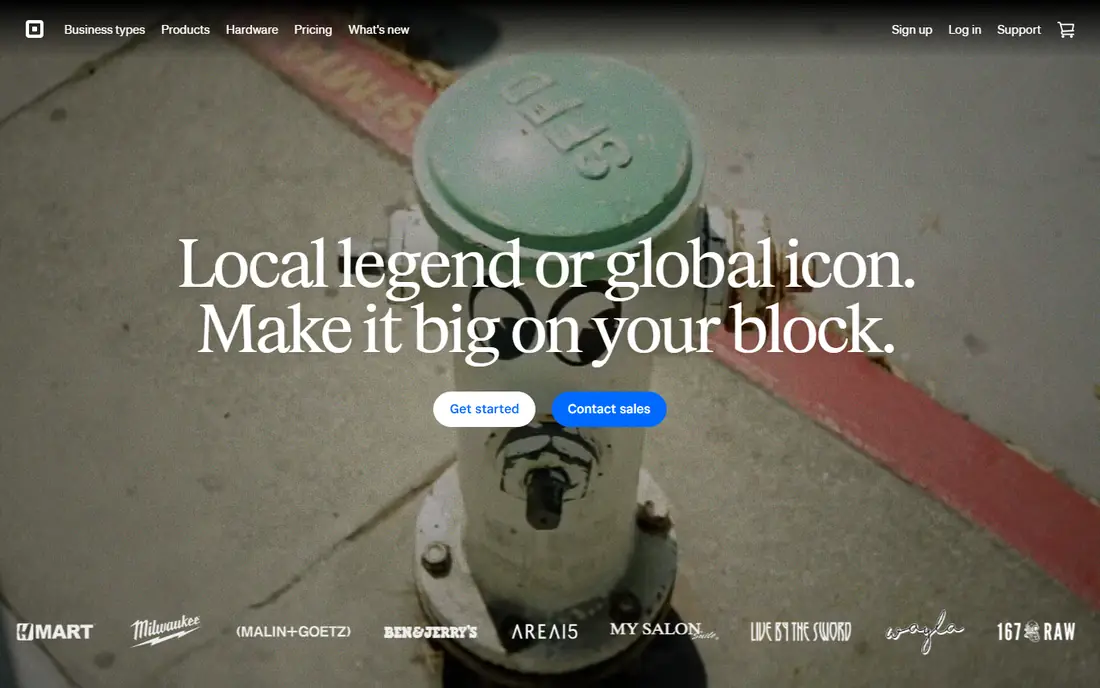
Choose Square Online for shops that also sell in person.
Where it is weaker: The free plan's processing rate drops to 2.9 percent plus 30 cents only on the premium Plus plan.
What works well: there is no system transaction fee: you pay card processing.
What you pay to start with Square Online: Free. You can start on Square Online without paying.
- The risk is zero
- Or small shop can run one inventory in person and online. Setup is among the fastest here
- Reported around 29 to 49 dollars based on billing and location choices. Design freedom and advanced ecommerce features are restricted compared to Shopify or Wix. Pickup and local delivery are strengths, but complicated shipping and large catalogues strain it
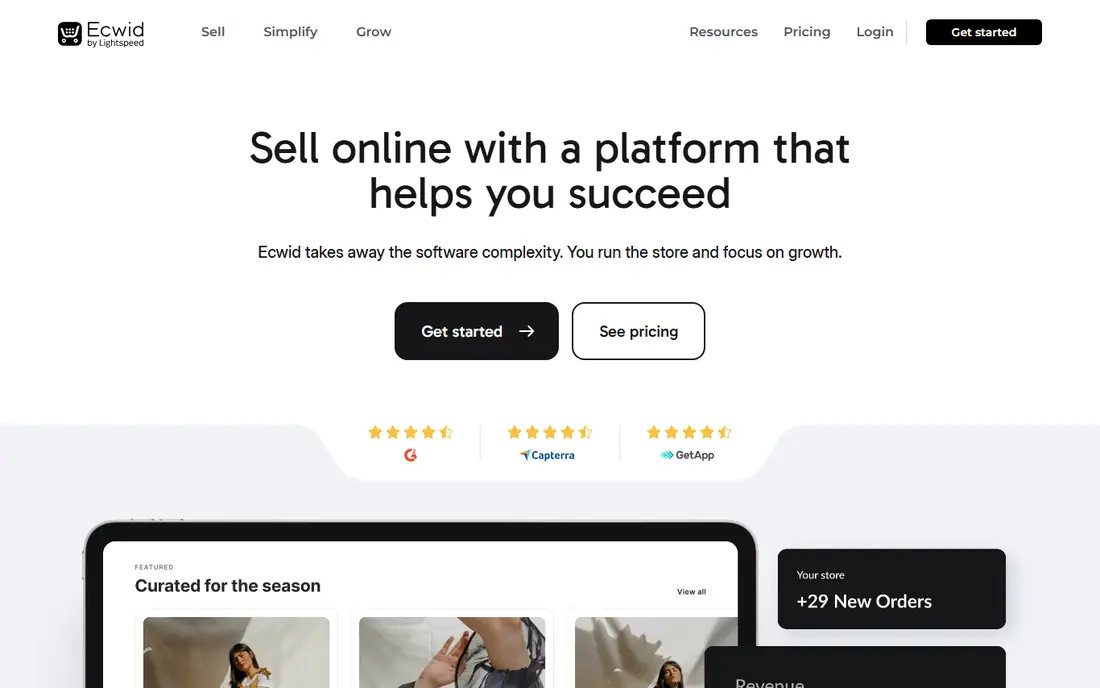
Ecwid is built with adding a store to an existing site in mind.
Where it falls short: your site design lives elsewhere, which splits management between two systems. Ecwid removed its free plan from current listings, so the very cheapest route in now costs a small monthly fee.
What you pay to start with Ecwid: $5 per month. Ecwid has no free tier.
- It avoids rebuilding anything
- Ecwid by Lightspeed is built to plug a store into a website, blog
- Product limits define the plans, so growth means upgrading levels rapidly. As an embedded store

Big Cartel was built for artists with tiny catalogues.
Big Cartel pricing: Free. Big Cartel includes a free tier.
Best features of Big Cartel: there are no product transaction fees; Big Cartel was made for artists and makers with a handful of products: its free Gold plan lists up to 5 products. Points against: marketing tools are entry-level. It does not grow into a serious retail operation, so treat it as a first shop instead of a final one.
- Small batch makers have used it for years for exactly this shape of shop
- The entire product assumes you sell a small range well instead of a warehouse. Bands, illustrators
- The catalogue ceiling is the point and the limit: beyond 50 products you must move product. Features for example advanced discounts, shipping rules
Wix is aimed squarely at design led small catalogues.
Limits to weigh: softened by a money back window. Wix's app and feature depth for serious retail; The free Wix plan cannot sell, so testing a store means paying from the start.
Wix pricing: $29 per month. There is no free plan with Wix.
- Services together, which fits small firms that sell time plus goods
- Wix's Core plan at 29 dollars per month billed yearly brings selling to one of the easiest website editors available, with strong templates and a guided setup that fits owners building their first site. Wix layers on no product transaction fee of its own, so you pay card processing only. It deals with products, bookings
- Trails Shopify and BigCommerce. Changing templates later means rebuilding the design instead of reskinning it
WooCommerce is designed for WordPress users wanting control.
Watch-outs: even with decent managed WordPress hosting softening the work; a neglected store is a real risk. Costs creep through premium extensions for subscriptions, bookings.
What you pay to start with WooCommerce: Free. A free plan is available with WooCommerce.
What WooCommerce does well: or who wants to own their store outright.
- Generally 7 to 25 dollars a month at beginner level, plus any premium extensions you choose. For anyone already on WordPress
- Nothing else matches the economics
- Security sit with you
Shopify targets expanding product firms.
What to check first: a store with multiple premium apps and a premium theme can pay far more than the plan price recommends. Using a third party payment gateway layers on a 2 percent fee on Basic. Shopify is a rental: your store design and setup do not transfer if you leave, so the convenience locks you in.
Starting cost for Shopify: $39 per month. Shopify has no free plan.
- Sales channels for social and marketplaces in one dashboard. With Shopify Payments there is no additional product transaction fee
- Abandoned cart recovery
- Costs grow with apps
Squarespace was built for creatives selling products and services.
On cost, Squarespace starts like this: $25 per month. No free plan comes with Squarespace.
Highlights: Squarespace's Basic commerce plan at 25 dollars per month.
Watch-outs: the extension library is small. There is no phone support, so help runs through chat and email.
- Consultants start here. It handles physical and digital products, subscriptions
- Wraps selling inside the best looking templates in this category, which is why photographers, makers
- The Basic plan charges a 2 percent transaction fee on top of processing, which quietly makes it dearer than it looks at volume. Product and variant handling is more straightforward than Shopify's
How the list was put together
Selection started from tools commonly considered for ecommerce platforms for beginners, then narrowed to 7 that have clear pricing information or a clear quote process. Figures are shown as the vendors publish them. Billing terms, seat minimums and add-ons can change the real cost. Order on the page follows fit for the typical buyer first, then price transparency and free access. Your own requirements should decide the final pick.
Questions to settle before buying
- Check the vendor page for the current price: Ecwid starts at $5 per month here, and seats or billing terms can move it.
- Read the fine print on the free plans from Square Online, Big Cartel and WooCommerce; seat, project and feature caps differ.
- Pick one real project and run it in Squarespace first; a small pilot shows fit faster than a checklist.
- Confirm the exact Square Online plan that includes your must-have features.
- Confirm minimum seats and billing terms with Shopify before you commit to an annual plan.
Frequently asked questions
What is the cheapest way to start selling online?
A free plan: Square Online and Big Cartel both let you list products and take payment at no monthly cost, leaving only card processing per order. The trade at no cost is limits on products, design, and processing rates.
What is the cheapest option for ecommerce platforms for beginners in this list?
On published monthly entry prices, Ecwid is the lowest here at $5 per month. Entry price is only part of the cost, because seats, add-ons and billing terms can change the total.
Do these tools publish their prices?
Yes. Every tool from Square Online to Squarespace shows a starting price, though seats, add-ons and billing terms still change the final cost.
Do I need Shopify, or is it more than a beginner needs?
If you sell occasionally, have a tiny catalogue, or chiefly need a checkout beside an existing site, Square Online, Big Cartel, or Ecwid will do the same job for less. Numerous successful shops start small and move to Shopify when limits bite.
How are the tools for ecommerce platforms for beginners ordered?
The order follows typical fit for ecommerce platforms for beginners, with Square Online first and Squarespace last, then price clarity and free access. It is editorial judgement, not a score, so another team could rank the tools differently.
Can I try these tools before paying?
Often, yes. Square Online, Big Cartel and WooCommerce have a free plan. Use your own data and a real task during the test, and check what the free tier or trial limits before you rely on it.
Sources
See where you really rank - block by block
ProMapRanker scans Google Maps across a grid of your service area. Simple monthly plans from $19, white-label on every plan.
Start freeKeep reading
 zoho inventory alternatives
6 Alternatives to Zoho Inventory, Compared on Price and Fit
Zoho Inventory alternatives: 6 tools compared on price, free plans and fit. Katana leads the list for manufacturers. Fit and flaws are laid out for each entry.
Read → zoho crm alternatives
Best Zoho CRM Alternatives (2026)
Need Zoho CRM alternatives? We compare 7 tools on cost, free access and who each suits. Every pick gets a straight assessment. Built for quick decisions.
Read → zelle alternatives
Best Zelle Alternatives in 2026
Compare the best Zelle alternatives for sending money to friends, paying sellers and moving funds abroad, with honest notes on fees, speed and safety in 2026.
Read →