 ProMapRanker
Best Ecommerce Platforms Comparison in 2026

Key takeaways
- Shopify remains the strongest default for most dedicated stores, with hosted checkout, a large app range, and predictable plans.
- WooCommerce gives the most control and no platform fee, but you own hosting, security, and maintenance.
- BigCommerce offers strong built-in features and no platform transaction fee on embedded payments, which helps larger catalogues.
- Wix and Squarespace suit small, design-led stores that need to launch quickly, while Etsy and Square Online suit sellers with a different starting point.
- Compare total cost, not just the monthly plan, since apps, payment fees, and hosting change the real bill.
Quick comparison
| Pick | Great for | Pricing starts at | Free tier | |
|---|---|---|---|---|
 Shopify | Most dedicated online stores | $39 per month | Free trial | Visit |
 WooCommerce | WordPress users who want full control | Free | Yes | Visit |
 BigCommerce | Scaling stores and B2B | $39 per month | Free trial | Visit |
 Wix | Small design-led stores | $29 per month | No | Visit |
 Squarespace | Design-first brands and creators | $25 per month | Free trial | Visit |
 Etsy | Handmade and vintage sellers | $0.20 per listing | No | Visit |
 Square Online | Sellers starting with Square payments | Free | Yes | Visit |
 Ecwid | Adding a store to an existing site | Free | Yes | Visit |
 Adobe Commerce | Enterprise stores with developer teams | See website | No | Visit |
The best ecommerce platforms comparison
We compared platforms on starting price, transaction fees, hosting, ease of use, app range, and the kind of store each one serves best.

Shopify suits most sellers who want a dedicated online store without managing servers, security updates, or checkout code. Plans start at $39 per month for Basic, or $29 per month when billed annually, with unlimited products, secure hosting, and a full checkout included. Sales channels for social, marketplace, and in-person selling sit in the same admin, and the app store covers subscriptions, bundles, loyalty, and upsells without custom development.
The main cost watch is payments. Using Shopify Payments removes the platform transaction fee, while third-party gateways add a fee that varies by plan, on top of card processing. App subscriptions can also raise the monthly total. For a store that wants reliability, a large ecosystem, and fast setup, Shopify remains the strongest default on this list.
- Fully hosted checkout and security
- Very large app store
- Strong sales channel tools
- Transaction fee applies with third-party gateways
- App costs add up over time
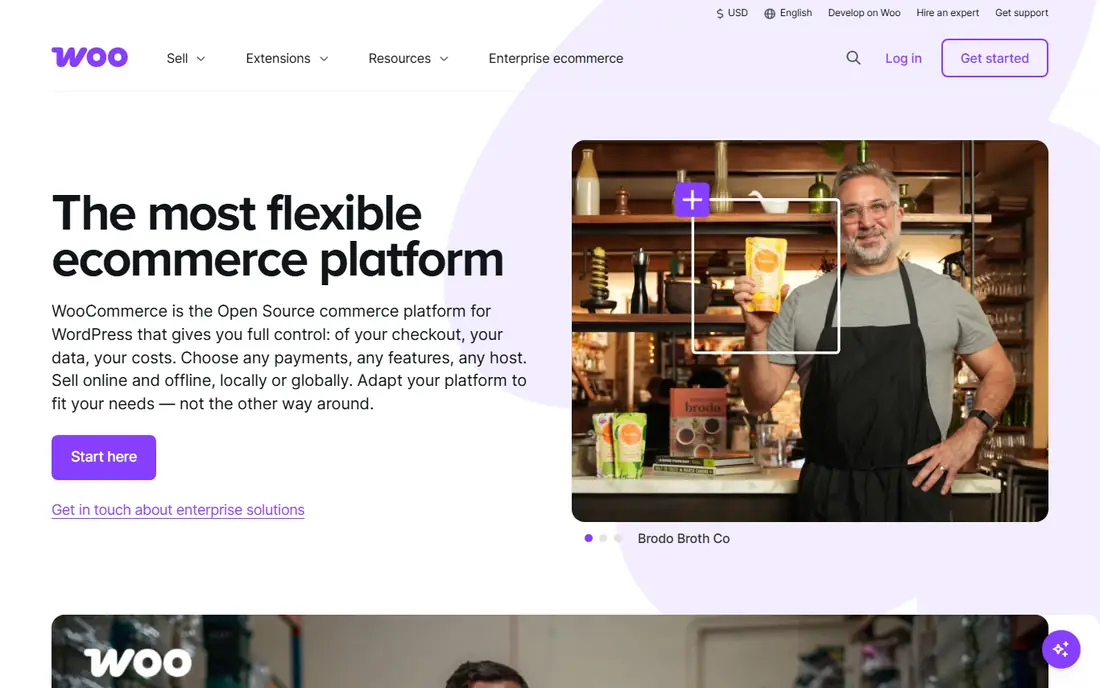
WooCommerce fits WordPress users who want full ownership of their store and content in one place. The core plugin is free, and WooCommerce itself charges no platform transaction fee, with only payment processor fees to pay. That control extends to design, SEO, checkout, and data, since the store runs on your own WordPress site and hosting, and you can change almost any part of it with plugins or code.
Ownership is also the cost. Hosting, backups, security updates, and plugin compatibility are your responsibility, and typical total costs run higher than the free plugin suggests. For a content-led brand, a WordPress team, or a seller who values ownership over managed convenience, WooCommerce repays that work with flexibility no hosted platform matches.
- Free core plugin
- No platform transaction fee
- Full design and SEO control
- You pay for hosting and maintenance
- Plugin and security work falls on you
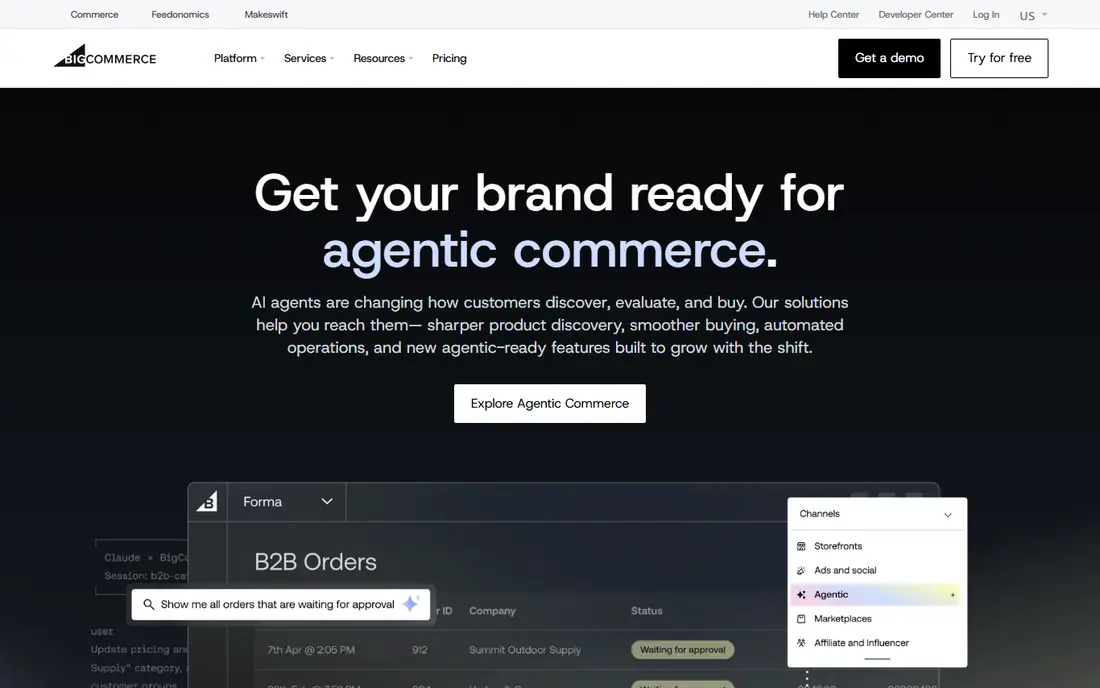
BigCommerce suits scaling stores and B2B sellers that want more built-in power than a basic hosted store, without managing servers. Core plans start at $39 per month, or $29 per month when billed annually, with hosted checkout and a wide set of native features for catalogues, promotions, and multi-channel selling. B2B tools for quotes, customer groups, and price lists are stronger out of the box than on many rivals, which helps hybrid B2B and B2C stores.
The catch is sales thresholds, since higher annual sales move a store to a higher plan, and some payment setups add an Open Payment Provider fee. The app range is smaller than Shopify, though built-in features reduce the need for apps. For a growing store that wants managed hosting with serious built-in tools, BigCommerce is a strong choice.
- Strong built-in features
- No platform fee on embedded payments
- Good B2B tools
- Sales thresholds move you up a plan
- App range is smaller than Shopify
Wix fits small businesses and creators who want a good-looking store live quickly, without learning a complex platform. The Core commerce plan is around $29 per month when billed annually, with hosted selling, payments, and design tools in one builder. Templates are strong, the editor is visual, and a small catalogue with straightforward shipping and tax needs can be set up in days rather than weeks.
Larger catalogues, complex B2B rules, and advanced customisation will stretch Wix, and sellers who later need deep app or integration work may need to migrate. For a small store where design and speed matter more than enterprise depth, Wix offers one of the easiest paths to a live, professional store.
- Very easy builder
- Good design templates
- Hosted store with payments included
- Less depth for large catalogues
- Advanced SEO and scaling options are limited
Squarespace suits design-first brands, photographers, artists, and creators who want content and commerce together in a polished site. The Basic commerce plan starts at $25 per month, with a 2 percent transaction fee on that tier, while higher tiers remove the platform fee. Templates are among the best on this list for visual brands, and blogging, portfolios, and selling sit in the same admin without extra tools.
The app and integration range is smaller than Shopify, and complex catalogue or B2B needs may not fit. For a small store where the site itself is part of the brand, and the catalogue is modest, Squarespace gives a clean, low-friction way to sell without a separate design system.
- Strong design templates
- Content and commerce in one place
- Simple store management
- Transaction fee on the Basic plan
- Smaller app range than Shopify
Etsy fits handmade, vintage, and craft sellers who want built-in shoppers rather than building traffic from zero. Listing costs $0.20 per listing, with transaction and payment fees on each sale, and no monthly store subscription is required to start. That model suits a maker testing demand, selling one-off items, or building a following before investing in a standalone store.
Control is limited, since Etsy sets marketplace rules, search placement, and checkout, and your brand sits inside a marketplace. Fees also add up at volume. Many sellers use Etsy for discovery and a standalone store for repeat customers, which balances traffic with control. For a maker starting out, Etsy remains the easiest place to make a first sale.
- Built-in marketplace traffic
- Simple listing setup
- No monthly store subscription needed
- Marketplace fees on sales
- Limited brand and checkout control
Square Online suits sellers who already use Square for in-person payments and want an online store that shares the same payment and inventory system. The free plan lets a seller start at no monthly cost, with card processing at 3.3 percent plus 30 cents online, while paid plans lower that rate and add features. Setup is simple, and a seller with a Square catalogue can publish a store quickly.
Design flexibility and app depth are more limited than Shopify or WooCommerce, and the free plan processing rate is higher than standard online rates. For a small seller, a market stall trader, or a local shop adding online orders, Square Online offers a low-risk start with a clear upgrade path.
- Free starting plan
- Close fit with Square payments and in-person selling
- Simple setup
- Card processing rate is higher on the free plan
- Design and app depth are limited
Ecwid fits sellers who already have a website and want to add selling without rebuilding the site. The free plan covers a small catalogue, and the store embeds into an existing site, blog, or social page, so visitors can buy without leaving a familiar design. Paid plans add more products, features, and sales channels, and Ecwid charges no added platform fee on top of payment processing.
The free plan limit means a growing catalogue will need a paid plan, and a dedicated store platform may suit a seller building a large brand from scratch. For a site owner who wants to test selling, add a few products, or sell across several existing pages, Ecwid is a low-friction, low-cost way to start.
- Free plan for a small catalogue
- Embeds into an existing website
- No platform fee
- Free plan is limited to a few products
- Advanced features need paid plans
Adobe Commerce, formerly Magento Commerce, fits large enterprises with complex catalogues, B2B workflows, and multi-store needs that hosted platforms cannot handle without heavy workarounds. It offers deep customisation, strong B2B features, and enterprise scale, with self-hosted or Adobe cloud deployment options. A team with developers can shape checkout, pricing, catalogues, and integrations to exact business rules.
That power needs investment. Pricing is quote based and typically enterprise-level, and ongoing development, hosting, and maintenance fall on the buyer or a partner. Adobe Commerce is not a fit for a small store or a team without developer support. For a large operation where complexity is the core requirement, it remains a serious enterprise option.
- Deep catalogue and B2B capability
- Full customisation
- Enterprise scale
- Pricing is quote based
- Needs developer support and ongoing maintenance
How we picked these
We compared vendor pricing pages, feature pages, and independent platform comparisons, and we kept only platforms that are live in October 2026 and clearly support online selling. We weighted starting price, transaction fees, hosting model, ease of use, and fit for different store sizes. Where a price varied by billing term or region, we used the monthly figure and noted the annual figure where it helped, and we wrote See website where a vendor does not publish a price.
How to choose an ecommerce platform
Start with where your revenue will be in two years, not just where it is today. A platform that is cheap for ten products can become costly when you add hundreds of products, multiple sales channels, or B2B pricing. List your catalogue size, sales channels, payment methods, shipping rules, and tax needs, then check each platform against that list before you fall for a template.
Next, price the total, not the plan. Add payment processing, platform transaction fees, apps, themes, hosting, and any developer time, then compare that total across two or three shortlisted platforms. Run a trial store with real products, a real checkout, and a real refund, since those steps reveal friction that a demo hides. Migration is costly, so a careful trial now saves a painful move later.
Questions to ask on a trial
Ask what happens to your data, design, and customer list if you leave, and how exports work. Ask which payment gateways are supported, what the platform fee is on each one, and whether sales thresholds move you to a higher plan. Ask how discounts, subscriptions, bundles, and B2B pricing work on the plan you will buy, not on the top plan in a demo.
Frequently asked questions
What is the best ecommerce platform comparison for a small business?
Shopify is the strongest default for a small business building a dedicated store, while Wix and Squarespace suit smaller, design-led stores. WooCommerce suits WordPress users who want control, and Square Online suits sellers starting with Square payments. The best pick depends on catalogue size, design needs, and how much technical work you want to own.
What is the best ecommerce tools comparison for scaling stores?
BigCommerce and Shopify both scale well, with BigCommerce offering stronger built-in B2B and catalogue tools and Shopify offering the largest app range. Adobe Commerce fits enterprise complexity with developer support. Scaling sellers should check sales thresholds, app costs, and payment fees, not only the starting plan price.
Is WooCommerce really free?
The WooCommerce core plugin is free, but hosting, a domain, security, backups, and many paid extensions cost money, so the total is not zero. WooCommerce charges no platform transaction fee, but payment processors still charge their own fees. Budget for hosting and maintenance when you compare WooCommerce with a hosted platform.
Does Shopify charge transaction fees?
Shopify charges no platform transaction fee when you use Shopify Payments. If you use a third-party gateway, Shopify adds a transaction fee that varies by plan, on top of card processing fees. Check the current fee for your plan and gateway before you compare Shopify with a platform that charges no platform fee.
Should I sell on Etsy or build my own store?
Etsy gives built-in traffic and a simple start for handmade and vintage sellers, while a standalone store gives brand control, customer data, and no marketplace rules. Many sellers use both, with Etsy for discovery and a standalone store for repeat sales. If your products are not handmade or vintage, a standalone store is usually the better main channel.
Sources
See where you really rank - block by block
ProMapRanker scans Google Maps across a grid of your service area. Simple monthly plans from $19, white-label on every plan.
Start freeKeep reading
 zoho inventory alternatives
6 Alternatives to Zoho Inventory, Compared on Price and Fit
Zoho Inventory alternatives: 6 tools compared on price, free plans and fit. Katana leads the list for manufacturers. Fit and flaws are laid out for each entry.
Read → zoho crm alternatives
Best Zoho CRM Alternatives (2026)
Need Zoho CRM alternatives? We compare 7 tools on cost, free access and who each suits. Every pick gets a straight assessment. Built for quick decisions.
Read → zelle alternatives
Best Zelle Alternatives in 2026
Compare the best Zelle alternatives for sending money to friends, paying sellers and moving funds abroad, with honest notes on fees, speed and safety in 2026.
Read →