 ProMapRanker
Best eCheck Services in 2026


Gateway users who want eChecks · Pricing starts at: $25 per month
Key takeaways
- An eCheck moves money from a customer bank account over the ACH network, usually at a lower rate than a card payment.
- Funding takes longer than card payments, often several business days, and a payment can still be returned after submission.
- Fees, processing times, and approval vary by provider and business type, and no provider can guarantee approval.
- The best fit depends on whether you need a gateway, a full payment platform, or a simple invoicing tool with ACH.
Quick comparison
| Pick | Great for | Pricing starts at | Free tier | |
|---|---|---|---|---|
| Authorize.Net eCheck.Net | Gateway users who want eChecks | $25 per month | No | Visit |
 Stripe ACH | Developers and online businesses | Free | No | Visit |
 Square ACH | Small businesses using Square | Free | No | Visit |
 PayPal | Businesses already using PayPal | Free | No | Visit |
 Helcim | Interchange-plus pricing fans | See website | No | Visit |
 QuickBooks Payments | QuickBooks invoicing users | See website | No | Visit |
 Stax | Subscription and higher-volume sellers | See website | No | Visit |
 Online Check Writer | Pay-as-you-go check and ACH users | Free | No | Visit |
 eCheckplan | Small businesses needing ACH setup help | See website | No | Visit |
The best echeck services
This article gives general information only, not financial advice. Fees and processing times vary by provider, account type, and risk review, and approval is never guaranteed. We compared official pricing pages, feature pages, and public reviews for services live in October 2026. Our pick for most businesses is a provider that states its eCheck rate, return fees, and funding time clearly before you apply.
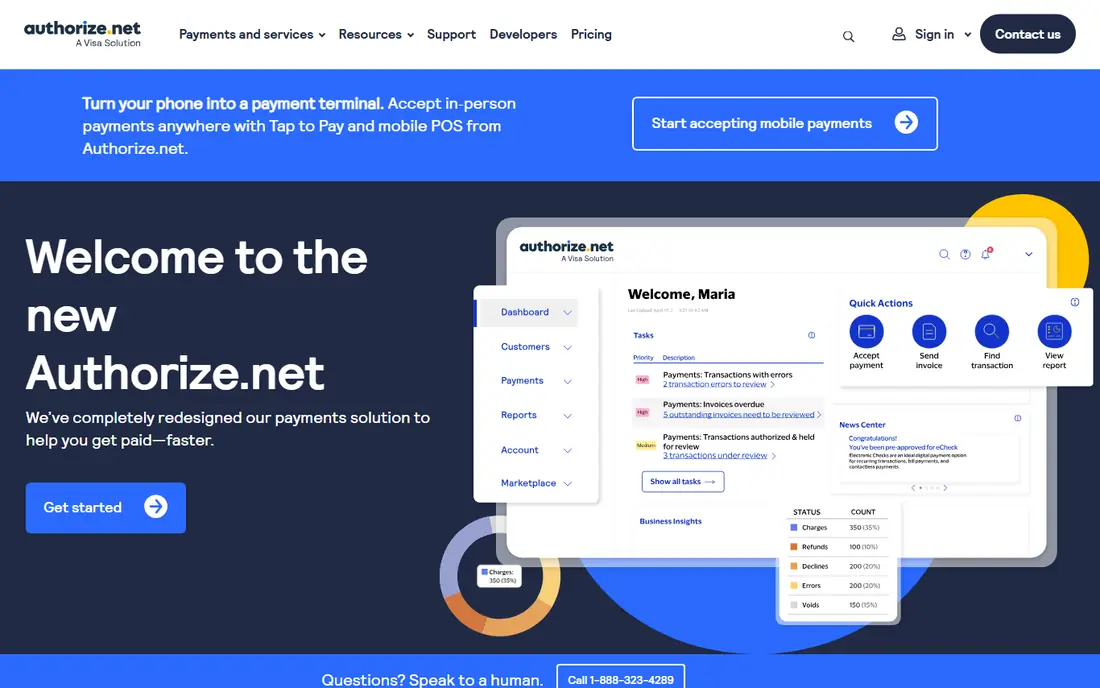
Authorize.Net eCheck.Net lets a US business accept ACH payments through the same gateway it uses for cards, on a website, in a virtual terminal, or on an invoice. Published direct pricing in recent comparisons lists $25 per month for the gateway plus eCheck plan, with eChecks at 0.75 percent, a $10 monthly minimum, $3 per returned item, and $25 per eCheck chargeback. That transparency helps a business budget before applying.
The honest limits matter. Funding is described as typically three to five business days, with up to seven days possible in developer guidance, and a payment can return for insufficient funds, a closed account, or an authorization dispute. Authorize.Net also underwrites eCheck applications separately, and some business types are excluded, so approval is not automatic.
- Published eCheck rate in vendor pricing
- Virtual terminal, invoicing, and recurring billing
- Long track record as a gateway
- US-based businesses and US bank accounts only for eChecks
- Funding takes several business days
- Some business types are excluded
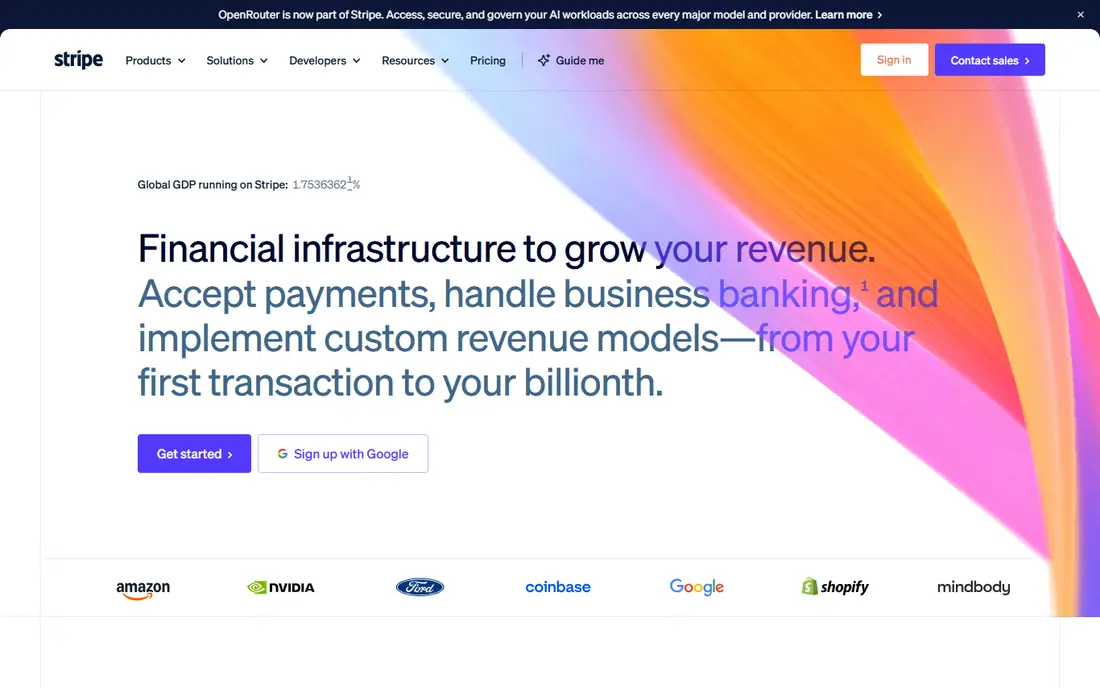
Stripe suits online businesses that want ACH alongside cards, wallets, and subscriptions in one platform. There is no monthly fee on standard pricing, and ACH Direct Debit is listed at 0.8 percent capped at $5 per payment, which keeps large bank payments affordable. Payment links, invoicing, and APIs let a business accept bank payments without building a full checkout.
The catch is that ACH is not instant money. Verification, bank processing, and dispute rules add time and steps, and a failed or disputed payment can still cost fees. Businesses should test the customer bank verification flow before launch, since a confusing step can cause abandoned checkouts.
- No monthly fee on standard pricing
- ACH Direct Debit at 0.8 percent capped at $5 in vendor pricing
- Strong APIs and payment links
- Dispute fees apply
- ACH timing and verification steps vary
- Support is largely online

Square fits small businesses that already take cards, send invoices, or sell online through Square. Adding ACH gives customers a bank payment option without a second provider, and invoicing keeps the payment tied to the sale. For a shop, service business, or freelancer, that single dashboard is the main appeal.
The weakness is detail. ACH terms, timing, and eligibility vary by Square product and account history, so owners should confirm the current ACH rate and payout timing on Square help pages before promising a delivery date. Do not ship high-value goods on an ACH payment until funds have settled.
- No monthly fee for standard Square accounts
- ACH on invoices and online checkout
- Simple setup for existing Square users
- ACH availability and timing depend on account and product
- Card-focused features get more attention
PayPal suits businesses whose customers already trust PayPal checkout, since many buyers prefer a familiar payment page. Invoices and online checkout can draw on a customer bank account or PayPal balance in supported flows, and there is no monthly fee for a standard business account. That familiarity can lift completion rates for small sellers.
The honest catch is that PayPal is not a pure eCheck gateway, and bank-funded payment behavior, timing, and dispute rules differ from a dedicated ACH provider. Fees for cards, disputes, and currency conversion sit separately from bank funding, so read the current PayPal business fees page for the exact flow you will use.
- Huge customer familiarity
- Invoices and checkout with bank funding options
- No monthly fee for a standard business account
- Bank payment options vary by checkout type and country
- Dispute and account hold rules can surprise sellers
Helcim appeals to businesses that prefer interchange-plus pricing, where the cost tracks card network costs plus a markup, rather than a flat blended rate. The platform covers invoicing, online payments, ACH, and recurring billing, which suits service businesses and B2B sellers. Its support for ACH alongside cards keeps bank payments in the same dashboard.
The limit is quote complexity. With interchange-plus pricing, the true monthly cost depends on card mix and volume, so a business should ask for ACH rates, return fees, and payout timing in writing. That extra check is worth it, since a low headline rate can hide return or monthly fees.
- Interchange-plus pricing model
- Invoicing, ACH, and recurring billing in vendor descriptions
- No long-term contract pitch
- Pricing is not a single flat rate, so comparison takes work
- ACH terms should be confirmed in writing
QuickBooks Payments fits businesses that already invoice in QuickBooks, since customers can pay an invoice by bank transfer and the payment records itself in the books. That sync saves manual entry and reconciliation time, especially for service businesses with repeat clients. Recurring invoices and payment links cover steady billing without a separate tool.
The weakness is ecosystem fit. A business that does not use QuickBooks gets little benefit, and ACH rates, fees, and payout timing vary by plan and account. Confirm the current ACH rate and next-day versus standard payout options before relying on it for cash flow planning.
- ACH on QuickBooks invoices
- Payments sync to accounting automatically
- Recurring invoicing support
- Best value only inside QuickBooks
- Rates and payout timing should be confirmed for your plan
Stax, formerly Fattmerchant, suits businesses with steady volume that want subscription pricing plus interchange, rather than a flat rate on every sale. Invoicing, recurring billing, and ACH support subscription and service businesses, and reconciliation tools help finance teams match payments to invoices. Higher-volume sellers often benefit most from this model.
The catch is the monthly subscription. Low-volume sellers may pay more in subscription fees than they save on transaction rates, so compare total monthly cost at your real volume. Ask for ACH rates, return fees, and settlement timing in the quote, since those details decide whether the model fits.
- Subscription plus interchange model
- Invoicing, recurring billing, and ACH in vendor descriptions
- Reconciliation tools
- Monthly subscription cost suits higher volume better
- Pricing needs a quote for many businesses
Online Check Writer, powered by Zil Money, fits businesses that print or send checks only occasionally and want ACH and eChecks in the same place. There is no monthly fee in the vendor description, with a $30 minimum recharge, and fees such as $1 to print or send an eCheck in published comparisons. That model suits seasonal or low-volume users better than a monthly plan.
The honest weakness is fee complexity. The fee schedule covers many transaction types, from ACH to wires and mailed checks, so owners must read it carefully. At steady high volume, a flat monthly gateway plan may work out cheaper than paying per transaction.
- No monthly subscription in vendor descriptions
- Pay-as-you-go checks, eChecks, ACH, and wires
- $30 minimum recharge in vendor pricing
- Many transaction fees to sort through
- Per-transaction costs add up at high volume
eCheckplan suits a small US business that wants help setting up ACH without navigating a large gateway alone. The service presents low flat ACH fees, recurring billing, and US-based support, with published guides explaining ACH fees in the $0.20 to $1.50 or under 1 percent range for typical cases. That guidance can help a first-time ACH user understand costs.
The limit is transparency. Final pricing depends on business type, volume, and risk review, and approval is not guaranteed. Get the monthly fee, transaction rate, return fees, and settlement time in writing, and keep authorization records for every recurring charge.
- Focus on ACH and eCheck setup for small US businesses
- Recurring billing support in vendor descriptions
- US-based support pitch
- Pricing is quote-based
- Smaller provider, so check contract terms and support hours carefully
How we picked these
We compared official pricing pages, feature pages, and public reviews for eCheck and ACH services live in October 2026. We favored providers that publish or clearly explain eCheck rates, return fees, and funding times, and that support US bank accounts through the ACH network. We used See website where pricing is quote-based, and we left out services that do not offer a real eCheck or ACH product for US businesses. This article is general information only and is not financial advice.
How to use eChecks safely
Get clear authorization before every charge, and keep that record with the payment. Tell customers how long funding takes, and do not treat an accepted eCheck as cleared money until settlement is confirmed. For high-value orders, wait for settlement before shipping, since a returned payment after shipment is hard to recover. Watch return codes, update bank details when a notice of change arrives, and review return rates monthly so a data entry problem does not become a pattern.
Compare total cost, not just the transaction rate. Add monthly fees, minimums, return fees, chargeback fees, and any gateway costs, then test the total at your real average ticket and volume. A provider with a slightly higher rate but clear terms and fast support can cost less in practice than a cheaper provider with slow help and unclear returns.
Frequently asked questions
What is an eCheck?
An eCheck is an electronic payment drawn from a customer bank account over the ACH network, instead of a paper check or a card payment. The customer provides routing and account details, authorizes the payment, and the funds move between banks over several business days. It is often cheaper than a card payment for larger tickets.
How long does an eCheck take to clear?
Funding often takes one to three business days for many ACH payments, while some gateway descriptions list three to five business days or up to seven days. Weekends and bank holidays add to the wait. Confirm the funding time with your provider in writing, and plan cash flow around the longer number until you see your own deposits.
Are eChecks safe for businesses?
They can be, with good authorization records, bank verification, and fraud checks. Risks include returns for insufficient funds, closed accounts, wrong details, or unauthorized claims. Keep authorization proof, verify new bank details, and wait for settlement on high-value orders before shipping.
Do customers need a special account to pay by eCheck?
No, customers pay from an ordinary US checking account in most eCheck flows, by entering routing and account numbers or using bank verification. Some providers also support instant bank verification, which can reduce typing errors. The exact steps vary by provider and checkout type.
Can a business be declined for eCheck processing?
Yes. Providers underwrite eCheck accounts, review business type, volume, and risk, and may decline or limit some businesses. Some categories are excluded by certain gateways. Apply early, provide accurate business details, and have a backup payment method ready if approval takes time.
Is an eCheck cheaper than a credit card?
Often yes on larger tickets, since ACH rates are usually lower than card rates, with some providers charging under 1 percent or a small flat fee. On small tickets, monthly fees and minimums can erase the saving. Compare total monthly cost at your real ticket size and volume, not just the percentage rate.
Sources
See where you really rank - block by block
ProMapRanker scans Google Maps across a grid of your service area. Simple monthly plans from $19, white-label on every plan.
Start freeKeep reading
 worlds best local seo company
8 Worlds Best Local SEO Companies for Map Pack Growth in 2026
Compare the worlds best local seo company options for Google Business Profile work, citations, reviews, and multi-location rankings and reporting in 2026.
Read → world's best web hosting company
World's Best Web Hosting Company in 2026
Searching for the world's best web hosting company? We compared 10 hosts on price, renewal rates, speed, and support to help you choose well today in 2026.
Read → who's got the best nanny tax services
Who's Got the Best Nanny Tax Services in 2026
We answer who's got the best nanny tax services, comparing full filing, back taxes, software, and pricing so families can handle nanny taxes correctly.
Read →