 ProMapRanker
Best Ebook Conversion Services in 2026

Wide distribution with free formatting · Pricing starts at: Free
Key takeaways
- Draft2Digital offers free formatting with a $20 activation fee for new accounts in 2026.
- Vellum costs $199.99 for ebooks and $249.99 for Press, but is Mac only.
- Calibre is free and powerful, yet it does not distribute to stores.
- BookBaby conversion starts at $99 in guides, which suits authors who prefer a done-for-you service.
Quick comparison
| Pick | Great for | Pricing starts at | Free tier | |
|---|---|---|---|---|
| Draft2Digital | Wide distribution with free formatting | Free | Yes | Visit |
 PublishDrive | Authors wanting store plus library reach | See website | No | Visit |
 BookBaby | Done-for-you conversion and distribution | From $99 | No | Visit |
 Smashwords | Global ebook distribution under Draft2Digital | Free | Yes | Visit |
 Vellum | Mac authors who format many books | $199.99 one-time | Free trial | Visit |
 Calibre | Free conversion and library management | Free | Yes | Visit |
 Reedsy | Free browser formatting for simple books | Free | Yes | Visit |
 Atticus | Cross-platform writing and formatting | $147 one-time | No | Visit |
The best ebook conversion services
We compared services that convert a manuscript into a valid, readable ebook file, and software that does the same on the author's computer. Distribution, commission and export limits matter as much as conversion quality, so we weighed all three. Check a converted file on a real device or reader app before publishing, because a file that looks fine on screen can still break on a store.
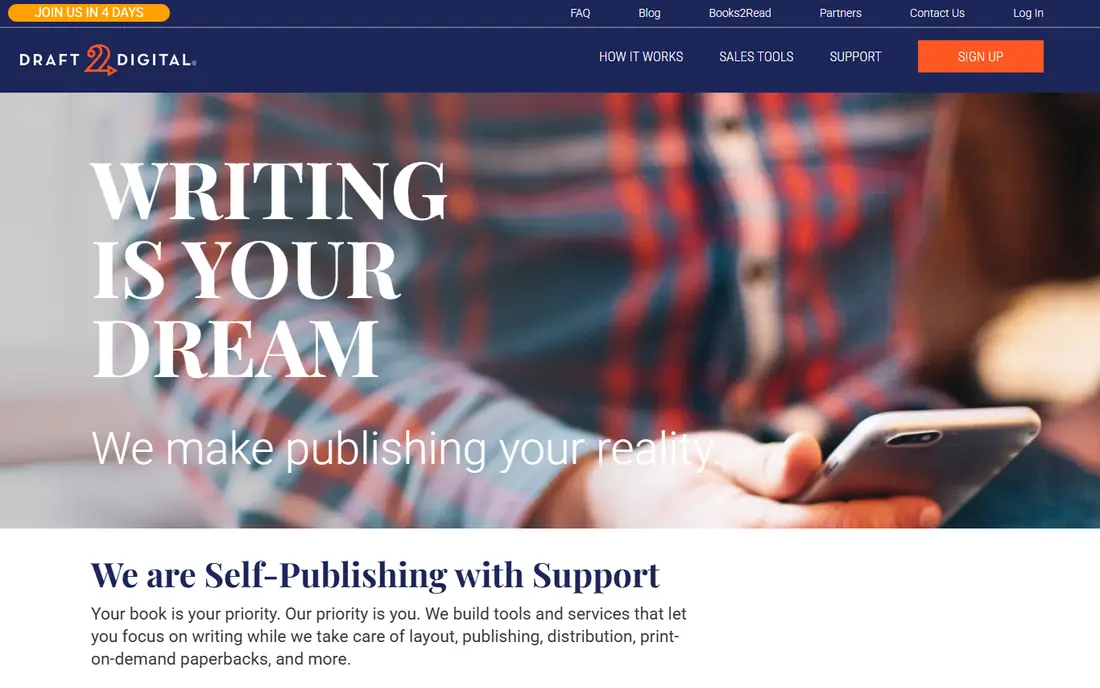
Draft2Digital is the easiest starting point for an author who wants one dashboard for many stores. It converts a Word manuscript into ebook files, handles metadata once and distributes to retailers and library systems. Formatting and previewing remain free, which lets an author test the output before paying the activation fee.
The catch is the 2026 fee change. New accounts pay a $20 one-time activation fee, and a $12 annual maintenance fee applies unless waived for accounts earning $100 or more in net royalties in the prior year. That is still modest, but it is no longer purely commission-only.
- Free formatting and preview tools
- Wide retailer and library distribution
- 10 percent commission model
- New accounts face a $20 activation fee and a $12 annual maintenance fee unless waived by earnings
- Commission on every sale
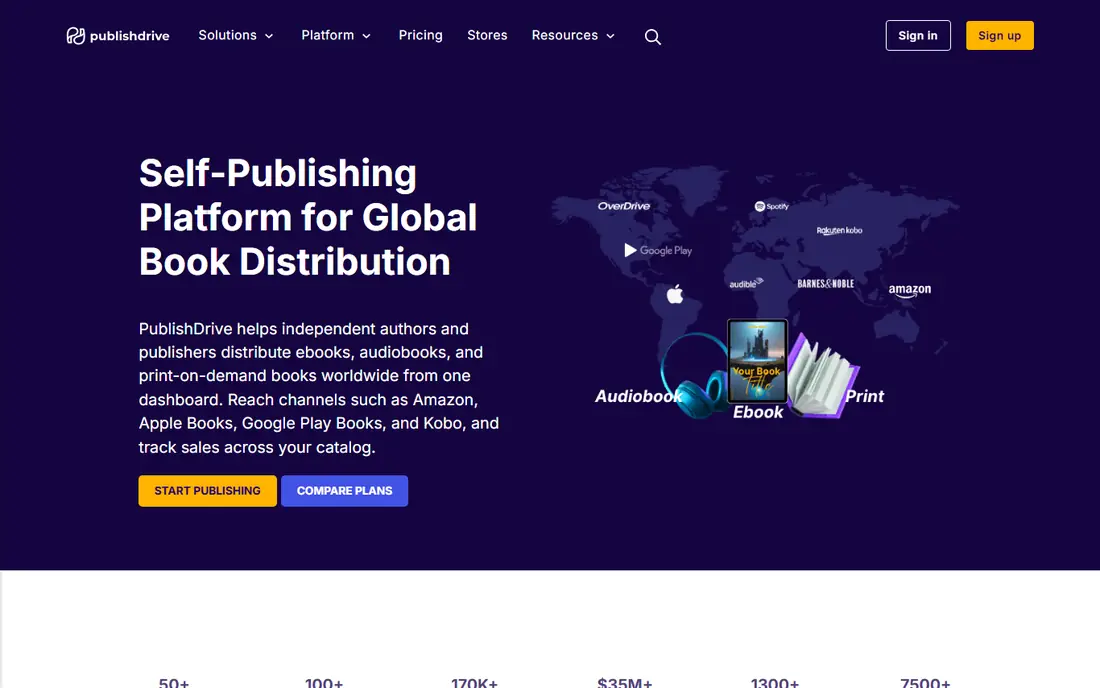
PublishDrive suits an author who wants distribution beyond the largest retailers, including library and smaller store channels. It offers ebook conversion and distribution with a dashboard for sales and metadata, which helps an author manage many outlets from one account. That breadth is useful for backlist titles that sell steadily in libraries.
The limit is pricing clarity. Commission and plan details vary and should be confirmed on the vendor site before uploading, especially for authors with many titles.
- Wide distribution network
- Ebook conversion and distribution
- Author dashboard and sales reporting
- Pricing and commission details must be confirmed at signup
- Distribution reach varies by store
BookBaby fits an author who would rather pay for conversion than learn formatting software. It offers ebook conversion starting at $99 in guides, plus global distribution, a BookShop page and print-on-demand options. That done-for-you route suits a first book or a complex manuscript that needs professional handling.
The trade-off is per-book cost and change fees. Later text changes can incur fees in guides, so finalise the manuscript before conversion and keep a clean source file for future edits.
- Ebook conversion from $99 in guides
- Global distribution
- BookShop page and print options
- Conversion is paid per book
- Later text changes can incur fees
- Royalty share depends on package
Smashwords remains useful for global reach, especially for international and library buyers, now under Draft2Digital ownership. It distributes to hundreds of retailers and library systems, with a 10 percent commission model and no upfront cost in guides. That reach helps authors with readers outside the largest US stores.
The honest limit is formatting polish. Its Meatgrinder formatter and older interface can produce less refined output than Draft2Digital, so authors who care about design should preview carefully or use Draft2Digital formatting first.
- Wide retailer and library reach
- 10 percent commission model
- Free ISBN options described in guides
- Older interface and Meatgrinder formatter can produce less polished output than Draft2Digital
- Ebook only, no print
Vellum is the best-looking DIY formatter in this list, provided the author uses a Mac. It turns a Word manuscript into polished EPUB files and, in the Press edition, print-ready PDFs, with unlimited books after a one-time purchase of $199.99 for ebooks or $249.99 for Press. Authors can format the whole book free and pay only to generate upload files.
The catch is platform. There is no Windows version, so Windows authors need another tool or a Mac. For a single book, hiring a formatter may still be cheaper than the licence.
- Beautiful ebook and print templates
- Unlimited books after one-time purchase
- Free to format, pay to export
- Mac only, macOS 13 or newer
- $249.99 for Press edition with print
- No writing or editing tools
Calibre is the free workhorse for conversion, library management and format shifting. It converts between EPUB, MOBI, AZW3, PDF and other formats, manages metadata and sends files to devices. For an author testing files or a reader converting personal books, it costs nothing and does a great deal.
The limit is polish. Complex layouts, tables and images may need manual fixes, and Calibre does not distribute to stores. Pair it with a distributor for publishing, and use it for conversion and checking.
- Free and open source
- Converts between many formats
- Library, metadata and device management
- Interface feels technical
- Output may need manual fixing for complex layouts
- No distribution
Reedsy suits an author who wants free, browser-based formatting without installing software. Its Studio editor lets an author write or import, format and export EPUB and PDF files, and its marketplace connects authors with editors and designers when help is needed. That combination is strong for a straightforward novel or memoir.
The trade-off is design depth. Templates are simpler than Vellum, and complex tables, sidebars or illustrated nonfiction may need a more specialised tool. Test a representative chapter first.
- Free browser-based book editor and formatter
- EPUB and PDF export
- Marketplace for professionals
- Simpler design options than Vellum
- Complex nonfiction may exceed its comfortable range
- Browser-based workflow
Atticus is the best cross-platform alternative to Vellum for authors who do not use a Mac. It combines writing and formatting in one tool, exports EPUB and PDF, and costs $147 one-time in guides. That single purchase for unlimited books makes it attractive for series authors on Windows or Linux.
The honest limit is template range. It has fewer design options than Vellum, so authors with a strong visual brief should preview the output and compare it with Vellum or a professional formatter before committing.
- One-time $147 price in guides
- Windows, Mac, Linux and Chromebook support
- Writing plus formatting in one tool
- Newer tool with fewer templates than Vellum
- Print and ebook output should be previewed per retailer
How we picked these
We compared official feature pages, pricing pages, app store listings, privacy policies and public reviews for each service in this list. We kept only services that appear to operate in October 2026 and that fit the topic directly. We did not claim hands-on testing that did not happen, and we treated promotional first-year prices as promotional rather than permanent.
We gave weight to clear pricing, a stated scope of work, honest limits and a practical fit for a small business or an ordinary consumer. Where a price could not be verified on the vendor site at the time of writing, we wrote See website rather than guessing. Readers should confirm the current price and terms at checkout, because plans change.
We also checked that each product still fits the topic in October 2026, rather than relying on an old category label or a discontinued product page. A service that changed its model, closed to new customers or moved to a different owner was left out, even when it was well known in earlier years. That check matters because a list that includes a closed service wastes the reader time and undermines trust in the rest of the comparison, so we preferred a shorter honest list over a padded one.
Choosing between a service, software and a distributor
Separate three jobs: conversion, formatting design and distribution. A service such as Draft2Digital or PublishDrive does conversion plus distribution, while software such as Vellum, Atticus or Calibre does conversion and design but leaves distribution to you. Knowing which job you are buying avoids paying twice for the same work.
Keep the source manuscript safe. Exported EPUB or PDF files are poor editing sources, so keep the Word, Vellum or Atticus project as the master file. When you fix a typo later, regenerate all formats from that master file so every store gets the same corrected book.
Frequently asked questions
What is the best ebook conversion software?
For Mac authors, Vellum is the most polished choice, while Atticus is the best cross-platform one-time purchase at $147 in guides. Calibre is the best free option for conversion and library management, though its output may need manual fixes.
Should I use a service or software for conversion?
Use a service if you want distribution handled as well, and software if you already distribute direct or want design control. Many authors use both: software for design, then a service for wide distribution.
Does Draft2Digital still offer free formatting?
Formatting and previewing remain free, but new accounts pay a $20 activation fee when distribution is turned on. A $12 annual maintenance fee may apply unless waived by earnings, so check the current terms.
What file formats do stores need?
EPUB is the standard for most retailers outside Amazon, while Amazon accepts EPUB and converts it for Kindle. Keep a clean EPUB master and test it on a reader app before upload.
Can I convert a PDF into a good ebook?
It is possible, but PDF layout often converts poorly. Start from a clean Word or manuscript file where possible, and check headings, images and tables in the converted EPUB.
Sources
See where you really rank - block by block
ProMapRanker scans Google Maps across a grid of your service area. Simple monthly plans from $19, white-label on every plan.
Start freeKeep reading
 worlds best local seo company
8 Worlds Best Local SEO Companies for Map Pack Growth in 2026
Compare the worlds best local seo company options for Google Business Profile work, citations, reviews, and multi-location rankings and reporting in 2026.
Read → world's best web hosting company
World's Best Web Hosting Company in 2026
Searching for the world's best web hosting company? We compared 10 hosts on price, renewal rates, speed, and support to help you choose well today in 2026.
Read → who's got the best nanny tax services
Who's Got the Best Nanny Tax Services in 2026
We answer who's got the best nanny tax services, comparing full filing, back taxes, software, and pricing so families can handle nanny taxes correctly.
Read →