 ProMapRanker
Best E-Signature Software for Small Businesses in 2026

Key takeaways
- Envelope limits matter more than the headline price, because a cheap plan can run out quickly for a busy team.
- DocuSign recognition helps when clients expect a familiar signing experience, while cheaper tools cover routine documents well.
- Check audit trails, signer authentication, templates, and reminders before you choose on price alone.
- Free plans help for testing, but most small businesses outgrow them within a month or two.
Quick comparison
| Pick | Great for | Pricing starts at | Free tier | |
|---|---|---|---|---|
 DocuSign | Familiar signing for clients | See website | Free trial | Visit |
 Adobe Acrobat Sign | PDF and Acrobat workflows | See website | Free trial | Visit |
 PandaDoc | Proposals then signatures | $19 per user per month | Yes | Visit |
 Dropbox Sign | Simple signing for small teams | $15 per user per month | Yes | Visit |
 signNow | Low per seat cost | $8 per user per month | Free trial | Visit |
 Zoho Sign | Teams already using Zoho apps | $10 per user per month | Yes | Visit |
 SignWell | Affordable solo and small team signing | $10 per month | Yes | Visit |
 Signeasy | Mobile first signing | $10 per user per month | Free trial | Visit |
The best e-signature software for small businesses
Small businesses need signing that is simple for senders and signers, with a clear audit trail and a price that fits a small team. We compared official pricing pages and public product documentation, with a focus on envelope limits and free plan scope.
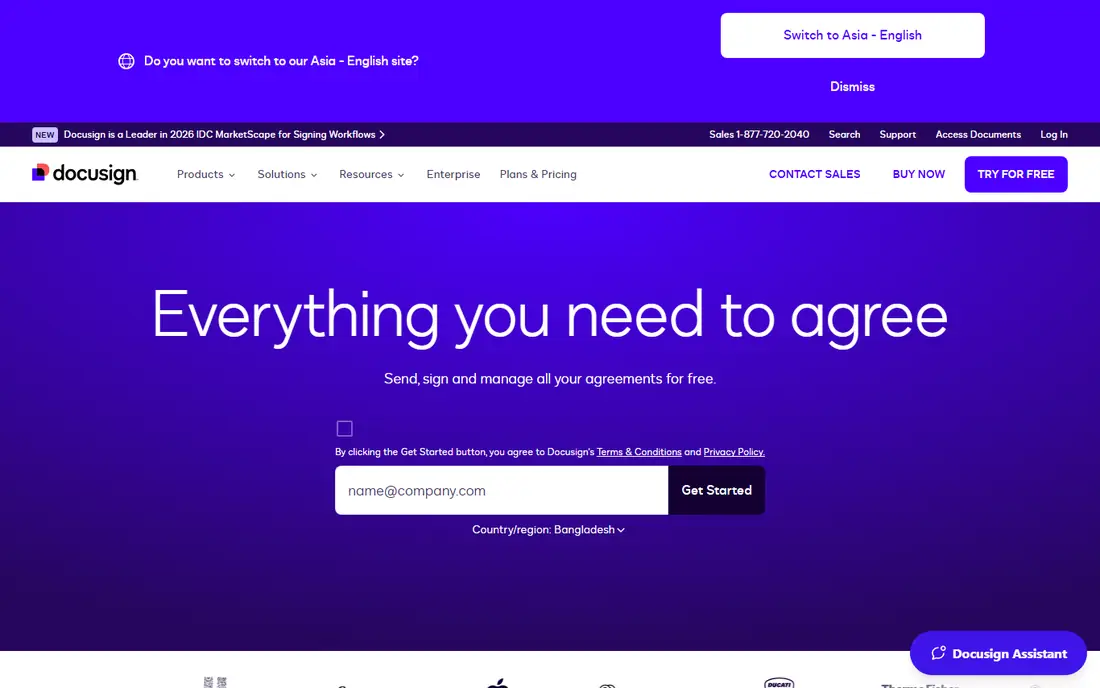
DocuSign is the name most clients already know, and that recognition has practical value. When a counterparty receives a DocuSign envelope, they rarely ask what the tool is or whether the signature is valid, which removes friction from deals, hiring, and vendor agreements. Its audit trail records who signed, when, and from where, and its agreement tools extend beyond signing into storage and renewals.
The catch is cost and limits. The entry plan covers only a small number of envelopes, so a team sending dozens of documents each month will need a higher tier quickly. DocuSign earns its premium when signatures must be beyond question or clients demand it. For routine internal documents, a cheaper tool will do the same job.
- Widely recognised
- Strong audit trails
- Large integration library
- Entry plan envelope limits
- Price rises steeply on higher tiers
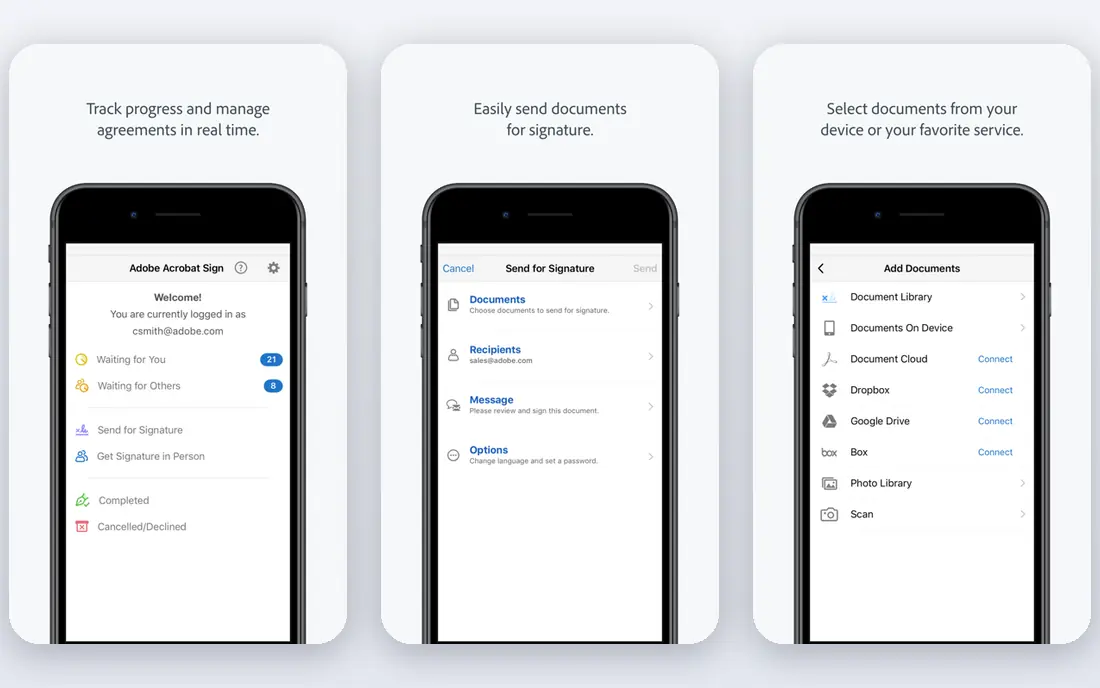
Adobe Acrobat Sign suits teams that already live in Acrobat and PDF workflows. Documents can move from PDF creation to signature to storage without changing tools, and Microsoft 365 links help for Word and Teams users. For firms that handle contracts as PDFs every day, that fit is hard to beat.
The weakness is pricing clarity. Acrobat Sign is sold in several bundles, and the cheapest route may be an Acrobat subscription rather than a standalone plan. Check transaction limits, signer authentication options, and whether your existing Acrobat plan already includes the signing features you need.
- Deep PDF and Acrobat integration
- Microsoft 365 links
- Compliance features
- Pricing varies by Acrobat bundle
- Transaction limits on some plans
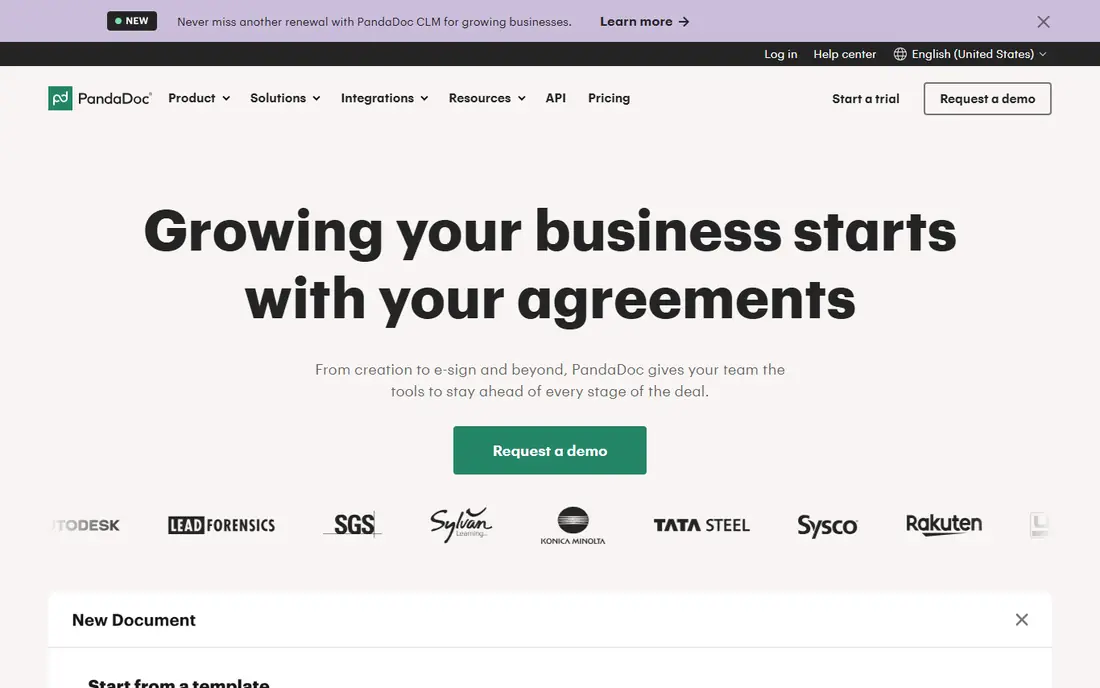
PandaDoc is best for sales teams that create proposals, quotes, and contracts before asking for a signature. The document builder, templates, and approval workflow sit in the same product as signing, so a proposal does not need to move between tools. That saves time for teams that send similar documents repeatedly.
The trade off is scope. If you only need simple signing, PandaDoc can feel larger than necessary, and its price reflects the document creation features. It is the right pick when proposals are the main job and signing is the final step, not when you only sign a few PDFs a month.
- Proposal and quote creation
- Templates
- CRM integrations
- More than a simple signing tool
- Higher plans cost more for advanced features
Dropbox Sign, formerly HelloSign, is a clean signing tool for teams that want simple sending, templates, and reminders without a large document platform. Its Dropbox links help when files already live in Dropbox, and signers do not need an account to sign. That simplicity reduces support questions from clients.
The limit is depth. Teams that need complex approval workflows, advanced document generation, or heavy API use may outgrow Dropbox Sign. Check envelope and template limits on the plan you would buy, and confirm whether team features such as shared templates are included.
- Simple sender and signer experience
- Dropbox storage links
- Templates
- Higher tiers rise in price
- Advanced workflow features are limited
signNow is the budget pick for teams that need many users without a high per seat price. Its starting price of $8 per user per month on annual billing is among the lowest in this list, and it covers templates, reminders, and audit trails for routine signing. That makes it attractive for small firms with several staff who send documents.
The catch is invite and plan detail. Some signNow models cap signature invites per year, with extra invites priced separately, so a high volume team must price the full year, not just the seat cost. Test the sender workflow and check the invite cap before committing a whole team.
- Low starting price
- Unlimited users on some workspace models
- Templates and audit trails
- Invite limits on some plans
- Interface is functional rather than polished
Zoho Sign suits small businesses already running Zoho CRM, Books, or other Zoho apps. Documents can move from CRM or accounting records to signature with less manual export, and the free plan covers light use with a small monthly document limit. For a Zoho centred business, that integration is a real time saver.
Outside Zoho, the case is weaker. Zoho Sign covers routine signing well, but it does not match DocuSign on brand recognition or PandaDoc on proposal creation. Choose it for the ecosystem fit, and check envelope limits on the free and paid plans.
- Zoho CRM and Books links
- Free plan for light use
- Templates
- Best value inside Zoho
- Standalone features are less deep than DocuSign
SignWell is a plain, affordable signing tool for freelancers and small teams. Its starting price of $10 per month and its free plan with a small monthly document limit make it easy to test with real clients. The sender workflow is simple: upload, place fields, send, and track status, with an audit trail for each document.
The limit is advanced features. Teams that need complex routing, bulk send at scale, or deep CRM automation may need a larger platform. For routine contracts, NDAs, and client agreements, though, SignWell covers the job at a low cost.
- Low flat starting price
- Simple templates
- Audit trails
- Fewer advanced workflow features
- Smaller integration library
Signeasy is built for signing on the go, with mobile apps that suit field teams, agents, and owners who sign away from a desk. Documents can be prepared, sent, and signed from a phone, with templates and status tracking for follow up. That mobile focus helps when clients or staff rarely sit at a computer to sign.
The trade off is desktop depth. Signeasy covers routine signing well, but teams with complex approval chains or heavy document generation may want a larger tool. Check the per user price on annual billing, the template limits, and whether offline or in person signing matters for your work.
- Strong mobile signing
- Templates
- Cloud storage links
- Pricing varies by plan
- Desktop workflow is less deep than DocuSign
How we picked these
We compared official pricing pages, free plan terms, and public product documentation for tools actively sold to small businesses in October 2026. We favoured tools with clear audit trails, templates, and signer friendly workflows, and we mixed premium, mid priced, and budget options. We used See website where published prices conflicted across sources, rather than presenting a disputed figure as certain.
What to check before you buy
Start with volume. Count how many documents each sender will send per month, and how many signers each document needs. A plan that looks cheap at $10 per month can cost more if it caps envelopes and charges for extras, while a higher plan with unlimited envelopes can be cheaper for a busy team. Ask for the envelope, template, and user limits in writing.
Next, test the signer experience. Send a test document to a phone and a desktop, and check whether signers need an account, how clear the field placement is, and how reminders work. A tool that confuses signers will delay deals, no matter how good the sender tools are. Also check audit trail detail, signer authentication options, and data retention, especially for regulated documents.
Finally, check integrations and exit. Confirm links to your CRM, cloud storage, and accounting tools, and confirm you can export signed documents and audit trails if you leave. Start on a free plan or trial with real documents, and only upgrade when you know your monthly volume and the features you actually use.
Frequently asked questions
Are electronic signatures legally valid for small businesses?
In the US, electronic signatures are generally valid under the ESIGN Act and state UETA laws for most business documents, with some exceptions such as certain wills and court filings. Use a tool with a clear audit trail, signer authentication, and tamper evidence, and get legal advice for high risk documents.
What is an envelope limit?
An envelope is usually one document or set of documents sent to one or more signers as a single signing request. Many plans cap envelopes per user per year, so a team sending many documents can hit the limit even on a paid plan. Always check the envelope cap, not just the monthly price.
Can I start on a free e-signature plan?
Yes, for light use. PandaDoc, Dropbox Sign, Zoho Sign, and SignWell offer free plans with small monthly document limits, while DocuSign, Adobe Acrobat Sign, signNow, and Signeasy offer trials. Free plans are good for testing, but most active small businesses need a paid plan within a month or two.
Do signers need an account to sign?
Usually no. Most tools in this list let signers open a link, review the document, and sign without creating an account. Senders need an account, and team features such as shared templates usually need a paid plan.
How do I choose between DocuSign and a cheaper tool?
Choose DocuSign when clients expect it, when audit and compliance needs are high, or when you need its large integration library. Choose a cheaper tool when you sign routine documents, when volume is predictable, and when the signer experience and audit trail are sufficient for your work.
Sources
See where you really rank - block by block
ProMapRanker scans Google Maps across a grid of your service area. Simple monthly plans from $19, white-label on every plan.
Start freeKeep reading
 worlds best local seo company
8 Worlds Best Local SEO Companies for Map Pack Growth in 2026
Compare the worlds best local seo company options for Google Business Profile work, citations, reviews, and multi-location rankings and reporting in 2026.
Read → world's best web hosting company
World's Best Web Hosting Company in 2026
Searching for the world's best web hosting company? We compared 10 hosts on price, renewal rates, speed, and support to help you choose well today in 2026.
Read → who's got the best nanny tax services
Who's Got the Best Nanny Tax Services in 2026
We answer who's got the best nanny tax services, comparing full filing, back taxes, software, and pricing so families can handle nanny taxes correctly.
Read →