 ProMapRanker
6 Best E Signature Software for Small Business Options for 2026


Straightforward signing inside the Dropbox workflow · Pricing starts at: $15 per user/month (billed annually)
Key takeaways
- Top of the list is Dropbox Sign, which targets straightforward signing inside the Dropbox workflow.
- For straightforward signing for small teams, SignWell is worth a look.
- The lowest published monthly entry price here is $15 per user/month, from Dropbox Sign.
- Zoho Sign is the only tool of the 6 with a free plan.
Direct answer
Dropbox Sign leads the list, best for straightforward signing inside the Dropbox workflow. signNow fits unlimited users at a competitive price; DocuSign fits the industry standard for e-signatures. The remaining 3 options are covered below with prices and limits.
Quick comparison
| Pick | Great for | Pricing starts at | Free tier | |
|---|---|---|---|---|
| Dropbox Sign | Straightforward signing inside the Dropbox workflow | $15 per user/month (billed annually) | Free trial | Visit |
 signNow | Unlimited users at a competitive price | See website | Free trial | Visit |
 DocuSign | The industry standard for e-signatures | See website | No | Visit |
 Zoho Sign | Budget-friendly signing with a free plan | See website | Yes | Visit |
 PandaDoc | Proposals, contracts, and payments in one | See website | No | Visit |
 SignWell | Straightforward signing for small teams | See website | No | Visit |
Our 6 picks for E signature software for small business
If you are comparing E signature software for small business, this page covers 6 tools in one place: what each is best for, what it costs to start, whether it has a free plan, and the main limit to know about.
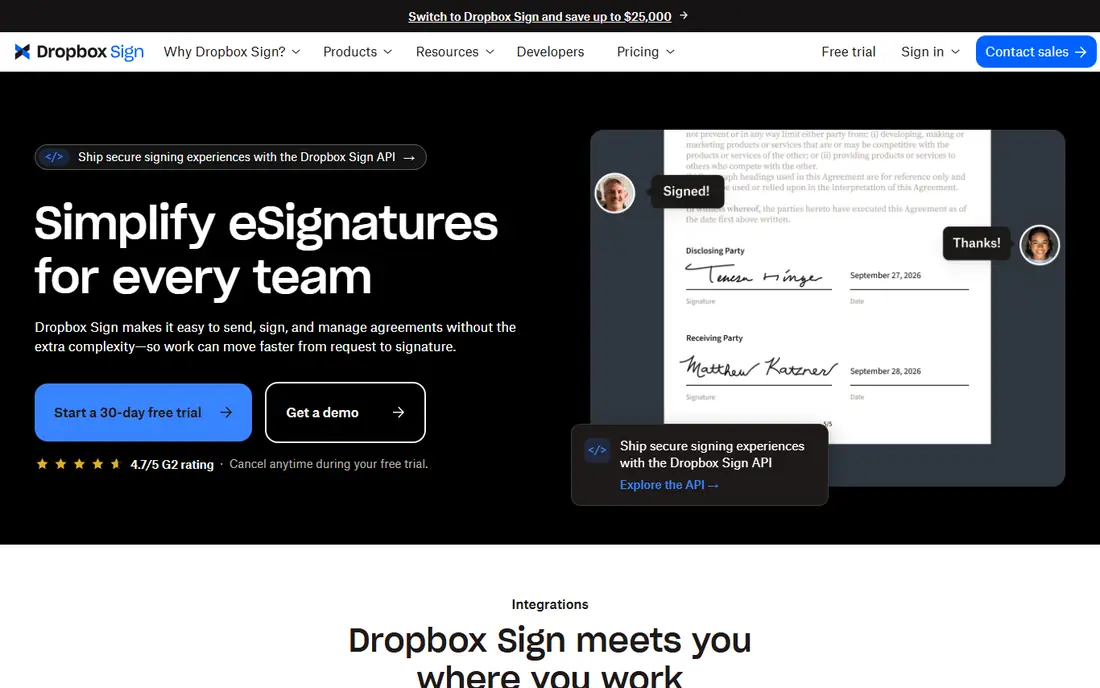
Think of Dropbox Sign for straightforward signing inside the Dropbox workflow. Dropbox Sign, formerly HelloSign, is the straightforward choice for teams already living in Dropbox. As for the details, pricing is refreshingly public: $15 per user a month billed annually for sending agreements.
Send signature requests from Dropbox or everyday tools, collect legally binding signatures, and have completed copies save automatically. For everyday use, the API opens at $75 for 50 requests a month, which fits light embedding but not heavy use. Dropbox Sign does signing well and little else; there is no proposal builder or agreement analytics. Price to start with Dropbox Sign: $15 per user/month. Trial and free access: Free trial.
What to check first: API pricing is usage-based and brings up.
Strengths: Google Drive.
- Opens at $15 per user a month with published pricing
- Deep Dropbox
- The feature set is more straightforward than DocuSign or PandaDoc
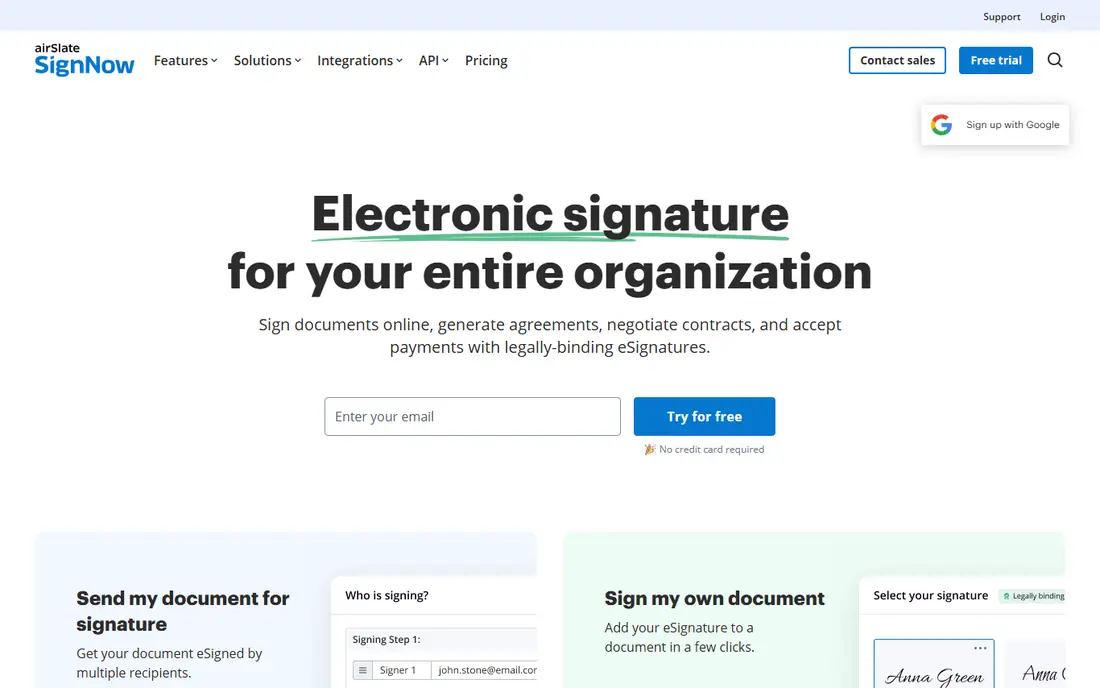
Choose signNow for unlimited users at a competitive price. airSlate signNow built its pitch on a straightforward grievance: per-user e-signature pricing punishes adoption.
From a buyer's view, the company explicitly markets against renewal rate hikes and overage fees, with subscription plans that charge no overages. No starting price is listed for signNow here; confirm pricing on the vendor site. As for free access: Free trial.
Honest limits: The interface is functional instead of beautiful.
- 7-day free trial to test properly
- Transparent pricing with no renewal surprises
- Brand recognition lags DocuSign

DocuSign is a good fit for the industry standard for e-signatures. With a billion users and 95 percent of the Fortune 500 on board, it is the safe choice when signature credibility matters. Multi-channel delivery and ID verification choices deal with everything from straightforward NDAs to regulated agreements.
Honest limits: The product's breadth can feel like overkill for straightforward signing.
More specifically, choose DocuSign when client expectations or compliance demands the standard; otherwise, the value picks below do the same job for less. The honest catch is cost and complexity. More specifically, DocuSign is priced for enterprises, and small teams pay per user for features they may never touch. This comparison lists no price for DocuSign; ask the vendor. There is no free plan with DocuSign.
- 1,000-plus integrations and capable compliance
- Universal recognition
- The most pricey choice for small teams
Zoho Sign serves low-cost signing with a free plan. Zoho Sign is the budget-conscious choice, and its free plan is genuinely handy: individuals can send or register to 5 documents per month at no cost. Premium features contain qualified electronic signatures for regulated transactions and SignForms for self-service signing via URL.
The honest catch is polish and pricing clarity. But for Zoho users it integrates naturally with the rest of the suite, and for minimal signing needs the free plan is unmatched. This comparison lists no price for Zoho Sign; ask the vendor. You can start on Zoho Sign without paying.
Where it is weaker: The interface feels utilitarian.
- Free plan spans 5 documents per month for individuals
- Digital signatures with PKI security and blockchain timestamping
- Premium plan pricing is not plainly published
PandaDoc is a good fit for proposals, contracts, and payments in one. The drag-and-drop editor builds quotes, proposals, and contracts that look like they came from a design team, then collects signatures and even payments in the same flow.
Where it is weaker: not just a signing tool.
The company claims teams create documents 40 percent quicker, and its HubSpot integration gets genuine praise. PandaDoc is the choice when the document starts as a proposal, not a signature request. Pricing for PandaDoc is not stated here, so ask the vendor for current figures. No free plan comes with PandaDoc.
- Collect payments in the same document
- Solid HubSpot and CRM integrations
- Priced as a sales tool
In short, SignWell is for straightforward signing for small teams. The honest catch is scale. More specifically, SignWell lacks the deep workflow automation and agreement analytics of DocuSign's IAM or PandaDoc's sales tools.
Points against: Fewer advanced workflow features than enterprise tools.
But for small firms that found DocuSign anxiety-inducing and just want contracts signed rapidly and professionally, SignWell's simplicity is the feature. For everyday use, SignWell is the anti-complexity pick. SignWell shows no starting price here, so confirm the cost on the vendor site. SignWell has no free tier.
- Responsive human support on every plan
- Court-admissible audit trails on every document
- Smaller integration ecosystem than DocuSign
What went into this list
ProMapRanker used vendor pricing pages and product documentation as the base, then compared plans, free access and documented limits for 6 tools. Where a vendor does not publish a price, the entry says quote. Where a price depends on seats or billing term, the entry says so. Order on the page follows fit for the typical buyer first, then price transparency and free access. Your own requirements should decide the final pick.
What to confirm before you sign up
- Get a written quote from signNow, DocuSign, Zoho Sign and others; the list shows no starting price for them.
- Test the free plan from Zoho Sign against your real workload before relying on it.
- Use real work to test the free trial from Dropbox Sign and signNow, rather than a demo project.
- Read the limits listed for Dropbox Sign first: the feature set is more straightforward than DocuSign or PandaDoc.
- Verify that exporting from Zoho Sign is possible on your plan and covers all your records.
- A short pilot of SignWell with your real workflow tells you more than a feature table.
Frequently asked questions
Is Dropbox Sign the right pick for everyone comparing E signature software for small business?
No single tool suits every team. Dropbox Sign comes first because it fits simple signing inside the Dropbox workflow, while signNow suits unlimited users at a competitive price and DocuSign suits the industry standard for e-signatures. Match the tool to your own size, budget and workflow before deciding.
What is the best e-signature software for a small business?
This list starts with Dropbox Sign, which fits straightforward signing inside the Dropbox workflow. For other needs, signNow is aimed at unlimited users at a competitive price, and DocuSign at the industry standard for e-signatures. Check each tool's price and main limit first.
Which options for E signature software for small business have a free plan?
Zoho Sign is the only tool in this list with a free plan. Free plans usually cap users, projects or features, so check the limits on the vendor page. Several others offer a trial instead.
How much does e-signature software cost?
Dropbox Sign begins at $15 per user a month billed yearly, and Zoho Sign provides a free plan for up to 5 documents per month. Most vendors price per user a month; signNow comes with unlimited users on every plan.
Can I try these tools before paying?
Often, yes. Zoho Sign has a free plan and Dropbox Sign and signNow offer a free trial. Use your own data and a real task during the test, and check what the free tier or trial limits before you rely on it.
Do these tools publish their prices?
Not all of them. signNow, DocuSign, Zoho Sign and others publish no starting price, so expect a quote request for those. The rest, Dropbox Sign included, show a starting price, though seats and billing terms still change the final cost.
Sources
See where you really rank - block by block
ProMapRanker scans Google Maps across a grid of your service area. Simple monthly plans from $19, white-label on every plan.
Start freeKeep reading
 zscaler alternatives
Best Zscaler Alternatives in 2026
Looking for zscaler alternatives? We compare 9 SASE and zero trust platforms on architecture, data protection, pricing, and fit for your network and team.
Read → zapier alternatives free
Best Zapier Alternatives Free in 2026
Nine automation tools for zapier alternatives free in 2026, all with genuinely free tiers, plus free plan limits, starting prices and upgrade paths explained.
Read → which platform is best for online reputation
Which Platform Is Best for Online Reputation in 2026
Wondering which platform is best for online reputation? We compare 8 review, listing, and response tools for small and multi-location businesses and agencies.
Read →