 ProMapRanker
Choosing E Signature Software in 2026


Teams that already live in Acrobat and PDF workflows · Pricing starts at: See website
Direct answer
For teams that already live in Acrobat and PDF workflows, Adobe Acrobat Sign is where this list starts. Look at signNow for budget teams that require plenty of users without per-seat fees, and at SignWell for freelancers and small teams that want plain, low-cost signing. The other 3 tools in the list cover narrower or pricier cases.
Key takeaways
- Adobe Acrobat Sign sits first on this list: teams that already live in Acrobat and PDF workflows.
- Check the limits for Adobe Acrobat Sign before you commit: standalone Sign Solutions pricing is quote-based.
- Free plans exist at 3 of 6 tools (SignWell, Dropbox Sign, Zoho Sign).
- The cheapest monthly starting price in the list is $8 per user per month, offered by signNow.
Quick comparison
| Pick | Great for | Pricing starts at | Free tier | |
|---|---|---|---|---|
| Adobe Acrobat Sign | Teams that already live in Acrobat and PDF workflows | See website | No | Visit |
 signNow | Budget teams that require numerous users without per-seat fees | $8 per user a month | Free trial | Visit |
 SignWell | Freelancers and small teams that want plain, low-cost signing | $10 a month | Yes | Visit |
 Dropbox Sign | Teams already using Dropbox for storage and sharing | $15 per user a month | Yes | Visit |
 DocuSign | Firms whose clients expect the market-standard signature tool | $11 per month | Free trial | Visit |
 Zoho Sign | Small companies already using Zoho CRM, Books, or other Zoho apps | $10 per user per month | Yes | Visit |
The best e signature software
Short on time? The summary and table above give the quick view of 6 tools for e signature software, and the profiles that follow give the detail behind each entry.
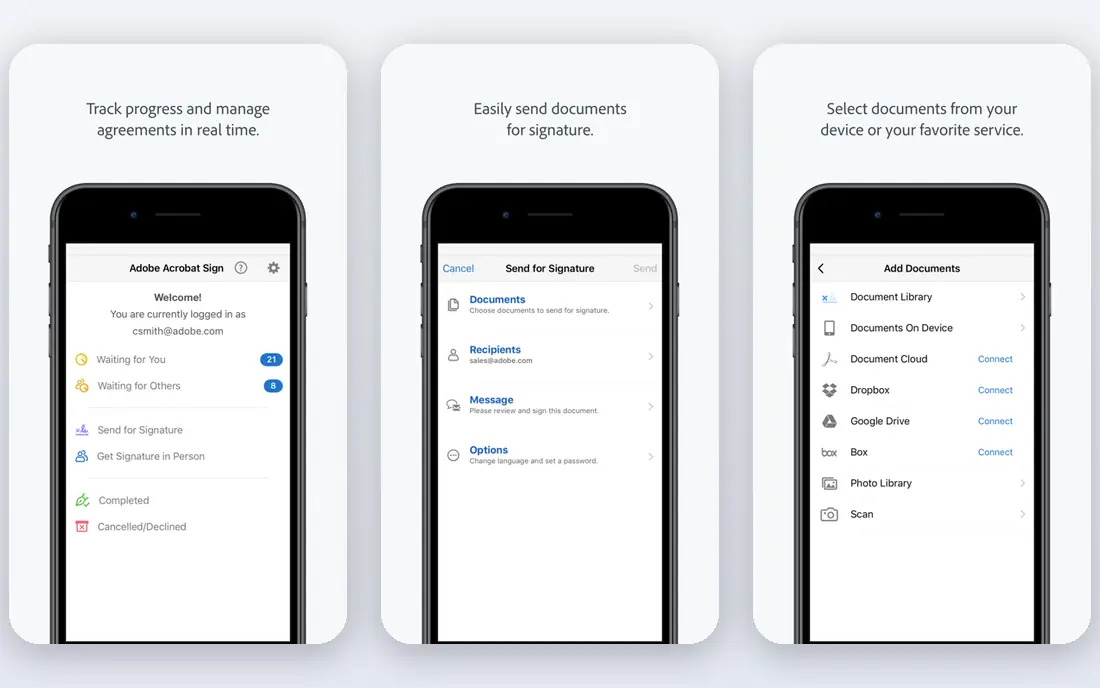
In short, Adobe Acrobat Sign is for teams that already live in Acrobat and PDF workflows. You can send a document for signature straight from Acrobat, collect signatures from several signers at once, and track status without leaving the PDF tools your team uses daily. A business that only needs signatures should compare signNow or Dropbox Sign first, since they are more straightforward and less expensive for that single job.
Pricing is the hard part to compare, since Acrobat bundles and standalone Sign Solutions are priced differently, so check the current Adobe page for your team size. Worth adding: Acrobat Sign fits a business that already pays for Acrobat and wants signing as part of that bundle. This comparison lists no price for Adobe Acrobat Sign; ask the vendor. Adobe Acrobat Sign has no permanent free option.
The main drawbacks: Standalone Sign Solutions pricing is quote-based.
- Strong Microsoft, Salesforce
- Signing inside Acrobat on desktop and mobile
- More complex than a pure signing tool
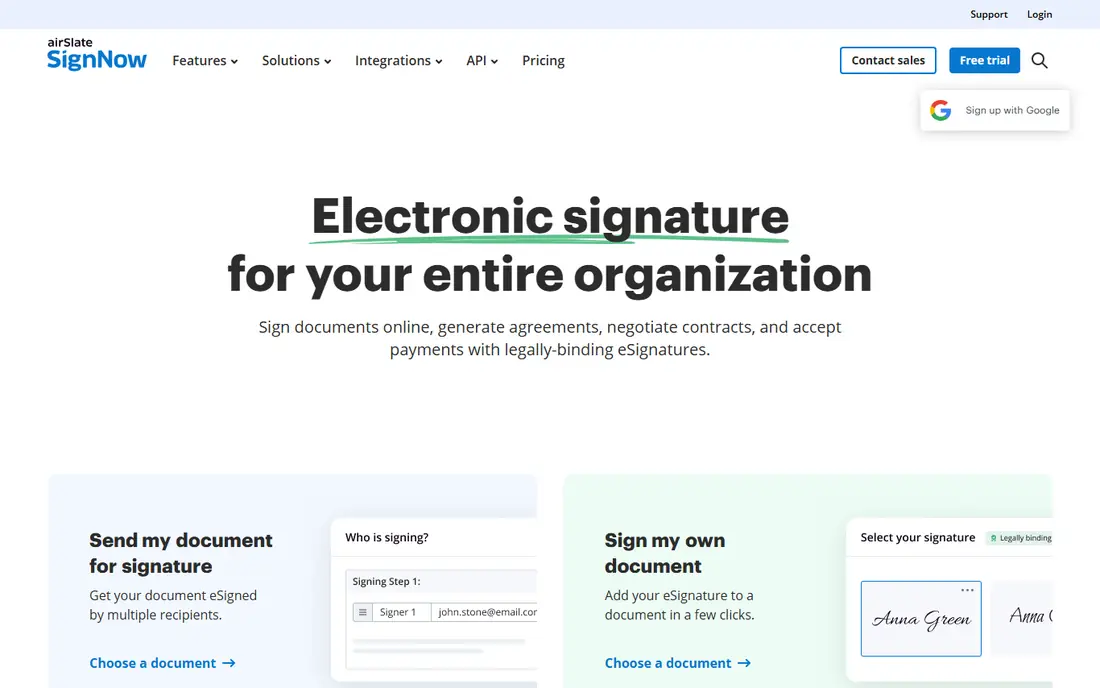
signNow targets budget teams that require plenty of users without per-seat fees. signNow, from airSlate, wins on a pricing model that other vendors avoid: unlimited users on every plan. Higher levels add bulk sending, payments, and advanced workflows.
Watch-outs: Advanced features sit on higher levels.
Most rivals charge per seat, which discourages company-wide adoption, whereas signNow lets an entire organization sign without counting heads. From a buyer's view, the interface is capable instead of beautiful, which matters little for internal documents and more for client-facing proposals. The Business plan begins at $8 a month billed yearly, with unlimited templates, role-based signing order, custom branding, and a solid API. In practice, there is no free-forever plan, only a seven-day trial, so you must pay to keep using it. The starting price for signNow: $8 per user per month. Free options: Free trial.
- Unlimited templates and conditional workflows
- Low entry price at $8 a month billed yearly
- Interface is functional instead of refined
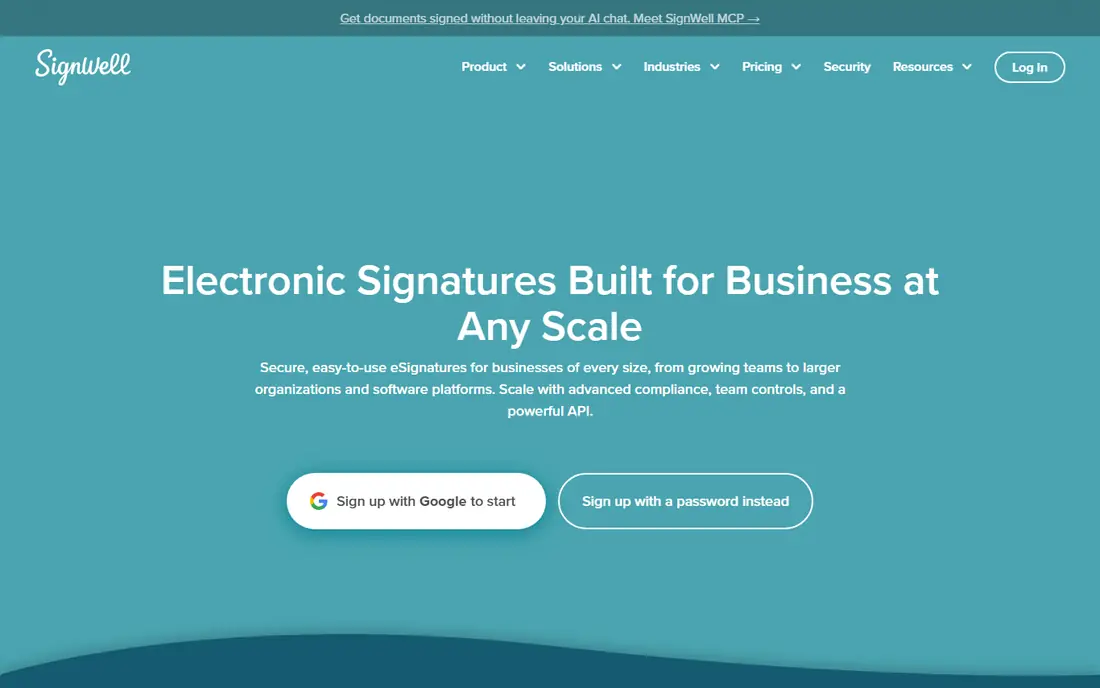
SignWell was built for freelancers and small teams that want plain, budget-friendly signing. The limit is scale and ecosystem.
Every completed document contains an audit trail with timestamps, IP addresses, and signer records, compliant with ESIGN, UETA, and eIDAS, which spans the legal basics for US and EU business. On cost, SignWell starts like this: $10 per month. SignWell has a free plan.
Watch-outs: Smaller integration library than DocuSign.
- Clear audit trails with timestamps and IP records
- API and Zapier integrations
- Premium plans rise with team features
Think of Dropbox Sign for teams already using Dropbox for storage and sharing. Templates include typical forms like NDAs and tax documents, automatic reminders chase slow signers, and mobile-friendly signing lets clients sign from a phone without an account.
What works well: Clean.
Honest limits: Free plan handles three sends a month. The free plan handles three sends a month, so it fits occasional senders instead of a sales team. The starting price for Dropbox Sign: $15 per user per month. Dropbox Sign offers a free plan.
- Capable API for embedding signing
- Unlimited signature requests on premium plans
- Best value inside Dropbox
DocuSign targets businesses whose clients expect the market-standard signature tool. The Personal plan at $11 a month spans only a handful of envelopes. So a team sending dozens of documents monthly will need a higher level rapidly.
Where it is weaker: Price rises steeply on higher levels.
For routine internal documents, a less expensive tool will do the same job without the brand premium. Its audit trail records who signed, when, and from where, and its compliance coverage fits regulated industries better than most rivals. DocuSign starts at: $11 per month. As for free access: Free trial.
- Large integration library
- Capable audit trails and compliance coverage
- Agreement management features add cost
Zoho Sign
Great for: Small companies already using Zoho CRM, Books, or other Zoho apps
Where Zoho Sign fits: small firms already using Zoho CRM, Books, or other Zoho apps. Higher levels add bulk send, SignForms for self-service signing, blockchain timestamping, and qualified electronic signatures for regulated transactions.
Limits to weigh: Best value inside Zoho.
Outside Zoho, the advantage fades. Zoho Sign pricing: $10 per user per month. Zoho Sign offers a free plan.
- Deep Zoho app integrations
- Certificate-based and qualified signatures on higher levels
- API pricing is per document on some plans
How we chose
ProMapRanker looked at what each vendor publishes: pricing, plan limits, feature coverage for e signature software and stated drawbacks. No hands-on testing is claimed. Plan names, prices and limits change often. Treat the figures here as a starting point and verify them with the vendor. Tools are placed by general fit for e signature software, with price clarity and free access as tie-breakers. A different team can reasonably rank them differently.
What to check before you buy
- Ask Adobe Acrobat Sign for a written quote, since no starting price is shown.
- Read the fine print on the free plans from SignWell, Dropbox Sign and Zoho Sign; seat, project and feature caps differ.
- Take the trial from signNow and DocuSign and push a live task through it before you pay.
- Before choosing Adobe Acrobat Sign, weigh its main limit: standalone Sign Solutions pricing is quote-based.
- Ask the daily users to test SignWell on a live task before you roll it out to everyone.
- Make sure Adobe Acrobat Sign lets you export your data in a format another tool can read.
Frequently asked questions
What is the cheapest option for e signature software in this list?
On published monthly entry prices, signNow is the lowest here at $8 per user per month. Entry price is only part of the cost, because seats, add-ons and billing terms can change the total.
Which options for e signature software have a free plan?
On this list, SignWell, Dropbox Sign and Zoho Sign include a free plan. Caps on seats, usage or features are common, so test the free plan against your real workload. Several others offer a trial instead.
How do I store signed documents safely?
Most tools here store completed documents and offer integrations with Google Drive, Dropbox, or OneDrive. Export a copy to your own storage each quarter, so you keep records even if you switch vendors later.
Can I try these options before paying?
Often, yes. SignWell, Dropbox Sign and Zoho Sign have a free plan and signNow and DocuSign offer a free trial. Use your own data and a real task during the test, and check what the free tier or trial limits before you rely on it.
Is Adobe Acrobat Sign the right pick for everyone comparing e signature software?
No single tool suits every team. Adobe Acrobat Sign comes first because it fits teams that already live in Acrobat and PDF workflows, while signNow suits budget teams that need many users without per-seat fees and SignWell suits freelancers and small teams that want plain, affordable signing. Match the tool to your own size, budget and workflow before deciding.
Sources
See where you really rank - block by block
ProMapRanker scans Google Maps across a grid of your service area. Simple monthly plans from $19, white-label on every plan.
Start freeKeep reading
 zoho inventory alternatives
6 Alternatives to Zoho Inventory, Compared on Price and Fit
Zoho Inventory alternatives: 6 tools compared on price, free plans and fit. Katana leads the list for manufacturers. Fit and flaws are laid out for each entry.
Read → zoho crm alternatives
Best Zoho CRM Alternatives (2026)
Need Zoho CRM alternatives? We compare 7 tools on cost, free access and who each suits. Every pick gets a straight assessment. Built for quick decisions.
Read → zelle alternatives
Best Zelle Alternatives in 2026
Compare the best Zelle alternatives for sending money to friends, paying sellers and moving funds abroad, with honest notes on fees, speed and safety in 2026.
Read →