 ProMapRanker
Best E Learning Software and Authoring Tools in 2026


Deep interactive course design · Pricing starts at: $1,449 per author per year
Key takeaways
- Articulate 360 and Adobe Captivate offer the deepest custom interactions, while Easygenerator and iSpring suit teams that need speed.
- PowerPoint-based authoring suits Windows teams, while cloud tools suit mixed-device teams and subject experts.
- SCORM, xAPI and cmi5 publishing matter if you deliver courses through an LMS, so test an export with your own LMS before buying.
- H5P is the genuinely free option for interactive content, while most professional tools are priced per author per year.
- Price per author can rise fast with a team, so count authors, reviewers and learners separately when you compare plans.
Quick comparison
| Pick | Great for | Pricing starts at | Free tier | |
|---|---|---|---|---|
| Articulate 360 | Deep interactive course design | $1,449 per author per year | Free trial | Visit |
 Adobe Captivate | Software simulations | $39.99 per month | Free trial | Visit |
 iSpring Suite | PowerPoint-based course creation | $970 per author per year | Free trial | Visit |
 Easygenerator | Subject experts creating courses fast | $1,399 per year | Free trial | Visit |
 Elucidat | Large teams and brand control | See website | No | Visit |
 Lectora | Accessible compliance courses | $1,549 per year | Free trial | Visit |
 dominKnow ONE | Multi-author content reuse | See website | Free trial | Visit |
 H5P | Free interactive content | Free | Yes | Visit |
The best e learning software and authoring tools
We focused on tools that create courses, quizzes and interactive lessons, and that publish to an LMS or the web. The list mixes desktop power tools, cloud authoring and one free option.
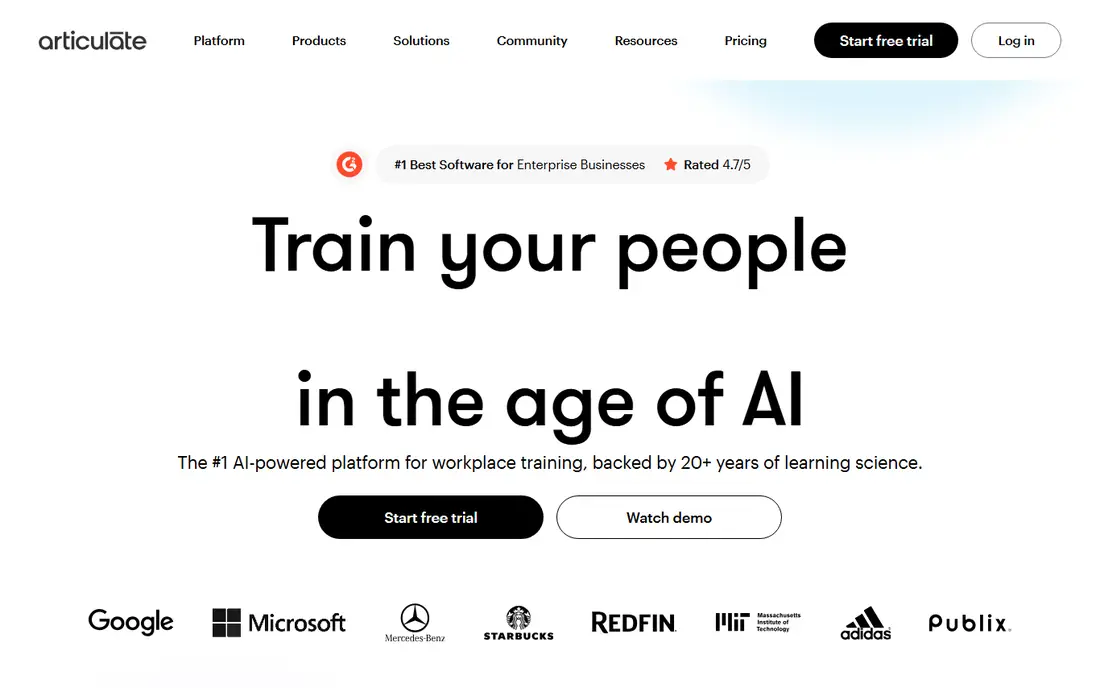
Articulate 360 is the industry standard for teams that need both speed and depth. Rise builds clean, responsive courses from blocks, while Storyline handles branching, custom triggers and detailed interactions. That combination lets one subscription cover simple compliance modules and complex scenario courses.
The price is the main barrier, since it is charged per author each year and AI extras can cost more. Teams that publish only a few simple courses a year may find a cloud tool cheaper. Teams that publish often, and need precise control, usually find the cost easier to justify.
- Storyline for custom interactions
- Rise for fast responsive courses
- Broad LMS publishing
- High per-author price
- Storyline requires Windows

Adobe Captivate suits authors who build software training and detailed practice activities. You can record on-screen steps, add branching, set variables and control what happens after each learner action. That precision helps when learners must practice a process, not just read about it.
New authors may find the interface dense, and the cheapest path is the individual subscription rather than a team plan. If your courses are mostly slide-based lessons with quizzes, a simpler tool will get you there faster. If simulations are central, Captivate is a strong pick.
- Detailed triggers and variables
- Software simulation capture
- SCORM and xAPI publishing
- Learning curve is steep
- Team licensing needs a quote
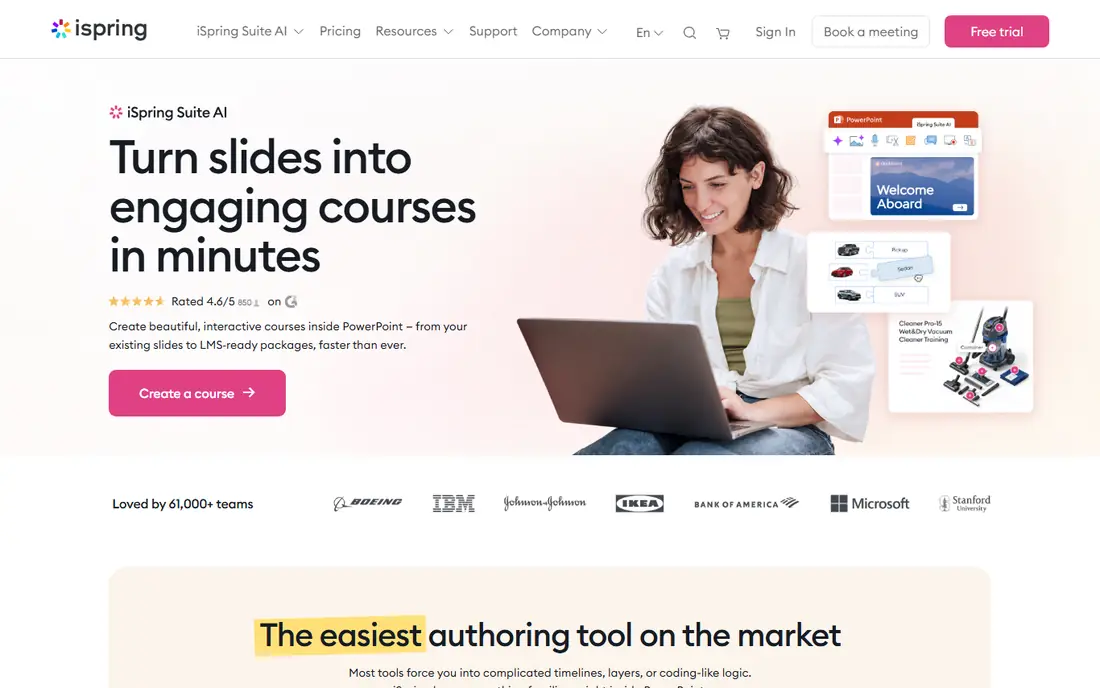
iSpring Suite turns PowerPoint into a course authoring tool, which shortens training time for teams that already present in slides. Authors can add quizzes, dialog simulations, screen recordings and branching scenarios without learning a new editor from scratch. Published courses work with common LMS platforms through SCORM and xAPI.
The Windows and PowerPoint requirement is a real limit for Mac-only or browser-only teams. The AI plan costs more and adds cloud authoring features that some teams will not need. For Windows-based corporate training teams, iSpring is one of the fastest routes to a polished course.
- Familiar PowerPoint workflow
- Quizzes, role-plays and branching
- SCORM and xAPI output
- Requires Windows and PowerPoint
- Less suited to pure cloud teams
Easygenerator is built for subject experts rather than instructional designers. The browser editor uses blocks for text, questions, video and scenarios, so a product manager or compliance lead can draft a course without design training. Team plans add co-authoring, reviewers, analytics and branding.
The entry Pro plan limits courses and learners, so growing programs should price the Team plan early. Authors who want pixel-level control or complex simulations will feel constrained. For fast, clean, template-led courses, Easygenerator is a practical choice.
- Browser-based block editor
- Co-authoring and review on team plans
- SCORM publishing
- Entry plan caps courses and learners
- Less custom control than Storyline or Captivate
Elucidat, now presented under the Create brand in some listings, suits large teams that publish many branded courses. Authors work in the browser, managers control roles and permissions, and teams can create variations for different audiences without rebuilding each course. Responsive HTML5 output works across devices.
Pricing is quote-based, which makes budgeting slower and comparison harder. Small teams with a few courses a year will likely find a fixed-price tool simpler. Large teams that value governance, reuse and consistent branding will get the most from Elucidat.
- Cloud authoring for large teams
- Strong brand and variation control
- SCORM and xAPI output
- Quote-based pricing
- Can feel costly for small course volumes
Lectora has long served compliance and regulated training teams, and accessibility is a clear strength. Authors can build branching scenarios, simulations and assessments, and publish to common LMS standards. The content library and review tools help teams that must keep courses consistent and auditable.
The interface is less modern than cloud rivals, and advanced features take time to learn. That trade-off matters less when accessibility, audit trails and precise control are the priorities. For teams in regulated sectors, Lectora remains a serious option.
- Strong accessibility support
- Actions and variables for branching
- SCORM, xAPI and cmi5 output
- Interface feels dated to some users
- Learning curve for advanced features
dominKnow ONE is designed for teams that reuse content across courses, languages and formats. Authors create once, then publish to an LMS or deliver content as web pages, knowledge content or print output. Collaboration, versioning and translation workflows suit teams with many authors and reviewers.
Current pricing is quote-based, so small teams should request a written quote before shortlisting it. Solo authors may also find the platform deeper than they need. For larger learning teams that struggle with duplicated content, dominKnow ONE addresses a real production problem.
- Single-source content reuse
- Responsive and traditional course formats
- Translation workflows
- Quote-based pricing on current plans
- Depth can overwhelm solo authors
H5P is the free route to interactive learning content. Authors can build quizzes, interactive videos, timelines, drag-and-drop activities and presentations, then embed them in WordPress, Moodle or Drupal. The self-hosted plugin costs nothing beyond hosting, which makes it ideal for schools, small teams and solo creators.
H5P is not a full course authoring suite, so it will not replace Storyline or Captivate for complex branching courses. The hosted service charges per author, and large deployments need technical care. Used alongside an LMS, H5P adds interactivity at very low cost.
- Free open-source plugin
- Many interactive content types
- Works with WordPress, Moodle and Drupal
- No full course authoring suite
- Hosted version is paid
- Support depends on community and host
How we picked these
We compared official feature and pricing pages, LMS publishing standards and public reviews for tools that create e-learning content in October 2026. We favored tools that publish to SCORM or xAPI, that are actively sold and supported, and that cover different team sizes and skill levels. We did not claim hands-on testing that did not happen, and we used See website where a vendor does not publish a clear starting price.
Choosing the right authoring tool
Start with your LMS and your authors, not with the feature list. Confirm which publishing standard your LMS accepts, and test a sample course with quizzes, branching and completion tracking before you buy. A tool that exports cleanly to your LMS will save more time than a tool with extra features that publish poorly.
Next, match the editor to the people who will use it. Subject experts do best with browser block editors, PowerPoint users do best with iSpring, and experienced designers do best with Storyline, Captivate or Lectora. Count authors separately from reviewers and learners, since many tools charge per author and reviewers may be free or included.
Finally, plan for updates. Courses need edits, translations and accessibility checks long after launch, so check versioning, reuse and review workflows. A tool that makes updates easy will cost less over the life of a course than a cheaper tool that forces rebuilds. Ask for a trial with a real course, not a demo file, before signing an annual plan.
Frequently asked questions
What is the difference between authoring software and an LMS?
Authoring software creates courses, quizzes and interactions. An LMS delivers those courses, tracks learners and records completion. Most teams need both, and SCORM or xAPI connects them.
Do I need SCORM publishing?
If you deliver courses through an LMS and need completion tracking, yes. If you publish courses on a website without tracking, HTML or embed output may be enough.
Which tool is best for beginners?
Easygenerator and H5P are the easiest starting points for non-designers. iSpring suits PowerPoint users, while Articulate Rise suits teams that want polished responsive courses without coding.
Can I create courses on a Mac?
Cloud tools such as Easygenerator, Elucidat, dominKnow ONE and H5P work in a browser on a Mac. Storyline and iSpring Suite require Windows, so Mac-only teams should shortlist cloud tools.
Is H5P really free?
The self-hosted H5P plugin is free, though you still pay for hosting and for the platform it runs on. The hosted H5P service charges a subscription, so check which version you are pricing.
Sources
See where you really rank - block by block
ProMapRanker scans Google Maps across a grid of your service area. Simple monthly plans from $19, white-label on every plan.
Start freeKeep reading
 what’s the best risk software for enterprises
What Is the Best Risk Software for Enterprises in 2026
We compared what’s the best risk software for enterprises on risk registers, controls, third-party risk, and reporting, with pricing notes for large teams.
Read → what's the best pam software for enterprises
What is the Best PAM Software for Enterprises in 2026
Find what's the best pam software for enterprises, with vaulting, session recording, just in time access and pricing compared for large enterprise IT teams.
Read → what’s the best grc software
What Is the Best GRC Software in 2026
We compared what’s the best grc software on risk, compliance, audit and vendor risk, so teams can pick a platform that fits their frameworks and budget.
Read →