 ProMapRanker
Best DVD Copying Software in 2026


Fast paid ripping · Pricing starts at: $39.95 per year
Key takeaways
- HandBrake is the best free starting point for unprotected discs, with strong encoding controls and no cost.
- MakeMKV is the best choice for a lossless copy, since it keeps original video, audio, and subtitle tracks in one MKV file.
- WinX DVD Ripper Platinum and VideoProc Converter AI suit large collections, with GPU acceleration and many output formats.
- Paid tools differ mainly in speed, protected disc handling, and device presets, not in basic MP4 output quality.
- Copy only discs you own for personal use, and check local laws on copy protection. This is not legal advice.
Quick comparison
| Pick | Great for | Pricing starts at | Free tier | |
|---|---|---|---|---|
| WinX DVD Ripper Platinum | Fast paid ripping | $39.95 per year | Free trial | Visit |
 VideoProc Converter AI | All round paid ripper | See website | Free trial | Visit |
 MakeMKV | Lossless MKV copies | Free | Yes | Visit |
 HandBrake | Free encoding control | Free | Yes | Visit |
 Leawo DVD Ripper | Device ready outputs | $29.95 per year | Free trial | Visit |
 DVDFab DVD Ripper | Protected disc handling | See website | Free trial | Visit |
 VLC Media Player | Player with basic ripping | Free | Yes | Visit |
 WonderFox DVD Ripper Pro | Budget paid ripping | $29.95 per year | Free trial | Visit |
 AnyMP4 DVD Ripper | Hardware accelerated ripping | See website | Free trial | Visit |
The best DVD copying software
DVD copying software, often called DVD ripping software, turns a disc into a digital file you can play on a computer, phone, or media server. The right tool depends on whether your discs are homemade or commercial, whether you want a small MP4 or a perfect copy, and how many discs you plan to process. A plain legal note matters here: rip only discs you own for personal use, and check the rules where you live, since laws on bypassing copy protection differ by country.
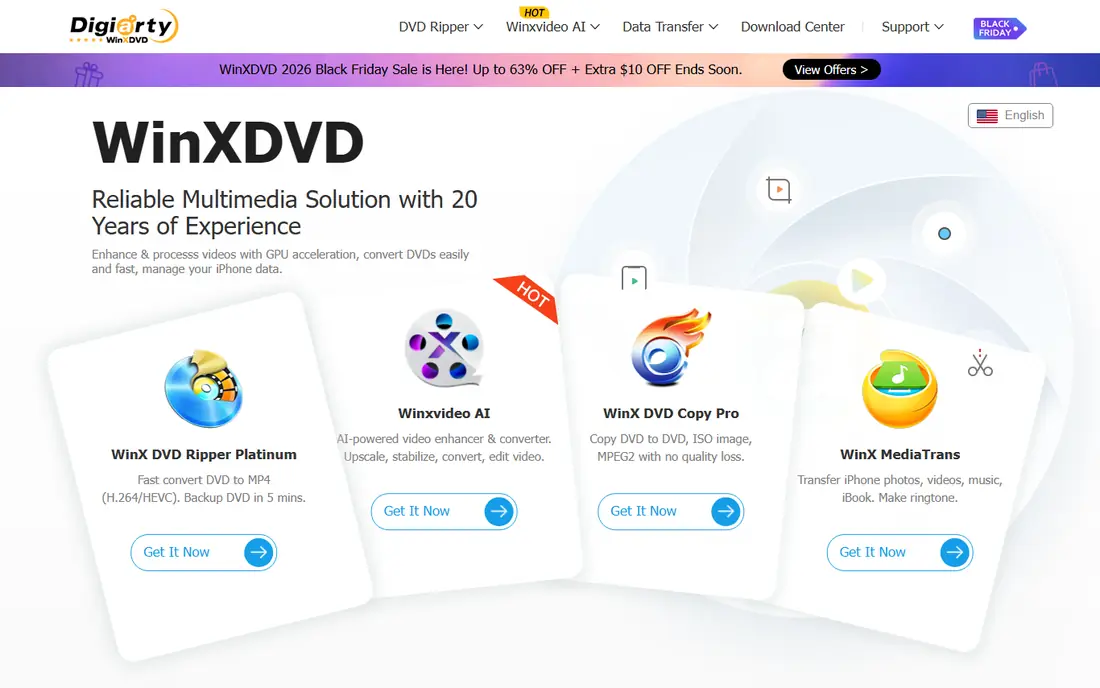
WinX DVD Ripper Platinum is a strong paid pick for a large collection. GPU acceleration speeds up conversion, output presets cover phones, tablets, TVs, and media players, and the tool handles many protected commercial discs that free tools cannot. That mix saves hours when you have a shelf of discs to digitise.
The trial is limited, so test it on a short title before you buy. Pricing starts at $39.95 per year in vendor listings, with a lifetime option also sold. If you only have a handful of homemade discs, a free tool will do the same basic job for less money.
- GPU acceleration
- Many output formats and device presets
- Handles protected discs
- Trial limits output length
- Windows and Mac only in the main product line
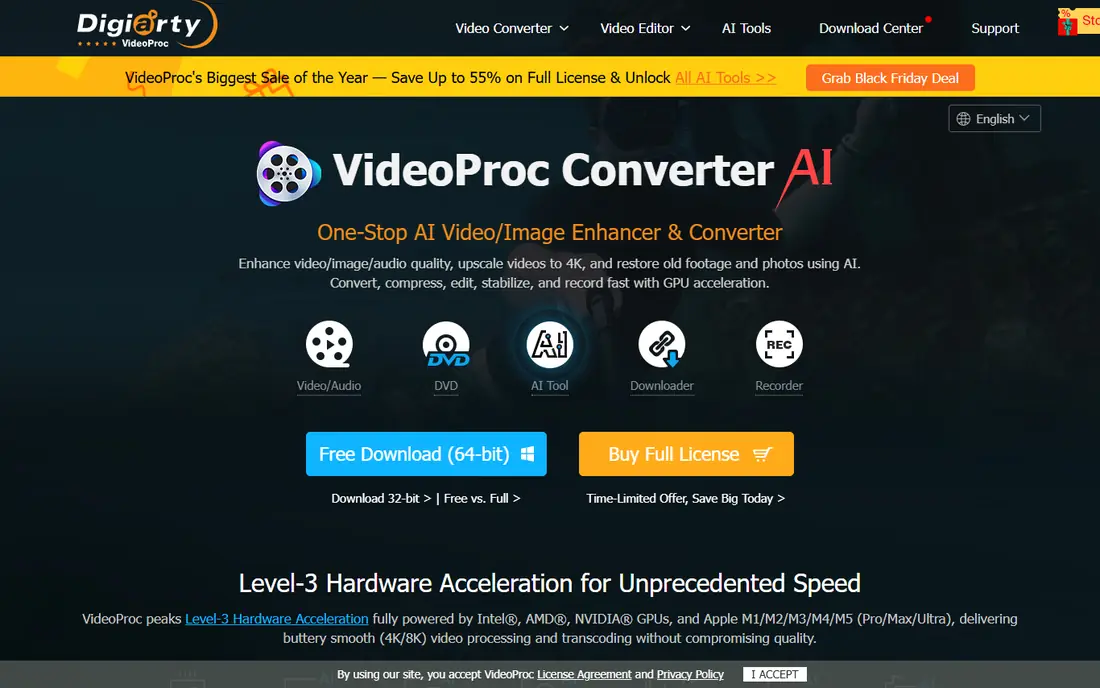
VideoProc Converter AI combines DVD ripping with a wider video converter and editor, which makes it useful beyond a single disc project. It handles commercial and homemade DVDs, ISO files, and DVD folders, and it outputs MP4, MKV, MOV, and other common formats with GPU acceleration. The interface is friendly for a user who does not want to learn encoding settings.
As with WinX, the trial limits how much of a disc you can convert, so use it to test speed and output quality on your own discs. If you only need ripping, compare the licence price with WinX and Leawo before you pick, since the extra editing tools may not matter to you.
- Fast GPU accelerated ripping
- Wide format support
- Video editing and conversion tools
- Trial limits output length
- Paid price varies by licence type

MakeMKV is the archival pick. It copies a DVD or Blu-ray to an MKV file without re encoding, so video, audio, subtitles, and chapters stay at original quality. That makes it ideal for a media server where storage is cheap and quality matters more than file size.
The limits are clear. Output is MKV only, files are large, and there is no built in compression or trimming. Many users pair MakeMKV with HandBrake: MakeMKV for the perfect copy, then HandBrake to shrink it to MP4 for a phone or tablet. DVD use is free in beta, while Blu-ray needs a paid licence after a trial period.
- Lossless copy with all tracks
- Free for DVDs in beta
- Works on Windows, Mac, and Linux
- MKV output only
- Files are large
- No compression or editing
HandBrake is the best free encoder for unprotected discs and for files you already own. It converts DVD video to MP4, MKV, and WebM with modern encoders, and it gives you full control over quality, size, subtitles, and audio tracks. For homemade discs, family videos, and unprotected titles, it is all most people need.
HandBrake does not handle copy protected commercial discs by itself. That is a legal and technical limit, not a bug, and users should not add third party decryption tools without checking local law. Pair it with MakeMKV for a lossless source file, or pick a paid ripper for protected discs.
- Free and open source
- Strong encoding controls
- Works on Windows, Mac, and Linux
- Does not bypass copy protection on its own
- Learning curve for beginners
Leawo DVD Ripper suits users who want a file ready for a specific device without tweaking settings. Presets cover phones, tablets, game consoles, and TVs, and the tool outputs both video and audio formats. GPU acceleration keeps conversion times reasonable for a medium collection.
Check licence terms before you buy. The yearly plan starts at $29.95 in vendor listings, and lifetime options cover a single PC in some listings. If you plan to use the tool on several computers, confirm how many devices the licence covers.
- Many device presets
- Audio and video outputs
- GPU acceleration
- Trial is limited
- Refund terms are shorter than some rivals
DVDFab DVD Ripper is a premium option for users who need strong handling of protected discs. Its cloud decryption support helps with newer protections that offline tools may miss, and it offers many output formats and device profiles. GPU acceleration helps with larger batches.
The product is sold in modules, so the total price depends on which features you add. Beginners may find the interface busier than WinX or Leawo. If protected discs are your main problem, DVDFab is worth a trial, but compare the full module price with simpler paid rippers first.
- Cloud based decryption support
- Many formats and profiles
- GPU acceleration
- Pricing varies by module
- Interface can feel busy for beginners
VLC Media Player is best known as a free player, but it can also convert a DVD to a digital file. That makes it a handy option if you already have VLC and only need to copy one or two unprotected discs. There is no cost, no trial limit, and no new software to learn for basic playback.
Ripping in VLC is slow and basic compared with HandBrake or a paid ripper. Presets are limited, protected discs are not supported, and quality controls are thinner. Use VLC for a quick job, and move to HandBrake or MakeMKV when quality and speed matter.
- Free and open source
- Already installed on many PCs
- Basic disc conversion
- Slow and basic ripping
- No protected disc support
- Limited presets
WonderFox DVD Ripper Pro is a budget paid pick for users who want speed without the highest price. It rips DVDs to MP4, MKV, MOV, and audio formats, with GPU acceleration and device presets. For a medium collection of commercial and homemade discs, it covers the core job well.
The trial limits output length, as with most paid rippers, so test it on a disc you know well. Support and update history are less visible than at WinX or DVDFab, so check the current version and licence terms on the vendor site before you buy.
- Fast ripping
- Good format range
- Lower entry price than some rivals
- Trial limits output length
- Smaller support community than larger brands
AnyMP4 DVD Ripper suits users who want ripping plus light editing in one tool. Hardware acceleration speeds up conversion, presets cover common phones and tablets, and basic trimming lets you cut unwanted sections before you save the file. That mix helps when you want a clean file for a portable device.
Pricing varies by licence length and device count, so confirm the current figure on the vendor site. The interface packs in many tools, which can feel crowded on a first use. For a straight rip with no editing, a simpler tool may feel faster.
- Hardware acceleration
- Many device presets
- Editing and trimming tools
- Pricing varies by licence
- Interface can feel crowded
How we picked these
We compared official feature pages, pricing pages, and public documentation for DVD copying tools that are sold and working in October 2026. We kept tools that can copy a DVD to a digital file as a core function, and we left out abandoned tools that no longer work on modern systems and tools that only burn discs. Where a vendor does not publish a clear price, we wrote See website rather than repeating a third party figure as a vendor price.
What to check before you pay
Start with your discs. Homemade and unprotected discs work well with free tools such as HandBrake, VLC, and MakeMKV. Commercial discs with copy protection need a paid tool, and even then, success depends on the protection type and local law. Test a paid trial on your hardest disc, not your easiest one.
Next, decide between a small file and a perfect copy. A compressed MP4 of one to two gigabytes plays anywhere and suits phones and tablets. A lossless MKV copy keeps full quality but takes far more storage and suits a home media server. Many users do both: archive with MakeMKV, then compress a copy with HandBrake for portable use.
Finally, check output formats, device presets, and licence terms. Confirm the tool outputs the format your player needs, check how many PCs the licence covers, and note the refund window. A cheap yearly licence that covers one PC may cost more than a lifetime licence if you switch computers often.
Frequently asked questions
What is the best DVD copying software for most people?
HandBrake is best for free, unprotected disc work, MakeMKV is best for lossless copies, and WinX DVD Ripper Platinum is a strong paid pick for protected discs and large collections. Pick by disc type and collection size, not by speed claims alone.
What is the best DVD rip software that is free?
HandBrake is the best free ripper for unprotected discs, with strong encoding control. MakeMKV is free for DVDs in beta and gives lossless MKV copies. VLC also works for basic, occasional rips. None of these bypass copy protection on their own.
What is the best software to rip DVD discs to MP4?
WinX, VideoProc, Leawo, and WonderFox all output MP4 with device presets and GPU speed. HandBrake also outputs MP4 for free when the disc is unprotected. For a phone or tablet, MP4 with a modern encoder gives the best mix of size and quality.
Is it legal to copy a DVD I own?
Copying a homemade or unprotected disc you own for personal use is generally accepted in many places, but laws differ by country. In the United States, bypassing copy protection on commercial discs is restricted by law, apart from narrow exemptions. This is not legal advice, so check local rules before you copy a protected disc.
Why are my ripped files so large?
Lossless copies from MakeMKV keep every track at full quality, so a single disc can take several gigabytes. Compressed MP4 files from HandBrake or a paid ripper shrink that to one or two gigabytes with a small quality loss. Choose lossless for archiving and compressed for portable playback.
Sources
See where you really rank - block by block
ProMapRanker scans Google Maps across a grid of your service area. Simple monthly plans from $19, white-label on every plan.
Start freeKeep reading
 zscaler alternatives
Best Zscaler Alternatives in 2026
Looking for zscaler alternatives? We compare 9 SASE and zero trust platforms on architecture, data protection, pricing, and fit for your network and team.
Read → zapier alternatives free
Best Zapier Alternatives Free in 2026
Nine automation tools for zapier alternatives free in 2026, all with genuinely free tiers, plus free plan limits, starting prices and upgrade paths explained.
Read → which platform is best for online reputation
Which Platform Is Best for Online Reputation in 2026
Wondering which platform is best for online reputation? We compare 8 review, listing, and response tools for small and multi-location businesses and agencies.
Read →