 ProMapRanker
Best DVD Burner Software in 2026


Full-featured disc authoring and encryption · Pricing starts at: $49.95
Key takeaways
- ImgBurn, CDBurnerXP, BurnAware Free, and AnyBurn cover most data and ISO burning for free, while Nero and Ashampoo add video DVD authoring and menus.
- A video DVD for a standalone player needs proper DVD authoring, not just video files copied to a data disc.
- Check your drive first: a DVD-only drive cannot burn Blu-ray discs, and a CD-only drive cannot burn DVDs.
- Only burn discs you own or have the right to copy, and download each tool from its official site to avoid bundled installers.
Quick comparison
| Pick | Great for | Pricing starts at | Free tier | |
|---|---|---|---|---|
| Nero Burning ROM | Full-featured disc authoring and encryption | $49.95 | Free trial | Visit |
 Ashampoo Burning Studio | All-round burning with menus and covers | See website | Free trial | Visit |
 ImgBurn | Lightweight ISO and data disc burning | Free | Yes | Visit |
 CDBurnerXP | Simple free data, audio, and ISO burning | Free | Yes | Visit |
 BurnAware | Clean free burning with paid upgrades | Free | Yes | Visit |
 DVDFab DVD Creator | Video to DVD conversion and menus | See website | Free trial | Visit |
 Wondershare UniConverter | Video conversion plus DVD burning | See website | Free trial | Visit |
 Express Burn | Fast basic burning for Windows and Mac | See website | Free trial | Visit |
 AnyBurn | Small free tool for ISO and data discs | Free | Yes | Visit |
The best DVD burner software
DVD burning is a niche task in 2026, but it still matters for family video discs, car and older player playback, and offline backups. The tools in this guide differ in an important way: some burn data discs and ISO images, while others author a proper video DVD with menus that a standalone player can play. We compared official product pages and feature lists, and we focused on tools that are live and usable on Windows in October 2026. Always download from the official site, because third-party installers for older burning tools sometimes add unwanted software.
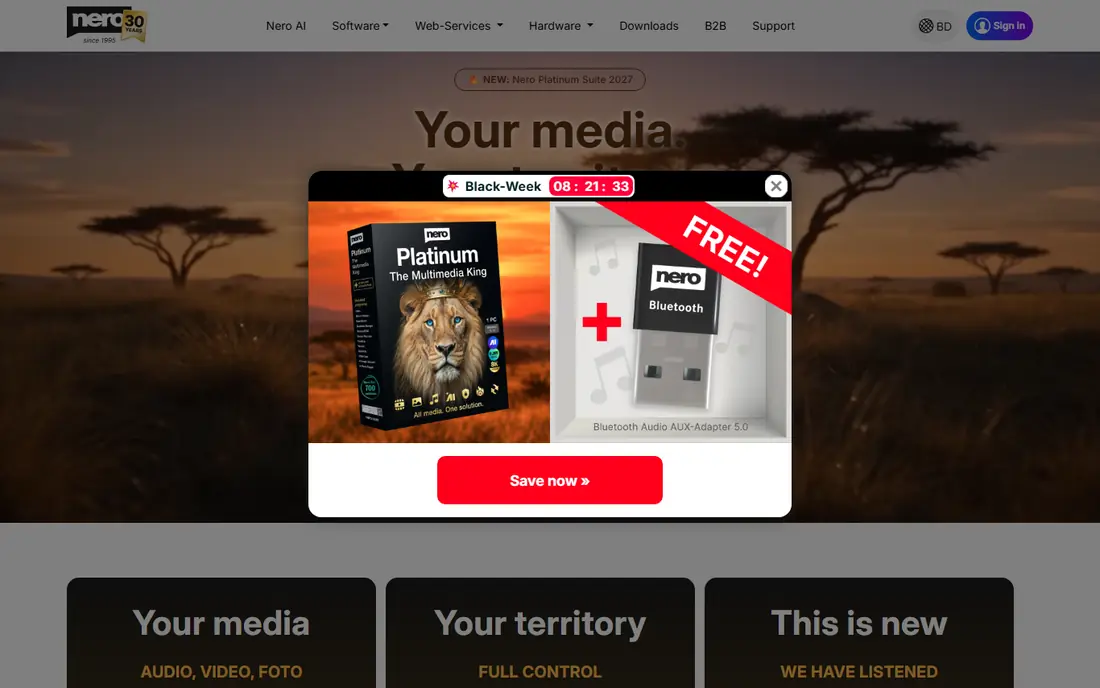
Nero Burning ROM is the most complete disc burning tool in this guide. It burns data discs, audio CDs, video DVDs, and Blu-ray discs, copies discs, rips audio CDs, and creates disc covers. SecurDisc encryption adds password protection and redundancy for sensitive archives, which matters for business or compliance discs that must survive a damaged disc or an unauthorized reader.
The price, listed at $49.95 for a lifetime license in recent listings, is hard to justify if you only burn a data backup twice a year. It makes sense when disc work is regular, when you need Blu-ray authoring, encryption, or professional covers, or when you want long-term support from an established vendor. Casual users should start with a free tool and only move to Nero if they hit a limit.
- Broad CD, DVD, and Blu-ray burning
- SecurDisc encryption for sensitive discs
- Audio ripping and cover design tools
- Paid tool when free tools cover basic burning
- Interface has more options than a casual user needs
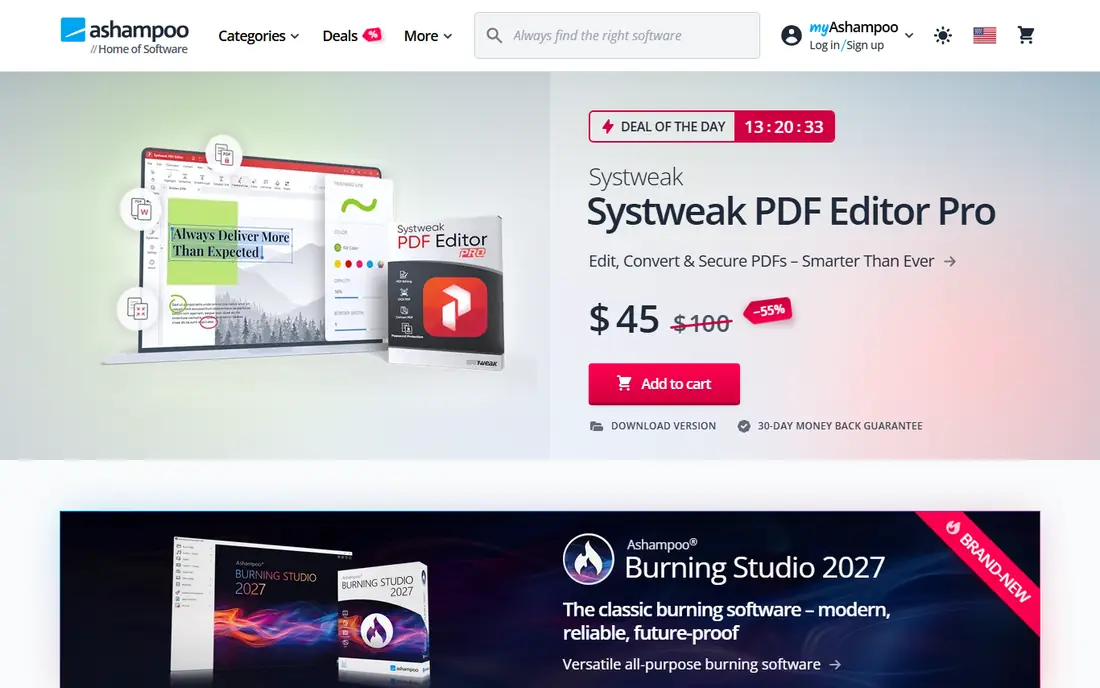
Ashampoo Burning Studio is a strong all-round choice for Windows users who want video DVD menus without learning a complex authoring program. It burns data discs, creates audio CDs, authors video DVDs with menus, copies discs, and creates ISO images, and it includes tools for disc covers. A free edition exists alongside the paid version, with a trial for the full program.
The main caution is edition differences. The free edition covers basic burning, while menus, advanced authoring, and some backup features sit in the paid version. Check the edition comparison on the official site before buying, and use the trial to test a full video DVD project, including menu navigation on a real player, before you pay.
- Data, audio, and video DVD burning in one program
- Menu creation and cover design
- Separate free edition available
- Full version is paid
- Some advanced features need the paid edition, not the free edition
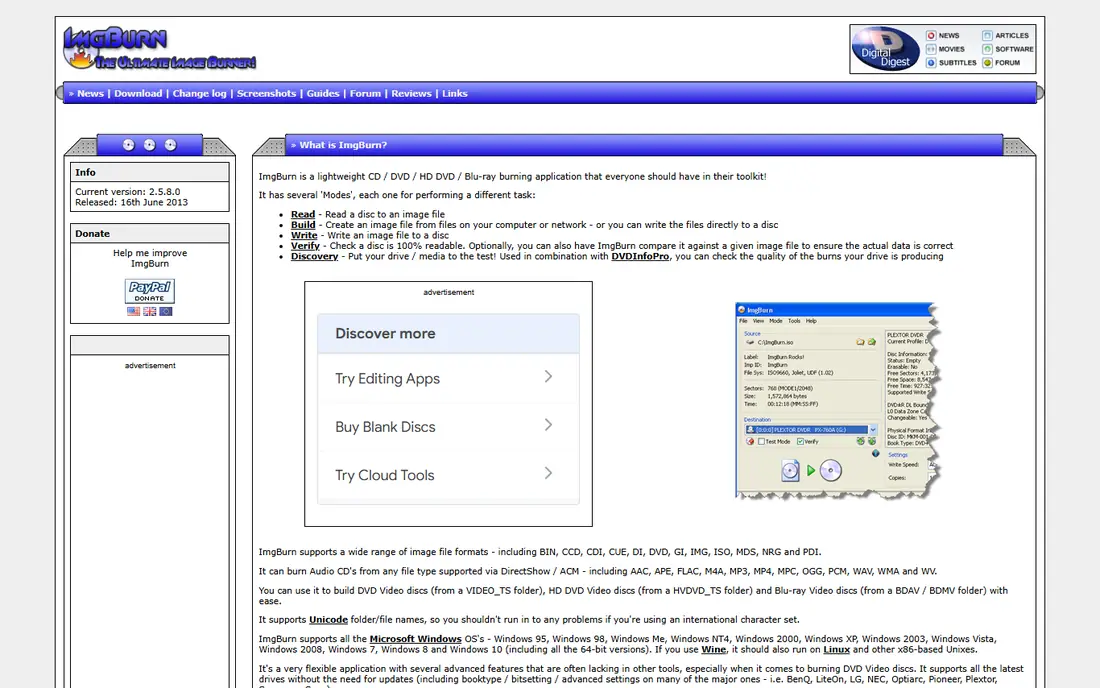
ImgBurn remains a favorite for data discs and ISO work because it is free, small, and precise. It builds ISO images from files or folders, burns ISO images to disc, verifies burns, and gives detailed logs that help diagnose a failed burn. For backups, software install discs, and archival data discs, that precision matters more than a modern interface.
ImgBurn is not a video DVD authoring tool. It can burn a prepared DVD video folder, but it does not create menus or convert video files into a DVD structure on its own. It also has an older interface, so new users should follow the official guides for their first burn. For free, reliable data and ISO burning, however, ImgBurn is hard to beat.
- Free and very small
- Precise ISO building and burning
- Detailed logs and verification for archival discs
- Older interface that is not beginner-friendly
- No full video DVD authoring with menus
- No longer updated frequently
CDBurnerXP is a free Windows tool for burning data discs, audio CDs, and ISO images, including Blu-ray data discs where the drive supports them. Its interface is simpler than ImgBurn, which makes it a good first choice for users who want a straightforward burn without learning advanced settings. It also handles multi-session discs and disc copying for data discs.
Like ImgBurn, CDBurnerXP does not author video DVDs with menus. It is best for data backups, audio CDs, and ISO burns, paired with a separate authoring tool if you need a playable video DVD. Download it only from the official site, because older free tools are often repackaged by third-party download sites with added software.
- Free for personal and business use in many cases
- Simple interface for data, audio, and ISO discs
- Supports Blu-ray data burning
- Older tool with less frequent updates
- No full video DVD menu authoring
BurnAware Free is a clean, easy-to-use Windows burning tool for data discs, audio CDs, and ISO images. It supports Blu-ray data burning, and its interface is more modern than ImgBurn or CDBurnerXP, which helps new users complete a burn without hunting through advanced menus. Paid editions add disc copying, audio extraction, and additional features for regular users.
The free edition is enough for most occasional burning, including backups and audio CDs. If you need to copy a disc directly, extract audio tracks, or work with disc images in more depth, compare the paid editions before buying. For a simple, free, and tidy burning tool, BurnAware Free is a strong starting point.
- Clean interface in the free edition
- Data, audio, and ISO burning
- Blu-ray support in higher editions
- Free edition omits disc copying, audio extraction, and some advanced features
- Paid editions needed for full features
DVDFab DVD Creator focuses on turning video files into a playable DVD, rather than just copying files to a data disc. It converts common video formats, creates menus from templates, and burns the result to DVD, which is the workflow needed for a disc that plays in a standalone DVD player. Batch options help when several videos need to become one disc or several discs.
DVDFab is paid software, and the trial has limits, so test it with a short project before buying. It is best for users who regularly convert videos for family, clients, or offline playback, rather than for a one-time data backup, where a free tool would be enough. Check the current pricing and trial terms on the official site, because DVDFab sells several related products.
- Converts many video formats to DVD
- Menu templates for playable discs
- Batch conversion options
- Paid software with a trial limit
- Interface and pricing can feel complex for a single disc
Wondershare UniConverter
Great for: Video conversion plus DVD burning
Wondershare UniConverter, formerly Video Converter Ultimate, is primarily a video converter that also burns DVDs. That combination suits users who need to convert videos from a phone, camera, or download into a DVD-compatible format before burning. Menu templates and basic authoring are included, so a converted video can become a playable disc without a second program.
UniConverter is not the cheapest way to burn a single data disc, and its subscription pricing should be compared with a one-time purchase such as Nero or Ashampoo if you only need DVD burning. It is best for users who already need video conversion for phones, tablets, or editing, and who want DVD burning as an extra feature in the same tool.
- Broad video conversion before burning
- DVD menu templates
- Useful if you already convert video for other devices
- DVD burning is one feature in a larger converter, not a dedicated authoring suite
- Paid subscription model
Express Burn from NCH Software is a cross-platform burning tool for Windows and Mac, which is useful in a mixed-device household or office. It burns data discs, audio CDs, and video DVDs, and its interface is designed for quick burns rather than deep authoring. That simplicity helps users who want to burn a disc and move on, without learning a full authoring program.
The free version has limits, and the paid version is needed for full features, so check the edition details before relying on it for regular work. Express Burn is best as a simple, fast option for basic discs on either platform, while dedicated authoring tools remain better for complex menus and multi-title DVDs.
- Available for Windows and Mac
- Fast data, audio, and video disc burning
- Simple interface
- Free version has limits
- Video DVD features are basic compared with Nero or Ashampoo
AnyBurn is a small, free Windows tool that covers the core burning tasks: data discs, audio CDs, ISO images, and Blu-ray data discs where the drive supports them. It is lightweight, easy to install, and useful as a portable option for technicians or for a second computer that only needs occasional burning. Its straightforward menus make it a good alternative to ImgBurn for users who prefer a simpler layout.
AnyBurn does not create video DVD menus, so it pairs best with a separate authoring tool if you need a playable video disc. For free data, ISO, and audio burning, however, it is a reliable choice, and its small size makes it easy to keep installed without cluttering a system.
- Free and lightweight
- ISO, data, audio, and Blu-ray support
- Portable version available for some uses
- No video DVD menu authoring
- Interface is functional rather than polished
How we picked these
We compared tools that burn DVDs on Windows in October 2026, using official product pages for data, audio, video DVD, ISO, and Blu-ray support. We included both free and paid tools, because the right choice depends on whether you need a simple data burn or a full video DVD with menus. We excluded tools that are no longer available, tools that only rip or play discs without burning, and tools whose official site could not be identified. Where a price could not be verified from the vendor, we wrote See website rather than copying a retailer price as a vendor price.
What to check before you burn a DVD
First, confirm your drive and disc type. A DVD burner can burn CD and DVD discs, but it cannot burn Blu-ray discs unless it is a Blu-ray burner. A single-layer DVD holds 4.7 GB, while a dual-layer DVD holds 8.5 GB, so check your video or data size before choosing a disc. Using the wrong disc type is the most common reason a burn fails before it starts.
Next, choose data disc or video DVD correctly. A data disc holds files that a computer can read, but a standalone DVD player will not play loose video files from a data disc. A video DVD needs authoring: video converted to DVD format, a proper folder structure, and, if you want it, a menu. Tools such as Nero, Ashampoo, and DVDFab handle that step, while ImgBurn, CDBurnerXP, BurnAware Free, and AnyBurn are mainly for data and ISO discs.
Finally, burn at a sensible speed and verify the disc. High burn speeds can cause errors on cheap media, so use a mid-range speed for important discs and turn on verification when the tool offers it. Use quality blank discs from a known brand, keep the disc away from heat and scratches, and test a video DVD in a real player before making multiple copies. Only burn content you own or have permission to copy, because copying protected commercial discs without permission may break the law in your country.
Frequently asked questions
What is the best burning software?
Nero Burning ROM is the best full-featured choice for regular disc work, while ImgBurn and BurnAware Free are the best free choices for data and ISO discs. Ashampoo Burning Studio is a good middle ground for users who want video DVD menus without the full Nero feature set. The best tool depends on whether you need data burning or video DVD authoring.
What are the top 10 DVD burn software options?
This guide covers nine tools, because we excluded tools that are no longer maintained or whose official site could not be verified. The nine are Nero Burning ROM, Ashampoo Burning Studio, ImgBurn, CDBurnerXP, BurnAware, DVDFab DVD Creator, Wondershare UniConverter, Express Burn, and AnyBurn. Together they cover free, paid, data, audio, video, and Blu-ray burning.
Is ImgBurn still good in 2026?
Yes, ImgBurn remains good for free data and ISO burning, even though it is updated less often than newer tools. Its verification and logging help with archival discs. It is not a video DVD authoring tool, so use Nero, Ashampoo, or DVDFab if you need menus for a standalone player.
Can I burn a video DVD that plays in a regular DVD player?
Yes, if you use a video DVD authoring tool such as Nero Burning ROM, Ashampoo Burning Studio, or DVDFab DVD Creator, and you burn a proper video DVD, not a data disc with video files on it. Test the finished disc in a real player before making copies, because a computer may play files that a standalone player cannot.
Do I need a special drive to burn DVDs?
Yes, you need a DVD burner drive, either built in or external via USB, and a Blu-ray burner if you want to burn Blu-ray discs. Check your drive specifications before buying blank discs, and use a USB 3 port for an external drive when possible for a stable burn.
Sources
See where you really rank - block by block
ProMapRanker scans Google Maps across a grid of your service area. Simple monthly plans from $19, white-label on every plan.
Start freeKeep reading
 zoro.to alternatives
Best Zoro.to Alternatives in 2026
We compare the best zoro.to alternatives in 2026, listing only legal licensed anime streaming services, from Crunchyroll to free options for fans today.
Read → zip alternatives
Best Zip Alternatives in 2026
We compare the best zip alternatives for buy now, pay later in 2026, covering pay-in-4 plans, fees, spending limits, and credit reporting options today.
Read → yesware alternatives
Best Yesware Alternatives in 2026
Compare the best yesware alternatives for sales email tracking, templates, and sequences, with current pricing and honest tradeoffs for small sales teams.
Read →