 ProMapRanker
Which Drive Encryption Software Fits You? 7 Tools Compared


Enterprise Windows estates · Pricing starts at: See website
Direct answer
Our first pick is Symantec Endpoint Encryption, best for enterprise Windows estates. VeraCrypt fits free cross-platform encryption; Check Point Full Disk Encryption fits enterprise endpoint encryption. All 7 tools are compared below on price, free plan and limits.
Key takeaways
- The list opens with Symantec Endpoint Encryption, aimed at enterprise Windows estates.
- Check the limits for Check Point Full Disk Encryption before you commit: enterprise pricing and complexity.
- For Symantec Endpoint Encryption, Check Point Full Disk Encryption, Sophos Central Device Encryption and Jetico BestCrypt, you have to request a quote because no starting price is shown.
- FileVault suits Mac drive encryption.
- Only 3 of the 7 tools have a free plan (VeraCrypt, BitLocker, FileVault), so check the caps.
Quick comparison
| Pick | Great for | Pricing starts at | Free tier | |
|---|---|---|---|---|
| Symantec Endpoint Encryption | Enterprise Windows estates | See website | No | Visit |
 VeraCrypt | Free cross-platform encryption | Free | Yes | Visit |
 Check Point Full Disk Encryption | Enterprise endpoint encryption | See website | No | Visit |
 BitLocker | Windows drive encryption | Included with Windows Pro | Yes | Visit |
 Sophos Central Device Encryption | Managed BitLocker and FileVault | See website | No | Visit |
 Jetico BestCrypt | Compliance-grade encryption | See website | No | Visit |
 FileVault | Mac drive encryption | Included with macOS | Yes | Visit |
Tool-by-tool breakdown
ProMapRanker put together this guide to drive encryption software for readers who want a clear shortlist without reading every vendor page. It compares 7 tools on starting price, free plans, who each one suits and where each one falls short.
Symantec Endpoint Encryption is built with enterprise Windows estates in mind. The Broadcom acquisition shifted licensing and support dynamics, so current customers should confirm terms. Large organizations already in the Symantec ecosystem get unified endpoint security and encryption.
Honest limits: Complicated deployment.
Beyond that, Symantec Endpoint Encryption, now part of Broadcom, offers centrally managed full disk encryption for enterprise Windows estates, with policy enforcement, key recovery and compliance reporting from a management console. On top of that, new buyers should compare against managing native BitLocker centrally, which is commonly less expensive. No starting price is listed for Symantec Endpoint Encryption here; confirm pricing on the vendor site. No free plan comes with Symantec Endpoint Encryption.
- Connects with Symantec endpoint suite
- Solid compliance reporting
- Enterprise pricing
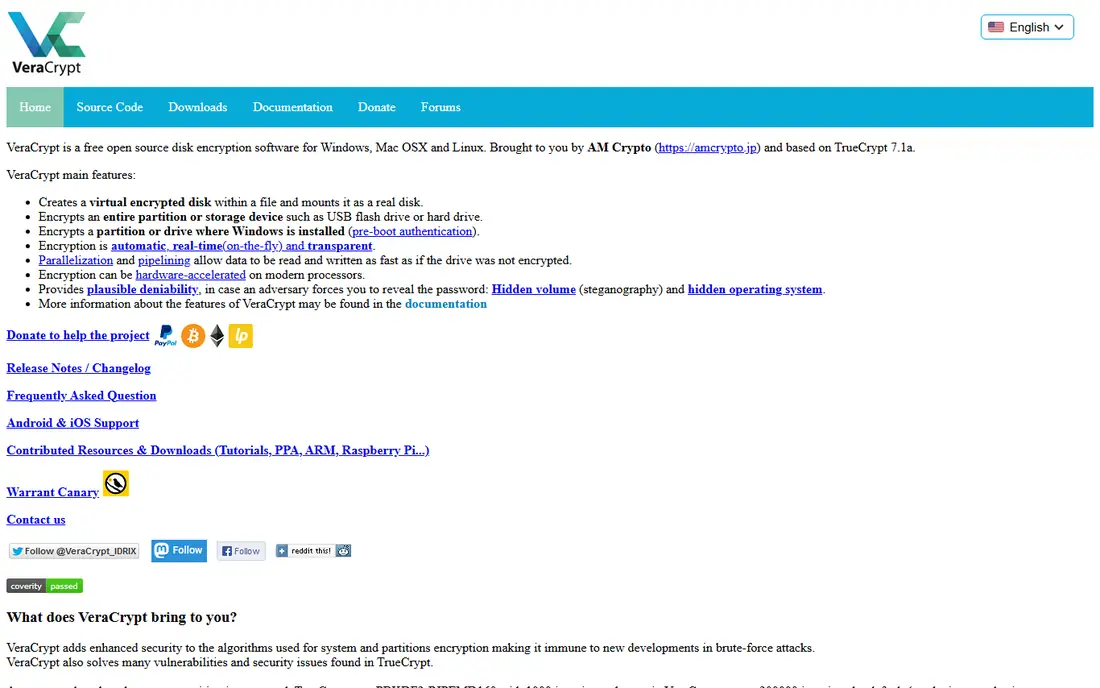
Pick VeraCrypt if this describes you: free cross-platform encryption. Beyond full disk encryption, it provides encrypted containers and hidden volumes for plausible deniability, features no built-in tool matches.
Honest limits: You own key recovery entirely; No central management.
Best features of VeraCrypt: Cross-platform.
Beyond that, security-conscious individuals, journalists and researchers favor it for its transparency: the code is public and audited. In practice, there is no management console, so it fits individuals and small teams rather than enterprises. VeraCrypt pricing: Free. You can start on VeraCrypt without paying.
- Hidden volumes and plausible deniability
- Free and open source
- Interface is dated
Check Point Full Disk Encryption targets enterprise endpoint encryption. Standalone buyers may find dedicated or native-managed choices more straightforward.
Drawbacks to consider: Sales-led process.
Pricing for Check Point Full Disk Encryption is not stated here, so ask the vendor for current figures. Check Point Full Disk Encryption has no permanent free option.
- Pre-boot authentication
- Part of a capable endpoint suite
- Agent overhead
For Windows drive encryption, BitLocker is a natural candidate. BitLocker is Microsoft's full disk encryption, included with Windows Pro, Enterprise and Education. For most Windows users and companies, BitLocker is the answer: free, well-integrated and supported.
Limits to weigh: Not in Windows Home.
Turn it on, and the drive is encrypted with AES; without the password, PIN or recovery key, the data is unreadable. It can escrow recovery keys to Active Directory or a Microsoft account. Entry price for BitLocker: Included with Windows Pro. BitLocker offers a free plan.
- Connects with Active Directory
- No additional cost
- TPM recommended for best security
Choose Sophos Central Device Encryption for managed BitLocker and FileVault. For organizations that like native encryption but need central control, this avoids external encryption agents entirely.
It makes most sense for existing Sophos customers; others should weigh it against Microsoft Intune, which supplies similar BitLocker management. Pricing for Sophos Central Device Encryption is not stated here, so ask the vendor for current figures. No free plan comes with Sophos Central Device Encryption.
Where it is weaker: Sophos ecosystem focus.
- Well suited to mixed fleets
- Single cloud console
- Depends on BitLocker and FileVault underneath
Pick Jetico BestCrypt if this describes you: compliance-grade encryption. Jetico BestCrypt has served governments and regulated industries for decades, with encryption products certified to demanding standards. BestCrypt Volume Encryption handles full disks whereas container encryption guards selected data.
Points against: Premium pricing.
In daily use, for defense, government and highly regulated commercial buyers with specific certification requirements, it remains a trusted name. For everyday use, general firms will find native tools sufficient. The interface reflects its heritage, and pricing is premium. This comparison lists no price for Jetico BestCrypt; ask the vendor. Jetico BestCrypt has no permanent free option.
- Long track record
- Certified for strict compliance
- Niche vendor
In short, FileVault is for Mac drive encryption. Firms managing Mac fleets normally pair FileVault with a MDM for key escrow and compliance reporting, since macOS alone provides restricted central management. Worth adding: for individual Mac users, there is no reason not to enable it.
In practice, FileVault encrypts the whole startup disk on Macs with XTS-AES-128. As for the details, recovery keys can be stored with Apple or iCloud. On cost, FileVault starts like this: Included with macOS. Free access exists with FileVault.
Highlights: Built into macOS.
Limits to weigh: Little central management natively; Recovery key management needs attention.
- Straightforward one-click enable
- Works with iCloud recovery
- Mac only
Worth knowing about drive encryption software
Modern tools encrypt transparently: you enter your password or PIN at boot, and everything else works normally. The category splits between built-in OS tools that are free and decent, and enterprise systems that add central key management, compliance reporting and recovery for IT departments.
How we chose
For each of the 7 tools we noted price, free plan or trial, fit for drive encryption software and the main limit, using vendor pages and documentation. Where a vendor does not publish a price, the entry says quote. Where a price depends on seats or billing term, the entry says so. We ordered the tools by general fit, then by how clearly pricing is shown, then by free access. A buyer with unusual needs may reorder them.
Pre-purchase checklist
- Ask Symantec Endpoint Encryption, Check Point Full Disk Encryption, Sophos Central Device Encryption and Jetico BestCrypt for a written quote, since no starting price is shown.
- Read the fine print on the free plans from VeraCrypt, BitLocker and FileVault; seat, project and feature caps differ.
- Before choosing Symantec Endpoint Encryption, weigh its main limit: enterprise pricing.
- Check how data leaves FileVault: formats, limits and whether exports are available on every plan.
- Confirm minimum seats and billing terms with BitLocker before you commit to an annual plan.
Frequently asked questions
Is Symantec Endpoint Encryption the right pick for everyone comparing drive encryption software?
No single tool suits every team. Symantec Endpoint Encryption comes first because it fits enterprise Windows estates, while VeraCrypt suits free cross-platform encryption and Check Point Full Disk Encryption suits enterprise endpoint encryption. Match the tool to your own size, budget and workflow before deciding.
What happens if I lose my encryption key?
Without the key or recovery key, the data is unrecoverable by design. This is why key escrow to Active Directory, Intune, iCloud or a safe physical location is essential.
Does encryption slow down my computer?
On modern hardware with AES-NI instructions and particularly Apple silicon, the performance impact is negligible for everyday use.
Do these tools publish their prices?
Not all of them. Symantec Endpoint Encryption, Check Point Full Disk Encryption, Sophos Central Device Encryption and Jetico BestCrypt publish no starting price, so expect a quote request for those. The rest, VeraCrypt included, show a starting price, though seats and billing terms still change the final cost.
Does BitLocker work without a TPM chip?
Yes, with a policy change allowing startup keys or passwords on USB drives, though TPM-backed encryption is more secure and more convenient. Most business PCs contain TPMs.
Can I try these options before paying?
Often, yes. VeraCrypt, BitLocker and FileVault have a free plan. Use your own data and a real task during the test, and check what the free tier or trial limits before you rely on it.
Sources
See where you really rank - block by block
ProMapRanker scans Google Maps across a grid of your service area. Simple monthly plans from $19, white-label on every plan.
Start freeKeep reading
 zscaler alternatives
Best Zscaler Alternatives in 2026
Looking for zscaler alternatives? We compare 9 SASE and zero trust platforms on architecture, data protection, pricing, and fit for your network and team.
Read → zapier alternatives free
Best Zapier Alternatives Free in 2026
Nine automation tools for zapier alternatives free in 2026, all with genuinely free tiers, plus free plan limits, starting prices and upgrade paths explained.
Read → which platform is best for online reputation
Which Platform Is Best for Online Reputation in 2026
Wondering which platform is best for online reputation? We compare 8 review, listing, and response tools for small and multi-location businesses and agencies.
Read →