 ProMapRanker
8 Top Documentation Software for Tech Teams Compared (2026)


Startups that want beautiful API docs quick · Pricing starts at: $0/month (Starter)
Key takeaways
- Top of the list is Mintlify, which targets startups that want beautiful API docs quick.
- What to know about Mintlify first: premium Pro pricing is not published.
- Stoplight fits API teams that design and document in one place.
- 5 of 8 tools offer a free plan: Mintlify, GitBook, Notion, Confluence, Stoplight.
- Mintlify is the lowest-priced starter here at $0/month.
Direct answer
Mintlify is the first pick on this list for startups that want beautiful API docs quick. Alternatives: Archbee for customer-facing knowledge portals with branding control, and Redocly for engineering teams running docs-as-code on OpenAPI. The other 5 tools in the list cover narrower or pricier cases.
Quick comparison
| Pick | Great for | Pricing starts at | Free tier | |
|---|---|---|---|---|
| Mintlify | Startups that want beautiful API docs quick | $0/month (Starter) | Yes | Visit |
 Archbee | Customer-facing knowledge portals with branding control | $80/month | Free trial | Visit |
 Redocly | Engineering teams running docs-as-code on OpenAPI | $10 per seat/month (billed monthly) | Free trial | Visit |
 GitBook | Product and developer docs with built-in AI | $65 per site/month (billed annually) | Yes | Visit |
 Notion | Early-stage teams documenting everything in one workspace | See website | Yes | Visit |
 Confluence | Internal team knowledge in Atlassian environments | $5.42 per user/month | Yes | Visit |
 Document360 | Support-heavy teams running large knowledge bases | See website | Free trial | Visit |
 Stoplight | API teams that design and document in one place | $44/month (billed yearly) | Yes | Visit |
Tool-by-tool breakdown
ProMapRanker compared 8 documentation software for tech teams. The goal is a practical shortlist: published prices, free plan facts, best-fit use cases and honest limits for every entry.

Mintlify is designed for startups that want beautiful API docs fast. Mintlify has become the default answer for developer docs that require to look excellent and work for AI agents.
Pro pricing is not published, and AI usage runs on credits at a penny each past the included quota, so heavy AI use needs a budget line. Mintlify pricing: $0/month. Mintlify has a free plan.
Points against: AI features are credit-metered.
- Pro trial needs no credit card
- Web editor
- Five editor seats on Starter is tight for bigger teams
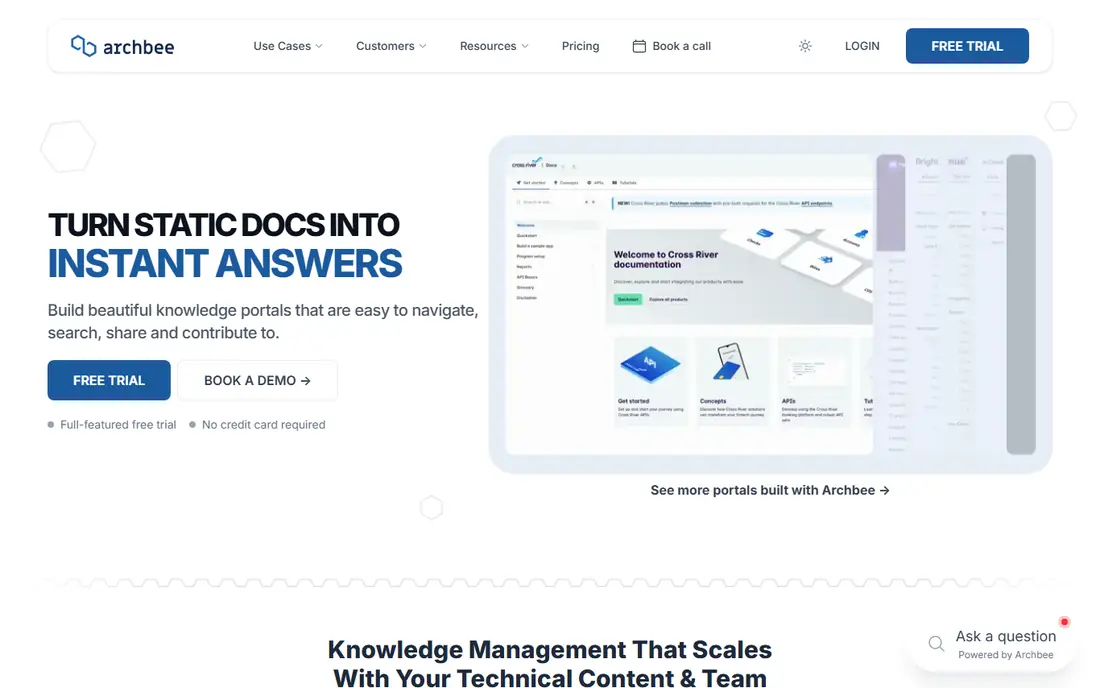
Think of Archbee for customer-facing knowledge portals with branding control. Archbee calls itself a knowledge portal product, and the output looks it: refined, branded documentation sites for customers, partners, and internal teams. More specifically, a 14-day trial with no credit card makes evaluation simple.
In daily use, the step to Scaling at $350 per month is steep, and that is where review workflows, localization, and reusable content live. For everyday use, teams that require those features should compare against GitBook and Document360 before committing. Archbee starts at: $80/month. As for free access: Free trial.
Limits to weigh: Smaller ecosystem than the leaders.
- Flat pricing with unlimited readers
- Beautiful portals with full branding control
- Opens at $80/month with no free plan
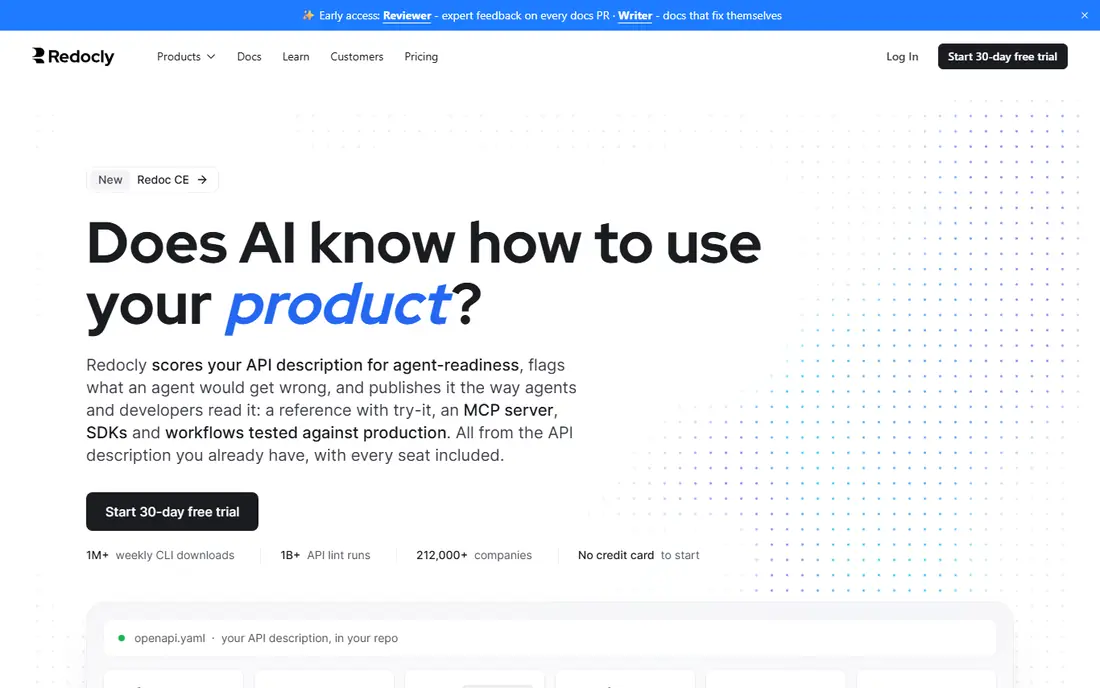
Redocly targets engineering teams running docs-as-code on OpenAPI. Redocly is aimed at teams that keep documentation in the repository next to the code.
The trade-off is the audience. The open-source Redoc renderer powers countless API reference sites, and the commercial product layers on collaboration, governance, linting, and developer portals. The starting price for Redocly: $10 per seat/month. As for free access: Free trial.
Watch-outs: Support quality tracks the plan level; Developer-centric.
- Solid linting and governance for API portfolios
- Redoc is the most widely used open-source API docs renderer
- Not friendly for non-technical writers
GitBook targets product and developer docs with built-in AI. A mid-sized SaaS company we looked at runs its public developer docs, internal runbooks, and AI chatbot answers from one GitBook setup. Authenticated, customer-only content needs Ultimate at $249 per site a month.
Also, the Essential plan begins at $65 per site a month on annual billing, readers are free, and page views are unlimited, so the cost math is straightforward until you add seats and AI credits. Budget the full stack, not the plan card, and GitBook is a fair deal for teams that want AI-native docs without building their own stack. The main limit is that the headline price is not the entire bill. Each collaborator layers on $12 per user a month, and AI features run on credits that cost a penny each past the included bundle. Price to start with GitBook: $65 per site/month. GitBook offers a free plan.
Where it falls short: AI credits add a second meter.
- AI assistant and agent features built in
- Per-site pricing with unlimited readers and page views
- Team seats cost $12 per user/month on top of the site fee
In short, Notion is for early-stage teams documenting everything in one workspace. Notion wins by being the tool the team already uses. In practice, use Notion for internal team knowledge whereas you are small.
Where it is weaker: No real API docs workflow.
On top of that, the limits arrive when docs become a product surface. In daily use, there is no OpenAPI rendering, no docs-as-code pipeline, no review workflow worth the name, and public sites carry Notion's look except when you invest in theming. In daily use, when your API docs start affecting signups, move them to a purpose-built tool. This comparison lists no price for Notion; ask the vendor. You can start on Notion without paying.
- Project tracking together
- Adaptable blocks manage docs, wikis
- Versioning and publishing are entry-level
Confluence is built with internal team knowledge in Atlassian environments in mind. Almost every tech team has a Confluence wiki, normally inherited. From a buyer's view, the Standard plan at $5.42 per user a month is one of the cheapest ways to provide an entire team a shared knowledge base.
Where it is weaker: Not designed for public developer docs.
The free tier spans teams up to 10 users. As for the details, teams that try to publish customer-facing docs from Confluence normally end up with a second tool anyway. For internal runbooks, meeting notes, architecture decision records, and onboarding pages, it works, particularly when Jira is already the system of record. Starting cost for Confluence: $5.42 per user/month. Confluence has a free plan.
- Standard plan is cheap at $5.42 per user/month
- Deep Jira integration
- Search and structure break down at scale without curation
Where Document360 fits: support-heavy teams running large knowledge bases. The migration service from Confluence, SharePoint, and other sources is included in most quotes, which removes the usual import pain. From a buyer's view, pricing is entirely quote-based, calibrated to team accounts, workspaces, languages, and AI usage.
What to check first: Quote-only pricing with no public numbers; weaker for API docs.
That is awkward for fast comparisons but can work out fairly for teams that fit the model. Choose Document360 when your problem is a sprawling help center with measurable ticket deflection goals, not when your problem is API reference docs. Pricing for Document360 is not stated here, so ask the vendor for current figures. On free options: Free trial.
- Migration service from Confluence and others included
- SOC 2 Type II and ISO 27001 compliance
- AI features bundled into custom quotes
Think of Stoplight for API teams that design and document in one place. Teams model their APIs visually, validate them against style guides, and publish interactive docs with mock servers from the same project. Worth adding: Stoplight approaches documentation from the API design side.
Beyond that, Stoplight earns its place when the workflow starts with API design and governance, and the docs are one output of that process instead of the entire job. The documentation output is decent but not the product's center of gravity. In practice, the Basic plan at $44 a month on annual billing, with the first three users free, is low-cost for a small API team. Every level contains mock servers and unlimited documentation views. Entry price for Stoplight: $44/month. Free access exists with Stoplight.
Drawbacks to consider: Smaller community than the pure docs tools.
- Mock servers included on every plan
- Entry-level plan begins at $44/month with first 3 users free
- Docs are secondary to the design workflow
Our selection method
The comparison looks at four things: starting price, free access, how well the feature set matches documentation software for tech teams, and the main limit of each tool. Prices and plan limits come from vendor pages and can change, so confirm them on the vendor site before you buy. Position on the page reflects fit for a typical buyer first, with price clarity and free access breaking ties. Treat it as a guide, not a ruling.
Things to verify first
- Confirm the entry price on the vendor page. For Notion and Document360 that means a quote rather than a fixed price.
- Read the fine print on the free plans from Mintlify, GitBook, Notion and others; seat, project and feature caps differ.
- Use real work to test the free trial from Archbee, Redocly and Document360, rather than a demo project.
- Before choosing Mintlify, weigh its main limit: premium Pro pricing is not published.
- Check whether the features you need in Notion sit on the entry plan or only on higher tiers.
- Ask Confluence which support channels and response times come with the plan you would buy.
Frequently asked questions
What is the cheapest option for documentation software for tech teams in this list?
On published monthly entry prices, Mintlify is the lowest here at $0/month. Entry price is only part of the cost, because seats, add-ons and billing terms can change the total.
Can I try these tools before paying?
Often, yes. Mintlify, GitBook, Notion and others have a free plan and Archbee, Redocly and Document360 offer a free trial. Use your own data and a real task during the test, and check what the free tier or trial limits before you rely on it.
Is Mintlify the right pick for everyone comparing documentation software for tech teams?
No single tool suits every team. Mintlify comes first because it fits startups that want beautiful API docs fast, while Archbee suits customer-facing knowledge portals with branding control and Redocly suits engineering teams running docs-as-code on OpenAPI. Match the tool to your own size, budget and workflow before deciding.
How are the tools for documentation software for tech teams ordered?
Mintlify sits first and Stoplight last because the order follows typical fit for documentation software for tech teams, then price clarity and free access. It is a judgement call, so read each profile for fit and limits.
Sources
See where you really rank - block by block
ProMapRanker scans Google Maps across a grid of your service area. Simple monthly plans from $19, white-label on every plan.
Start freeKeep reading
 zscaler alternatives
Best Zscaler Alternatives in 2026
Looking for zscaler alternatives? We compare 9 SASE and zero trust platforms on architecture, data protection, pricing, and fit for your network and team.
Read → zapier alternatives free
Best Zapier Alternatives Free in 2026
Nine automation tools for zapier alternatives free in 2026, all with genuinely free tiers, plus free plan limits, starting prices and upgrade paths explained.
Read → which platform is best for online reputation
Which Platform Is Best for Online Reputation in 2026
Wondering which platform is best for online reputation? We compare 8 review, listing, and response tools for small and multi-location businesses and agencies.
Read →