 ProMapRanker
Best Documentation Software in 2026

Key takeaways
- GitBook is our most balanced hosted choice for mixed teams, with a visual editor plus Git sync for developers.
- ReadMe and Mintlify lead for API-first products, with interactive references and polished docs sites, at higher monthly prices.
- Docusaurus and MkDocs cost nothing as open source tools, but the team owns hosting, maintenance, and analytics.
- Confluence and Notion win when non-developers write most of the docs, though neither is a true API reference tool.
- Document360 suits larger teams that need approval workflows and governance, while smaller teams may find it heavy.
Quick comparison
| Pick | Great for | Pricing starts at | Free tier | |
|---|---|---|---|---|
 GitBook | Polished docs with Git sync | $65 per month | Yes | Visit |
 ReadMe | Interactive API documentation | $250 per month | Yes | Visit |
 Mintlify | Beautiful docs from Markdown | $450 per month | Yes | Visit |
 Confluence | Company wikis tied to Jira | $5.42 per user per month | Yes | Visit |
 Docusaurus | Open source docs-as-code sites | Free | Yes | Visit |
 Notion | Flexible internal wikis | $10 per user per month | Yes | Visit |
 Document360 | Knowledge bases with workflows | See website | Free trial | Visit |
 MkDocs | Lightweight Markdown docs sites | Free | Yes | Visit |
 Redocly | OpenAPI reference docs and governance | $10 per seat per month | Yes | Visit |
The best documentation software
These tools differ in audience, from public developer docs to private team knowledge, so match the tool to the reader first.
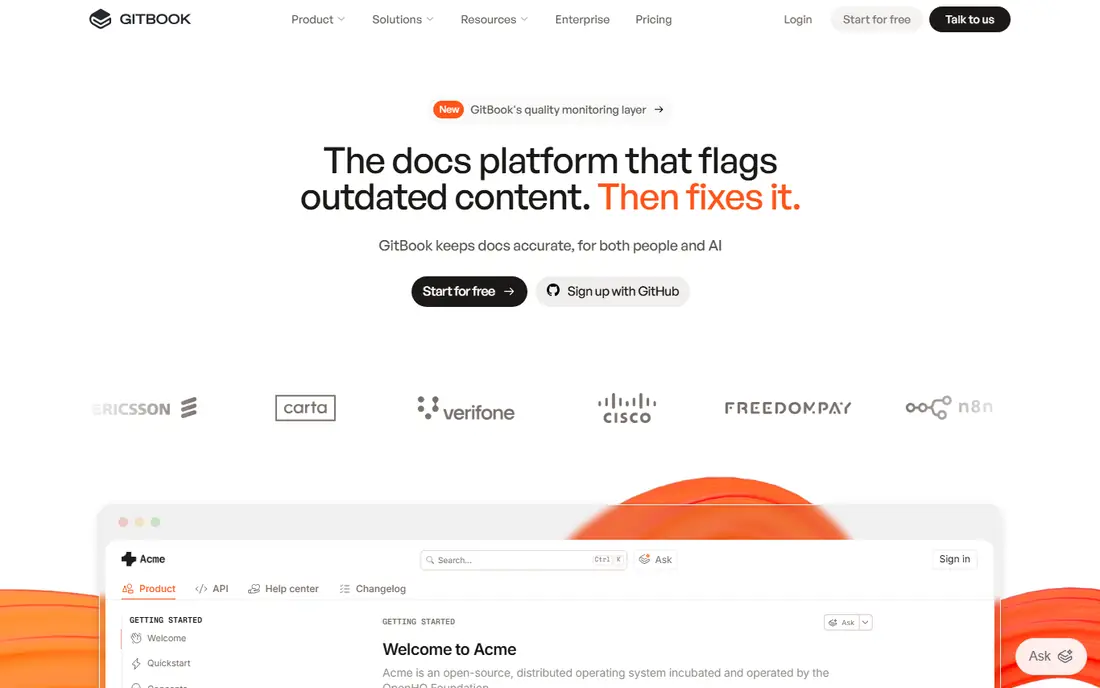
GitBook bridges two groups that often pull in different directions. Technical writers get a friendly visual editor, while developers get Git sync, Markdown, and version control, so docs can live beside code without forcing either side to change tools. Published sites look polished, search works well, and access control suits teams with public and internal content side by side.
Pricing needs care, since recent listings put Premium near $65 per site per month plus per-user costs on annual billing, and AI search and chat features sit on higher tiers or as add-ons. For startups and product teams that want polished docs without hiring a docs platform engineer, GitBook remains the most balanced hosted option, provided the team models its real site and user counts first.
- Visual editor plus Git sync and Markdown
- Custom domains and access control
- AI-assisted writing and search on higher tiers
- Pricing combines site and user costs, which confuses small teams
- Advanced governance needs higher plans
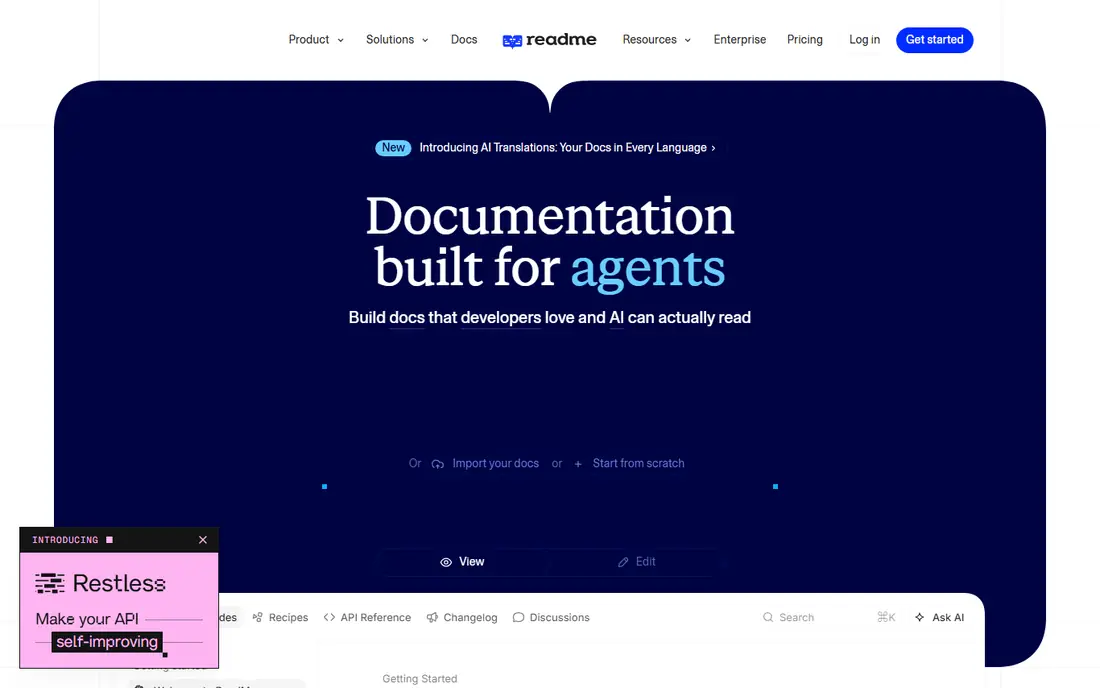
ReadMe is built for API-first products that need more than static pages. Its interactive references let developers try API calls from the docs, while guides, changelogs, and a developer hub sit around the reference in one place. Usage metrics show which endpoints and pages developers actually use, which helps a docs team improve the pages that matter most.
The price is the main barrier, with recent listings putting Pro near $250 per month on annual billing, and AI features as an extra in some tiers. Small teams with a simple API may get similar results from Mintlify, Redocly, or an open source tool at lower cost. For a company whose API is the product, ReadMe's playground and hub justify the spend.
- Interactive API playgrounds
- Developer hubs with guides and references
- Metrics on doc usage
- High starting price for small teams
- API focus means less fit for general wikis
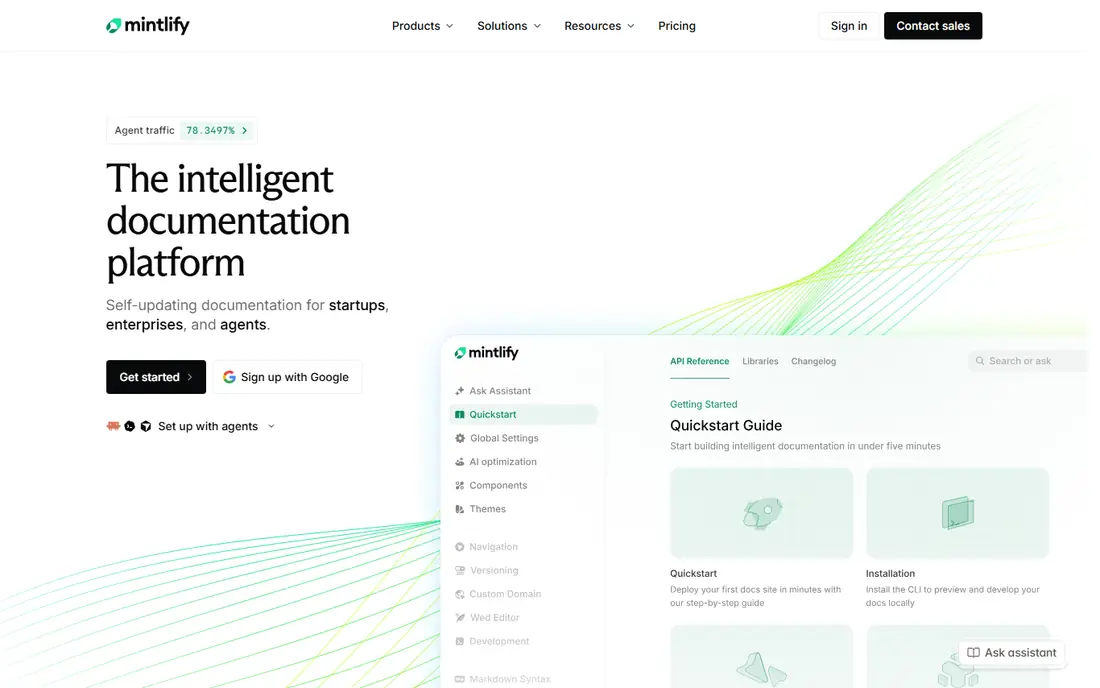
Mintlify turns Markdown files into a polished docs site with minimal setup, which suits docs-as-code teams that want good design without building a custom site. Writers edit Markdown in Git, previews update quickly, and API references, search, and navigation come built in. The result looks like a modern developer site rather than a generic wiki, which helps first impressions for new users.
Recent listings put Mintlify Pro near $450 per month on annual billing, with a free Starter tier that lacks AI features and some team controls. That price puts it out of reach for hobby projects, though growing startups may find the polish worth it. Teams on a tight budget should compare Docusaurus or Fern first, then weigh Mintlify's design and speed against the monthly cost.
- Docs from Markdown with high design polish
- Fast setup for docs-as-code teams
- API reference support
- Pro pricing is high for small teams
- AI features use credit pools with overages on some plans
Confluence remains the enterprise wiki standard, especially for teams already using Jira. Pages, spaces, and templates cover internal docs, meeting notes, runbooks, and product specs, and links to Jira issues keep docs tied to work in progress. A free plan for up to 10 users makes it easy to start, with Standard pricing near $5.42 per user per month in recent listings.
Confluence is not an API reference tool, so teams that need interactive endpoints should pair it with ReadMe, Redocly, or Mintlify. Large, old spaces can also grow messy without ownership and cleanup rules. For internal knowledge in a Jira shop, though, Confluence is the path of least resistance, and most teams already know how to use it.
- Deep Jira integration
- Free plan for up to 10 users
- Familiar wiki editing for non-developers
- Not a true API reference tool
- Large spaces can feel slow and hard to navigate
Docusaurus, from Meta, is the leading open source choice for docs-as-code sites. It builds static sites from Markdown, supports versioning for different product releases, and includes search, navigation, and theming without a monthly fee. Many open source projects use it, which means examples, plugins, and community help are easy to find.
The cost is engineering time. The team owns hosting, deployment, updates, and analytics, and a polished site still needs design work. For open source projects and engineering-led teams, that trade is worth it, since control and zero license cost matter more than a hosted editor. For non-technical teams, a hosted tool such as GitBook will feel far easier.
- Free and open source
- Versioning and search built in
- Full control over hosting and design
- Team owns hosting, maintenance, and analytics
- Needs engineering time to set up well
Notion wins on adoption, because non-developers will actually write and update pages in it. Its flexible blocks, databases, and templates cover internal docs, wikis, specs, and team handbooks, and the free plan suits individuals and small trials. Paid Plus pricing sits near $10 per user per month on annual billing in recent listings, which is easy to model for a small team.
Notion is not built for public API docs, and teams that need interactive references or versioned developer sites should look elsewhere. Search and permissions also suit internal use better than large public sites. For internal knowledge that must stay current, Notion's ease of use often beats a more powerful tool that nobody updates.
- Flexible pages, databases, and templates
- Non-developers actually maintain it
- Free plan for individuals
- Not an API reference tool
- Public docs sites need workarounds or extra tools
Document360 suits larger teams that need governance around docs, with approval workflows, version history, and roles that control who can publish. It covers customer-facing knowledge bases, help centers, and internal docs, with search and analytics to show which articles help and which need work. That structure matters when docs affect support load or compliance.
Pricing moved to quote-based for many plans, so small teams cannot budget from a single page, and the platform can feel heavy for a simple site. Document360 also offers a free trial, which is worth using to test the workflow before committing. For support-led teams with many writers and reviewers, its controls justify the weight.
- Approval workflows and version control
- Knowledge base and help center features
- AI search on higher tiers
- Pricing is quote-based for many teams
- Can feel heavy for a small docs site
MkDocs is the lightest serious docs-as-code option, turning Markdown files into a static site with minimal configuration. Paired with the Material for MkDocs theme, a small project can look polished quickly, with navigation, search, and code highlighting included. It suits small teams, internal tools, and projects that do not need versioning or complex plugins.
The limits are scope and ownership. MkDocs has fewer built-in features than Docusaurus, and the team still owns hosting and deployment. For a single product with a modest docs set, that simplicity is a benefit, not a flaw. For a large docs estate with many versions, Docusaurus or a hosted platform will scale better.
- Free and open source
- Simple Markdown setup
- Material theme gives a polished look
- Smaller feature set than Docusaurus
- Team owns hosting and search setup
Redocly is built around OpenAPI, turning API specs into clean, navigable reference docs with governance tools for larger teams. Linting rules catch spec problems early, and reference pages stay in sync with the spec, which reduces the drift that plagues hand-written API docs. Recent listings put Pro near $10 per seat per month, with a free tier for smaller use.
Redocly is not a general wiki, so teams that need long guides, tutorials, and internal knowledge will pair it with another tool. For API-first teams that already treat the OpenAPI spec as the source of truth, Redocly gives reference quality and governance at a lower starting price than ReadMe or Mintlify. That focus is its strength.
- Strong OpenAPI reference rendering
- Linting and governance for API specs
- Free tier for small projects
- API focus means less fit for general guides
- Enterprise features cost more
How we picked these
We compared official pricing pages, product documentation, and recent listings, and we kept tools that are live in October 2026 and that publish or organize documentation for developers or teams. We covered hosted platforms, open source docs-as-code tools, and internal wikis, and we noted where a tool excels at API references versus general guides. Where pricing is quote-based or tiered across sites and users, we wrote See website or gave the clearest published figure with that caveat.
How to choose the right documentation tool
Start with the reader. Public developer docs need search, API references, and versioning, which points to GitBook, ReadMe, Mintlify, Docusaurus, or Redocly. Internal team knowledge needs easy editing and adoption, which points to Confluence or Notion. A support knowledge base with approvals points to Document360. Picking by reader avoids the common mistake of buying a polished tool that nobody on the writing team enjoys using.
Next, check ownership and cost honestly. Hosted tools save engineering time but charge monthly, and costs rise with sites, seats, or AI features. Open source tools cost nothing in license fees but need hosting and maintenance. Finally, set docs ownership, review dates, and a simple rule: every product change that affects users should update the docs in the same release. The best tool still fails if no one owns keeping pages current.
Frequently asked questions
What is the best documentation software overall?
GitBook is our most balanced pick for mixed teams, with a visual editor and Git sync. ReadMe and Mintlify lead for API-first products, Docusaurus and MkDocs lead for free docs-as-code sites, and Confluence or Notion lead for internal wikis. The best tool depends on whether readers are developers, customers, or internal staff.
What are the best documentation tools for developers?
GitBook, Mintlify, ReadMe, Docusaurus, and Redocly are the strongest developer options, since they support Markdown, Git workflows, API references, and versioning. Redocly suits OpenAPI-first teams, ReadMe suits interactive API hubs, and Docusaurus suits open source projects that want full control.
What is the best tool for documentation for a small team?
For a small team, GitBook's free tier, Docusaurus, MkDocs, or Notion often fit best, depending on audience. Docusaurus and MkDocs cost nothing but need setup, Notion is easiest for internal docs, and GitBook gives a polished hosted site with a free starting tier. Model the real user count before choosing a paid tier.
Are there free documentation tools?
Yes. Docusaurus and MkDocs are free and open source, Notion and Confluence offer free plans, and GitBook, Mintlify, and Redocly offer free tiers with limits. Free tiers usually limit sites, seats, or advanced features, so check those limits against your team size before relying on them.
What is the difference between a wiki and documentation software?
A wiki organizes internal knowledge for a team, while documentation software often publishes structured, versioned docs for customers or developers, with search, API references, and access control. Tools such as Confluence and Notion lean toward wikis, while GitBook, ReadMe, and Mintlify lean toward published docs. Some teams use both, with a wiki inside and a docs site outside.
How do I keep documentation from going out of date?
Assign an owner to each section, review pages on a schedule, and update docs in the same release as product changes. Docs-as-code tools help, since docs live beside code and changes pass through review. Track which pages get the most support questions, and rewrite those first, since they show where readers still get stuck.
Sources
See where you really rank - block by block
ProMapRanker scans Google Maps across a grid of your service area. Simple monthly plans from $19, white-label on every plan.
Start freeKeep reading
 zscaler alternatives
Best Zscaler Alternatives in 2026
Looking for zscaler alternatives? We compare 9 SASE and zero trust platforms on architecture, data protection, pricing, and fit for your network and team.
Read → zapier alternatives free
Best Zapier Alternatives Free in 2026
Nine automation tools for zapier alternatives free in 2026, all with genuinely free tiers, plus free plan limits, starting prices and upgrade paths explained.
Read → which platform is best for online reputation
Which Platform Is Best for Online Reputation in 2026
Wondering which platform is best for online reputation? We compare 8 review, listing, and response tools for small and multi-location businesses and agencies.
Read →