 ProMapRanker
Document Version Control Software in 2026


Automatic file version history across numerous file types · Pricing starts at: See website
Key takeaways
- Number one here is Dropbox, a fit for automatic file version history across numerous file types.
- Starting prices begin at $15/month with Simul Docs.
- Before buying Dropbox, weigh this: the history window relies on your plan level.
- A free plan is available from 3 of the 5 tools: Dropbox, Confluence, Box.
- Egnyte is the one to check for regulated industries and hybrid cloud storage.
Direct answer
If you need automatic file version history across plenty of file types, Dropbox is the first tool to look at here. Confluence is better for team knowledge bases and documentation, and Simul Docs is better for teams that collaborate in Microsoft Word. Details, prices and limits for the rest of the 5 tools are below.
Quick comparison
| Pick | Great for | Pricing starts at | Free tier | |
|---|---|---|---|---|
| Dropbox | Automatic file version history across numerous file types | See website | Yes | Visit |
 Confluence | Team knowledge bases and documentation | See website | Yes | Visit |
 Simul Docs | Teams that collaborate in Microsoft Word | From $15/month | Free trial (14 days) | Visit |
 Box | Content management with compliance needs | See website | Yes | Visit |
 Egnyte | Regulated industries and hybrid cloud storage | From $22 per user/month | Free trial | Visit |
Document Version Control Software compared in detail
If you are comparing document version control software, this page covers 5 tools in one place: what each is best for, what it costs to start, whether it has a free plan, and the main limit to know about.
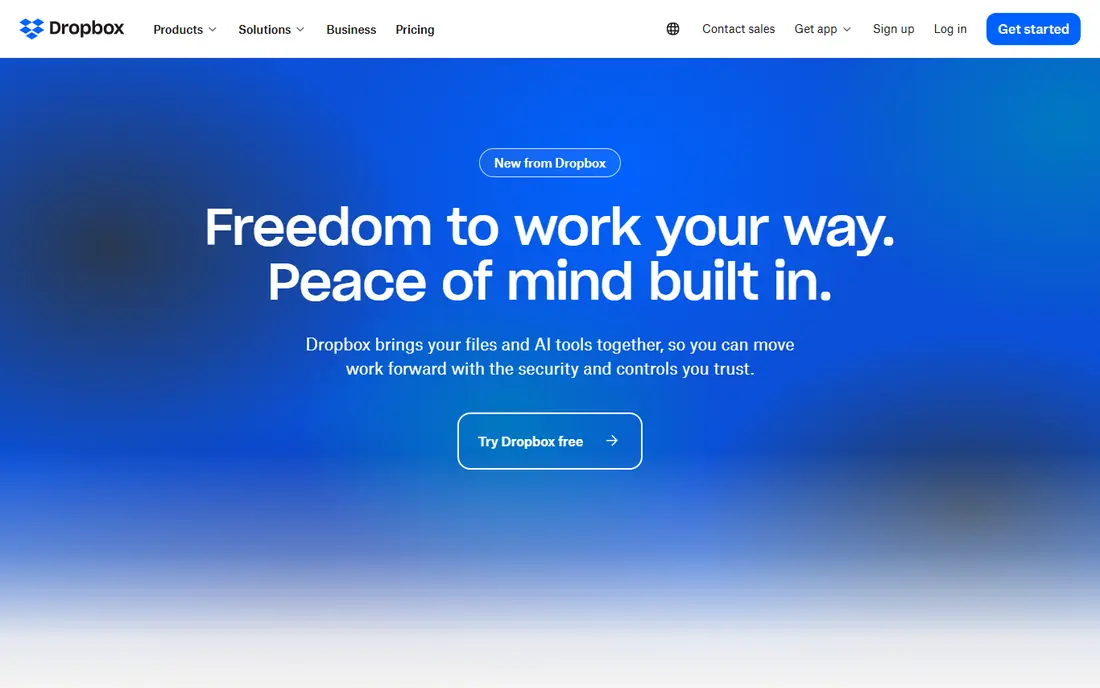
Dropbox is aimed squarely at automatic file version history across numerous file types. So if recovering older versions matters to you, choose the right plan before you need it, not after a file goes missing. Any file type you store there gets this treatment, which makes it a solid general-purpose answer to document version control.
For everyday use, the detail that catches people out is retroactivity. For everyday use, Dropbox was one of the first mainstream tools to make version history a background feature instead of something you had to remember to do. Its own help documentation confirms the windows: 30 days on Basic, Plus, and Family plans, 180 days on Professional, Essentials, Business, and Standard, and 365 days on Business Plus, Advanced, and Enterprise. Dropbox does not show a starting price in this comparison, so check the vendor site for current pricing. Dropbox has a free plan.
The main drawbacks: The history window relies on your plan level.
- Version history is automatic on every plan
- Restoring an old version takes a handful of clicks
- Extending it later does not apply retroactively to older files
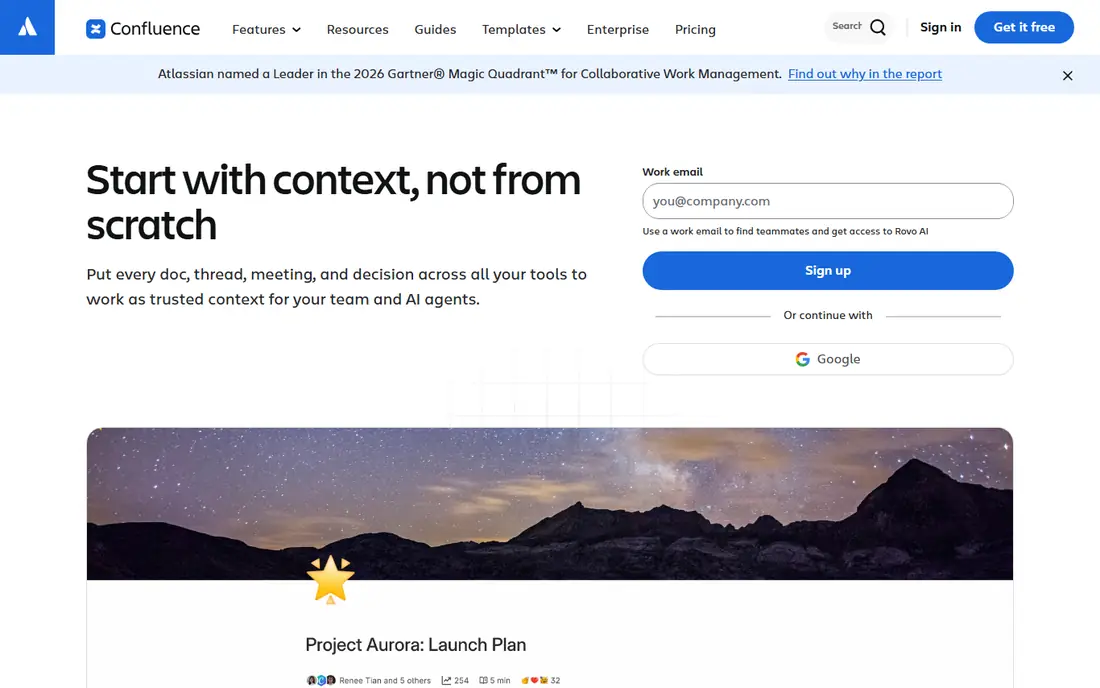
Confluence makes the most sense for team knowledge bases and documentation. Confluence is also a workspace product, not a file store: it versions the pages you write in it, not arbitrary files on a shared drive.
Drawbacks to consider: Heavier than needed for straightforward file storage.
The pricing picture needs a fresh look before you commit. Confluence does not show a starting price in this comparison, so check the vendor site for current pricing. Free access exists with Confluence.
- Page history tracks every change to team docs
- Strong fit alongside Jira for product and engineering teams
- Pricing has risen with recent list-price changes, so verify current per-user costs
Simul Docs targets teams that collaborate in Microsoft Word. Simul Docs solves one problem well: several people editing the same Word document without overwriting each other.
For everyday use, every time someone saves, the tool records a new version automatically. You can open any earlier revision or compare two versions to see exactly what changed. Simul Docs cost at the entry level: From $15/month. Trial and free access: Free trial (14 days).
Where it is weaker: Centered on Word, so it brings less for other file types.
- Compare any two versions side by side
- Built around the Microsoft Word workflow
- Smaller vendor than the cloud storage giants
Box is aimed squarely at content management with compliance needs. Box's pricing and feature set are geared toward organizations managing content at scale. A ten-person team that just wants to stop overwriting files can get there with a more straightforward tool.
Admins get in-depth controls over sharing, classifications, and access, which is why Box displays up commonly in industries with compliance requirements. If your documents carry legal, financial, or healthcare sensitivity, the governance features start to justify the platform. For a small business, the honest question is whether you need that depth. Check the vendor site for Box pricing; none is listed in this comparison. A free plan is available with Box.
Watch-outs: Pricing is structured around business levels.
What Box does well: Plugs into Microsoft 365.
- Earlier versions saved automatically
- Granular admin controls and classifications
- May be more system than a small team needs
Pick Egnyte if this describes you: regulated industries and hybrid cloud storage. Egnyte makes sense for mid-sized firms in finance, healthcare, life sciences, or construction, where document control is a compliance requirement instead of a convenience.
For a small team without those pressures, the per-user cost is hard to justify against more straightforward versioning tools. Starting cost for Egnyte: From $22 per user/month. Trial and free access: Free trial.
What to check first: No free plan.
- Works across cloud and on-premises storage
- Automatic version history plus global file locking
- Priced above entry-level file storage, so it suits companies with real compliance or scale needs
How we chose
We compared the tools on published pricing, free plan or trial availability, feature coverage for document version control software, and the limits each vendor documents. Prices and plan limits come from vendor pages and can change, so confirm them on the vendor site before you buy. The sequence is a judgement call: typical use case first, then pricing transparency, then free access. Use the profiles to check fit.
Before you commit
- Get a written quote from Dropbox, Confluence and Box; the list shows no starting price for them.
- Read the fine print on the free plans from Dropbox, Confluence and Box; seat, project and feature caps differ.
- Use real work to test the free trial from Simul Docs and Egnyte, rather than a demo project.
- Before choosing Dropbox, weigh its main limit: the history window relies on your plan level.
- Look at which plan of Simul Docs unlocks the features you need; entry tiers are often cut down.
- Find out what support Confluence includes on your plan, and whether onboarding help costs extra.
Frequently asked questions
Can I try these options before paying?
Often, yes. Dropbox, Confluence and Box have a free plan and Simul Docs and Egnyte offer a free trial. Use your own data and a real task during the test, and check what the free tier or trial limits before you rely on it.
How is it different from track changes in Word?
With version control, you can roll back to last month's draft even after the file has been saved hundreds of times since.
How are the tools for document version control software ordered?
The order follows typical fit for document version control software, with Dropbox first and Egnyte last, then price clarity and free access. It is editorial judgement, not a score, so another team could rank the tools differently.
Is Dropbox the right pick for everyone comparing document version control software?
No single tool suits every team. Dropbox comes first because it fits automatic file version history across many file types, while Confluence suits team knowledge bases and documentation and Simul Docs suits teams that collaborate in Microsoft Word. Match the tool to your own size, budget and workflow before deciding.
What is the cheapest option for document version control software in this list?
On published monthly entry prices, Simul Docs is the lowest here at $15/month. Entry price is only part of the cost, because seats, add-ons and billing terms can change the total.
What is document version control software?
It is software that automatically records every change made to a document. So you can see the full history of edits, compare versions, and restore an earlier one.
Sources
See where you really rank - block by block
ProMapRanker scans Google Maps across a grid of your service area. Simple monthly plans from $19, white-label on every plan.
Start freeKeep reading
 zscaler alternatives
Best Zscaler Alternatives in 2026
Looking for zscaler alternatives? We compare 9 SASE and zero trust platforms on architecture, data protection, pricing, and fit for your network and team.
Read → zapier alternatives free
Best Zapier Alternatives Free in 2026
Nine automation tools for zapier alternatives free in 2026, all with genuinely free tiers, plus free plan limits, starting prices and upgrade paths explained.
Read → which platform is best for online reputation
Which Platform Is Best for Online Reputation in 2026
Wondering which platform is best for online reputation? We compare 8 review, listing, and response tools for small and multi-location businesses and agencies.
Read →