 ProMapRanker
Best Document Software (2026)


Teams that require free editing with faithful Word compatibility · Pricing starts at: Free (premium cloud from $20/admin/month)
Direct answer
ONLYOFFICE is the first pick on this list for teams that require free editing with faithful Word compatibility. Zoho Writer fits free word processing with business automation built in; Microsoft 365 fits firms standardized on Word, Excel, and Outlook. Prices, free plans and limits for all 7 tools follow.
Key takeaways
- ONLYOFFICE is the opening pick, best for teams that require free editing with faithful Word compatibility.
- LibreOffice is the one to check for businesses that want a full office suite for $0.
- The lowest published monthly entry price here is $7 per user/month, from Microsoft 365.
- Check the limits for Apple Pages before you commit: Windows users get a limited web version.
- Free access is easy to find: 6 of the 7 tools have a free plan, for example ONLYOFFICE, Zoho Writer, Apple Pages and Notion.
Quick comparison
| Pick | Great for | Pricing starts at | Free tier | |
|---|---|---|---|---|
| ONLYOFFICE | Teams that require free editing with faithful Word compatibility | Free (premium cloud from $20/admin/month) | Yes | Visit |
 Zoho Writer | Free word processing with business automation built in | Free (business plans via Zoho WorkDrive) | Yes | Visit |
 Microsoft 365 | Companies standardized on Word, Excel, and Outlook | $7 per user/month (billed yearly) | Free trial | Visit |
 Apple Pages | Beautiful documents in Apple-only teams | Free | Yes | Visit |
 Notion | Teams whose documents are living, linked pages | $10 per user/month (billed yearly) | Yes | Visit |
 PandaDoc | Proposals, quotes, and contracts that require signatures | $19 per user/month (billed annually) | Yes | Visit |
 LibreOffice | Companies that want a full office suite for $0 | Free | Yes | Visit |
Tool-by-tool breakdown
Choosing document software usually comes down to price, fit and limits. This ProMapRanker guide sets 7 tools side by side on those three points, with the facts kept short and checkable.
ONLYOFFICE
Great for: Teams that require free editing with faithful Word compatibility
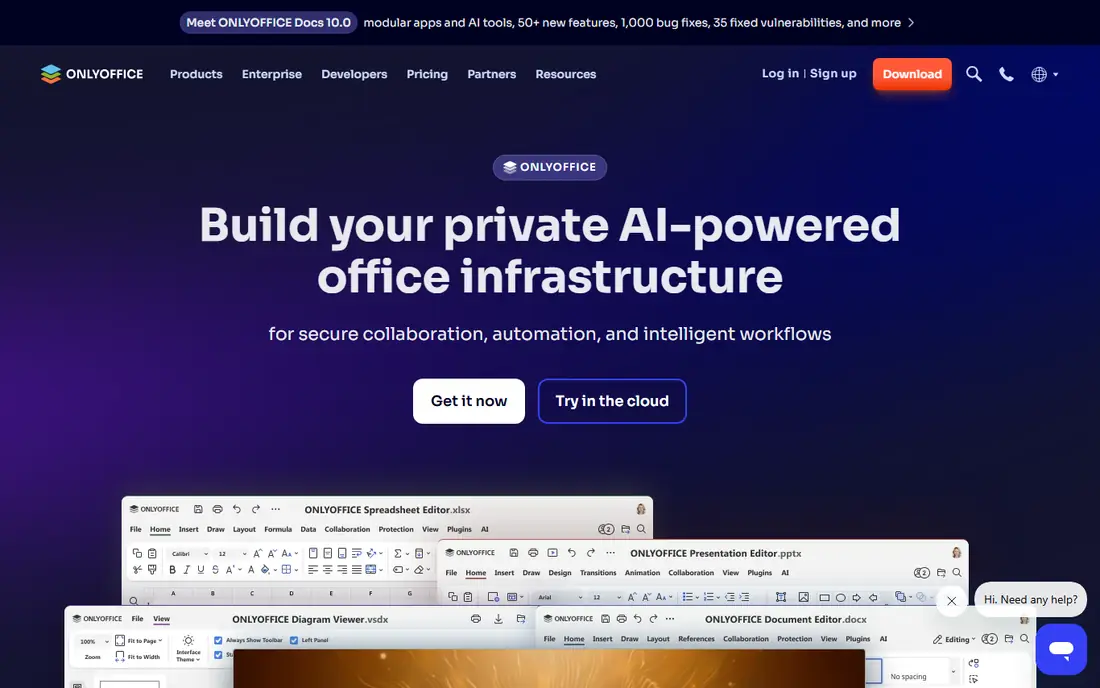
Think of ONLYOFFICE for teams that require free editing with faithful Word compatibility. The product range takes effort to untangle: Docs, DocSpace, Workspace, desktop apps, and mobile apps overlap in ways the website does not always clarify.
From a buyer's view, choose ONLYOFFICE when Word compatibility is non-negotiable but the Microsoft subscription is not in the budget. Starting cost for ONLYOFFICE: Free. ONLYOFFICE includes a free tier.
Drawbacks to consider: Collaboration features need the cloud or a server setup.
- Free desktop and mobile apps
- Self-hosted community edition for data control
- The product lineup is confusing
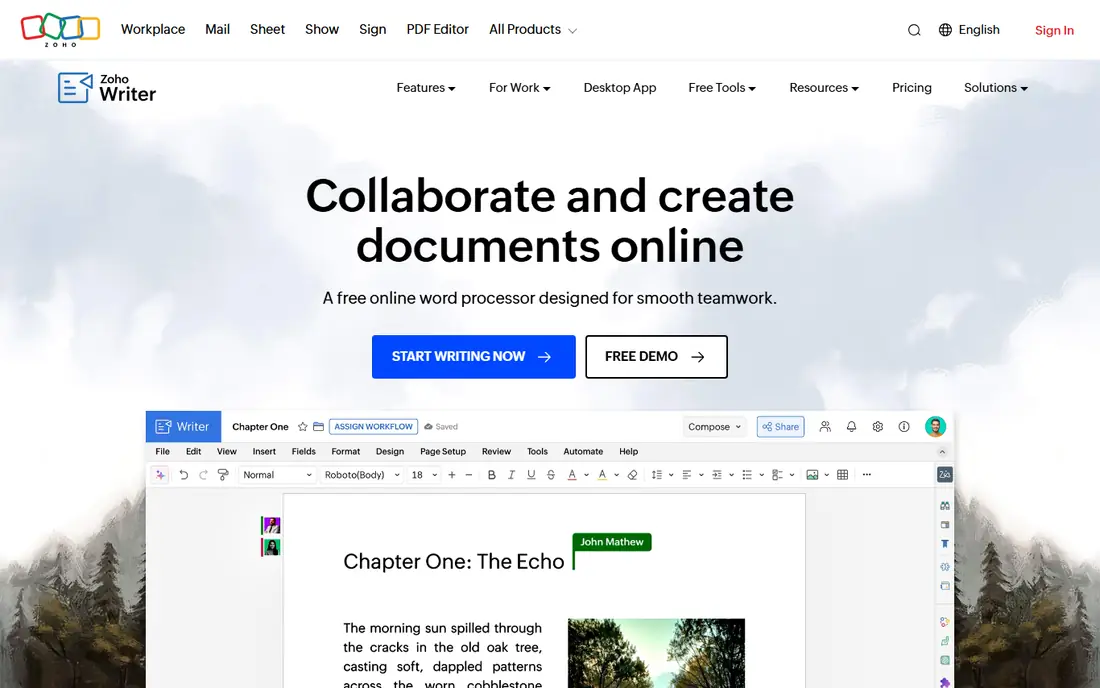
Zoho Writer is designed for free word processing with business automation built in. Companies access it through Zoho WorkDrive plans.
Points against: Document automation credits cost additional at scale.
In practice, Writer shines brightest alongside Zoho CRM, Zoho Sign, and Zoho Books, where documents pull data straight from your systems. Starting cost for Zoho Writer: Free. You can start on Zoho Writer without paying.
Highlights: e-signature collection included; Fillable forms.
- Free word processor with live collaboration
- Mail merge
- Best inside the Zoho ecosystem
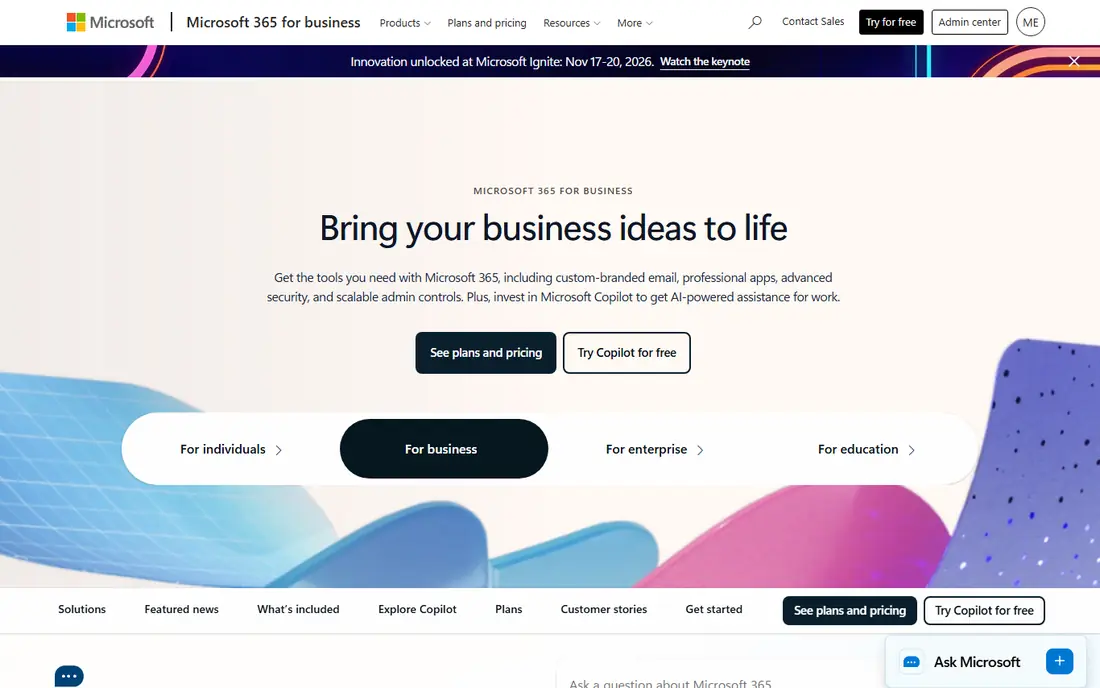
Microsoft 365 works best for firms standardized on Word, Excel, and Outlook. The Business Basic plan at $7 per user a month handles the web and mobile versions of Word, Excel, and PowerPoint plus business email and 1 TB of OneDrive storage. Worth adding: the honest calculation is compatibility compared with cost.
In practice, if your clients, accountants, and lawyers all send.docx files with tracked changes, nothing else opens them quite as faithfully. But a ten-person team on Standard pays close to $2,800 per year, and Microsoft keeps nudging prices upward. More specifically, choose Microsoft 365 when document fidelity with the outside world matters more than saving a handful of dollars a seat. Price to start with Microsoft 365: $7 per user/month. Free plan details: Free trial.
Honest limits: Per-seat costs add up as teams grow.
- Word remains the format every client expects
- Desktop apps work completely offline
- Real document power needs the pricier Standard level with desktop apps
For beautiful documents in Apple-only teams, Apple Pages is a natural candidate. Pick Pages when your team is Apple-only and your documents stay straightforward and visual. More specifically, for a small team that all uses Macs, it handles letters, reports, resumes, and posters without spending a dollar.
Worth adding: Apple Pages is the forgotten free choice: it ships with every Apple device, contains over 90 well-designed templates, and handles live collaboration even with PC users through Pages for iCloud. Beyond that, the boundary is the Apple ecosystem. It is also a word processor, not an office suite; spreadsheets and presentations need Numbers and Keynote. On cost, Apple Pages starts like this: Free. Free access exists with Apple Pages.
Points against: Windows users get a restricted web version.
- Live collaboration including with PC users via iCloud
- Free with every Mac, iPhone, iPad
- Word export can mangle complicated layouts
For teams whose documents are living, linked pages, Notion is a natural candidate. Notion rethinks the document as a living page rather than a file. Notion wins for documents people maintain together and loses for documents people send out.
Points against: Printing and exporting to Word are weak.
Strengths: Free plan handles personal use. On top of that, page-layout control is minimal,.docx export is rough, and anything you send to a client will need rebuilding elsewhere. In practice, meeting notes link to project pages, project pages embed task databases, and everything is searchable in one workspace. It is a poor Word replacement, and that is the honest catch. On cost, Notion starts like this: $10 per user/month. Free access exists with Notion.
- Documents, wikis
- Ample template gallery
- Not a real word processor
PandaDoc serves proposals, quotes, and contracts that require signatures. Templates, content libraries, and CRM integrations mean a sales rep can produce an accurate quote without retyping client details.
What to check first: Overkill for everyday writing.
It is a specialist tool for revenue documents, priced accordingly, with the genuinely handy features like approval workflows and bulk send sitting on the $49 Business level. What you pay to start with PandaDoc: $19 per user/month. You can start on PandaDoc without paying.
- Unlimited e-signatures on premium plans
- CRM integrations pull client data into documents
- The handy automation sits on the $49 Business level
LibreOffice is a good fit for companies that want a full office suite for $0. For a business equipping twenty PCs on a tight budget, the savings compared with Microsoft 365 are thousands of dollars per year. The compromises are real.
Upsides: Fully free with no accounts, ads.
Points against: Interface feels dated. The interface looks like Office from 2010, complex Word documents can reflow on import, and there is no built-in cloud collaboration. Sharing means files in a shared folder. Choose LibreOffice when the budget is zero and documents stay largely inside the company. Entry price for LibreOffice: Free. LibreOffice has a free plan.
- Runs on Windows, Mac, Linux
- Impress handle the full suite
- Microsoft-format compatibility is decent but not perfect
Selection criteria
Each tool was reviewed on what its vendor publishes: price, plan limits, core features and stated drawbacks. We did not run hands-on tests. Figures are shown as the vendors publish them. Billing terms, seat minimums and add-ons can change the real cost. Tools are placed by general fit for document software, with price clarity and free access as tie-breakers. A different team can reasonably rank them differently.
A buyer's checklist
- Prices are a starting point; Microsoft 365 shows $7 per user/month to start, so verify what your seat count would cost.
- Read the fine print on the free plans from ONLYOFFICE, Zoho Writer, Apple Pages and others; seat, project and feature caps differ.
- Take the trial from Microsoft 365 and push a live task through it before you pay.
- Before choosing ONLYOFFICE, weigh its main limit: the product lineup is confusing.
- Verify that exporting from LibreOffice is possible on your plan and covers all your records.
- Get the contract term, renewal terms and any onboarding fees from Zoho Writer in writing.
Frequently asked questions
Can I use Microsoft 365 at no cost?
Microsoft offers a free trial of its business plans, and the web versions of Word, Excel, and PowerPoint are free with a personal Microsoft account, though with restricted features.
Is ONLYOFFICE the right pick for everyone comparing document software?
No single tool suits every team. ONLYOFFICE comes first because it fits teams that need free editing with faithful Word compatibility, while Zoho Writer suits free word processing with business automation built in and Microsoft 365 suits businesses standardized on Word, Excel, and Outlook. Match the tool to your own size, budget and workflow before deciding.
Do these tools publish their prices?
Yes. Every tool from ONLYOFFICE to LibreOffice shows a starting price, though seats, add-ons and billing terms still change the final cost.
How are the tools for document software ordered?
ONLYOFFICE sits first and LibreOffice last because the order follows typical fit for document software, then price clarity and free access. It is a judgement call, so read each profile for fit and limits.
How do I switch my business from Microsoft Office to a free alternative?
Start by auditing which Office features your team actually uses: macros, mail merge, and tracked changes are the usual blockers. Then convert a sample of real documents and test them in the new tool. ONLYOFFICE preserves formatting best; LibreOffice is the most complete suite. Plan template rebuilding time, and keep one Microsoft license for the documents that will not convert cleanly.
What document software fits best with e-signatures?
The first pick on this list is ONLYOFFICE, because it suits teams that require free editing with faithful Word compatibility. Zoho Writer is better for free word processing with business automation built in, and Microsoft 365 for companies standardized on Word, Excel, and Outlook. Check price and limits against your own needs before choosing.
Sources
See where you really rank - block by block
ProMapRanker scans Google Maps across a grid of your service area. Simple monthly plans from $19, white-label on every plan.
Start freeKeep reading
 zscaler alternatives
Best Zscaler Alternatives in 2026
Looking for zscaler alternatives? We compare 9 SASE and zero trust platforms on architecture, data protection, pricing, and fit for your network and team.
Read → zapier alternatives free
Best Zapier Alternatives Free in 2026
Nine automation tools for zapier alternatives free in 2026, all with genuinely free tiers, plus free plan limits, starting prices and upgrade paths explained.
Read → which platform is best for online reputation
Which Platform Is Best for Online Reputation in 2026
Wondering which platform is best for online reputation? We compare 8 review, listing, and response tools for small and multi-location businesses and agencies.
Read →