 ProMapRanker
5 Best Document Signing Software for Business Options for 2026


Budget-friendly signing in the Zoho ecosystem · Pricing starts at: $10 per user/month (billed yearly)
Key takeaways
- Number one here is Zoho Sign, a fit for budget-friendly signing in the Zoho ecosystem.
- Only 2 of the 5 tools have a free plan (Zoho Sign, Dropbox Sign), so check the caps.
- One limit worth knowing about DocuSign: 100-envelope annual cap per user with overage fees.
- PandaDoc is the one to check for proposals that require signatures.
Direct answer
If you need low-cost signing in the Zoho ecosystem, Zoho Sign is the first tool to look at here. For a different need, signNow covers budget eSignature without envelope caps and Dropbox Sign covers straightforward signing with unlimited requests. The remaining 2 options are covered below with prices and limits.
Quick comparison
| Pick | Great for | Pricing starts at | Free tier | |
|---|---|---|---|---|
| Zoho Sign | Budget-friendly signing in the Zoho ecosystem | $10 per user/month (billed yearly) | Yes | Visit |
 signNow | Budget eSignature without envelope caps | $8 per user/month (billed annually, official) | Free trial (7 days) | Visit |
 Dropbox Sign | Straightforward signing with unlimited requests | $15/month | Yes | Visit |
 DocuSign | The industry standard for eSignature | $30 per user/month (billed yearly) | Free trial | Visit |
 PandaDoc | Proposals that require signatures | $19 per user/month | Free trial (14 days) | Visit |
Document Signing Software for Business profiles
Choosing document signing software for business usually comes down to price, fit and limits. This ProMapRanker guide sets 5 tools side by side on those three points, with the facts kept short and checkable.
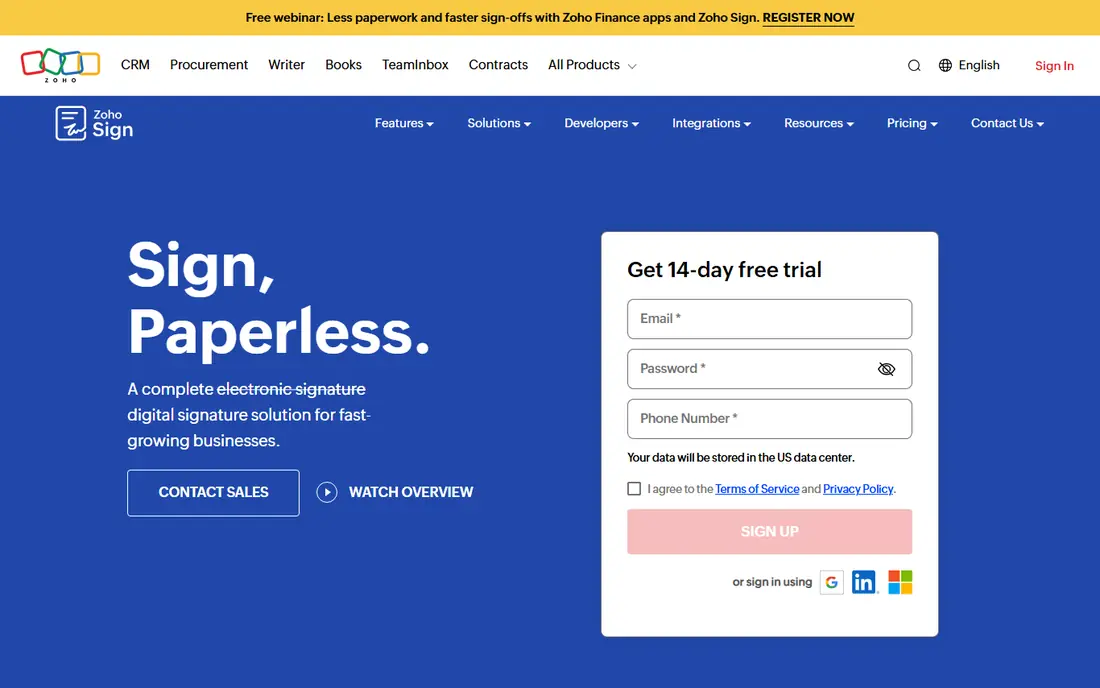
Zoho Sign is designed for budget-friendly signing in the Zoho ecosystem. The free plan handles 1 user and 5 documents a month with audit trails included. Worth adding: standard at a reported $10 per user a month on annual billing brings 25 envelopes per user a month, whereas Professional at $16 removes envelope limits entirely and brings branding and templates.
What to check first: Advanced compliance features need higher levels.
In daily use, if your business runs on Zoho One, the Enterprise plan of Zoho Sign is already included, which makes the effective price zero. Zoho Sign is the budget pick that does not feel like a compromise. Zoho Sign starts at: $10 per user/month. Free access exists with Zoho Sign.
- Cheap premium levels
- Unlimited envelopes on Professional
- Smaller integration ecosystem outside Zoho
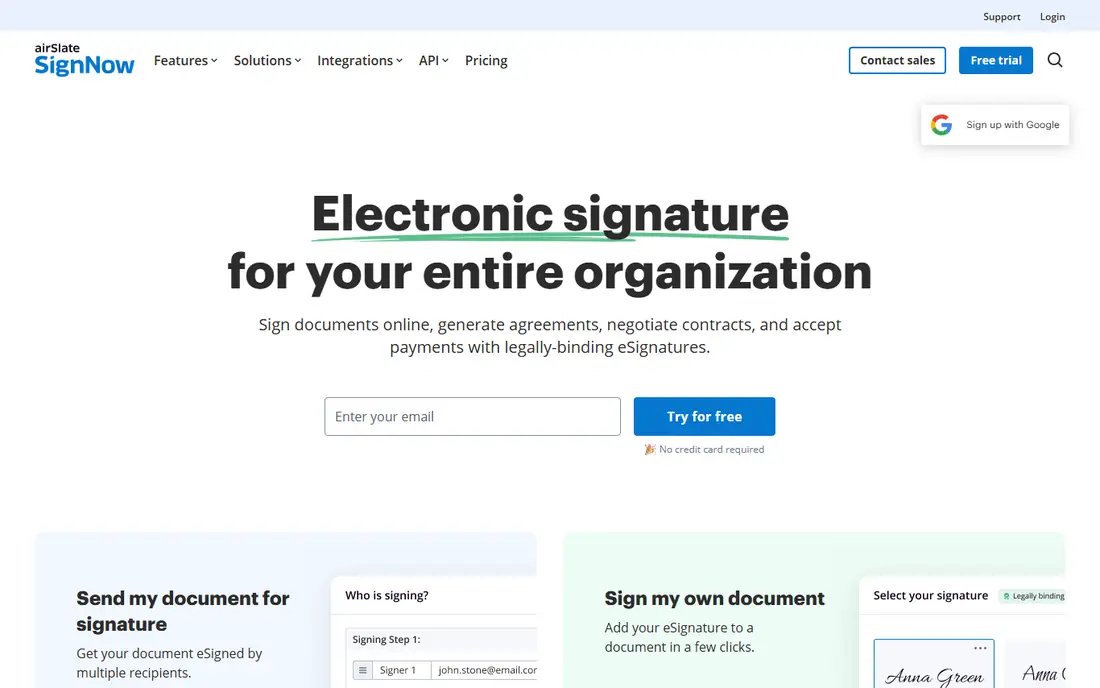
signNow makes the most sense for budget eSignature without envelope caps. The main limit is polish and ecosystem. signNow's interface and integration library are thinner than DocuSign's. Also, high-volume senders should look at the Site License plan at $1.50 per invite.
What to check first: Interface less refined than DocuSign.
Annual billing saves up to 60% over monthly rates, so the monthly price is not representative. The honest detail: "unlimited document sending" refers to users, templates, and storage, whereas signature invites are capped at 100 per user a year on standard plans. For straightforward signing workflows, that does not matter. signNow pricing: $8 per user/month. Free options: Free trial (7 days).
- Unlimited templates and storage
- Lowest per-user price among full-featured tools
- Signature invites capped at 100 per user a year

Dropbox Sign serves straightforward signing with unlimited requests. Dropbox Sign, formerly HelloSign, keeps things straightforward in a category that loves complexity. In daily use, the Essentials plan at a reported $15 per month covers one sender with unlimited signature requests and 5 templates.
If your sending volume is unpredictable or spiky, you never face an overage surprise. A free plan allows 3 signature requests per 30 days, which is enough to test real workflows. Also, standard at $25 per user a month layers on team features, 15 templates, and branding. Worth adding: API access is priced separately and is not cheap, so developers should evaluate that cost upfront. Dropbox Sign starts at: $15/month. Dropbox Sign includes a free tier.
Downsides: Advanced features need Standard or Premium.
- Unlimited signature requests on premium plans
- Clean
- Essentials restricted to one sender and 5 templates
DocuSign serves the industry standard for eSignature. More specifically, a 10-person team on Standard costs $3,600 per year before overages, and API access, SSO, and advanced security sit on quoted Enhanced plans above that. Worth adding: plans start with Personal at $11 a month on annual billing for one user with 5 envelopes per month, Standard at a reported $30 per user a month with 100 envelopes per user a year, and Business Pro at $45 per user a month adding bulk send, web forms, and payment collection.
As for the details, if you send a handful of contracts per month, the Personal or Standard plan is fine. More specifically, if your clients expect a DocuSign link, that expectation is the product. As for the details, DocuSign is the most recognized eSignature brand in the world, which means fewer confused signers and quicker turnaround. DocuSign starts at: $30 per user/month. As for free access: Free trial.
Drawbacks to consider: 100-envelope annual cap per user with overage fees.
- Universally recognized by signers
- Solid compliance coverage including eIDAS and QES choices
- No free plan
Pick PandaDoc if this describes you: proposals that require signatures. Buy it when your documents are revenue documents. Business at $49 per user a month brings CRM integrations, approval workflows, bulk send, and custom branding.
Watch-outs: Essentials restricted to 2 seats.
Beyond that, PandaDoc is not really a signing tool with documents attached. It is a document product with signing built in. Beyond that, payments can be collected at signing through Stripe, Square, or PayPal. For sales teams, the difference is concrete: rather than building a proposal in Word, exporting a PDF, and sending it for signature, the entire thing happens in one document with live tracking of when the prospect opens it. Entry price for PandaDoc: $19 per user/month. Free access: Free trial (14 days).
- Capable CRM integrations
- Payment collection inside documents
- Overkill if you only need plain signatures
Our selection method
We compared the tools on published pricing, free plan or trial availability, feature coverage for document signing software for business, and the limits each vendor documents. Plan names, prices and limits change often. Treat the figures here as a starting point and verify them with the vendor. Tools are placed by general fit for document signing software for business, with price clarity and free access as tie-breakers. A different team can reasonably rank them differently.
A buyer's checklist
- Confirm the entry price on the vendor page: signNow starts at $8 per user/month, but seat counts and billing terms change the total.
- Read the fine print on the free plans from Zoho Sign and Dropbox Sign; seat, project and feature caps differ.
- Run a trial of signNow, DocuSign and PandaDoc with real work before paying for a year; your own workflow is the best test.
- Before choosing Zoho Sign, weigh its main limit: smaller integration ecosystem outside Zoho.
- Check how data leaves Dropbox Sign: formats, limits and whether exports are available on every plan.
- Pick one real project and run it in PandaDoc first; a small pilot shows fit faster than a checklist.
Frequently asked questions
How are the tools for document signing software for business ordered?
Zoho Sign sits first and PandaDoc last because the order follows typical fit for document signing software for business, then price clarity and free access. It is a judgement call, so read each profile for fit and limits.
Which options for document signing software for business have a free plan?
On this list, Zoho Sign and Dropbox Sign include a free plan. Caps on seats, usage or features are common, so test the free plan against your real workload. Several others offer a trial instead.
Do these tools publish their prices?
Yes. Every tool from Zoho Sign to PandaDoc shows a starting price, though seats, add-ons and billing terms still change the final cost.
DocuSign vs. signNow: which is better?
DocuSign has broader recognition and integrations; signNow costs less than a third per user for comparable core features. Otherwise, signNow deals with standard signing workflows well.
What is an envelope?
An envelope is a single sending transaction: one or more documents sent to one or more signers together. DocuSign counts envelopes against your plan limit when sent, whether or not they get signed, so uncompleted envelopes still cost you.
Can I try these tools before paying?
Often, yes. Zoho Sign and Dropbox Sign have a free plan and signNow, DocuSign and PandaDoc offer a free trial. Use your own data and a real task during the test, and check what the free tier or trial limits before you rely on it.
Sources
See where you really rank - block by block
ProMapRanker scans Google Maps across a grid of your service area. Simple monthly plans from $19, white-label on every plan.
Start freeKeep reading
 zscaler alternatives
Best Zscaler Alternatives in 2026
Looking for zscaler alternatives? We compare 9 SASE and zero trust platforms on architecture, data protection, pricing, and fit for your network and team.
Read → zapier alternatives free
Best Zapier Alternatives Free in 2026
Nine automation tools for zapier alternatives free in 2026, all with genuinely free tiers, plus free plan limits, starting prices and upgrade paths explained.
Read → which platform is best for online reputation
Which Platform Is Best for Online Reputation in 2026
Wondering which platform is best for online reputation? We compare 8 review, listing, and response tools for small and multi-location businesses and agencies.
Read →