 ProMapRanker
6 Best Document Processing Automation Software Options for 2026


Teams already automating processes with UiPath RPA · Pricing starts at: See website
Direct answer
This list puts UiPath Document Understanding first for teams already automating processes with UiPath RPA. For a different need, Hyperscience covers financial services and government back offices with extreme accuracy requirements and Nanonets covers mid-market teams that want quick model training and transparent pricing. The other 3 tools in the list cover narrower or pricier cases.
Key takeaways
- UiPath Document Understanding sits first on this list: teams already automating processes with UiPath RPA.
- Pricing across the list, from UiPath Document Understanding to Docsumo, is by quote only.
- Docsumo is the one to check for finance and operations teams needing high-accuracy extraction with fast onboarding.
- Nanonets stands alone as the one tool in this list with a free plan.
- A fair warning about Nanonets: less enterprise governance than ABBYY or Hyperscience.
Quick comparison
| Pick | Great for | Pricing starts at | Free tier | |
|---|---|---|---|---|
| UiPath Document Understanding | Teams already automating processes with UiPath RPA | See website | Free trial | Visit |
 Hyperscience | Financial services and government back offices with extreme accuracy requirements | See website | No | Visit |
 Nanonets | Mid-market teams that want quick model training and transparent pricing | See website | Yes | Visit |
 Rossum | Accounts payable teams that want quick, accurate invoice processing | See website | Free trial | Visit |
 ABBYY Vantage | Enterprises automating document-heavy workflows with strict accuracy and audit requirements | See website | Free trial | Visit |
 Docsumo | Finance and operations teams needing high-accuracy extraction with fast onboarding | See website | Free trial | Visit |
Document Processing Automation Software compared in detail
Short on time? The summary and table above give the quick view of 6 tools for document processing automation software, and the profiles that follow give the detail behind each entry.
UiPath Document Understanding
Great for: Teams already automating processes with UiPath RPA

UiPath Document Understanding is a good fit for teams already automating processes with UiPath RPA. It classifies documents and extracts data, then hands the results to UiPath robots that complete the downstream work: updating systems, sending approvals, filing records. Human-in-the-loop validation stations let staff correct low-confidence extractions, and the models learn from those corrections.
Limits to weigh: Overkill as a standalone document tool.
Standalone buyers get more focused products elsewhere, and UiPath system pricing brings up. This one belongs on the shortlist only when RPA is already part of the plan. As a pure document tool it is harder to justify. Pricing for UiPath Document Understanding is not stated here, so ask the vendor for current figures. As for free access: Free trial.
- Large partner ecosystem
- Human-in-the-loop validation built in
- Best value only for existing UiPath customers
Hyperscience
Great for: Financial services and government back offices with extreme accuracy requirements
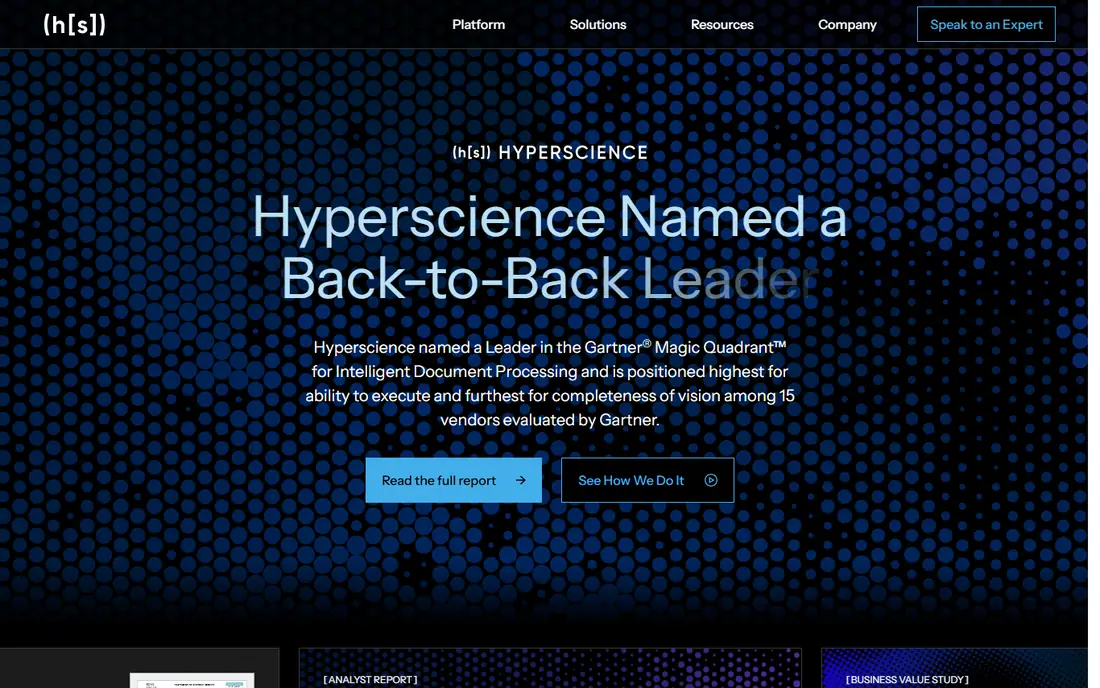
For financial services and government back offices with extreme accuracy requirements, Hyperscience is a natural candidate. Accuracy numbers are the selling point, and they hold up in production, not just demos. From a buyer's view, everything about it is enterprise: pricing, implementation timelines and the sales process.
Where it falls short: Overkill for straightforward extraction needs.
This is the tool for organizations where accuracy is the whole business case. Hyperscience is built for the hardest document problems: handwritten forms, complicated financial documents and back-office processes where a single misread field has real consequences. Its human-in-the-loop design does not treat review as a fallback; supervision is part of the architecture, which is why banks, insurers and government agencies trust it with high-stakes documents. Check the vendor site for Hyperscience pricing; none is listed in this comparison. Hyperscience does not include a free plan.
- Human-in-the-loop supervision at scale
- Proven in regulated industries
- Premium enterprise pricing
Nanonets
Great for: Mid-market teams that want quick model training and transparent pricing
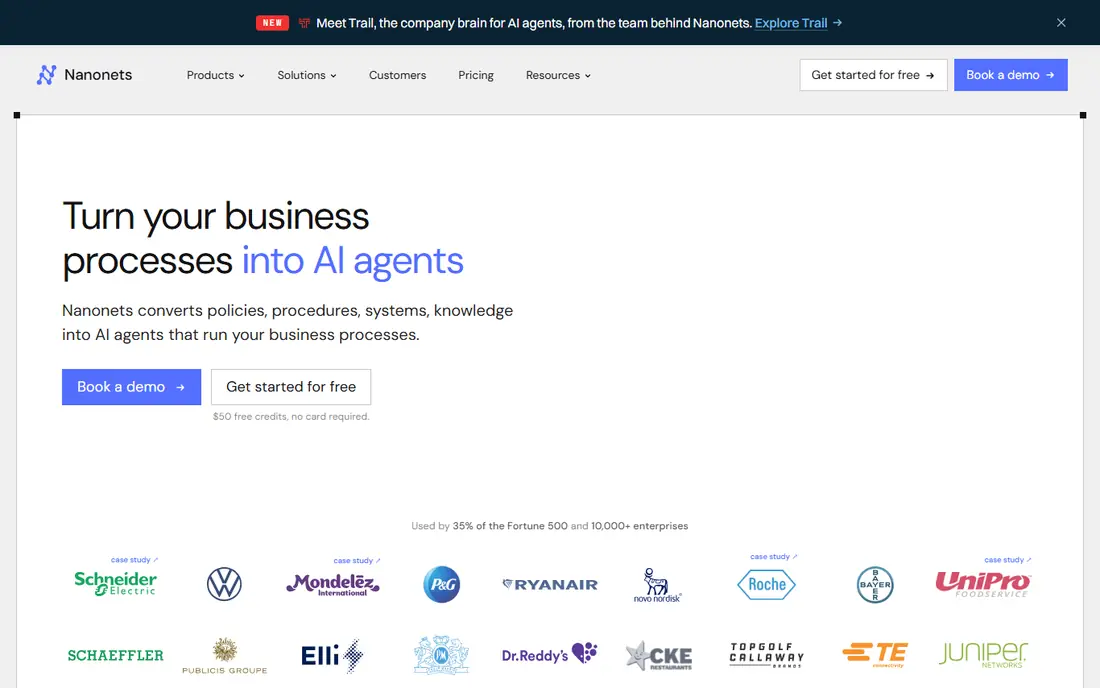
Nanonets was built for mid-market teams that want quick model training and transparent pricing. Nanonets is the IDP tool for teams that want results this week. Usage-based pricing with a free level means you can validate accuracy on your real documents before spending anything, which is a refreshing change from quote-based enterprise sales.
Accuracy on semi-structured documents is capable, and the API makes it simple to embed extraction into existing applications. In practice, what you provide up is enterprise depth. No starting price is listed for Nanonets here; confirm pricing on the vendor site. A free plan is available with Nanonets.
Watch-outs: Less enterprise governance than ABBYY or Hyperscience.
- Quick to train custom models
- Usage-based pricing with a free level
- Support is lighter at low levels
Rossum
Great for: Accounts payable teams that want quick, accurate invoice processing
Rossum is aimed squarely at accounts payable teams that want quick, accurate invoice processing. For finance teams drowning in supplier invoices, Rossum shortens the path from inbox to payment. Pricing begins at enterprise levels, so it suits mid-market and up instead of small teams.
Rossum concentrates on one job, processing transactional documents like invoices, and does it well. Its AI reads invoices without per-vendor templates, learning layouts on the fly. Pricing for Rossum is not stated here, so ask the vendor for current figures. Free access: Free trial.
Points against: Less suited as an org-wide system.
- Capable AI extraction without templates
- Quick setup for invoices
- High minimum pricing for smaller teams
ABBYY Vantage
Great for: Enterprises automating document-heavy workflows with strict accuracy and audit requirements
ABBYY Vantage is built with enterprises automating document-heavy workflows with strict accuracy and audit requirements in mind. The concept is straightforward: prebuilt AI "skills" manage typical document types like invoices, purchase orders and IDs. Teams assemble them into workflows without writing code.
Drawbacks to consider: Implementations need planning.
On top of that, the trade-off is pace. Worth adding: for regulated industries, the appeal is control. ABBYY Vantage shows no starting price here, so confirm the cost on the vendor site. Trial and free access: Free trial.
- Solid governance and analytics
- Low-code "skills" for typical document types
- Newer AI-native rivals feel faster to deploy
Docsumo
Great for: Finance and operations teams needing high-accuracy extraction with fast onboarding
Pick Docsumo if this describes you: finance and operations teams needing high-accuracy extraction with fast onboarding. Docsumo targets finance and operations teams with pre-trained models for the documents they process most: invoices, bank statements, utility bills and similar.
As for the details, Docsumo is less convincing as a general-purpose product. In practice, for businesses whose document mix is finance-heavy, the pre-trained coverage removes the training work that generic systems need. This comparison lists no price for Docsumo; ask the vendor. Free plan details: Free trial.
Where it falls short: Custom pricing on higher levels.
- Validation workflows included
- Fast time to value
- Narrower document coverage than enterprise suites
Worth knowing about document processing automation software
Invoices arrive as PDFs, contracts as scans, forms as phone photos. Somebody has to turn that mess into structured data your systems can use. Picking the wrong one is costly.
Match the tool to your document volume, your accuracy requirements and how much engineering help you actually have.
Selection criteria
Each tool was reviewed on what its vendor publishes: price, plan limits, core features and stated drawbacks. We did not run hands-on tests. Prices and plan limits come from vendor pages and can change, so confirm them on the vendor site before you buy. Order on the page follows fit for the typical buyer first, then price transparency and free access. Your own requirements should decide the final pick.
What to confirm before you sign up
- Request quotes from UiPath Document Understanding, Docsumo and the others; the list shows no fixed prices.
- Look at the free plan from Nanonets closely: its caps decide whether it is usable for real work.
- Run a trial of UiPath Document Understanding, Rossum, ABBYY Vantage and Docsumo with real work before paying for a year; your own workflow is the best test.
- Read the limits listed for UiPath Document Understanding first: overkill as a standalone document tool.
- Read the plan comparison for UiPath Document Understanding carefully; key features often start on a higher tier.
- Involve the people who will use Rossum daily; a short pilot beats a long feature checklist.
Frequently asked questions
Is UiPath Document Understanding the right pick for everyone comparing document processing automation software?
No single tool suits every team. UiPath Document Understanding comes first because it fits teams already automating processes with UiPath RPA, while Hyperscience suits financial services and government back offices with extreme accuracy requirements and Nanonets suits mid-market teams that want fast model training and transparent pricing. Match the tool to your own size, budget and workflow before deciding.
What is intelligent document processing?
Intelligent document processing, or IDP, is software that reads unstructured documents like PDFs, scans and images, then extracts structured data from them. It merges OCR with AI models for classification and extraction, plus validation workflows that check results before data enters your systems.
Do these tools publish their prices?
No. None of the tools, from UiPath Document Understanding to Docsumo, shows a fixed starting price here, so budget time for quotes.
How much does IDP software cost?
It ranges widely. Total cost bundles implementation and the review labor for exceptions, so model the full workflow, not just the license.
Can I try these options before paying?
Often, yes. Nanonets has a free plan and UiPath Document Understanding, Rossum, ABBYY Vantage and Docsumo offer a free trial. Use your own data and a real task during the test, and check what the free tier or trial limits before you rely on it.
Can IDP deal with handwritten documents?
Hyperscience and ABBYY lead on handwriting, and Nanonets and Docsumo deal with it reasonably. Accuracy depends heavily on legibility. If handwriting is a large share of your volume, make it the centerpiece of your pilot test instead of an afterthought.
Sources
See where you really rank - block by block
ProMapRanker scans Google Maps across a grid of your service area. Simple monthly plans from $19, white-label on every plan.
Start freeKeep reading
 zscaler alternatives
Best Zscaler Alternatives in 2026
Looking for zscaler alternatives? We compare 9 SASE and zero trust platforms on architecture, data protection, pricing, and fit for your network and team.
Read → zapier alternatives free
Best Zapier Alternatives Free in 2026
Nine automation tools for zapier alternatives free in 2026, all with genuinely free tiers, plus free plan limits, starting prices and upgrade paths explained.
Read → which platform is best for online reputation
Which Platform Is Best for Online Reputation in 2026
Wondering which platform is best for online reputation? We compare 8 review, listing, and response tools for small and multi-location businesses and agencies.
Read →