 ProMapRanker
8 Top Document Manager Software Options Compared (2026)


Organizations that want metadata-driven document management with automatic workflows · Pricing starts at: See website (quote-based)
Key takeaways
- M-Files takes the first slot, best suited to organizations that want metadata-driven document management with automatic workflows.
- Alfresco is the only tool of the 8 with a free plan.
- The main caution on Google Workspace: restricted records-management and retention controls.
- Starting prices begin at $5/user/month with SharePoint.
- For organizations with heavy compliance, records management, and process automation needs, Laserfiche is worth a look.
Direct answer
M-Files comes first here, mainly for organizations that want metadata-driven document management with automatic workflows. Look at Box for security-conscious companies that require governance, compliance, and content workflows, and at Google Workspace for teams that live in Google Docs, Sheets, and Gmail and want document storage. All 8 tools are compared below on price, free plan and limits.
Quick comparison
| Pick | Great for | Pricing starts at | Free tier | |
|---|---|---|---|---|
| M-Files | Organizations that want metadata-driven document management with automatic workflows | See website (quote-based) | Free trial | Visit |
 Box | Security-conscious companies that require governance, compliance, and content workflows | $15/user/month billed annually (Business plan, $20 month-to-month, 3-user minimum) | Free trial | Visit |
 Google Workspace | Teams that live in Google Docs | $7/user/month billed yearly (Business Starter, $8.40 month-to-month) | Free trial (14 days) | Visit |
 Dropbox Business | Teams that want straightforward file sync | $15/user/month billed yearly (Standard plan, 3+ users) | Free trial (30 days) | Visit |
 DocuWare | Offices going paperless that require document scanning | See website (quote-based) | No | Visit |
 SharePoint | Microsoft 365 teams that require document storage and collaboration built | $5/user/month (SharePoint Plan 1, standalone) | Free trial | Visit |
 Alfresco | IT teams that want an open-source document management product they | See website (quote-based for enterprise; Community Edition is free) | Yes | Visit |
 Laserfiche | Organizations with heavy compliance, records management, and process automation needs | See website (quote-based) | No | Visit |
Tool-by-tool breakdown
This ProMapRanker guide covers 8 options for document manager software. Each profile lists a starting price, free plan details, strengths and drawbacks, so you can drop poor fits quickly.
M-Files
Great for: Organizations that want metadata-driven document management with automatic workflows
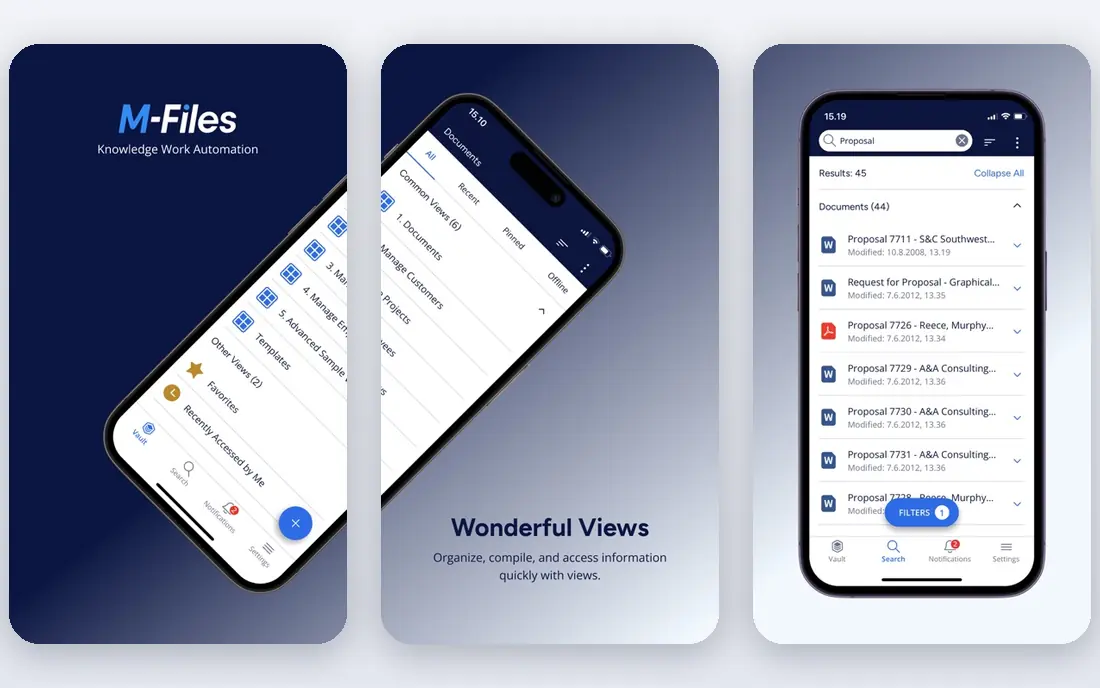
Where M-Files fits: organizations that want metadata-driven document management with automatic workflows. Rather than asking where a document lives, it asks what the document is: a contract, an invoice, a policy tied to a client, a project, or a date. That metadata model means the same file can appear in every relevant view without being duplicated, and workflows can route it for approval automatically based on its attributes.
The main drawbacks: Implementation needs planning.
It also links to existing repositories, so you do not always have to migrate everything on day one. This is a system for firms with real process complexity: engineering businesses, professional services, and regulated teams that lose time to manual document routing. From a buyer's view, if your document problem is "we cannot find anything," a more straightforward tool may do. M-Files shows no starting price here, so confirm the cost on the vendor site. Trial and free access: Free trial.
- Works across existing repositories
- Not where they are stored
- Smaller teams may not need its depth
Box
Great for: Security-conscious companies that require governance, compliance, and content workflows

Box was built for security-conscious firms that require governance, compliance, and content workflows. The cost reflects that ambition, and smaller teams may find the Business plan more than they need.
Worth adding: where Box pulls ahead of Dropbox-style tools is governance. Box starts at: $15/user/month billed annually. As for free access: Free trial.
The main drawbacks: Interface can feel busy for casual users.
- Unlimited storage on higher plans
- Solid security and compliance certifications
- Advanced features sit on higher levels
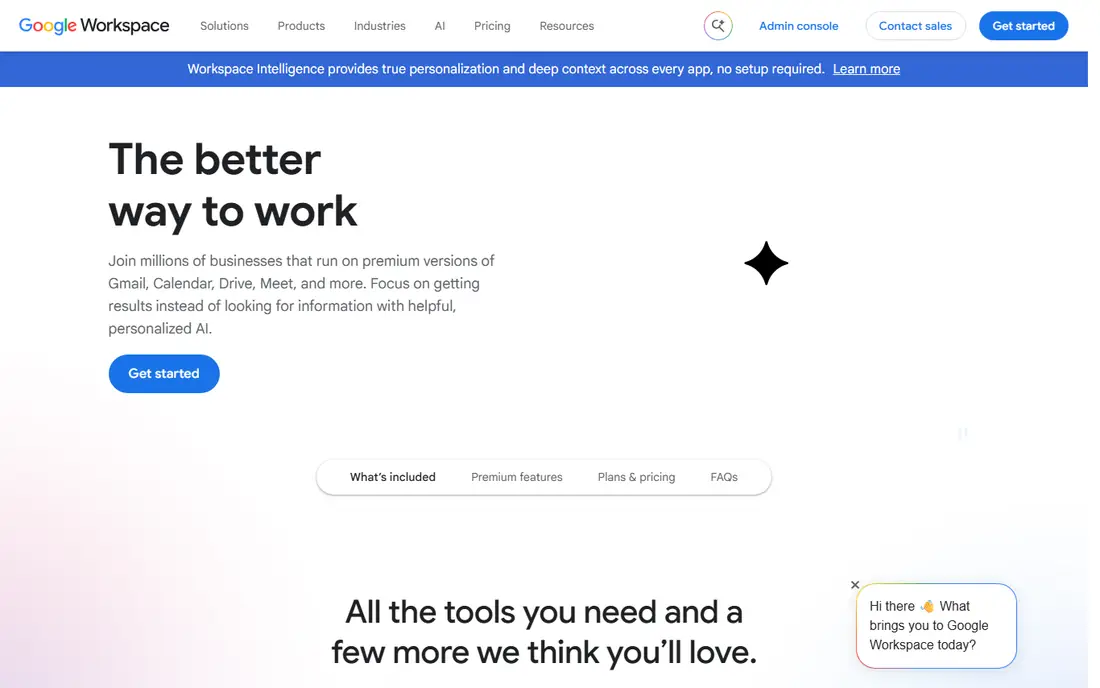
Google Workspace is aimed squarely at teams that live in Google Docs, Sheets, and Gmail and want document storage with live collaboration. Business Starter begins at $7 per user a month billed annually and brings custom email, pooled storage. Admin controls on top of the free Google apps.
Honest limits: Performs best inside the Google ecosystem.
More specifically, for marketing teams, agencies, and small firms where speed of collaboration matters more than compliance paperwork, Google Workspace remains one of the most practical and low-cost choices. On top of that, the limits appear when you need formal document control. The starting price for Google Workspace: $7/user/month billed annually. Free options: Free trial (14 days).
- Live co-editing is unmatched
- Straightforward sharing and permissions
- Restricted records-management and retention controls
Dropbox Business is aimed squarely at teams that want straightforward file sync with light document management controls. Dropbox earned its reputation by making file sync invisible, and that simplicity is why numerous small teams choose it as their first document home. Also, if your priority is getting files shared, synced, and reasonably controlled with almost no training, Dropbox Business gives the essentials without the ramp-up time of an enterprise system.
The main drawbacks: Not a full compliance product.
On top of that, the Standard business plan begins at $15 per user a month billed yearly with a three-user minimum. It brings admin controls, shared team folders, and file recovery on top of the familiar consumer experience. For a small office moving documents out of email attachments and personal desktops, Dropbox Business is commonly the fastest path to order. It is honest to call this a storage-first product instead of a full document management system. But not every business needs that weight. What you pay to start with Dropbox Business: $15/user/month billed annually. Free options: Free trial (30 days).
- Steady sync across devices
- Very simple to pick up
- Per-user pricing brings up quick
DocuWare is designed for offices going paperless that require document scanning, indexing, and approval workflows. DocuWare built its name on the paperless office, and it still displays. In practice, approval workflows then move those documents through review chains with a full audit trail.
As for the details, implementation tends to go smoother with some upfront planning of your document types and approval paths. Beyond that, intelligent indexing reads scanned documents, extracts key fields like invoice numbers and dates, and files them automatically. Check the vendor site for DocuWare pricing; none is listed in this comparison. DocuWare has no free plan.
Trade-offs to know: Setup benefits from professional guidance.
- Solid fit for finance and HR departments
- Very good document capture and OCR
- Less adaptable for ad-hoc collaboration
SharePoint
Great for: Microsoft 365 teams that require document storage and collaboration built
Choose SharePoint for Microsoft 365 teams that require document storage and collaboration built into their workspace. Every Teams channel file tab and shared OneDrive folder runs on SharePoint libraries, so for numerous firms the cheapest document management system is the one already installed. Everything sits under one login, one admin console, and one compliance boundary.
Where it falls short: Best value only inside the Microsoft ecosystem.
From a buyer's view, smaller teams at times find the admin side heavier than a purpose-built document manager, and search quality relies on how well metadata was set up from the start. Still, if your team already works in Word, Excel, and Teams every day, SharePoint is the most economical route to organized documents. In practice, the standalone Plan 1 begins at $5 per user a month and includes version history, check-in and check-out, retention policies, and metadata columns. In daily use, the trade-off is that SharePoint rewards planning and punishes neglect. SharePoint cost at the entry level: $5/user/month. Free plan details: Free trial.
- Version history and audit trails
- Granular permissions and sharing controls
- Admin overhead for small teams
Alfresco
Great for: IT teams that want an open-source document management product they
Alfresco is designed for IT teams that want an open-source document management system they can customize and host. The Community Edition is free, which makes Alfresco the only tool here you can download and run without spending a dollar on licensing. It gives you document libraries, versioning, workflows, and a content services API that developers can build on.
From a buyer's view, for teams with technical resources and specific customization needs, that combination is unique. Also, the enterprise edition with support is quote-based. No starting price is listed for Alfresco here; confirm pricing on the vendor site. Free access exists with Alfresco.
Downsides: Community Edition lacks enterprise support.
- Solid content services API
- Free Community Edition with real capability
- Needs technical staff to run well
Laserfiche
Great for: Organizations with heavy compliance, records management, and process automation needs
Laserfiche is aimed squarely at organizations with heavy compliance, records management, and process automation needs. All of that capability includes a quote-based price tag and an implementation that deserves real planning. This is not a tool you roll out in an afternoon.
Trade-offs to know: Overkill for entry-level file sharing.
In practice, records management is a first-class citizen here: retention schedules, legal holds, disposition workflows, and audit trails that stand up to regulatory scrutiny. In practice, Laserfiche has served government agencies, universities, and financial institutions for decades, and its feature set reflects that heritage. This comparison lists no price for Laserfiche; ask the vendor. Laserfiche has no free plan.
- Capable in government, education, finance
- Capable process automation
- Quote-based pricing
What went into this list
ProMapRanker used vendor pricing pages and product documentation as the base, then compared plans, free access and documented limits for 8 tools. Plan names, prices and limits change often. Treat the figures here as a starting point and verify them with the vendor. We ordered the tools by general fit, then by how clearly pricing is shown, then by free access. A buyer with unusual needs may reorder them.
What to check before you buy
- Ask M-Files, DocuWare, Alfresco and Laserfiche for a written quote, since no starting price is shown.
- Test the free plan from Alfresco against your real workload before relying on it.
- Run a trial of M-Files, Box, Google Workspace and others with real work before paying for a year; your own workflow is the best test.
- Read the limits listed for M-Files first: quote-based pricing with no public numbers.
- Find out whether the entry plan of DocuWare covers your must-haves or only a trimmed-down version.
- Ask whether Box integrates with your current software, and whether that comes standard or as an add-on.
Frequently asked questions
What is the cheapest option for document manager software in this list?
On published monthly entry prices, SharePoint is the lowest here at $5/user/month. Entry price is only part of the cost, because seats, add-ons and billing terms can change the total.
Which options for document manager software have a free plan?
Alfresco is the only tool in this list with a free plan. Free plans usually cap users, projects or features, so check the limits on the vendor page. Several others offer a trial instead.
How are the tools for document manager software ordered?
The order follows typical fit for document manager software, with M-Files first and Laserfiche last, then price clarity and free access. It is editorial judgement, not a score, so another team could rank the tools differently.
Is M-Files the right pick for everyone comparing document manager software?
No single tool suits every team. M-Files comes first because it fits organizations that want metadata-driven document management with automated workflows, while Box suits security-conscious businesses that need governance, compliance, and content workflows and Google Workspace suits teams that live in Google Docs, Sheets, and Gmail and want document storage. Match the tool to your own size, budget and workflow before deciding.
What is the best free document management software?
M-Files comes first here and is built for organizations that want metadata-driven document management with automatic workflows. Buyers with other needs may prefer Box (for security-conscious companies that require governance, compliance, and content workflows) or Google Workspace (for teams that live in Google Docs, Sheets, and Gmail and want document storage). Compare costs and limits first.
Sources
See where you really rank - block by block
ProMapRanker scans Google Maps across a grid of your service area. Simple monthly plans from $19, white-label on every plan.
Start freeKeep reading
 zscaler alternatives
Best Zscaler Alternatives in 2026
Looking for zscaler alternatives? We compare 9 SASE and zero trust platforms on architecture, data protection, pricing, and fit for your network and team.
Read → zapier alternatives free
Best Zapier Alternatives Free in 2026
Nine automation tools for zapier alternatives free in 2026, all with genuinely free tiers, plus free plan limits, starting prices and upgrade paths explained.
Read → which platform is best for online reputation
Which Platform Is Best for Online Reputation in 2026
Wondering which platform is best for online reputation? We compare 8 review, listing, and response tools for small and multi-location businesses and agencies.
Read →