 ProMapRanker
7 Best Document Management Software for Small Law Firm Options for 2026

Direct answer
Our first pick is Filevine, best for case heavy practices. PracticePanther fits straightforward all in one for solos and small businesses; iManage fits DMS with the deepest legal pedigree. Details, prices and limits for the rest of the 7 tools are below.
Key takeaways
- Filevine takes the first slot, best suited to case heavy practices.
- Neither Filevine nor Microsoft SharePoint, nor any of the other 5 tools, has a permanent free plan; trials and quotes are the norm.
- For businesses already on Microsoft 365, Microsoft SharePoint is worth a look.
- The cheapest monthly starting price in the list is $7 per user per month, offered by Microsoft SharePoint.
- Check the limits for Clio before you commit: document features are lighter than a true DMS.
Quick comparison
| Pick | Great for | Pricing starts at | Free tier | |
|---|---|---|---|---|
 Filevine | Case heavy practices | See website | No | Visit |
 PracticePanther | Straightforward all in one for solos and small businesses | $49 per user per month | No | Visit |
 iManage | DMS with the deepest legal pedigree | See website | No | Visit |
 Clio | Practice management with documents included | See website | No | Visit |
 Smokeball | Document automation for small businesses | See website | No | Visit |
 NetDocuments | Dedicated legal DMS | See website | No | Visit |
 Microsoft SharePoint | Businesses already on Microsoft 365 | $7 per user per month | No | Visit |
The 7 tools in detail
ProMapRanker put together this guide to document management software for small law firm for readers who want a clear shortlist without reading every vendor page. It compares 7 tools on starting price, free plans, who each one suits and where each one falls short.
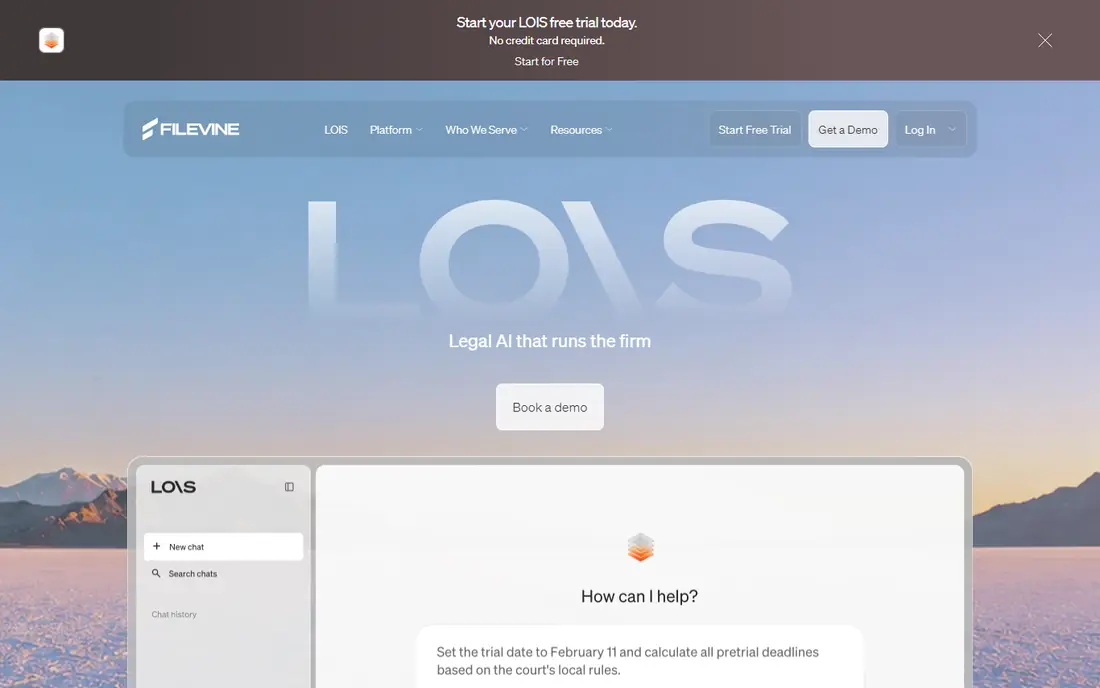
Filevine targets case heavy practices. Filevine runs the case rather than the library: documents live inside each case alongside medical records, communications, deadlines, and settlement tracking.
Also, the trade off is workflow against records control. Version discipline and email filing trail the dedicated DMS tools. Filevine shows no starting price here, so confirm the cost on the vendor site. Filevine has no free tier.
Watch-outs: Quote based pricing.
- Solid for plaintiff and high volume practices
- Texting and intake tools beside documents
- Setup is customised, which takes time
PracticePanther
Great for: Straightforward all in one for solos and small businesses
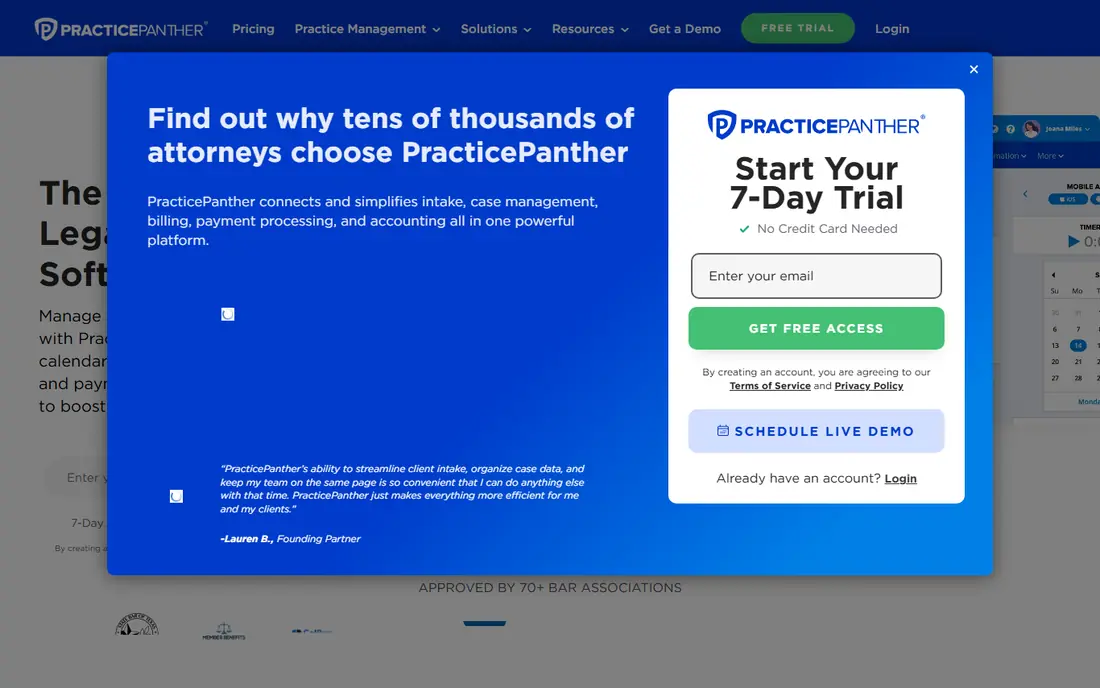
PracticePanther is built with straightforward all in one for solos and small businesses in mind. Documents attach to matters with entry-level versioning, which spans a small firm's daily needs.
As for the details, there is no email management or enterprise search. For everyday use, PracticePanther suits solos and very small businesses that want everything in one low-cost place and will outgrow document features later instead of sooner. What you pay to start with PracticePanther: $49 per user per month. PracticePanther has no free tier.
Honest limits: Automations sit on higher levels.
- Client portal and e signatures
- Documents, billing
- Document management is entry-level filing, not a DMS

iManage is aimed squarely at DMS with the deepest legal pedigree. The trade off is pedigree against fit.
Trade-offs to know: Quote based.
For everyday use, the product was built for businesses with IT staff. Its pricing and onboarding assume it. iManage suits ambitious small businesses in areas like corporate or IP work whose clients and matters resemble big law more than primary street practice. This comparison lists no price for iManage; ask the vendor. There is no free plan with iManage.
Strengths: now cloud delivered.
- Knowledge and security products around the core DMS
- Long dominant in large law
- Small businesses may find the system heavy
Where Clio fits: practice management with documents included. The trade off is breadth against document depth.
Downsides: Document features are lighter than a true DMS.
Where it shines: Cloud access everywhere.
There is no legal grade email filing or the versioning rigour of NetDocuments. No starting price is listed for Clio here; confirm pricing on the vendor site. No free plan comes with Clio.
- Huge app ecosystem
- Documents sit inside the matter record with billing and calendaring
- Pricing per user varies widely by level and source
Smokeball makes the most sense for document automation for small businesses. Smokeball's difference is automation: thousands of forms and precedents that fill themselves from matter data, so a letter or filing takes minutes. More specifically, documents are organised inside the matter, and the software tracks the time you spend producing them, which businesses commonly fail to bill.
Downsides: Automation library depth varies by practice area and state.
For everyday use, the trade off is automation value against generality. Beyond that, the form library pays off only where it includes your practice area and jurisdiction, so test your own documents in the trial. Smokeball does not show a starting price in this comparison, so check the vendor site for current pricing. Smokeball has no permanent free option.
- Large library of automatic court forms and letters
- Capable for conveyancing and family style practices
- Windows heritage in parts of the product
In short, NetDocuments is for dedicated legal DMS. The trade off is depth against weight.
Trade-offs to know: Setup and migration take planning.
As for the details, security and compliance certifications are a core part of its pitch to businesses. Pricing for NetDocuments is not stated here, so ask the vendor for current figures. NetDocuments has no permanent free option.
- Email management files messages with the matter
- Used by businesses of every size
- More system than a two lawyer firm may need
Microsoft SharePoint is a good fit for businesses already on Microsoft 365. Microsoft 365 Business Basic is reported at $7 per user a month, and SharePoint brings document libraries, permissions, version history, and retention policies. On top of that, SharePoint fits cost conscious businesses with Microsoft 365 already deployed and someone willing to design and police the library structure.
From a buyer's view, SharePoint knows nothing about clients, matters, or ethical walls until you build that structure. It will happily reproduce folder chaos in the cloud. Microsoft SharePoint cost at the entry level: $7 per user per month. Microsoft SharePoint has no free tier.
Where it falls short: Poor setup produces the folder chaos you were escaping.
- Word and Outlook integration is native
- Solid permissions and retention tooling
- No legal specific features
Selection criteria
Pricing pages, product documentation and feature lists were the main sources, and every entry carries at least one honest drawback. Figures are shown as the vendors publish them. Billing terms, seat minimums and add-ons can change the real cost. The order reflects how well each tool fits the most common buying scenario for document management software for small law firm, then price clarity, then free plan access. It is a starting point, not a verdict.
Things to verify first
- Get a written quote from Filevine, iManage, Clio and others; the list shows no starting price for them.
- Before choosing Filevine, weigh its main limit: quote based pricing.
- Add up seats, add-ons and usage charges for Microsoft SharePoint before comparing it with cheaper entries.
- Look at which plan of Clio unlocks the features you need; entry tiers are often cut down.
- Check the integration list for Filevine against the tools you run today, and note which ones need a higher plan.
Frequently asked questions
What should we migrate first?
Set a cut off date after which everything new is filed in the system, and resist importing decades of unstructured folders in one project, which is where DMS rollouts stall.
Do these tools publish their prices?
Not all of them. Filevine, iManage, Clio and others publish no starting price, so expect a quote request for those. The rest, PracticePanther included, show a starting price, though seats and billing terms still change the final cost.
Can SharePoint work as a law firm DMS?
It can for a small firm willing to design matter libraries, permissions, and retention rules and enforce them. It lacks legal specific features for example email filing by matter and ethical wall tooling. So most businesses that grow past a handful of lawyers move to a legal DMS.
Can I try these tools before paying?
Not by default. None of the tools, from Filevine to Microsoft SharePoint, lists a free plan or a free trial here, so ask each vendor for a demo before committing.
Is cloud storage ethical for client files?
US state bars that have addressed cloud computing allow it when the lawyer takes reasonable care: a reputable vendor, encryption, access controls. A plan to retrieve data if the vendor fails. Check your own bar's opinions, since the duty is yours, not the vendor's.
Is Filevine the right pick for everyone comparing document management software for small law firm?
No single tool suits every team. Filevine comes first because it fits case heavy practices, while PracticePanther suits simple all in one for solos and small firms and iManage suits DMS with the deepest legal pedigree. Match the tool to your own size, budget and workflow before deciding.
Sources
See where you really rank - block by block
ProMapRanker scans Google Maps across a grid of your service area. Simple monthly plans from $19, white-label on every plan.
Start freeKeep reading
 zscaler alternatives
Best Zscaler Alternatives in 2026
Looking for zscaler alternatives? We compare 9 SASE and zero trust platforms on architecture, data protection, pricing, and fit for your network and team.
Read → zapier alternatives free
Best Zapier Alternatives Free in 2026
Nine automation tools for zapier alternatives free in 2026, all with genuinely free tiers, plus free plan limits, starting prices and upgrade paths explained.
Read → which platform is best for online reputation
Which Platform Is Best for Online Reputation in 2026
Wondering which platform is best for online reputation? We compare 8 review, listing, and response tools for small and multi-location businesses and agencies.
Read →