 ProMapRanker
Best Document Management Software in 2026


Teams already using Microsoft 365 · Pricing starts at: See website
Key takeaways
- Small businesses usually do best with Google Drive, Dropbox or Box, which combine storage, sharing and simple controls without a long setup.
- SharePoint suits teams already paying for Microsoft 365, since it ties documents to Teams, Outlook and Office apps.
- M-Files and DocuWare suit regulated or document-heavy teams that need metadata, workflows and audit trails rather than simple folders.
- Quote-based pricing is common in this category, so always ask for the full per-user cost, storage limits and contract term before you sign.
Quick comparison
| Pick | Great for | Pricing starts at | Free tier | |
|---|---|---|---|---|
| Microsoft SharePoint | Teams already using Microsoft 365 | See website | No | Visit |
 Google Drive Google Drive | Small teams using Google Workspace | See website | Yes | Visit |
 Dropbox Business Dropbox Business | Simple sharing with strong sync | See website | Free trial | Visit |
 Box Box | Secure content sharing for larger teams | See website | Free trial | Visit |
 DocuWare DocuWare | Digitising paper and automating document workflows | See website | Free trial | Visit |
 M-Files M-Files | Metadata-driven document control | $65 per user per month | No | Visit |
 Zoho WorkDrive Zoho WorkDrive | Small businesses already using Zoho | See website | Free trial | Visit |
 Laserfiche Laserfiche | Records, forms and process automation | See website | Free trial | Visit |
The best document management software
We compared document management software on search, version control, permissions, workflows, integrations and pricing transparency. The list covers simple cloud storage that works as a document system for small teams, plus dedicated systems for heavier compliance needs.
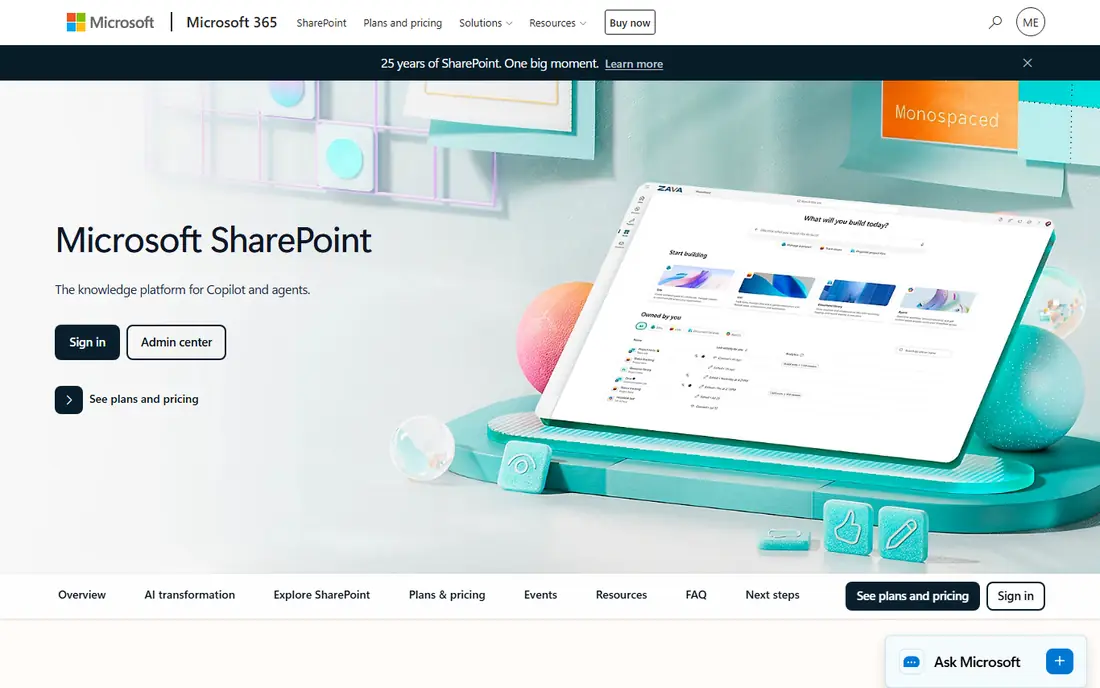
SharePoint is the natural document home for a Microsoft 365 team. Documents live in libraries tied to Teams channels and sites, so a file shared in a meeting is the same file people edit later, with version history to roll back mistakes. Permissions can be set by site, library or folder, which helps when some documents should stay inside one department.
The trade-off is structure. Without a clear plan for sites, libraries and naming, SharePoint can grow messy fast, and smaller teams may find it heavier than Dropbox or Google Drive. Pricing is bundled into Microsoft 365 plans in most cases, so check which plan your team already pays for before comparing SharePoint with a standalone tool.
- Deep Teams, Outlook and Office integration
- Document libraries with version history
- Strong permissions and sharing controls
- Setup and governance take planning
- Pricing depends on the Microsoft 365 plan you choose
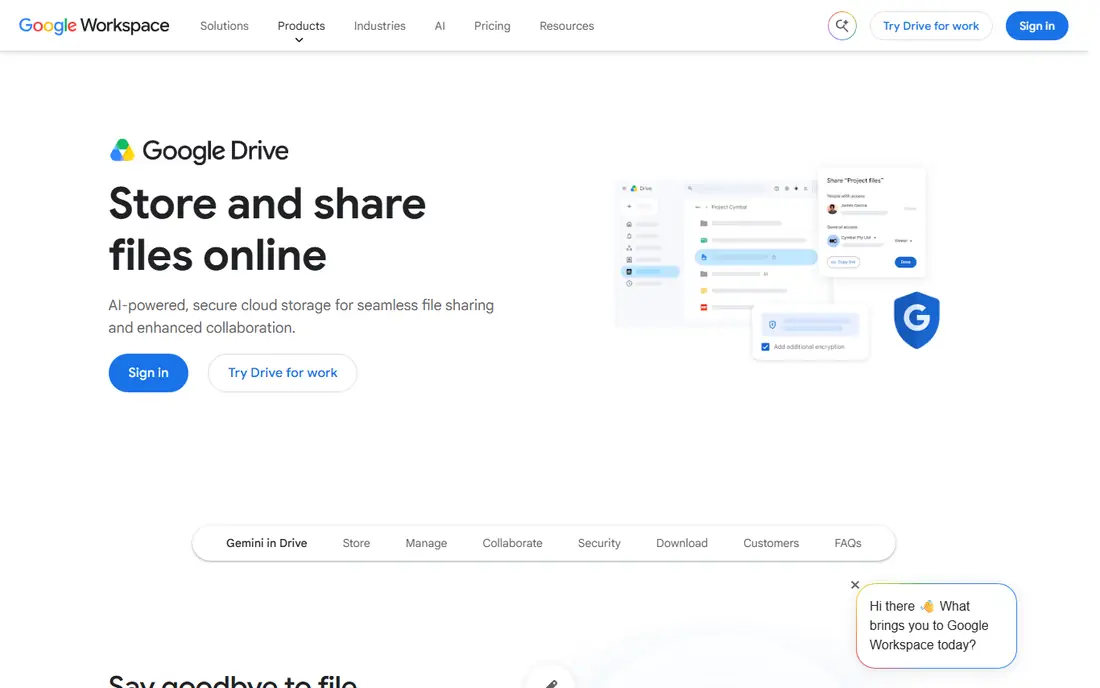
Google Drive is the simplest document system for a small business that already uses Gmail and Google Docs. Sharing is a link or an email address, multiple people can edit at once, and search finds documents by name and content. The free personal tier is enough for a solo owner to test the workflow before moving a team onto a paid Workspace plan.
For larger or regulated teams, Drive needs more admin work. Retention, data loss prevention and approval workflows exist in Workspace, but they are not as document-centric as M-Files or DocuWare. If your main needs are storage, sharing and joint editing, Drive covers them with the least friction. If you need formal document control, look further down this list.
- Free personal storage tier
- Real-time Docs, Sheets and Slides editing
- Simple sharing and search
- Folder-based organisation can get messy at scale
- Advanced records controls need Workspace admin settings
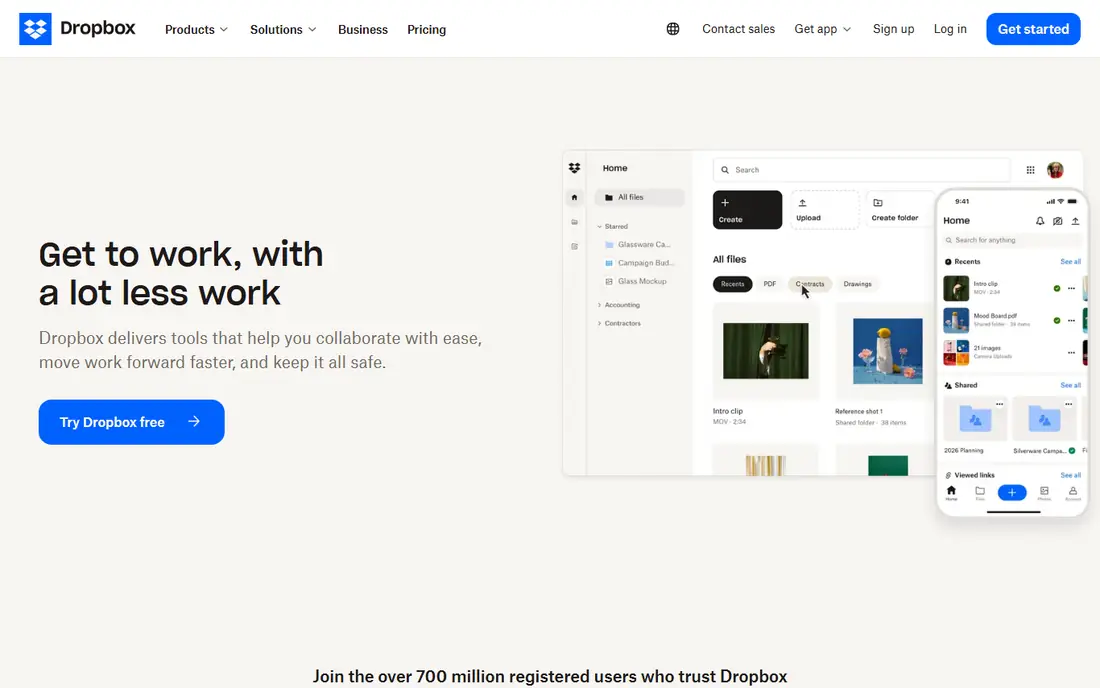
Dropbox Business earns its place on sync alone. Files update quickly across desktop, web and mobile, and sharing a folder with a client or contractor takes seconds. Version history and deleted file recovery help when someone overwrites a contract or deletes a folder by mistake.
Dropbox is less of a full office suite than Google Workspace or Microsoft 365, so teams that live in Docs or Word may still need those apps alongside it. Business plans add team folders, admin controls and more storage, and pricing should be checked on the vendor site, since plans and storage tiers change. For a team whose main pain is files not being in sync, Dropbox is a calm, dependable fix.
- Fast, dependable file sync across devices
- Easy external sharing
- Good version history and recovery
- Collaboration editing is weaker than Google or Microsoft suites
- Advanced admin features sit on higher plans
Box is built for organisations that share sensitive content with partners, clients and contractors. Admins can control who can view, download or edit a file, set expiry dates on shared links, and track activity. Workflow tools and e-signature integrations let a document move from draft to signed without leaving the system.
Small teams may find Box more formal than they need, and the free personal plan is not a business document system on its own. Paid plans add the admin controls, retention and workflow features that make Box worth its price. If security and external sharing matter more than simple storage, Box deserves a trial against SharePoint.
- Granular permissions and external sharing controls
- Workflow and e-signature options
- Wide app integrations
- Interface can feel formal for very small teams
- Best features require paid business plans
DocuWare suits a business drowning in paper invoices, contracts and forms. Documents can be scanned, indexed and stored in a central cabinet, then routed for approval with a visible audit trail. That matters for finance and operations teams that need to prove who approved what, and when.
The main drawback is pricing transparency. DocuWare does not publish a single starting price that covers every deployment, and cloud plans are sold by user count and storage. Ask for a written quote that includes the number of users, storage, workflow modules and support. For a team with a clear paper-to-digital problem, that conversation is worth having.
- Document capture and intelligent indexing
- Workflow automation and approvals
- Cloud and on-premises options
- Pricing is quote-based, so budgeting needs a sales conversation
- Setup for complex workflows takes time
M-Files organises documents by metadata, such as client, project, document type and status, instead of forcing everything into folders. A contract can appear in a client view, a project view and an approval view at the same time, without duplicate copies. That approach cuts down on the classic problem of three versions of the same file in three folders.
Essentials is listed at $65 per seat per month, with an Enterprise tier for stronger governance and automation. That price is far above Dropbox or Google Drive, so M-Files only makes sense when document control, compliance or retrieval speed is a real business cost. Teams in legal, finance and quality-led work are the usual fit, and a demo with your own document types is the best test.
- Documents found by what they are, not where they are stored
- Version control and approval workflows
- Microsoft 365 integration
- Higher per-user price than cloud storage tools
- Metadata design needs thought before rollout
Zoho WorkDrive is a sensible document store for a business already running on Zoho apps. Team folders, sharing controls and version history cover the daily needs of a small team, and documents open in Zoho office apps without extra downloads. It also connects to Zoho CRM and other Zoho tools, so a client file can sit near the client record.
As a standalone choice, WorkDrive is simpler than M-Files or DocuWare, with fewer records and workflow features. That simplicity is a strength for a small business that wants storage and sharing without a long project. Check the current WorkDrive pricing page, since Zoho sells it both standalone and inside bundles, and the bundle price may beat the standalone price.
- Team folders and file sharing
- Integrates with Zoho Writer, Sheet and CRM
- Admin controls for small teams
- Less mature as a standalone document system than SharePoint or Box
- Best value inside the Zoho suite
Laserfiche is a long-standing content system for organisations that need records discipline. It combines document capture, storage, forms, workflow and retention in one platform, which suits government, education, finance and healthcare teams with formal records rules. A form submitted by a citizen or client can flow into a workflow, get approved and be filed as a record without manual retyping.
That depth comes with a project-sized rollout. Pricing is quoted, and the right plan depends on user count, records needs and automation scope. Smaller businesses that only need storage and sharing should choose a simpler tool from this list. Larger teams with retention schedules and approval chains will get more value from Laserfiche than from a plain cloud drive.
- Records management and retention controls
- Forms and workflow automation
- Capture from paper and email
- Quote-based pricing
- Implementation is a project, not a quick signup
How we picked these
We compared official feature and pricing pages, documentation and app store listings for document management tools that are available in October 2026. We favoured tools with clear version control, permissions and search, and we included both cloud storage tools that small businesses actually use as document systems and dedicated systems for regulated work. Where pricing was quote-based or could not be verified on the vendor site, we wrote See website rather than inventing a number.
What to check before you choose
Start with your document problem, not the feature list. If the problem is sharing and sync, a cloud drive is enough. If the problem is approvals, retention or finding the right version, you need a dedicated system with workflows and metadata. Count your users honestly, including occasional external collaborators, since per-user pricing adds up fast.
Test search with your own messy file names, test permissions with a contractor account, and test version history by editing and restoring a document. Ask about export: can you download all documents with their metadata if you leave, and what format do they arrive in. Finally, get the contract term, storage limits and support hours in writing, since those three items cause more surprises than the monthly price alone.
Setting up folders versus metadata
Folder systems work when everyone agrees on the same structure and sticks to it. Metadata systems work better when the same document belongs in several places at once, such as by client, project and year. If your team already argues about folder names, a metadata tool like M-Files may save more time than another folder cleanup. If your team is small and disciplined, folders in Drive, Dropbox or SharePoint will be fine.
Frequently asked questions
What is the best document management software for small business?
Google Drive, Dropbox Business and Zoho WorkDrive are the most practical small business picks, because they are quick to set up and easy for staff and clients to use. SharePoint is better if the business already pays for Microsoft 365. Choose a dedicated system such as DocuWare or M-Files only when approvals, retention or compliance become a daily need.
What is a DMS in document management?
A document management system, often shortened to DMS, is software that stores, organises, searches and controls documents, with version history, permissions and workflows. It replaces shared drives and email attachments as the single place for business documents. The best DMS software for a given team depends on whether it needs simple storage or formal document control.
Is Google Drive a document management system?
Google Drive can work as a light document management system for small teams, with sharing, search, version history and real-time editing. It lacks the formal records, metadata and approval depth of dedicated tools such as M-Files, DocuWare and Laserfiche. Many small businesses use Drive successfully, and move to a dedicated system only when those controls become necessary.
How much does document management software cost?
Prices range from free personal plans to $65 per user per month for M-Files Essentials, with many business tools sold by quote. Cloud storage tools usually charge per user per month with a storage limit, while dedicated systems often add implementation and support costs. Always ask for a quote that covers users, storage, modules and contract term.
Can document management software replace paper filing?
Yes, when it includes capture, indexing and retention. DocuWare and Laserfiche are built for scanning paper and routing it through approvals, while Drive, Dropbox and Box handle digital originals well. A paper replacement project still needs a scanning routine, a naming or metadata rule, and a retention schedule, or the digital pile will be as messy as the paper one was.
What should I look for in document management tools?
Look for search that finds documents by content and metadata, version history, permissions for internal and external users, workflow approvals, and a clean export path. Also check integrations with your email, office suite and CRM, since documents rarely live alone. Trial the tool with real documents from your team before you commit to a year-long contract.
Sources
See where you really rank - block by block
ProMapRanker scans Google Maps across a grid of your service area. Simple monthly plans from $19, white-label on every plan.
Start freeKeep reading
 zendesk alternatives
Best Zendesk Alternatives in 2026
Compare the best Zendesk alternatives in 2026, from budget help desks to AI-first support tools, with current pricing, free plans, and honest trade-offs.
Read → wordpress alternatives
Best WordPress Alternatives in 2026
Looking for the best WordPress alternatives? We compare 8 free and paid options for blogs, business sites, stores, and developer-led projects in 2026.
Read → which real estate company has the best training
Best Real Estate Company Training in 2026
Compare which real estate company has the best training, from Keller Williams and eXp to Compass and Coldwell Banker, by program, mentor, and fit in 2026.
Read →