 ProMapRanker
6 Best Document Creation Software Options for 2026


Operations teams auto-generating documents from data sources · Pricing starts at: See website (platform pricing, not per-user)
Direct answer
This list puts Formstack Documents first for operations teams auto-generating documents from data sources. Qwilr fits teams selling through modern interactive buyer experiences; Proposify fits agencies and sales teams wanting refined, on-brand proposals. Details, prices and limits for the rest of the 6 tools are below.
Key takeaways
- Formstack Documents sits first on this list: operations teams auto-generating documents from data sources.
- A fair warning about PandaDoc: per-user pricing scales steeply with team size.
- For sales teams running collaborative deals with multiple stakeholders, GetAccept is worth a look.
- None of the 6 tools, from Formstack Documents to GetAccept, has a free plan, so budget for a subscription or use a trial.
- Formstack Documents, GetAccept and the 4 others all sell by quote; expect sales conversations before you see a price.
Quick comparison
| Pick | Great for | Pricing starts at | Free tier | |
|---|---|---|---|---|
| Formstack Documents | Operations teams auto-generating documents from data sources | See website (platform pricing, not per-user) | Free trial (14 days) | Visit |
 Qwilr | Teams selling through modern interactive buyer experiences | See website (per-user pricing) | Free trial (14 days) | Visit |
 Proposify | Agencies and sales teams wanting refined, on-brand proposals | See website (per-user pricing; Basic, Team, and Business tiers) | Free trial (14 days) | Visit |
 PandaDoc | Sales teams with a repeatable proposal-to-signature process | See website (per-user pricing; Starter, Business, and Enterprise tiers) | Free trial (14 days) | Visit |
 Docupilot | SMBs automating routine paperwork like invoices and HR letters | See website (flat-rate monthly plans: Starter, Pro, Teams) | Free trial | Visit |
 GetAccept | Sales teams running collaborative deals with several stakeholders | See website (per-user pricing) | Free trial (14 days) | Visit |
Tool-by-tool breakdown
This ProMapRanker guide covers 6 options for document creation software. Each profile lists a starting price, free plan details, strengths and drawbacks, so you can drop poor fits quickly.
Formstack Documents
Great for: Operations teams auto-generating documents from data sources
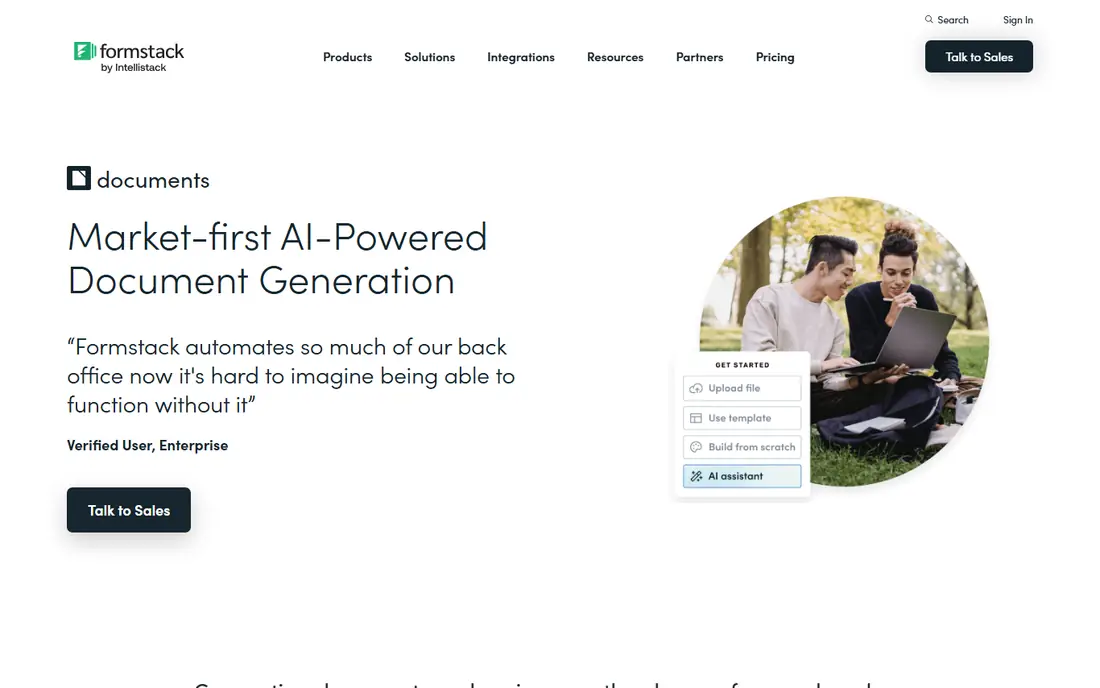
Formstack Documents makes the most sense for operations teams auto-generating documents from data sources. Formstack Documents, formerly WebMerge, is generation, not proposals. Conditional logic, audit trails, and HIPAA compliance suit regulated operations.
Where Formstack Documents stands out: PowerPoint templates.
For operations teams, this is the right class of tool. More specifically, for sales proposals, look above. Formstack Documents shows no starting price here, so confirm the cost on the vendor site. Free access: Free trial (14 days).
What to check first: Verify current plan details on the vendor site.
- Merges data from forms, CRMs
- HIPAA-compliant with conditional logic
- Platform pricing runs higher than per-user proposal tools at small scale
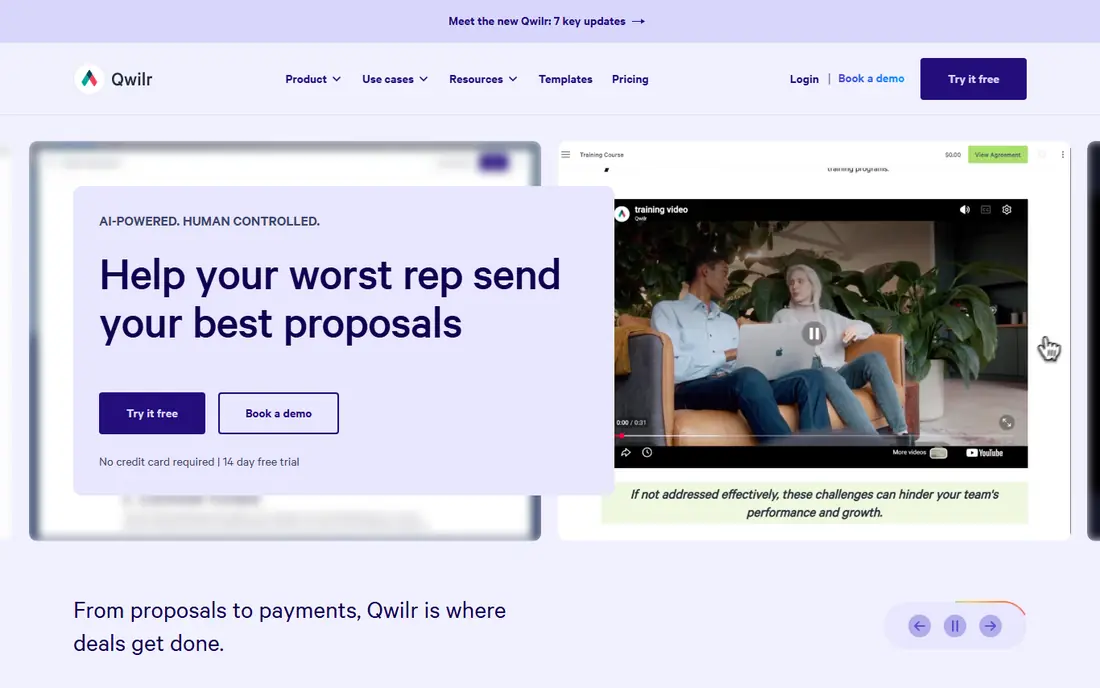
Qwilr is built with teams selling through modern interactive buyer experiences in mind. The trade is formality.
Entry pricing runs high for solo users, so this suits teams instead of freelancers. Qwilr rethinks the proposal as a web page, not a document. Qwilr does not show a starting price in this comparison, so check the vendor site for current pricing. Free plan details: Free trial (14 days).
Best features of Qwilr: Proposals as interactive. The main drawbacks: Weaker fit for traditional printable contract workflows.
- Mobile-responsive web pages rather than static PDFs
- Page-level engagement analytics
- Entry pricing is high for solo users
Proposify
Great for: Agencies and sales teams wanting refined, on-brand proposals
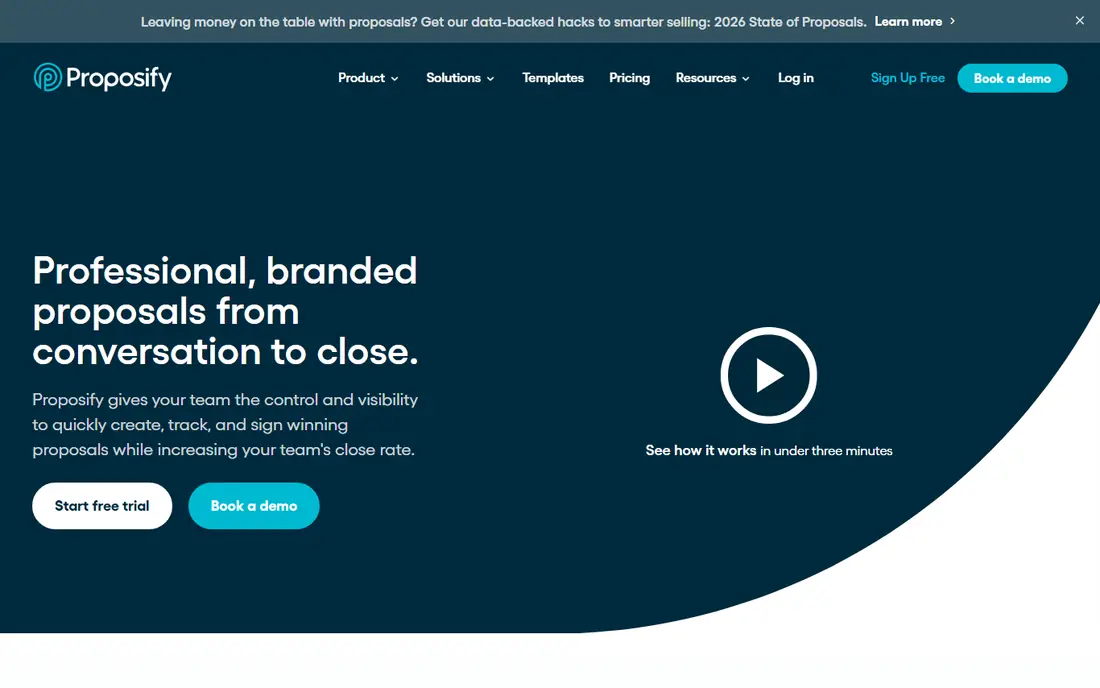
Proposify targets agencies and sales teams wanting refined, on-brand proposals. The editor produces genuinely good-looking proposals with interactive pricing tables that clients can configure themselves, which shortens the negotiation loop. The Basic level's send cap makes it a trial level in practice for any active sales team; budget for Team or above.
Worth adding: as with PandaDoc, the integrations that matter (Salesforce, SSO, API) sit at the top level. More specifically, content libraries, engagement metrics, and e-signature come standard instead of gated. Proposify shows no starting price here, so confirm the cost on the vendor site. Trial and free access: Free trial (14 days).
Points against: API need the Business level; Entry-level level caps document sends.
- Content library, metrics
- E-sign included from low levels
- Salesforce integration, SSO
PandaDoc serves sales teams with a repeatable proposal-to-signature process. PandaDoc is the broadest proposal product here: quoting, content locking, approval workflows, e-signature, and payment collection in one account. Price the level that contains your must-have integrations, not the entry level.
From a buyer's view, setup is moderate, templates migrate easily, and annual billing meaningfully undercuts monthly. If your process is "proposal, negotiate, sign, collect," PandaDoc includes the entire chain. In practice, for sales teams with a repeatable process that is not complicated enough for enterprise CPQ, that breadth replaces multiple tools. Worth adding: the cost creep is the thing to model. PandaDoc does not show a starting price in this comparison, so check the vendor site for current pricing. Free plan details: Free trial (14 days).
Watch-outs: API, CPQ.
- Deep CRM integrations with content library and approval workflows
- End-to-end workflow from proposals and quotes to e-signature and payments
- Per-user pricing scales steeply with team size
Docupilot
Great for: SMBs automating routine paperwork like invoices and HR letters
Pick Docupilot if this describes you: SMBs automating routine paperwork like invoices and HR letters. The API covers custom workflows when no-code runs out. From a buyer's view, Docupilot is the SMB generation tool: templates plus integrations get routine paperwork automatic in hours, with e-signatures built in.
Downsides: Very high-volume or regulated use cases may need more.
From a buyer's view, invoices, contracts, HR letters, and reports flow from your existing apps through Zapier or direct integrations, on flat-rate monthly billing that small businesses can predict. The ceiling is enterprise depth. But for the large middle of companies automating standard paperwork, Docupilot's speed-to-value and straightforward pricing are the appeal. Pricing for Docupilot is not stated here, so ask the vendor for current figures. Free options: Free trial.
- Transparent SMB-friendly pricing
- No-code document automation with a real API
- Newer
GetAccept
Great for: Sales teams running collaborative deals with several stakeholders
GetAccept targets sales teams running collaborative deals with several stakeholders. GetAccept's unit is the deal room, not the document. From a buyer's view, setup is moderate, Salesforce and HubSpot integrations are native, and annual plans are the norm.
The main drawbacks: Sales-room-centric.
In daily use, for teams where the deal room is the workflow, the engagement insight is the differentiator. For complicated B2B deals with buying committees, that visibility changes how reps follow up. On top of that, Proposals live alongside personal video messages, live chat, and mutual action plans, with engagement analytics showing exactly how each stakeholder interacts. Pricing for GetAccept is not stated here, so ask the vendor for current figures. Free access: Free trial (14 days). What users get: Mutual action plans for complicated deals.
- Capable buyer-engagement tracking
- Video messages, chat, e-sign
- Public pricing detail is thin
How we compared the tools
ProMapRanker looked at what each vendor publishes: pricing, plan limits, feature coverage for document creation software and stated drawbacks. No hands-on testing is claimed. Treat prices as a snapshot: vendors change plans often, so check the vendor site for the figure that applies today. Order on the page follows fit for the typical buyer first, then price transparency and free access. Your own requirements should decide the final pick.
Things to verify first
- Confirm the entry price with every vendor: no tool from Formstack Documents to GetAccept shows a fixed starting price.
- Take the trial from Formstack Documents, Qwilr, Proposify and others and push a live task through it before you pay.
- Before choosing Formstack Documents, weigh its main limit: system pricing runs higher than per-user proposal tools at small scale.
- Compare total cost, not headline price: for Qwilr, add extra seats, add-ons and any usage-based charges.
- Find out whether the entry plan of PandaDoc covers your must-haves or only a trimmed-down version.
Frequently asked questions
How are the tools for document creation software ordered?
Formstack Documents sits first and GetAccept last because the order follows typical fit for document creation software, then price clarity and free access. It is a judgement call, so read each profile for fit and limits.
Can we migrate our existing templates?
Usually yes. Proposal tools import and rebuild templates rapidly; generation tools accept Word and PDF templates with field mapping. Worth adding: budget time for rebuilding complicated templates instead of assuming a clean import, and test generated output against your brand standards before going live.
Should we buy a proposal tool or a document generation tool?
Proposals persuade; generation produces. If salespeople write and send the documents, buy a proposal tool (PandaDoc, Proposify, Qwilr). In daily use, if systems produce the documents from data automatically, buy a generation tool (Formstack Documents, Docupilot).
Do these tools publish their prices?
No. None of the tools, from Formstack Documents to GetAccept, shows a fixed starting price here, so budget time for quotes.
Does any tool for document creation software here have a free plan?
A permanent free plan is not offered by Formstack Documents, GetAccept or the other tools here. Several tools offer a trial. Plan a short evaluation period instead.
How do we evaluate free trials?
Time the setup. And confirm which features are trial-only compared with included in the level you would buy; trials commonly present the top level.
Sources
See where you really rank - block by block
ProMapRanker scans Google Maps across a grid of your service area. Simple monthly plans from $19, white-label on every plan.
Start freeKeep reading
 zoho inventory alternatives
6 Alternatives to Zoho Inventory, Compared on Price and Fit
Zoho Inventory alternatives: 6 tools compared on price, free plans and fit. Katana leads the list for manufacturers. Fit and flaws are laid out for each entry.
Read → zoho crm alternatives
Best Zoho CRM Alternatives (2026)
Need Zoho CRM alternatives? We compare 7 tools on cost, free access and who each suits. Every pick gets a straight assessment. Built for quick decisions.
Read → zelle alternatives
Best Zelle Alternatives in 2026
Compare the best Zelle alternatives for sending money to friends, paying sellers and moving funds abroad, with honest notes on fees, speed and safety in 2026.
Read →