 ProMapRanker
Document Collaboration Software


Expanding teams wanting a self-maintaining AI knowledge base · Pricing starts at: $10 per user/month (billed yearly)
Direct answer
Start with Slite if you need expanding teams wanting a self-maintaining AI knowledge base. For a different need, Dropbox covers teams needing quick, dependable file sync and easy sharing and Confluence covers organizations, notably Jira users, needing structured team documentation. The remaining 3 options are covered below with prices and limits.
Key takeaways
- Top of the list is Slite, which targets expanding teams wanting a self-maintaining AI knowledge base.
- For teams wanting email, docs, and Drive that just work together, Google Workspace is worth a look.
- Box is the lowest-priced starter here at $5 per user/month.
- Only 2 of the 6 tools have a free plan (Confluence, Notion), so check the caps.
- A fair warning about Box: less easy-to-learn for casual users than Dropbox.
Quick comparison
| Pick | Great for | Pricing starts at | Free tier | |
|---|---|---|---|---|
| Slite | Expanding teams wanting a self-maintaining AI knowledge base | $10 per user/month (billed yearly) | Free trial (14 days) | Visit |
 Dropbox | Teams needing quick, dependable file sync and easy sharing | $15 per user/month (billed yearly) | Free trial (30 days) | Visit |
 Confluence | Organizations, particularly Jira users, needing structured team documentation | $5.42 per user/month | Yes | Visit |
 Box | Regulated industries needing secure file collaboration with compliance | $5 per user/month (billed annually) | Free trial | Visit |
 Notion | Teams wanting an adaptable wiki plus docs | $10 per user/month (billed annually) | Yes | Visit |
 Google Workspace | Teams wanting email, docs, and Drive that just work together | $7 per user/month (billed annually) | Free trial (14 days) | Visit |
Tool-by-tool breakdown
Choosing document collaboration software usually comes down to price, fit and limits. This ProMapRanker guide sets 6 tools side by side on those three points, with the facts kept short and checkable.
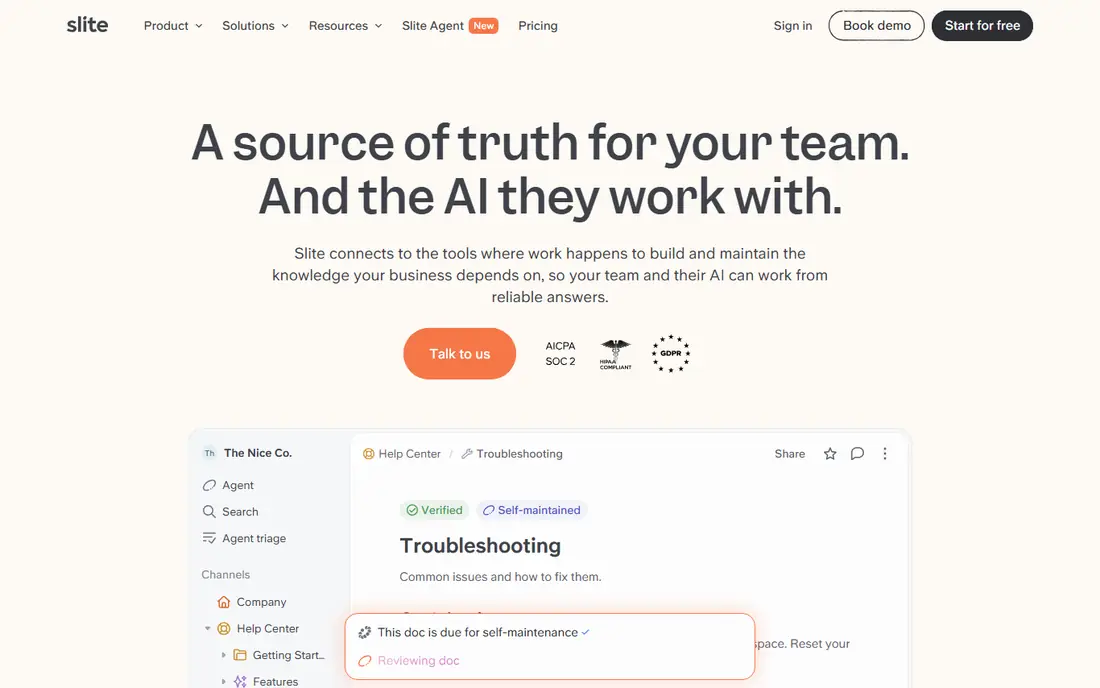
Slite is aimed squarely at expanding teams wanting a self-maintaining AI knowledge base. Slite's answer to the wiki maintenance problem is to automate it. Its AI agent watches your tools, spots when documentation has drifted from reality, drafts the fix, and routes it to the right person for approval.
Honest limits: No permanent free level.
More specifically, combined with AI search that ranks verified knowledge first and cites its sources, Slite positions itself as the knowledge base that stays accurate rather than going stale. Also, a 14-day trial handles both levels. It is also a younger, smaller company than its rivals, which matters if vendor longevity is on your checklist. But for teams whose documentation constantly rots, the self-maintaining pitch addresses the actual failure mode of every wiki. Price to start with Slite: $10 per user/month. As for free access: Free trial (14 days).
- AI search across docs and connected tools
- Clean
- Advanced security sits on Pro and Enterprise
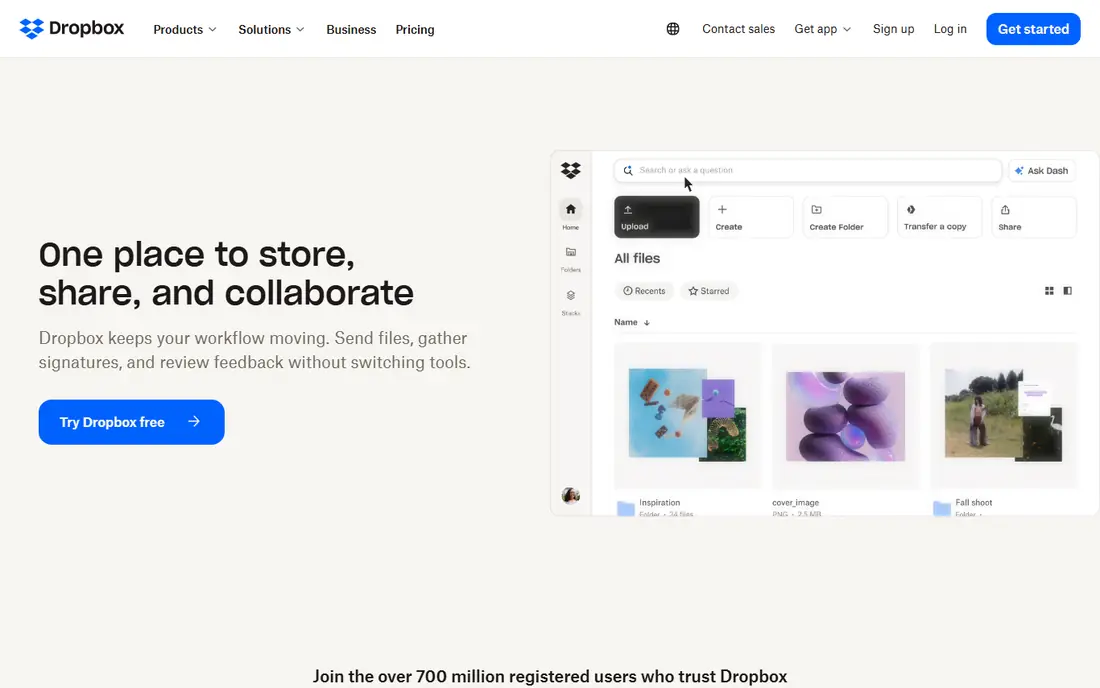
Dropbox was built for teams needing quick, reliable file sync and easy sharing. Standard starts at $15 per user a month billed yearly with a 3-user minimum.
The main drawbacks: Document editing is weaker than suite rivals.
A 30-day free trial lets teams test before committing. In daily use, at $15 a seat, it costs more than Google Workspace's Business Starter whereas offering less: no email, no native docs to speak of. Price to start with Dropbox: $15 per user/month. As for free access: Free trial (30 days).
- 700 million registered users
- Sharing links anyone can open without an account
- Business Standard at $15 per seat is expensive next to Google
Confluence
Great for: Organizations, particularly Jira users, needing structured team documentation
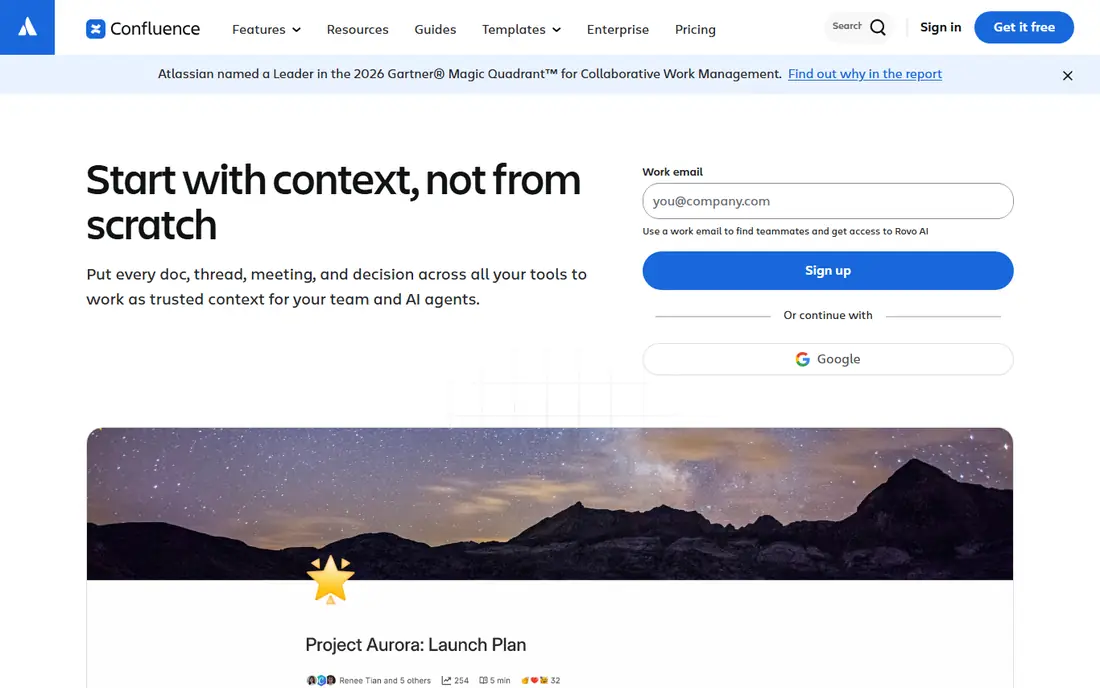
Confluence is built with organizations, notably Jira users, needing structured team documentation in mind. Pages, live docs, whiteboards, databases, and templates are aimed at structured team knowledge, and the integration with Jira means requirements, runbooks, and retros link straight to the work they describe.
The honest catch is the editor and the ecosystem tax. Rovo AI now drafts, summarizes, and answers questions across the workspace. Starting cost for Confluence: $5.42 per user/month. You can start on Confluence without paying.
Where it falls short: Best value requires the Atlassian ecosystem.
- Deep Jira and Rovo AI integration
- Free for up to 10 users
- Per-seat costs add up quick
For regulated industries needing secure file collaboration with compliance, Box is a natural candidate. Box is the file collaboration system for businesses where security is not optional. For everyday use, the honest catch is the user experience.
Watch-outs: Less easy-to-learn for casual users than Dropbox; Best features sit on higher levels.
Reasons to shortlist it: Box AI and unlimited e-signatures on Business plans; GDPR compliance.
A free trial is available. Beyond that, business Starter opens at $5 per user a month billed yearly (3-user minimum) with 100 GB storage. Business at $15 adds unlimited storage, Box AI, and unlimited e-signatures. Also, Box feels like enterprise software in a way Dropbox does not, and casual collaborators may need guidance. It is also priced and designed for organizations instead of individuals. What you pay to start with Box: $5 per user/month. As for free access: Free trial.
- Enterprise-grade security with HIPAA, FedRAMP
- 1,500+ integrations
- Business Starter's 100 GB storage is modest
Notion makes the most sense for teams wanting an adaptable wiki plus docs, databases, and AI in one workspace. Notion turned the company wiki from a chore into something teams actually enjoy building.
Drawbacks to consider: Full AI needs the $20 Business level.
More specifically, pages, databases, kanban boards, and docs live in one workspace with a block editor anyone can learn, and the free level provides individuals unlimited pages and blocks. Entry price for Notion: $10 per user/month. Free access exists with Notion.
- One workspace for docs, wikis, databases
- AI agents and meeting notes now bundled on Business
- Can become messy without conventions
Google Workspace
Great for: Teams wanting email, docs, and Drive that just work together
Google Workspace is designed for teams wanting email, docs, and Drive that just work together. Google Workspace is what most small and mid-sized teams mean when they say "we collaborate on documents." Gmail on your own domain, Drive for files, and Docs, Sheets, and Slides for live co-editing, all under one login with shared drives that survive employee departures. Storage on Business Starter is 30 GB per user, pooled, which fills quick with video.
What to check first: No desktop Office apps.
But for teams that live in the browser and value speed over power, Workspace remains the easiest suite to buy, deploy, and actually get people using. In daily use, the collaboration itself is the product's most solid argument: several cursors in one document with zero version confusion, which is why so numerous teams that try it never leave. If your work relies on complicated Excel models, tracked changes in Word, or desktop apps for offline work, Workspace will frustrate you. Every plan comes with a 14-day free trial. What you pay to start with Google Workspace: $7 per user/month. As for free access: Free trial (14 days).
- Live co-editing that still sets the standard
- One login across Gmail, Drive, Docs, Meet, Chat
- Advanced security sits on higher levels
How we built this list
For each of the 6 tools we noted price, free plan or trial, fit for document collaboration software and the main limit, using vendor pages and documentation. Plan names, prices and limits change often. Treat the figures here as a starting point and verify them with the vendor. Order on the page follows fit for the typical buyer first, then price transparency and free access. Your own requirements should decide the final pick.
Questions to settle before buying
- Prices are a starting point; Box shows $5 per user/month to start, so verify what your seat count would cost.
- Look at free plan limits closely: Confluence and Notion have one, and the caps decide whether it is usable for real work.
- Take the trial from Slite, Dropbox, Box and Google Workspace and push a live task through it before you pay.
- Read the limits listed for Slite first: no permanent free level.
- Ask Slite whether prices are locked for the first term and what happens at renewal.
- A short pilot of Dropbox with your real workflow tells you more than a feature table.
Frequently asked questions
Can I try these options before paying?
Often, yes. Confluence and Notion have a free plan and Slite, Dropbox, Box and Google Workspace offer a free trial. Use your own data and a real task during the test, and check what the free tier or trial limits before you rely on it.
How are the tools for document collaboration software ordered?
Slite sits first and Google Workspace last because the order follows typical fit for document collaboration software, then price clarity and free access. It is a judgement call, so read each profile for fit and limits.
Which options for document collaboration software have a free plan?
Confluence and Notion offer a free plan in this list. Free plans usually cap users, projects or features, so check the limits on the vendor page. Several others offer a trial instead.
Is Slite the right pick for everyone comparing document collaboration software?
No single tool suits every team. Slite comes first because it fits growing teams wanting a self-maintaining AI knowledge base, while Dropbox suits teams needing fast, reliable file sync and easy sharing and Confluence suits organizations, especially Jira users, needing structured team documentation. Match the tool to your own size, budget and workflow before deciding.
Sources
See where you really rank - block by block
ProMapRanker scans Google Maps across a grid of your service area. Simple monthly plans from $19, white-label on every plan.
Start freeKeep reading
 zoho inventory alternatives
6 Alternatives to Zoho Inventory, Compared on Price and Fit
Zoho Inventory alternatives: 6 tools compared on price, free plans and fit. Katana leads the list for manufacturers. Fit and flaws are laid out for each entry.
Read → zoho crm alternatives
Best Zoho CRM Alternatives (2026)
Need Zoho CRM alternatives? We compare 7 tools on cost, free access and who each suits. Every pick gets a straight assessment. Built for quick decisions.
Read → zelle alternatives
Best Zelle Alternatives in 2026
Compare the best Zelle alternatives for sending money to friends, paying sellers and moving funds abroad, with honest notes on fees, speed and safety in 2026.
Read →