 ProMapRanker
8 Best Document Automation Tools for 2026

Key takeaways
- PandaDoc suits sales teams that need proposals, quotes, and signatures in one flow, while DocuSign suits high trust signing at scale.
- Formstack Documents and Docupilot suit teams that generate documents from forms, sheets, or CRM data without manual copying.
- Conga Composer and Templafy fit larger firms that need strict templates and Salesforce or Microsoft Office control.
- airSlate, Docusign Gen, and Jotform cover workflow automation, Salesforce generation, and form to PDF output at different price points.
Quick comparison
| Pick | Great for | Pricing starts at | Free tier | |
|---|---|---|---|---|
 PandaDoc PandaDoc | Proposals and quotes | $19 per month | Yes | Visit |
 DocuSign DocuSign | Trusted e-signatures | $10 per month | Free trial | Visit |
 Formstack Documents Formstack Documents | Form and CRM driven documents | See website | Free trial | Visit |
 Conga Composer Conga Composer | Salesforce document generation | See website | No | Visit |
 Templafy Templafy | Brand controlled Office templates | See website | No | Visit |
 airSlate airSlate | Workflow and document automation | See website | Yes | Visit |
 Docupilot Docupilot | Small team template automation | $29 per month | Free trial | Visit |
 Jotform Jotform | Form responses to PDFs | $34 per month | Yes | Visit |
The best document automation tool
We compared tools that turn templates and data into finished documents, with or without signatures and approvals. The best fit depends on where your data starts, how complex your templates are, and whether signing, payments, or workflow routing must happen in the same system.
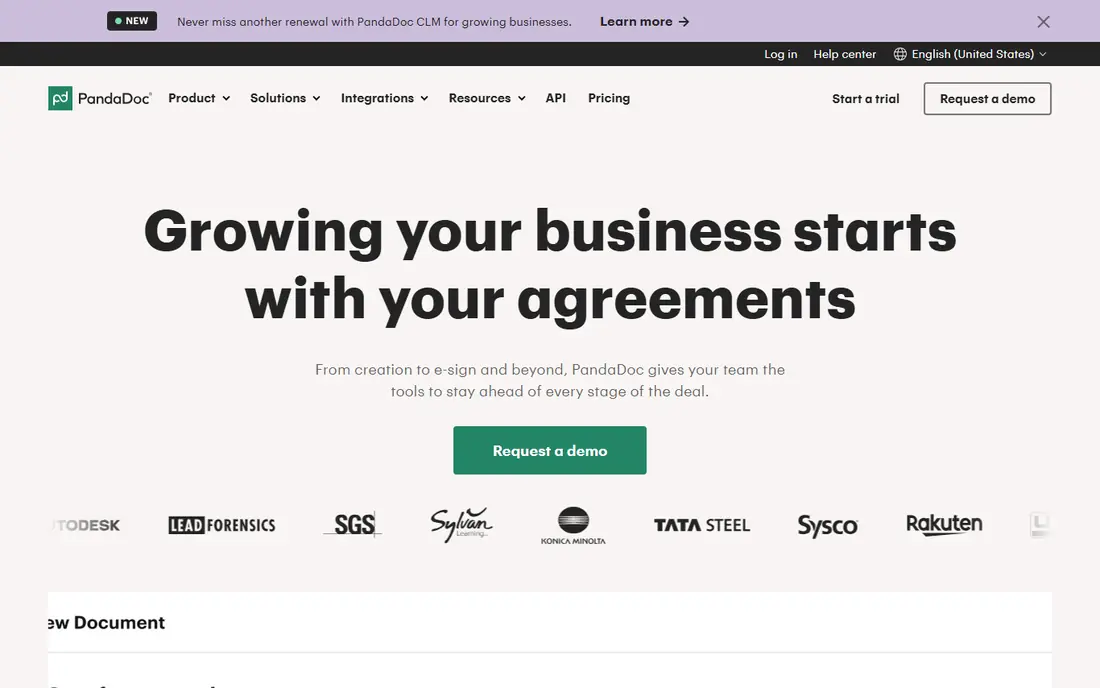
PandaDoc is built around the sales document, from proposal to quote to signed agreement. Teams can build templates with pricing tables, drag in content blocks, send for signature, and see when a recipient opens or comments on a document. That visibility helps sales teams follow up at the right time instead of guessing whether a proposal was read. The platform is less focused on complex conditional logic for legal documents than some specialist tools, and the most useful workflow features need a higher plan. For sales, marketing, and services teams that send many proposals each month, PandaDoc offers a clear path from draft to signature without stitching several tools together.
- Strong proposal editor
- Built in signatures
- Engagement tracking for sent documents
- Advanced automation sits on higher tiers
- Pricing rises with seats
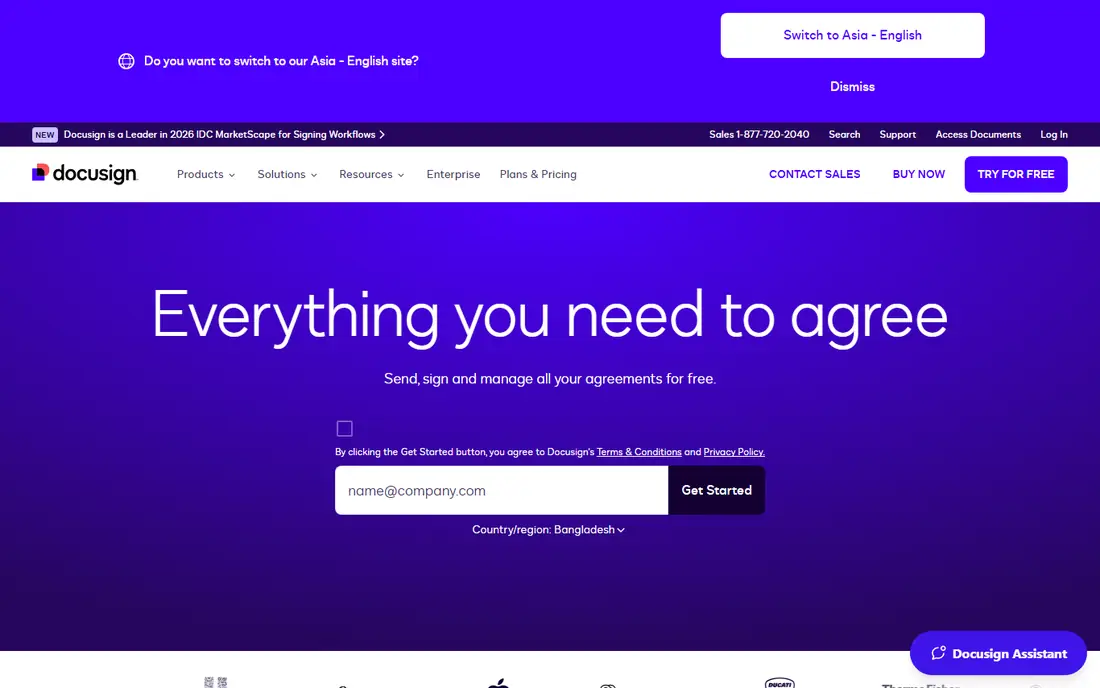
DocuSign is the signing tool most recipients already recognize, which can speed up acceptance for contracts, HR forms, and real estate paperwork. Senders can use templates, set signing order, collect fields, and track envelopes, while recipients can sign on desktop or mobile without creating a complex account. That familiarity matters when documents carry legal or financial weight. DocuSign is not primarily a proposal builder, so teams that need rich pricing tables and design controls may pair it with another editor. Envelope limits on lower plans also need checking for high volume teams. For signing volume, compliance, and recipient trust, DocuSign remains a dependable core choice.
- Widely recognized signing brand
- Strong compliance options
- Many integrations
- Document creation is simpler than PandaDoc
- Envelope limits apply on lower plans
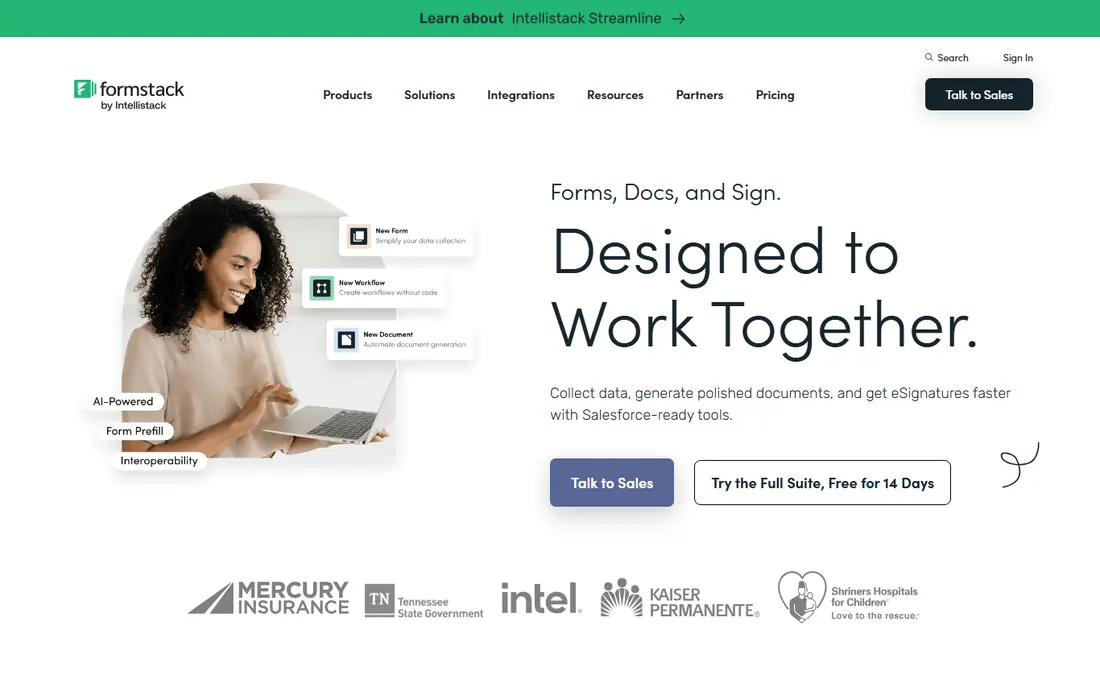
Formstack Documents turns data from forms, spreadsheets, and CRMs into finished documents without retyping. A template with merge fields pulls in names, amounts, dates, and line items, then produces a formatted Word, Excel, PowerPoint, or PDF file. That approach suits invoices, reports, certificates, and agreements that repeat with different data each time. The tool works best when the data source is clean and the template is planned in advance, since messy fields produce messy output. Small teams may find suite pricing steep if they only need occasional generation. For operations teams that generate the same document types at volume, Formstack Documents can remove a large amount of manual copying and formatting work.
- Merges data from many sources
- Outputs Word, Excel, and PDF
- Suite integrations
- Suite pricing can be high for small teams
- Setup takes planning
Conga Composer is designed for Salesforce teams that need polished documents from CRM records. Users can pull related lists, apply conditional sections, and generate quotes, contracts, and proposals in Word, Excel, PowerPoint, or PDF, often with Conga Sign or DocuSign for signature. That depth helps large sales operations keep documents consistent across regions and product lines. Outside Salesforce, Conga makes less sense, and pricing is quoted for enterprise deployment. Implementation also benefits from Salesforce expertise, especially for complex templates. For firms already standardized on Salesforce, Conga offers document generation that stays close to the customer record and reduces copy errors.
- Deep Salesforce integration
- Advanced template control
- Enterprise scale output
- Quoted pricing
- Best value only inside Salesforce
Templafy helps large organizations keep Word, PowerPoint, and email templates consistent across teams. Admins control approved layouts, logos, fonts, and content blocks, while employees build documents from the right template without hunting through shared drives. That control reduces off brand documents and outdated clauses in client facing work. Templafy does not replace a signature or workflow platform on its own, so firms may pair it with DocuSign or a similar tool. Pricing is quoted, which suits enterprise buyers but makes quick comparison harder. For companies with many Office users and strict brand rules, Templafy provides governance that a simple template folder cannot.
- Central template management
- Strong brand control in Office
- Admin governance
- Quoted pricing
- Not a standalone signature tool
airSlate combines document generation, e-signatures, and workflow automation in one platform. Teams can route a document for review, collect data from forms, apply conditional steps, and archive the finished file without manual handoffs. Bots can move data between steps and trigger actions in connected apps, which suits HR, finance, and operations workflows. The range of features means setup needs thought, and buyers should map the exact workflow before choosing a tier. For teams that want more than simple generation, and need approvals and routing as part of the document journey, airSlate offers a broader automation layer than a proposal or signing tool alone.
- Workflow bots and routing
- Document generation plus signatures
- Many integrations
- Pricing tiers can be confusing
- Advanced bots need setup time
Docupilot suits small teams that want to automate documents without enterprise cost or complexity. Templates connect to Zapier, Make, Airtable, and an API, so a new form response or record can trigger a formatted PDF, Word, or HTML document. That makes it useful for quotes, letters, certificates, and reports generated from everyday tools. Signature handling is not included by default, so teams that need signing must add it or use a separate tool. Design options are also simpler than those in Conga or Templafy. For budget conscious teams with clear templates and a steady flow of similar documents, Docupilot offers a practical balance of price and automation.
- Affordable template automation
- Zapier, Make, and Airtable links
- PDF and Word output
- Signature support is a paid add on
- Template design is simpler than enterprise tools
Jotform is best known for forms, and its PDF Editor turns each submission into a formatted document. A team can collect applications, orders, or survey answers, then generate a clean PDF for filing, sharing, or signing. That form first approach suits schools, clinics, events, and service firms that already collect data through Jotform. Teams that generate documents from CRM records rather than forms may prefer Formstack or Conga. Complex conditional documents also need careful field planning. For organizations that start with a form and end with a document, Jotform keeps the whole path in one account and reduces the need to copy answers by hand.
- Strong form builder
- PDF editor for responses
- Signature options in the suite
- Document automation is form centred
- Complex logic needs careful setup
How we picked these
We compared official feature pages, pricing pages, app store listings, privacy policies, and public reviews for document automation tools active in October 2026. We looked for real template automation, not just a signature button, and for a clear output format and data source for each tool. We did not claim hands on testing, and we marked quoted pricing as See website where the vendor does not publish a starting price.
Choosing a document automation tool
Begin with the document types you repeat most, such as proposals, contracts, invoices, or certificates. Note where the data lives today, whether in a CRM, a form, a sheet, or an email thread, and choose a tool that connects to that source directly. A tool that forces manual uploads will save little time, even if its editor looks strong.
Check templates, logic, and signing
Test a template with real data, including a long name, a missing field, and a multi item table, to see how it handles edge cases. Check conditional sections, approval routing, and signature order, since these decide whether a document can move without staff chasing it. Confirm output formats, storage, and audit trails, especially for contracts and HR documents that may be reviewed later.
Plan rollout and maintenance
Assign an owner for templates, since automation fails when no one updates clauses, prices, or branding. Start with one high volume document type, measure the time saved, and then expand to the next type. Keep a simple log of template changes and approvals, so a future audit can show who approved each version and when it went live.
Frequently asked questions
What is the best document automation software for small businesses?
PandaDoc and Docupilot are good small business options, with PandaDoc leaning to proposals and Docupilot leaning to low cost template generation. Jotform also works well if your documents start as form responses. Choose based on whether signing, proposal design, or form data matters most.
What is the best tool for document automation in Salesforce?
Conga Composer is a strong Salesforce choice because it generates documents directly from CRM records with advanced template control. Docusign Gen for Salesforce is another option for teams already using DocuSign. Both need Salesforce expertise for complex templates, so factor setup time into the decision.
Can document automation tools handle e-signatures?
Many can, including PandaDoc, DocuSign, and airSlate, which include signing as part of the workflow. Others, such as Docupilot, need a signature add on or a separate tool. If signing is essential, confirm envelope limits, signing order, and audit trails before you buy.
How does document automation save time?
It replaces manual copying with templates that pull data from forms, sheets, or a CRM and produce a formatted document in seconds. That reduces typing errors, keeps branding consistent, and speeds up approvals. The biggest gains usually come from high volume documents such as invoices, quotes, and standard contracts.
What should I check before buying a document automation tool?
Check the data source, template logic, output formats, signature support, and pricing for your volume. Test with messy real data, not just a clean demo, and confirm who can edit templates and approve changes. Also confirm storage, security, and export options, so documents remain accessible if you change tools later.
Sources
See where you really rank - block by block
ProMapRanker scans Google Maps across a grid of your service area. Simple monthly plans from $19, white-label on every plan.
Start freeKeep reading
 zendesk alternatives
Best Zendesk Alternatives in 2026
Compare the best Zendesk alternatives in 2026, from budget help desks to AI-first support tools, with current pricing, free plans, and honest trade-offs.
Read → wordpress alternatives
Best WordPress Alternatives in 2026
Looking for the best WordPress alternatives? We compare 8 free and paid options for blogs, business sites, stores, and developer-led projects in 2026.
Read → which real estate company has the best training
Best Real Estate Company Training in 2026
Compare which real estate company has the best training, from Keller Williams and eXp to Compass and Coldwell Banker, by program, mentor, and fit in 2026.
Read →