 ProMapRanker
5 Best Document Assembly Software Options for 2026


Technical teams and legal aid organizations that want free · Pricing starts at: Free (open source, self-hosted)
Direct answer
Docassemble leads the list, best for technical teams and legal aid organizations that want free, open-source assembly. If your case is different, Pathagoras suits solo lawyers who live in Microsoft Word and want a one-time purchase and Gavel suits law businesses that want no-code automation with client-facing interviews. All 5 tools are compared below on price, free plan and limits.
Key takeaways
- The list opens with Docassemble, aimed at technical teams and legal aid organizations that want free, open-source assembly.
- For large law firms and enterprises with complicated document needs, HotDocs is worth a look.
- Only Docassemble offers a free plan among these 5 tools.
- Gavel comes with a trade-off: legal-market focus limits general business use.
Quick comparison
| Pick | Great for | Pricing starts at | Free tier | |
|---|---|---|---|---|
| Docassemble | Technical teams and legal aid organizations that want free | Free (open source, self-hosted) | Yes | Visit |
 Pathagoras | Solo lawyers who live in Microsoft Word and want | See website ($379 one-time per user reported) | No | Visit |
 Gavel | Law businesses that want no-code automation with client-facing interviews | See website (from $83/month reported) | Free trial | Visit |
 Formstack Documents | Firms that want documents generated from forms and app data | See website (from $29/month reported) | Free trial | Visit |
 HotDocs | Large law businesses and enterprises with complicated document needs | See website (enterprise pricing, quoted) | No | Visit |
Document Assembly Software, one by one
ProMapRanker compared 5 tools for document assembly software. The goal is a practical shortlist: published prices, free plan facts, best-fit use cases and honest limits for every entry.
Docassemble
Great for: Technical teams and legal aid organizations that want free
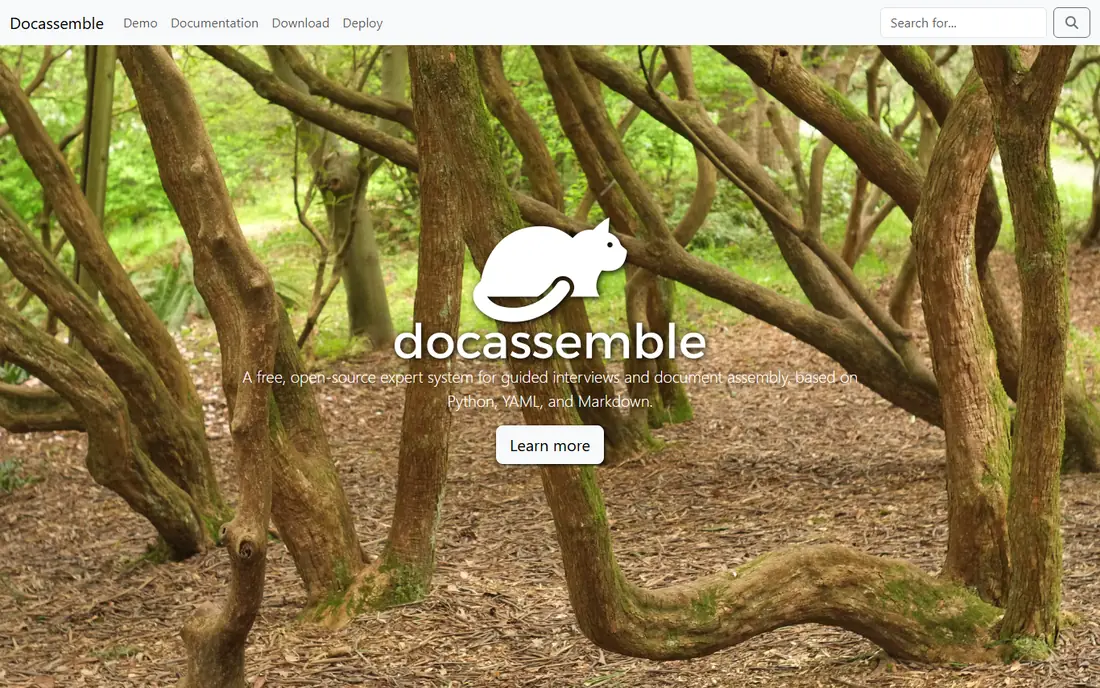
Think of Docassemble for technical teams and legal aid organizations that want free, open-source assembly. You need someone comfortable with YAML, Python and a server, and there is no vendor to call at midnight.
Downsides: Needs a developer to set up and maintain.
What you pay to start with Docassemble: Free. Docassemble has a free plan.
- Fully free to use
- Proven in courts and legal aid
- Functional instead of refined interface
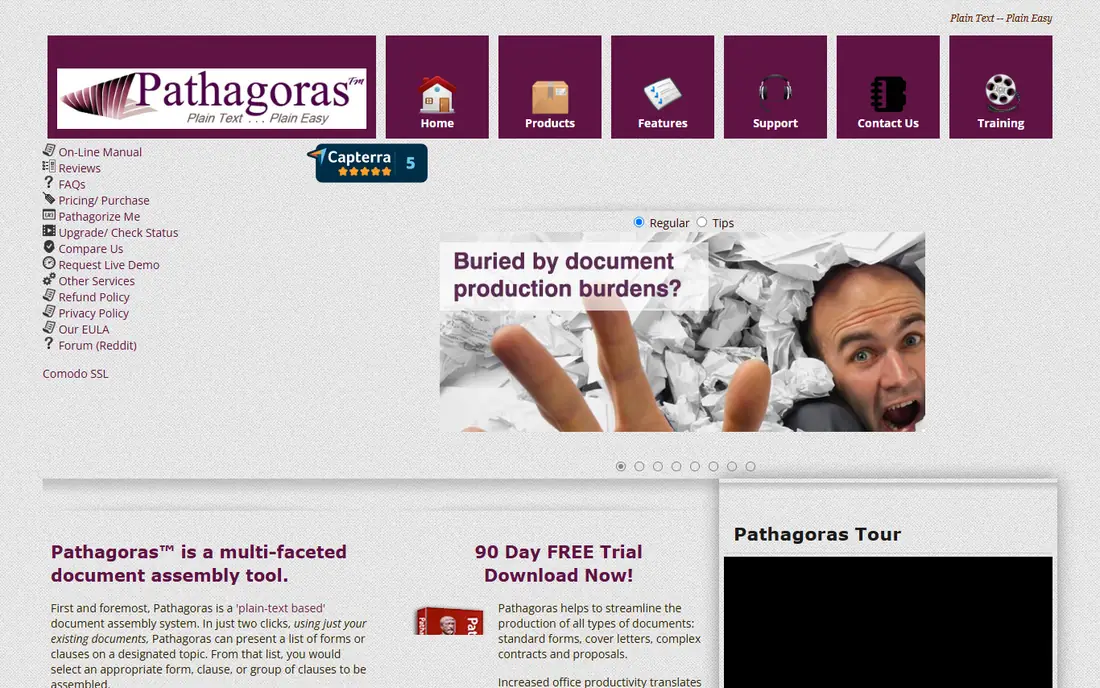
Pathagoras serves solo lawyers who live in Microsoft Word and want a one-time purchase. For a lawyer who never wants to leave Word, the ramp-up time is close to zero.
For a solo practitioner automating their own forms library, the math is hard to beat. Pricing for Pathagoras is not stated here, so ask the vendor for current figures. There is no free plan with Pathagoras.
Watch-outs: Word on Windows only.
- One-time license with no subscription
- Works inside Word as an add-in
- Dated interface
Gavel
Great for: Law businesses that want no-code automation with client-facing interviews
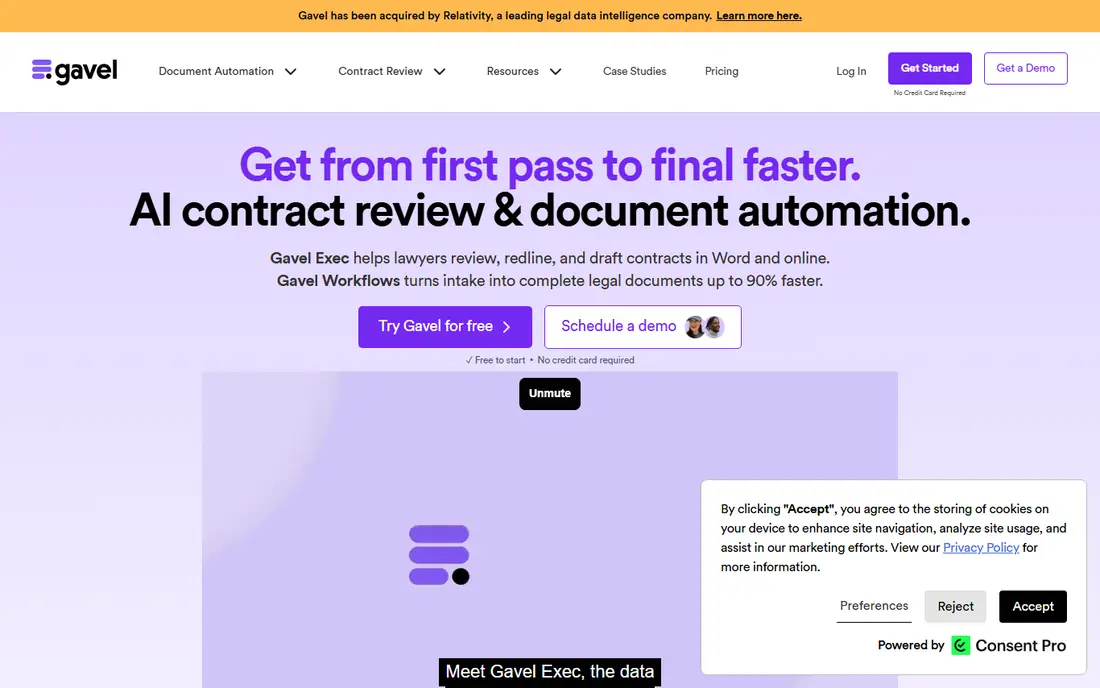
Choose Gavel for law businesses that want no-code automation with client-facing interviews. The pitch is no-code: build a guided interview in the browser, let clients answer questions online, and get a finished document without touching Word fields. Also, Gavel, formerly Documate, rebranded in 2023 to include the full legal automation workflow.
Limits to weigh: Monthly cost brings up.
Worth adding: integrations with Clio and DocuSign fit the modern small-firm stack. The trade is depth for speed: Gavel gets a working automation live quick, but the most intricate HotDocs-style logic is not its game. Gavel does not show a starting price in this comparison, so check the vendor site for current pricing. As for free access: Free trial.
- Client-facing questionnaires and sellable legal products
- No-code browser builder
- Legal-market focus limits general business use
Formstack Documents
Great for: Firms that want documents generated from forms and app data
Choose Formstack Documents for businesses that want documents generated from forms and app data. Note the branding: Formstack now sits under Intellistack, so the name on the invoice may differ.
What users get: CRMs and 100-plus integrations.
Worth adding: for ops teams instead of law businesses, it is the practical pick. Formstack Documents, formerly WebMerge, approaches assembly from the data side. Formstack Documents does not show a starting price in this comparison, so check the vendor site for current pricing. On free options: Free trial. The main drawbacks: Generation-focused, with lighter interview depth.
- Merges data from forms
- Part of the wider Formstack system
- Now sold under Intellistack branding
HotDocs
Great for: Large law businesses and enterprises with complicated document needs
HotDocs is aimed squarely at large law businesses and enterprises with complicated document needs. HotDocs invented this category in the late 1970s and still defines its high end.
Watch-outs: Acquired by Mitratech in 2024, so confirm the roadmap.
What works well: Desktop.
From a buyer's view, for large businesses and banks automating thousands of complicated documents, nothing else here matches the depth. Note the ownership change: Mitratech acquired HotDocs in June 2024, so ask about the product roadmap before committing. Pricing for HotDocs is not stated here, so ask the vendor for current figures. There is no free plan with HotDocs.
- Deepest template logic on this list
- On-premise and cloud deployment
- Enterprise sales process with quoted pricing
Selection criteria
Each tool was reviewed on what its vendor publishes: price, plan limits, core features and stated drawbacks. We did not run hands-on tests. Plan names, prices and limits change often. Treat the figures here as a starting point and verify them with the vendor. Position on the page reflects fit for a typical buyer first, with price clarity and free access breaking ties. Treat it as a guide, not a ruling.
A buyer's checklist
- Get a written quote from Pathagoras, Gavel, Formstack Documents and HotDocs; the list shows no starting price for them.
- Look at the free plan from Docassemble closely: its caps decide whether it is usable for real work.
- Use real work to test the free trial from Gavel and Formstack Documents, rather than a demo project.
- Read the limits listed for Docassemble first: requires a developer to set up and maintain.
- Ask whether Docassemble integrates with your current software, and whether that comes standard or as an add-on.
- Work out what Pathagoras costs with your real seat count, add-ons and usage, not just the entry price.
Frequently asked questions
Which options for document assembly software have a free plan?
Docassemble is the only tool in this list with a free plan. Free plans usually cap users, projects or features, so check the limits on the vendor page. Several others offer a trial instead.
What is the cheapest option for document assembly software in this list?
On published monthly entry prices, Formstack Documents is the lowest here at See website. Entry price is only part of the cost, because seats, add-ons and billing terms can change the total.
Do these tools publish their prices?
Not all of them. Pathagoras, Gavel, Formstack Documents and HotDocs publish no starting price, so expect a quote request for those. The rest, Docassemble included, show a starting price, though seats and billing terms still change the final cost.
Can I try these options before paying?
Often, yes. Docassemble has a free plan and Gavel and Formstack Documents offer a free trial. Use your own data and a real task during the test, and check what the free tier or trial limits before you rely on it.
Sources
See where you really rank - block by block
ProMapRanker scans Google Maps across a grid of your service area. Simple monthly plans from $19, white-label on every plan.
Start freeKeep reading
 zscaler alternatives
Best Zscaler Alternatives in 2026
Looking for zscaler alternatives? We compare 9 SASE and zero trust platforms on architecture, data protection, pricing, and fit for your network and team.
Read → zapier alternatives free
Best Zapier Alternatives Free in 2026
Nine automation tools for zapier alternatives free in 2026, all with genuinely free tiers, plus free plan limits, starting prices and upgrade paths explained.
Read → which platform is best for online reputation
Which Platform Is Best for Online Reputation in 2026
Wondering which platform is best for online reputation? We compare 8 review, listing, and response tools for small and multi-location businesses and agencies.
Read →