 ProMapRanker
Top 6 Document Archiving Software Options for 2026, Compared

Direct answer
For open-source-rooted ECM, Alfresco is where this list starts. onPhase is better for archiving plus AP automation, and M-Files is better for metadata-driven management. Prices, free plans and limits for all 6 tools follow.
Key takeaways
- Number one here is Alfresco, a fit for open-source-rooted ECM.
- Just one of the 6 tools, Alfresco, has a free plan.
- DocuWare is the one to check for archiving with workflow automation.
- Every tool from Alfresco to DocuWare works by quote, with no list price shown.
Quick comparison
| Pick | Great for | Pricing starts at | Free tier | |
|---|---|---|---|---|
 Alfresco | Open-source-rooted ECM | See website | Yes | Visit |
 onPhase | Archiving plus AP automation | See website | No | Visit |
 M-Files | Metadata-driven management | See website | Free trial | Visit |
 Dokmee | Simplified enterprise content | See website | Free trial | Visit |
 Square 9 | Intelligent document processing | See website | Free trial | Visit |
 DocuWare | Archiving with workflow automation | See website | Free trial | Visit |
The best document archiving software
Short on time? The summary and table above give the quick view of 6 tools for document archiving software, and the profiles that follow give the detail behind each entry.
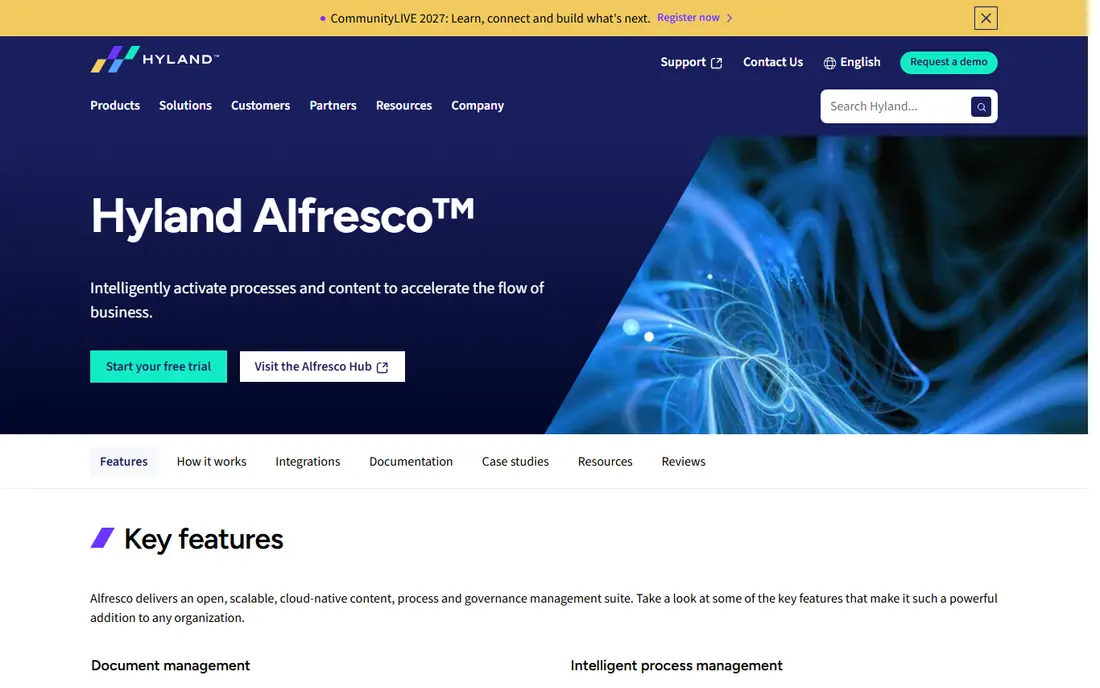
Alfresco serves open-source-rooted ECM. Alfresco, the open-source content management product now part of Hyland, supplies document archiving with process and governance tools.
Where it is weaker: Enterprise features need premium levels.
Organizations wanting open foundations with commercial backing should evaluate it. In daily use, enterprise capabilities need premium Hyland levels. Alfresco shows no starting price here, so confirm the cost on the vendor site. Free access exists with Alfresco.
- Now backed by Hyland
- Adaptable system
- Community edition limits
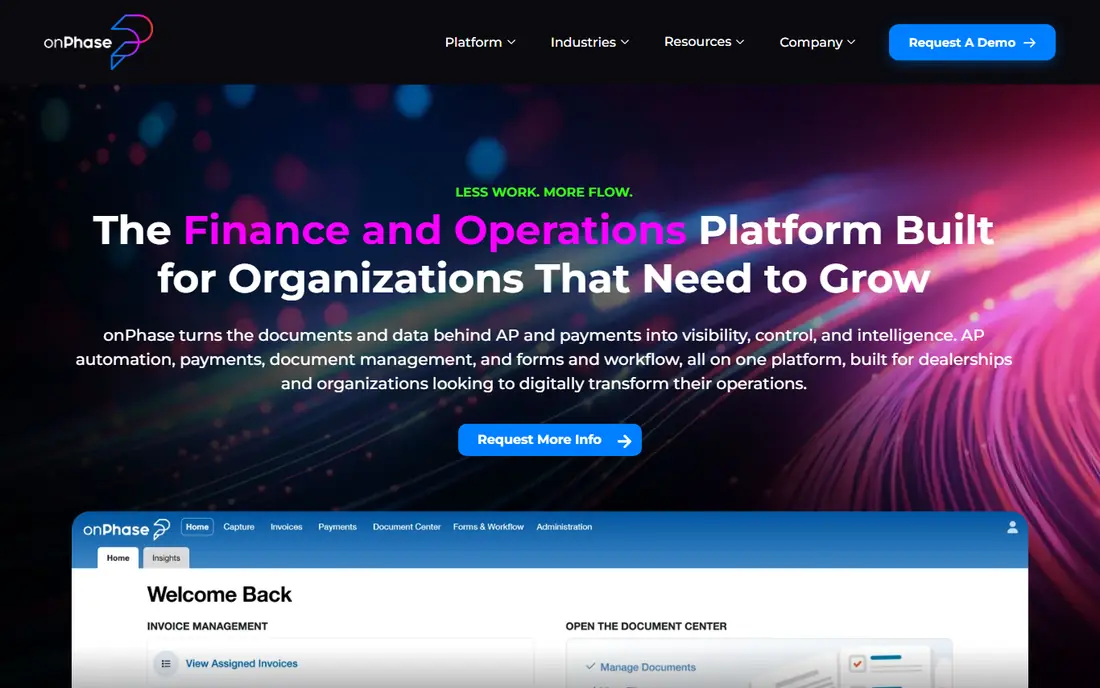
onPhase is a good fit for archiving plus AP automation. onPhase, formerly DocuPhase before its rebrand, pairs document archiving with accounts payable automation and payments. Finance teams archive invoices with the workflow that processes them.
Worth adding: confirm the approval chains match your actual process. More specifically, the scope centers on finance. From a buyer's view, onPhase customers should link the payments capability, not just archiving; the combined AP workflow is the value. In daily use, organizations whose archiving need is AP-driven get a purpose-built option. This comparison lists no price for onPhase; ask the vendor. onPhase does not include a free plan.
Where it falls short: Finance-centric scope.
- Payments included
- Finance-team focus
- Formerly DocuPhase, so older reviews use the old name
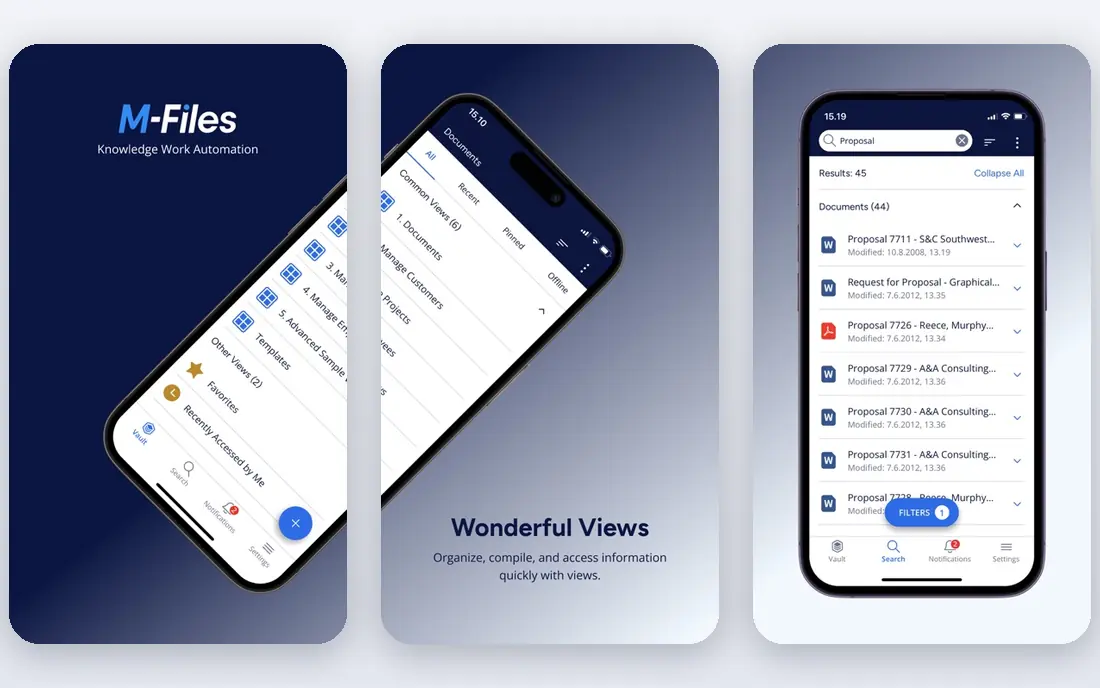
M-Files targets metadata-driven management. M-Files organizes documents by metadata instead of folder hierarchies, so files surface by what they are, not where someone filed them. Beyond that, teams attached to folders need retraining.
AI helps classify and the search is very good. Organizations drowning in shared drives find the metadata approach transformative. In daily use, train staff on finding documents by properties, not locations. This comparison lists no price for M-Files; ask the vendor. Trial and free access: Free trial.
What to check first: Concept shift for folder-trained teams.
- Metadata rather than folders
- AI-assisted organization
- Pricing not published
Pick Dokmee if this describes you: simplified enterprise content. Expanding companies get ECM capability without ECM overhead.
Honest limits: Interface less modern.
Beyond that, organizations wanting ECM features at moderate complexity find it a fair middle ground. Dokmee does not show a starting price in this comparison, so check the vendor site for current pricing. As for free access: Free trial.
- Capture and workflow
- Scalable
- Brand profile smaller
Square 9 is a good fit for intelligent document processing. Distributed teams benefit most from the cloud access. As for the details, mid-sized organizations automating document-heavy processes get a capable system.
Trade-offs to know: Mid-market focus.
In practice, Square 9 users should start with the AI capture on their highest-volume document type; the ramp-up time is quickest there. For everyday use, Square 9 merges intelligent document capture with archiving: AI extracts data from incoming documents into searchable, retained records. Large enterprises may need more. Check the vendor site for Square 9 pricing; none is listed in this comparison. Free plan details: Free trial.
- Well suited to distributed teams
- AI document capture
- Enterprise depth thinner
DocuWare was built for archiving with workflow automation. DocuWare combines document archiving with workflow automation: capture, store, route and retrieve documents with retention policies. In practice, the workflow automation gives the ROI, so map one real approval process during the trial.
Honest limits: Pricing not published.
Mid-sized to enterprise organizations use it for AP, HR and operations archiving. Complicated deployments need planning. For archiving tied to real business workflows, it is a proven choice. This comparison lists no price for DocuWare; ask the vendor. Free access: Free trial.
- Cloud and on-premise
- Capable document management plus workflows
- Implementation for complicated setups
How the list was put together
Selection started from tools commonly considered for document archiving software, then narrowed to 6 that have clear pricing information or a clear quote process. Plan names, prices and limits change often. Treat the figures here as a starting point and verify them with the vendor. The sequence is a judgement call: typical use case first, then pricing transparency, then free access. Use the profiles to check fit.
What to confirm before you sign up
- Ask each vendor, from Alfresco to DocuWare, for a written quote; none of them publishes a starting price.
- Test the free plan from Alfresco against your real workload before relying on it.
- Run a trial of M-Files, Dokmee, Square 9 and DocuWare with real work before paying for a year; your own workflow is the best test.
- Before choosing Alfresco, weigh its main limit: community edition limits.
- Ask onPhase about contract length, onboarding fees and user minimums before you sign.
- Check how data leaves M-Files: formats, limits and whether exports are available on every plan.
Frequently asked questions
Do these tools publish their prices?
No. None of the tools, from Alfresco to DocuWare, shows a fixed starting price here, so budget time for quotes.
What does intelligent document processing add?
AI capture that reads incoming documents, extracts data and files them automatically, reducing manual indexing.
How are the tools for document archiving software ordered?
Alfresco sits first and DocuWare last because the order follows typical fit for document archiving software, then price clarity and free access. It is a judgement call, so read each profile for fit and limits.
What is document archiving software?
Software that keeps business documents with organization, search, retention policies and compliance controls, keeping records accessible and audit-ready.
Is Alfresco the right pick for everyone comparing document archiving software?
No single tool suits every team. Alfresco comes first because it fits open-source-rooted ECM, while onPhase suits archiving plus AP automation and M-Files suits metadata-driven management. Match the tool to your own size, budget and workflow before deciding.
Can I try these options before paying?
Often, yes. Alfresco has a free plan and M-Files, Dokmee, Square 9 and DocuWare offer a free trial. Use your own data and a real task during the test, and check what the free tier or trial limits before you rely on it.
Sources
See where you really rank - block by block
ProMapRanker scans Google Maps across a grid of your service area. Simple monthly plans from $19, white-label on every plan.
Start freeKeep reading
 zscaler alternatives
Best Zscaler Alternatives in 2026
Looking for zscaler alternatives? We compare 9 SASE and zero trust platforms on architecture, data protection, pricing, and fit for your network and team.
Read → zapier alternatives free
Best Zapier Alternatives Free in 2026
Nine automation tools for zapier alternatives free in 2026, all with genuinely free tiers, plus free plan limits, starting prices and upgrade paths explained.
Read → which platform is best for online reputation
Which Platform Is Best for Online Reputation in 2026
Wondering which platform is best for online reputation? We compare 8 review, listing, and response tools for small and multi-location businesses and agencies.
Read →