 ProMapRanker
8 Best DJ Software for Beginners and Pros in 2026

Key takeaways
- Serato DJ Pro and rekordbox remain the club standards, with Serato strong for scratch and open-format sets and rekordbox strong for Pioneer and AlphaTheta gear.
- Mixxx is the only fully free, open source option here, while Serato DJ Lite, rekordbox Free, and djay offer useful free starting points.
- VirtualDJ supports a very wide range of controllers, which makes it a flexible choice for mobile and event DJs.
- Traktor Pro suits electronic DJs who want deep effects and remix decks, while Engine DJ suits Denon hardware owners.
- Choose by hardware first, then by library, streaming, and recording needs, because switching later means rebuilding cues and playlists.
Quick comparison
| Pick | Great for | Pricing starts at | Free tier | |
|---|---|---|---|---|
 Serato DJ Pro Serato DJ Pro | Scratch and open-format sets | See website | Yes | Visit |
 rekordbox rekordbox | Pioneer and AlphaTheta club gear | Free | Yes | Visit |
 Traktor Pro Traktor Pro | Electronic sets with effects | See website | Free trial | Visit |
 VirtualDJ VirtualDJ | Widest hardware compatibility | Free | Yes | Visit |
 djay Pro djay Pro | Streaming-first mobile mixing | $6.99 per month | Yes | Visit |
 Mixxx Mixxx | Free open source mixing | Free | Yes | Visit |
 Engine DJ Engine DJ | Denon standalone hardware | Free | Yes | Visit |
 DJUCED DJUCED | Hercules controller beginners | Free | Yes | Visit |
The best dj software
Good DJ software must handle music libraries, beat matching, cues, effects, and hardware cleanly, and the best choice changes with the gear and style of the DJ.
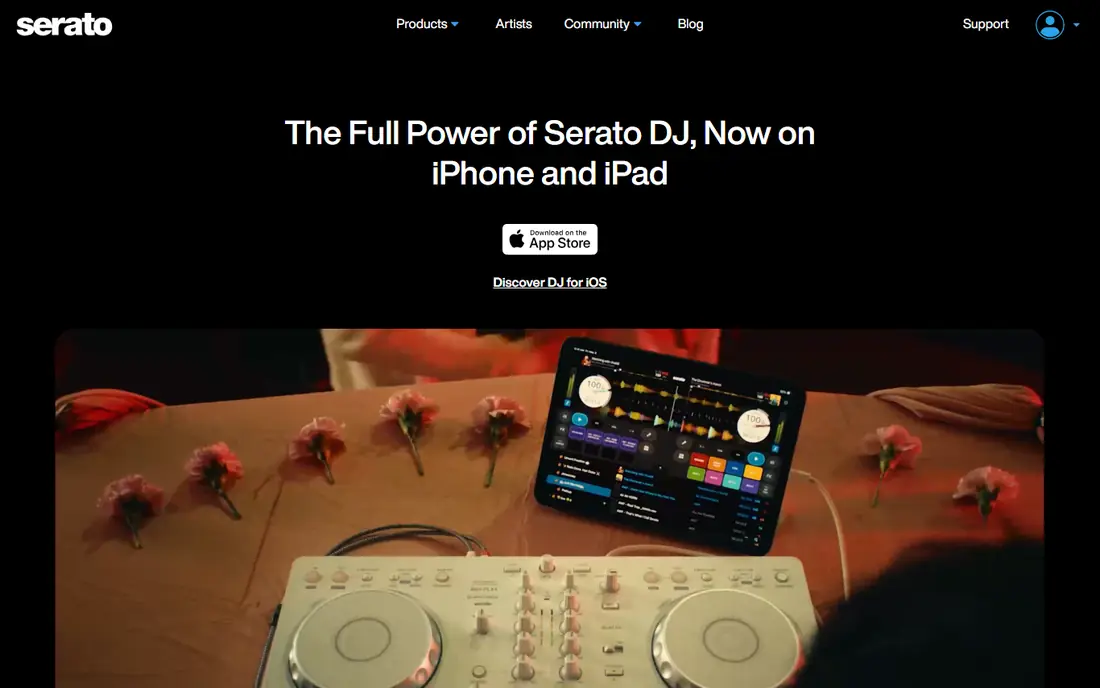
Serato DJ Pro is a long-standing choice for turntablists, hip-hop DJs, and open-format DJs who switch genres during a set. Its DVS support lets DJs control digital files with turntables, and its sampler, effects, and pad modes suit live remixing. Serato DJ Lite gives beginners a free way to learn the layout and basic mixing before paying for Pro. Before you commit, test the core workflow with a realistic example from your own work, and note where it saves time and where it adds friction. The main drawback is cost for the full version, and some advanced features, including stems, need stronger hardware. Serato fits DJs who perform with turntables or controllers, play varied sets, and want a system that is common in clubs and event work. Check the current pricing page and terms before you buy, because plans, limits, and included features change over time. Compare two or three options side by side on the same task, because a demo alone rarely shows everyday limits.
- Strong DVS and scratch performance
- Wide controller support
- Serato DJ Lite is free to start
- Full Pro features need a paid license
- A capable laptop helps for stems and effects
Rekordbox is the preparation and performance tool for DJs who play on Pioneer DJ and AlphaTheta gear. Its library tools, USB export, and cloud sync help DJs prepare sets at home and play them on club CDJs without a laptop. The free plan covers basic performance, while paid plans add recording, cloud features, and advanced tools. Before you commit, test the core workflow with a realistic example from your own work, and note where it saves time and where it adds friction. The weakness is that the best features sit behind subscriptions, and the interface has many panes for a beginner. Rekordbox fits club-focused DJs, especially those who already own or plan to use Pioneer hardware, and DJs who need a reliable path from home preparation to a club USB set. Check the current pricing page and terms before you buy, because plans, limits, and included features change over time. Compare two or three options side by side on the same task, because a demo alone rarely shows everyday limits.
- Standard for Pioneer CDJ workflows
- USB export for club play
- Free plan for basic use
- Advanced features need paid plans
- Interface can feel busy for new users
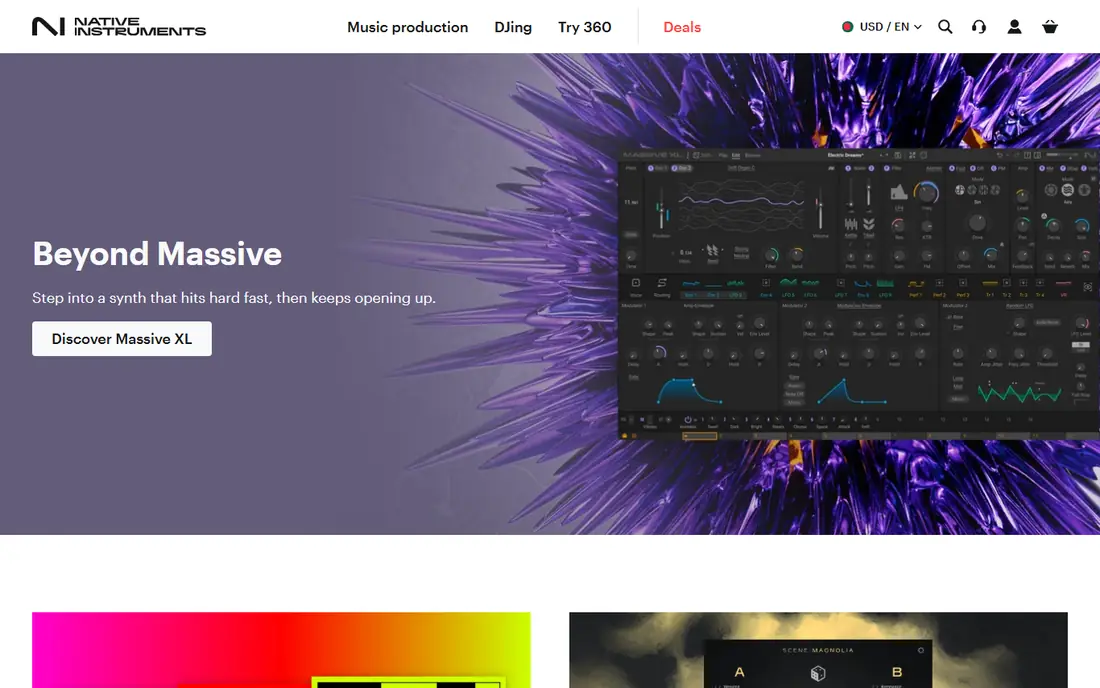
Traktor Pro is built for electronic DJs who build sets from loops, samples, and effects rather than simple track-to-track mixing. Remix decks let performers trigger loops and one-shots live, and the effects section offers more routing and control than many rivals. Its beatgrid tools also help with long, layered mixes where timing must stay tight. Before you commit, test the core workflow with a realistic example from your own work, and note where it saves time and where it adds friction. The trade-off is hardware and learning curve. Traktor works best with Native Instruments controllers, and new users may need time to set up layouts and mappings. Traktor Pro fits techno, house, and electronic performers who value creative control and are willing to learn a deeper system. Check the current pricing page and terms before you buy, because plans, limits, and included features change over time. Compare two or three options side by side on the same task, because a demo alone rarely shows everyday limits.
- Deep effects and remix decks
- Strong beatgrid handling
- Flexible deck layouts
- Narrower hardware range than Serato or VirtualDJ
- Interface can overwhelm beginners
VirtualDJ is known for hardware support, covering hundreds of controllers, which makes it useful for DJs who change gear or play mobile events. It also handles video mixing and karaoke, so wedding and event DJs can run visuals and singalong tracks from the same program. Real-time stem separation lets DJs isolate vocals, drums, or instruments during a set. Before you commit, test the core workflow with a realistic example from your own work, and note where it saves time and where it adds friction. The limitation is licensing. Free home use is limited, and professional use with a controller needs a paid license. VirtualDJ fits mobile DJs, event DJs, and beginners who want broad hardware choice and video features in one program. Check the current pricing page and terms before you buy, because plans, limits, and included features change over time. Compare two or three options side by side on the same task, because a demo alone rarely shows everyday limits.
- Supports a very wide controller list
- Video and karaoke features
- Real-time stems
- Paid license needed for professional controller use
- Interface options can distract beginners
Djay Pro stands out for DJs who mix from streaming libraries or on a phone or tablet. Its interface is clean and touch-friendly, and its Neural Mix feature separates stems for live remixing. Support for Apple Music and other streaming services means a DJ can build a set without owning every file, subject to service terms and offline limits. Before you commit, test the core workflow with a realistic example from your own work, and note where it saves time and where it adds friction. The drawback is subscription dependence for Pro tools, including hardware support and advanced mixing features. Djay Pro fits beginners, mobile DJs, and streaming-first DJs who value a simple interface and want to practice or perform on Apple devices or Android. Check the current pricing page and terms before you buy, because plans, limits, and included features change over time. Compare two or three options side by side on the same task, because a demo alone rarely shows everyday limits.
- Clean touch-friendly interface
- Streaming service integration
- Works on Mac, iOS, Windows, and Android
- Best features need a Pro subscription
- Streaming availability depends on service and region
Mixxx is the only option here that is free in the full sense, with no tiers, accounts, or paid opens for core mixing. It supports MIDI controllers, HID devices, and timecode vinyl, and it reads libraries from other DJ programs, which helps users who want to try DJing without paying. Its open source model also means the software stays available without a vendor subscription. Check the current pricing page and terms before you buy, because plans, limits, and included features change over time. The limits are real. Mixxx lacks the polished stem tools of paid rivals, and some controllers need manual mapping. Mixxx fits budget-conscious DJs, students, and hobbyists who want a capable, free program and do not mind a more hands-on setup. Check the current pricing page and terms before you buy, because plans, limits, and included features change over time. Compare two or three options side by side on the same task, because a demo alone rarely shows everyday limits.
- Completely free and open source
- MIDI, HID, and timecode vinyl support
- No subscription
- No built-in stem separation
- Controller mapping can need manual setup
Engine DJ is the library and preparation companion for Denon DJ standalone players. DJs can organize tracks, set cues and loops, and sync prepared libraries to USB drives or Denon units. It also imports libraries from rekordbox, Serato, and Traktor, which helps DJs who switch systems or play on different gear. Before you commit, test the core workflow with a realistic example from your own work, and note where it saves time and where it adds friction. The weakness is scope. Engine DJ is not a general performance program for every controller, and its best use is tied to Denon hardware. Engine DJ fits Denon owners and DJs who prepare sets for standalone players and want a free, focused library tool. Check the current pricing page and terms before you buy, because plans, limits, and included features change over time. Compare two or three options side by side on the same task, because a demo alone rarely shows everyday limits.
- Free desktop library tool
- Syncs with Denon standalone units
- Imports other DJ libraries
- Full value needs Denon hardware
- Less useful as a standalone performance tool
DJUCED is a beginner-friendly program that pairs closely with Hercules controllers. Its layout is clear, its learning tools help new DJs understand beat matching and mixing, and the standard edition is free with supported Hercules hardware. The Pro upgrade adds features for users who outgrow the basic version without moving to a costly subscription. Before you commit, test the core workflow with a realistic example from your own work, and note where it saves time and where it adds friction. The drawback is ecosystem size. DJUCED is less common in clubs than Serato or rekordbox, and its best fit remains Hercules gear. DJUCED fits first-time DJs, students, and home users who bought a Hercules controller and want a simple, low-cost program to learn with. Check the current pricing page and terms before you buy, because plans, limits, and included features change over time. Compare two or three options side by side on the same task, because a demo alone rarely shows everyday limits.
- Free standard edition with Hercules controllers
- Simple layout for beginners
- Affordable Pro upgrade
- Best experience tied to Hercules gear
- Smaller community than Serato or rekordbox
How we picked these
We compared official feature pages, pricing pages, app store listings, privacy policies, and public reviews for DJ programs that support real performance, library management, and hardware control. We looked for free or trial access, controller support, streaming options, stems, DVS, and club workflow features.
Choosing the right DJ program
Start with the gear you own or expect to use. If you play on Pioneer CDJs, rekordbox makes preparation simple.
Practice, library, and streaming
Build your library before worrying about effects. A clean library with correct beatgrids, cues, and playlists matters more in a live set than a new effect.
Frequently asked questions
What is the best dj software for beginners?
VirtualDJ, Serato DJ Lite, rekordbox Free, and DJUCED are strong beginner starts because they offer free versions and clear layouts. DJUCED suits Hercules owners, while VirtualDJ suits users with varied controllers.
Do I need a DJ controller to use DJ software?
No, most programs work with a mouse and keyboard, but a controller makes mixing faster and more natural. Mixxx and djay work well for laptop or touch practice, while Serato and Traktor shine with controllers or turntables.
Which DJ software is best for club DJs?
Rekordbox is the club standard for Pioneer CDJ workflows, because USB export lets DJs play without a laptop. Serato is also common in clubs, especially for open-format and turntablist sets.
Can I stream music directly in DJ software?
Yes, several programs support streaming, including rekordbox, Serato, and djay, subject to service and region limits. Streaming tracks may not work offline, and licensing for public performance is separate from a personal streaming subscription.
What is the best free DJ software?
Mixxx is the only fully free, open source option in this list, with no paid tier for core mixing. Serato DJ Lite and rekordbox Free are also useful free starts inside commercial systems.
Sources
See where you really rank - block by block
ProMapRanker scans Google Maps across a grid of your service area. Simple monthly plans from $19, white-label on every plan.
Start freeKeep reading
 zendesk alternatives
Best Zendesk Alternatives in 2026
Compare the best Zendesk alternatives in 2026, from budget help desks to AI-first support tools, with current pricing, free plans, and honest trade-offs.
Read → wordpress alternatives
Best WordPress Alternatives in 2026
Looking for the best WordPress alternatives? We compare 8 free and paid options for blogs, business sites, stores, and developer-led projects in 2026.
Read → which real estate company has the best training
Best Real Estate Company Training in 2026
Compare which real estate company has the best training, from Keller Williams and eXp to Compass and Coldwell Banker, by program, mentor, and fit in 2026.
Read →