 ProMapRanker
Best Dispatch Software in 2026

Key takeaways
- Jobber and Housecall Pro publish clear starting prices, at $49 and $79 per month with monthly billing, which suits small crews that want a quick start.
- ServiceTitan and FieldEdge offer the deepest dispatch boards for larger trade firms, but both are quote-based, so budget with a sales quote, not a headline price.
- Onfleet and Circuit suit delivery work, with task-based and per-driver pricing that fits route volume rather than office headcount.
- ServiceM8 offers a free starting tier for one user, which helps a solo operator test dispatch before paying.
- Check offline behaviour on your worst route, because weak signal causes more dispatch trouble than a missing feature.
Quick comparison
| Pick | Great for | Pricing starts at | Free tier | |
|---|---|---|---|---|
 Jobber | Small field crews | $49 per month | Free trial (14 days) | Visit |
 Housecall Pro | Small to mid-size home services | $79 per month | Free trial (14 days) | Visit |
 ServiceTitan | Large multi-truck trade firms | See website | No | Visit |
 FieldEdge | Trade firms with QuickBooks focus | See website | No | Visit |
 Service Fusion | Unlimited users on flat pricing | $245 per month | Free trial | Visit |
 Workiz | Home services with call handling | See website | Free trial | Visit |
 Onfleet | Last-mile delivery dispatch | $599 per month | Free trial | Visit |
 Circuit | Delivery route planning | $40 per driver per month | Free trial | Visit |
 ServiceM8 | Solo operators starting out | Free | Yes | Visit |
The best dispatch software
Dispatch software does one job well when it works: it turns a phone call or an online booking into a job on the right truck, van, or driver, with the right time, parts, and customer notes. Field service tools and delivery tools solve that job in different ways, so this list mixes both, and the right pick follows your work type, crew size, and billing model.
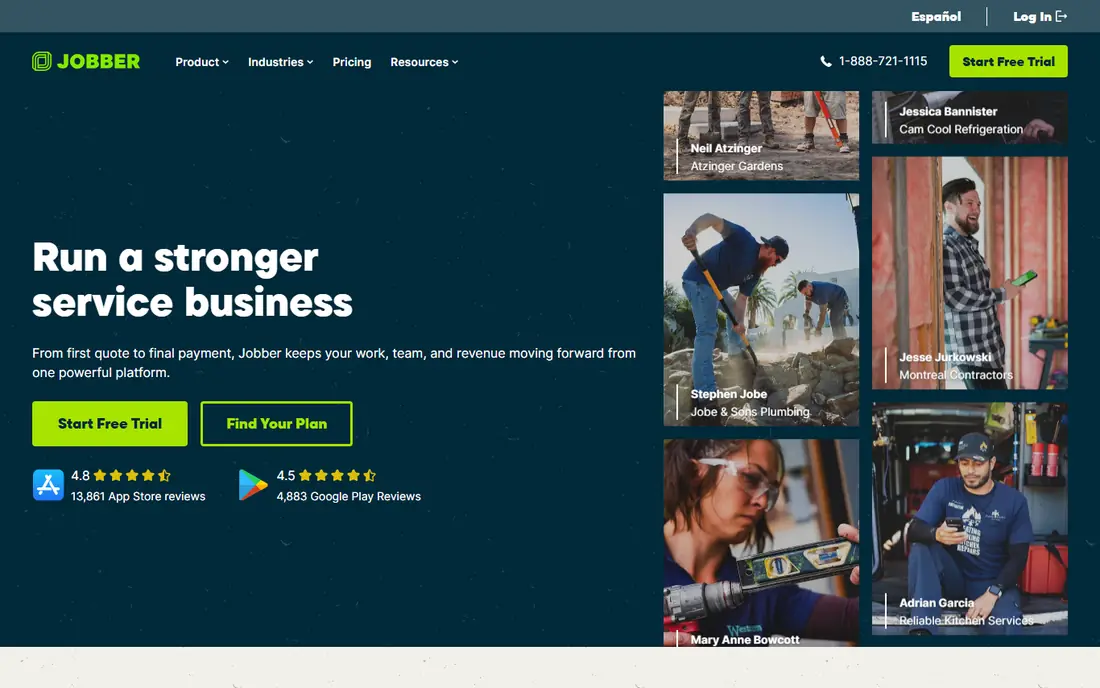
Jobber is the easiest starting point for a small crew that wants dispatch without a long implementation. Book a job, assign it to a technician, send a quote, and invoice from the same record, with customer reminders and payments alongside. Solo operators and crews up to about 15 users find the tiers clear, and the 14-day trial gives enough time to run real jobs.
The pricing catch is tier placement. Core starts at $49 per month with monthly billing, but GPS tracking and routing start higher, around the $199 per month tier in recent comparisons. Price the tier that includes routing, not just the entry tier, and count every user who needs the app before you compare with a flat-priced rival.
- Published pricing and quick setup
- Quoting, scheduling, invoicing, and payments in one tool
- Strong mobile app for field staff
- GPS and routing features sit on higher tiers
- Per-user pricing grows as the crew grows
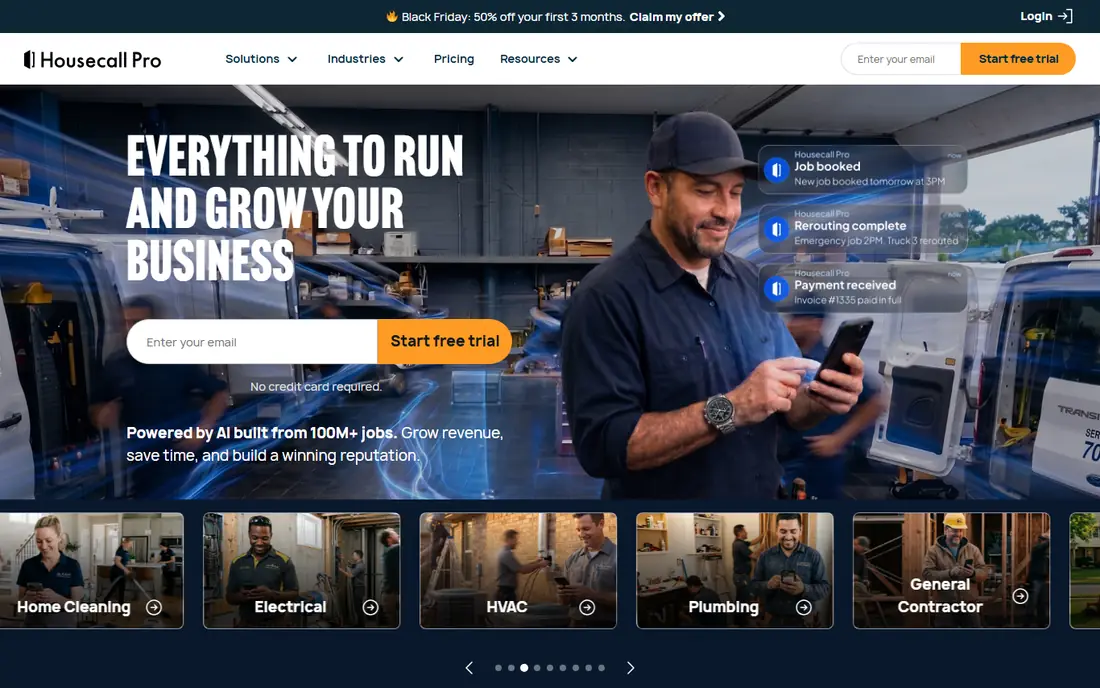
Housecall Pro suits home service firms that live by the dispatch board: plumbing, HVAC, electrical, cleaning, and similar trades. Jobs arrive by phone or online booking, dispatchers assign them from a board, techs see job details and customer history on a phone, and invoices follow the completed job. The workflow feels familiar to office staff who dispatch all day.
Route optimisation is the tier to check. Basic starts at $79 per month with monthly billing, while route optimisation starts on Max at $329 per month in recent comparisons, with up to 8 users included. If routing is the main reason you are buying, price Max first, and test the board with your real job mix during the trial.
- Published pricing
- Online booking and dispatch board
- Invoicing, payments, and customer messaging in one place
- Route optimisation sits on the higher Max tier
- Extra users cost more beyond the plan cap

ServiceTitan is the tool large residential and commercial contractors graduate to when a small tool stops keeping up. Dispatchers manage capacity across many techs, track job costing, run memberships and service agreements, and report on performance by tech, job type, and marketing source. For a firm with a call centre and a large fleet, that depth is hard to match.
The cost and effort are the honest trade-offs. Pricing is per technician and quote-based, with recent estimates placing it well above small-team tools, and rollout needs training and process work. Small crews should not start here. Larger firms that will use the reporting and capacity planning daily will get the most value from the investment.
- Strongest dispatch board and capacity planning in this group
- Deep reporting and marketing tools
- Built for multi-truck operations
- Quote-based pricing with no published starting figure
- Training and setup time can be long
FieldEdge covers the core trade workflow in a familiar way: book the job, dispatch the tech, record equipment history, quote the work, and invoice it. Firms that run their books in QuickBooks should test the accounting link early, because a clean job-to-invoice flow saves more time than any single dispatch feature. Equipment history also matters for HVAC and plumbing firms, where past work shapes the next visit.
Pricing needs a quote, and there is no free trial, so ask for a demo with your own job types and a written quote for your team size. Check which QuickBooks version your firm uses and what the proposed plan supports, because accounting details decide whether FieldEdge fits or creates extra work at month end.
- Booking, dispatch, quoting, and invoicing for trades
- QuickBooks integration central to accounting
- Tiered plans for growing firms
- Quote-based pricing
- No free trial, as a stated policy in recent comparisons
Service Fusion changes the maths for growing crews. Instead of paying per user, you pay a flat monthly price with unlimited users, starting at $245 per month with monthly billing, or $208 per month billed annually for Starter. A firm with office staff plus many techs can find that flat price cheaper than per-user tools once headcount passes a certain point.
The entry price is higher than small-team tools, so a solo operator will not save money here. Run the comparison at your real headcount: add office users, techs, and part-time staff, then compare Service Fusion flat pricing against Jobber and Housecall Pro per-user totals at the tier that includes routing and GPS.
- Unlimited users on every tier
- Scheduling, dispatch, invoicing, and payments in one tool
- Flat price helps larger crews
- Higher entry price than Jobber or Housecall Pro
- Annual billing gives the lowest published tier prices
Workiz suits home service firms that take many jobs by phone. Scheduling, dispatch, invoicing, and customer messaging sit alongside call handling tools, so a missed call is less likely to become a lost job. Online booking and job tracking keep the office and field in step during a busy day.
Pricing is the question to settle first. Workiz moved to quote-based pricing, and its former free Lite plan for up to two users has been withdrawn, so older comparison pages that still show a free plan are out of date. Ask for a written quote, test call handling with real calls, and confirm which features sit on each tier before you commit.
- Scheduling and dispatch with call and messaging tools
- Online booking
- Job and invoice management for home services
- Pricing is quote-based in recent comparisons
- Former free Lite plan has been withdrawn
Onfleet is a delivery dispatch tool, not a trade tool, and that focus shows in the workflow. Dispatchers assign deliveries, optimise routes, track drivers in real time, and send customers a tracking link with arrival updates. Drivers use a phone app to view tasks, capture proof of delivery, and update status without calling the office.
Pricing follows tasks, not users, with unlimited users on every plan. Entry pricing is reported at $599 per month, with higher tiers for larger task volumes, so confirm the current figure and task allowance on the vendor site. For a retailer, restaurant group, or courier with steady daily volume, that model is clear. For a low-volume operation, a per-driver tool such as Circuit may cost less.
- Drag-and-drop dispatch and route optimisation
- Real-time driver tracking
- Customer notifications with live tracking links
- Task-based pricing grows with delivery volume
- SMS and voice usage can add cost
Circuit, listed as Circuit for Teams, fits small delivery teams that need good routes without a full logistics platform. Plan stops, optimise the order, send routes to drivers, and track progress through the day. Per-driver pricing at $40 per driver per month keeps the cost tied to fleet size, which suits a team with a handful of drivers and a fixed set of stops.
Trade firms should look elsewhere for quoting, job costing, and equipment history, because Circuit is built for deliveries, not service jobs. Delivery teams with complex multi-depot planning or very high volumes may also outgrow it and need Onfleet or a larger platform. For a local delivery operation, the simplicity is the point.
- Simple route planning for delivery teams
- Per-driver pricing suits small fleets
- Driver app with stop sequencing
- Less depth for trade dispatch, quoting, and invoicing
- Larger fleets may need a fuller delivery platform
ServiceM8 is the low-risk start for a solo operator or a very small crew. The free tier covers one user and a limited number of jobs, with paid tiers from $29 per month for Starter in recent comparisons. Scheduling, dispatch, quoting, and invoicing are all present, so a one-person firm can run jobs, quotes, and invoices without paying at first.
Growth is the limit to plan for. More users, more jobs, and fuller features move you to Growing and Premium tiers, so price the tier you expect to need in six months, not just the free start. For a solo tradesperson testing dispatch software, however, ServiceM8 gives a real trial with real jobs, which beats a short demo.
- Free tier for one user and a small job allowance
- Job scheduling, quoting, and invoicing
- Easy start for a solo trade business
- Free tier limits jobs and users
- Larger crews need paid tiers that rise with use
How we picked these
We compared official pricing pages and recent field service and delivery comparisons for tools that are still sold in October 2026. We kept tools with a clear dispatch, scheduling, or routing core, and we used published monthly prices where vendors publish them, with See website where pricing is quote-based. Tools that only handle messaging or payments, without dispatch, did not make the list.
How to choose dispatch software for your work
Match the tool to the job shape first. Trade firms need job costing, equipment history, quoting, and invoicing alongside dispatch. Delivery firms need route optimisation, driver tracking, proof of delivery, and customer notifications. A tool that does one shape well will frustrate a firm in the other shape, even if the price looks right.
Then price at your real crew size and tier. Per-user tools look cheap at entry level and grow with every hire, flat tools look dear at first and win at scale, and task-based tools grow with volume. Check whether GPS, routing, and route optimisation sit on the entry tier or a higher one, because those features are often the reason for buying. Test offline behaviour on a weak-signal route, check the accounting export with your bookkeeper, and run two real weeks before you sign a long term.
Frequently asked questions
What is the best dispatch software for small business?
Jobber and Housecall Pro are strong small-business picks, because both publish pricing and can be running in days. ServiceM8 suits a solo operator who wants a free start. Pick Jobber for a simple price and a strong field app, Housecall Pro for a dispatch board with booking and messaging, and ServiceM8 when budget is the main constraint.
What is the top dispatch software for large trade firms?
ServiceTitan leads for large multi-truck firms, with the strongest dispatch board and capacity planning on this list. FieldEdge and Service Fusion are also strong for larger trade firms, with FieldEdge leaning on QuickBooks accounting and Service Fusion on flat unlimited-user pricing. Expect a quote and a planned rollout for any of these.
What is the best dispatch app for deliveries?
Onfleet suits delivery teams with steady volume, thanks to route optimisation, driver tracking, and customer notifications. Circuit suits smaller delivery fleets with per-driver pricing and simple route planning. Choose Onfleet when volume and customer tracking matter most, and Circuit when a small fleet needs good routes at a lower cost.
What is the best dispatching software with a free plan?
ServiceM8 offers a free tier for one user, which is the clearest free starting point on this list. Most other serious dispatch tools offer a free trial rather than a free plan, including Jobber, Housecall Pro, and Onfleet. Treat a trial as a test with real jobs, not a demo, and check the paid tier price before the trial ends.
How much does dispatch software cost?
Published entry prices on this list run from free for ServiceM8, through $49 per month for Jobber and $79 per month for Housecall Pro, to $599 per month for Onfleet task-based pricing, with ServiceTitan and FieldEdge quote-based. The real cost depends on users, tasks, and whether routing and GPS sit on a higher tier, so price the tier you will actually use.
Sources
See where you really rank - block by block
ProMapRanker scans Google Maps across a grid of your service area. Simple monthly plans from $19, white-label on every plan.
Start freeKeep reading
 zscaler alternatives
Best Zscaler Alternatives in 2026
Looking for zscaler alternatives? We compare 9 SASE and zero trust platforms on architecture, data protection, pricing, and fit for your network and team.
Read → zapier alternatives free
Best Zapier Alternatives Free in 2026
Nine automation tools for zapier alternatives free in 2026, all with genuinely free tiers, plus free plan limits, starting prices and upgrade paths explained.
Read → which platform is best for online reputation
Which Platform Is Best for Online Reputation in 2026
Wondering which platform is best for online reputation? We compare 8 review, listing, and response tools for small and multi-location businesses and agencies.
Read →