 ProMapRanker
Best Digital Wallet App in 2026

Key takeaways
- Your phone decides the tap-to-pay winner: Apple Pay for iPhone, Google Wallet for most Android phones, and Samsung Wallet for Galaxy phones.
- PayPal is the most useful wallet for online checkout across devices, while Venmo and Cash App lead for sending money to friends.
- Tap-to-pay wallets are free to add a card to, but your bank card terms still apply, and instant transfers and credit-card sends can carry fees.
- Zelle is not a stored wallet in the usual sense, but it is the fastest free bank-to-bank option for many US users.
Quick comparison
| Pick | Great for | Pricing starts at | Free tier | |
|---|---|---|---|---|
 Apple Pay | Tap-to-pay on iPhone and Apple Watch | Free | Yes | Visit |
 Google Wallet | Tap-to-pay and passes on Android | Free | Yes | Visit |
 Samsung Wallet | Tap-to-pay and passes on Galaxy phones | Free | Yes | Visit |
 PayPal | Online checkout and international sends | Free | Yes | Visit |
 Venmo | Splitting bills with friends | Free | Yes | Visit |
 Cash App | Payments plus investing in one app | Free | Yes | Visit |
 Zelle | Fast bank-to-bank transfers | Free | Yes | Visit |
 Revolut | Travel spending and multi-currency use | Free | Yes | Visit |
 Wise | Sending money abroad at a clear fee | Free | Yes | Visit |
The best digital wallet apps
A digital wallet can mean two different jobs: paying in stores with a tap, and sending money or checking out online. We cover both jobs here, starting with the phone wallets that replace a physical card, then the apps that move money between people and stores.
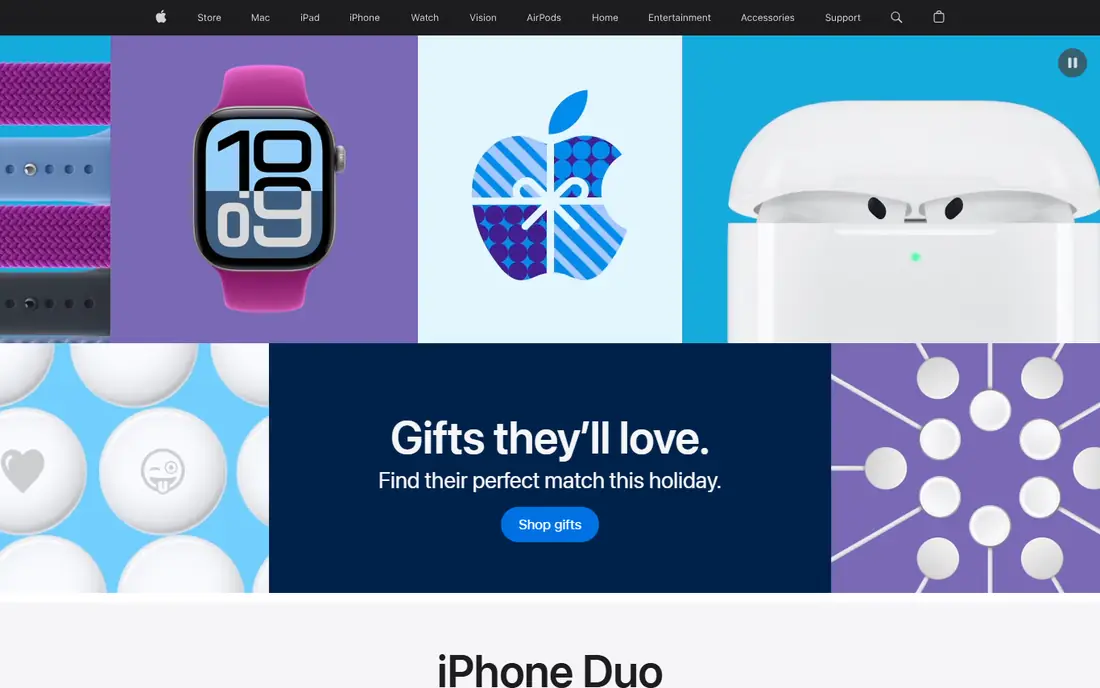
Apple Pay is the default choice for iPhone users, because it is built into the Wallet app and needs no separate download to pay in stores. You add a card, confirm it with your bank, and pay by holding your phone or watch near a contactless reader and confirming with Face ID, Touch ID, or a passcode. Your real card number is not shared with the store, since Apple Pay uses a device-specific token for each transaction.
The limit is the ecosystem. Apple Pay does not work on Android phones, so it is not a choice for a household with mixed devices. It is also only as useful as your bank support and the stores you visit, though contactless acceptance is now common in the US. If you carry an iPhone, Apple Pay is the simplest wallet to start with.
- Built into iPhone, Apple Watch, iPad, and Mac
- Uses tokenization and Face ID or Touch ID
- Accepted wherever contactless payments work
- Only works on Apple devices
- Your bank must support Apple Pay for your card to be added
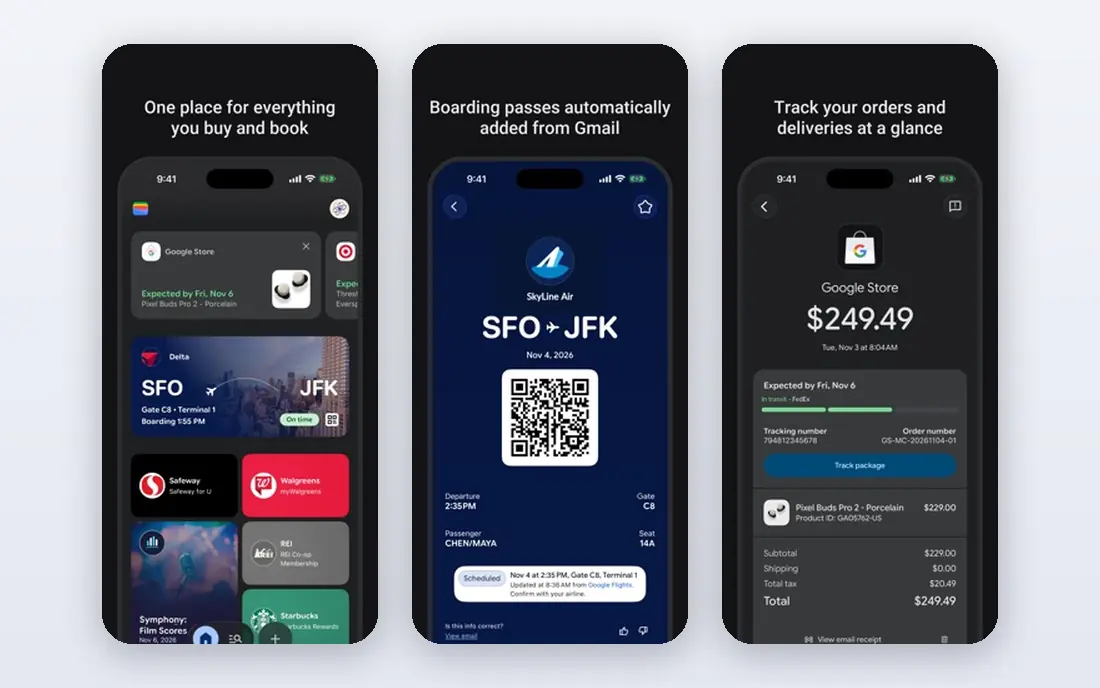
Google Wallet is the main tap-to-pay wallet for Android, and it does more than store payment cards. It can hold loyalty cards, boarding passes, tickets, and, in supported regions, transit passes and IDs, so one app can cover much of what a physical wallet held. Tap-to-pay works wherever contactless payments are accepted, with biometric or passcode confirmation.
One change to note is that Google Pay no longer supports peer-to-peer sending in the US, so Google Wallet is now a tap-to-pay and checkout tool rather than a way to send money to friends. If you need to split a bill, pair it with Venmo, Cash App, or Zelle. For Android users who mainly want to tap and go, Google Wallet is the clear pick.
- Works on most Android phones
- Stores cards, loyalty cards, tickets, and passes
- Free to add and use for tap-to-pay
- Peer-to-peer sending is no longer offered in the US
- Features for IDs and transit passes vary by region
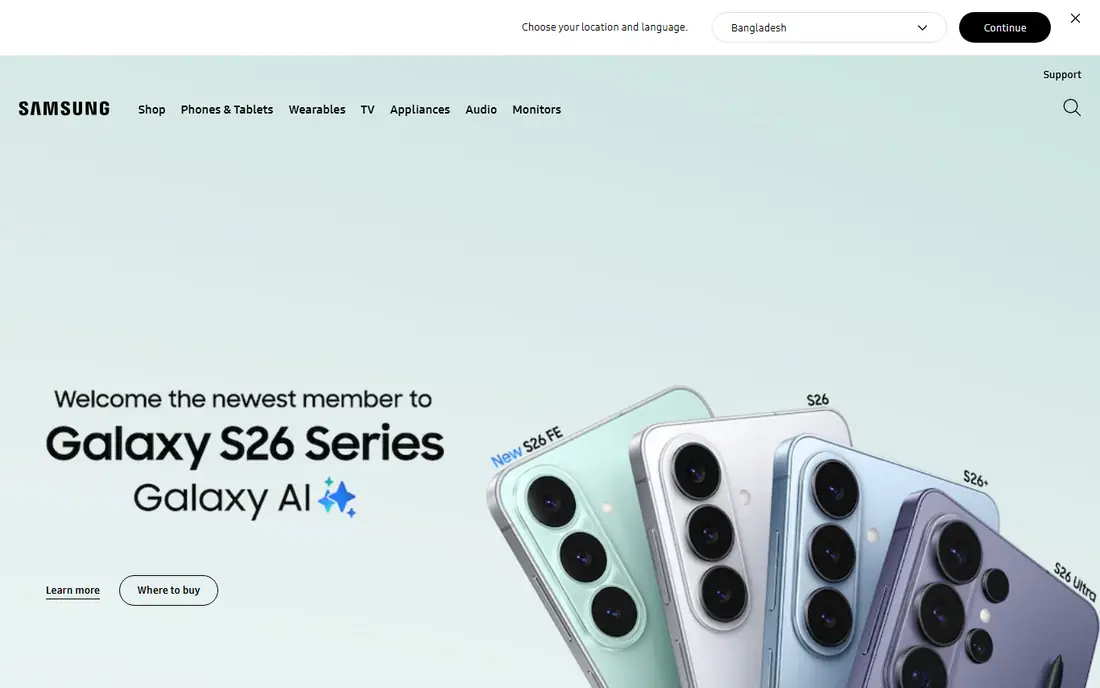
Samsung Wallet is the right tap-to-pay choice if you use a Galaxy phone or watch, since it is built for Samsung hardware and services. You can add payment cards, loyalty cards, tickets, and passes, and pay with a tap at contactless readers. It also supports digital keys and other passes where Samsung and partners offer them, which can reduce what you carry day to day.
The drawback is the same as Apple Pay: it is tied to one brand. Samsung Wallet does not help if you switch to a different Android phone or to an iPhone, and some older features have less value now that contactless readers are standard. Galaxy owners get a polished wallet here, but other Android users should use Google Wallet instead.
- Deep integration with Galaxy phones and watches
- Stores cards, passes, and digital keys in supported cases
- Free to use for tap-to-pay
- Only works on Samsung devices
- Older magnetic-stripe support has faded as stores moved to contactless readers
PayPal is the most flexible wallet for online shopping, because it works on any device and is accepted by a very large number of online stores. You can pay with a PayPal balance, a linked bank account, or a card, and you can send money to people in other countries, with fees that depend on the send type and currency. Buyer protection on eligible purchases is another reason many shoppers keep PayPal for online orders.
Fees need attention. Personal sends funded by a bank account or balance are often free in the US, but credit-card sends, instant transfers, currency conversion, and seller transactions can carry fees. PayPal is not the best tap-to-pay wallet in a store, but for online checkout and cross-border sends it remains the most useful all-round wallet.
- Works across phones, tablets, and computers
- Widely accepted for online checkout
- Supports international sends and many currencies
- Fees apply to some sends, instant transfers, and seller transactions
- Tap-to-pay in stores is less central than with Apple Pay or Google Wallet
Venmo wins for social payments because so many US users already have it. Splitting dinner, rent, or a group gift is quick, and the feed makes it easy to see who has paid and who still owes. Standard transfers to a bank account are free, while instant transfers carry a fee of 1.75 percent, up to $25, and credit-card sends carry a 3 percent fee.
Venmo is tied to PayPal, and it also offers a debit card and some investing features, but its core strength is still friend-to-friend payments. It is US-only for most personal use, so it does not replace PayPal or Wise for international sends. If your friends use Venmo, it is the easiest way to settle up.
- Very widely used in the US for friend payments
- Simple bill splitting and a social feed
- Standard bank transfers are free
- US-only for most personal payments
- Instant transfers and credit-card sends carry fees
Cash App started as a payment app and has grown into a small financial hub. You can send money to friends, get a Cash Card debit card, and buy stocks and Bitcoin in the same app. Standard transfers are free, while instant transfers carry a fee that varies, often from 0.5 percent to 1.75 percent, and credit-card sends carry a 3 percent fee.
That breadth is both a strength and a warning. Cash App is handy if you want payments and investing in one place, but investing carries risk, and a payment app balance is not the same as a bank account with the same protections. Use Cash App for payments and, if you invest, only with money you can afford to lose.
- Friend payments, a debit card, and investing in one app
- Standard transfers are free
- Instant transfers are often cheaper than some rivals
- Credit-card sends carry a 3 percent fee
- Investing features add risk and should not be confused with a savings account
Zelle is different from the other wallets here, because it usually moves money directly between bank accounts rather than holding a balance in an app. If both people bank with enrolled institutions, a send can arrive within minutes, and most banks do not charge a fee for Zelle. That makes it a strong choice for rent, larger friend payments, and other transfers where speed matters.
The risk is that Zelle sends are hard to reverse, and there is no buyer protection for most personal payments. Only send to people you know and trust, and double-check the phone number or email before you confirm. For trusted transfers, Zelle is often the fastest free option in the US.
- Money usually moves within minutes between enrolled banks
- Typically free through a bank app
- No separate balance to manage in most cases
- No buyer protection for most personal sends
- You need an enrolled bank or the Zelle app, and limits are set by your bank
Revolut suits travelers and people who regularly spend in more than one currency. Its free plan offers a multi-currency account and card, with currency exchange and spending tools in the app. That can be simpler than juggling several bank cards abroad, and it pairs well with a tap-to-pay wallet on your phone.
The free plan has limits, and some features, higher exchange allowances, and travel benefits sit on paid plans. Fees and limits also vary by region, so check the plan details for the US before a trip. Revolut is a strong second wallet for travel, rather than a replacement for your main bank account.
- Multi-currency accounts and cards
- Useful for travel and online spending abroad
- Free plan to start with
- Some features and higher limits sit on paid plans
- Fee and limit details vary by plan and region, so check before travel
Wise is the best pick in this list for sending money abroad, because it shows the fee and exchange rate before you confirm, and it avoids the hidden markup many banks add to an exchange rate. You can hold balances in several currencies, get local account details in supported regions, and send to bank accounts in many countries. That clarity makes it easier to compare with PayPal for a given route.
Wise is not a replacement for Apple Pay or Google Wallet in stores, and it is not built for splitting a dinner bill in the US. Use it when the job is cross-border: sending support to family abroad, paying a freelancer in another country, or moving money between your own accounts in different currencies.
- Clear, upfront fees for international transfers
- Multi-currency account options
- Often cheaper than a traditional bank wire for many routes
- Not a tap-to-pay wallet for everyday US store payments
- Transfer speed and fees vary by route and currency
How we picked these
We compared wallets that US consumers can actually use in October 2026 for tap-to-pay, online checkout, or person-to-person sends. We checked vendor sites, bank wallet guides, and current fee comparisons, and we favored wallets with wide acceptance, a free way to start, and clear fee terms. We left out wallets that are tied to a single store or that no longer offer US person-to-person sends as a core feature, and we wrote See website where a fee depended on a plan or route.
How to choose a digital wallet app
Start with your phone. If you use an iPhone, Apple Pay should be your tap-to-pay wallet, and if you use a Galaxy phone, Samsung Wallet is the natural fit. Most other Android users should start with Google Wallet. That one choice covers most in-store payments.
Next, add a wallet for the other job. PayPal covers online checkout and international sends, Venmo or Cash App covers friends, and Zelle covers fast bank-to-bank transfers. Most people end up with two wallets: one for tapping in stores, and one for sending money.
Then check fees before you rely on speed. Standard bank transfers are usually free, but instant transfers, credit-card sends, and currency conversion can add cost. If a payment can wait a day or two, a standard transfer saves the instant fee. Finally, turn on biometric lock and transaction alerts, and only send to trusted contacts on apps with no buyer protection.
Frequently asked questions
What is the best mobile wallet app?
Apple Pay is the best mobile wallet app for iPhone users, and Google Wallet is the best for most Android users, because each is built into its phone system and works at contactless readers. For online checkout across devices, PayPal is the strongest all-round choice. The best wallet overall depends on your phone and on whether you mainly tap, shop online, or send money.
What is the best contactless payment app?
Apple Pay, Google Wallet, and Samsung Wallet are the main contactless payment apps, and the best one is the one built for your phone. All three use tokenization, so your real card number is not shared with the store, and all three are free to add a card to. Check that your bank supports your chosen wallet before you rely on it in stores.
Are digital wallets free?
Tap-to-pay wallets are free to download and free to add a card to, and standard bank transfers on Venmo, Cash App, and PayPal are usually free in the US. Fees can still apply to instant transfers, credit-card sends, seller transactions, and currency conversion. Your bank card terms also still apply, so a wallet does not remove interest or overdraft costs.
Is Apple Pay safer than a physical card?
Apple Pay uses a device-specific token instead of your real card number, and it requires Face ID, Touch ID, or a passcode for most payments, which makes it harder for a store terminal to capture your card details. A lost phone can be locked or wiped remotely, while a lost physical card must be replaced. Keep your phone locked and your bank alerts on for the best protection.
Can I use more than one digital wallet?
Yes, and most people should. Use a tap-to-pay wallet for stores, PayPal for online checkout, and Venmo, Cash App, or Zelle for sending money to friends. Just keep track of which card is set as default in each wallet, so you do not accidentally charge a card you meant to leave out.
Sources
- https://www.1stccu.com/save-and-spend/digital-wallet
- https://www.westmark.org/online/mobile-wallet.html
- https://blog.genome.eu/money-and-you/samsung-wallet-vs-google-pay/
- https://savingsgrove.com/blogs/guides/digital-wallet-comparison
- https://wealthvieu.com/banking/payment-apps/payment-app-limits-comparison/
See where you really rank - block by block
ProMapRanker scans Google Maps across a grid of your service area. Simple monthly plans from $19, white-label on every plan.
Start freeKeep reading
 zscaler alternatives
Best Zscaler Alternatives in 2026
Looking for zscaler alternatives? We compare 9 SASE and zero trust platforms on architecture, data protection, pricing, and fit for your network and team.
Read → zapier alternatives free
Best Zapier Alternatives Free in 2026
Nine automation tools for zapier alternatives free in 2026, all with genuinely free tiers, plus free plan limits, starting prices and upgrade paths explained.
Read → which platform is best for online reputation
Which Platform Is Best for Online Reputation in 2026
Wondering which platform is best for online reputation? We compare 8 review, listing, and response tools for small and multi-location businesses and agencies.
Read →