 ProMapRanker
Best Digital Signature Software in 2026

Key takeaways
- DocuSign is our pick when a signer must recognise the sender at once, thanks to its wide adoption and strong audit trail.
- SignNow offers the lowest entry price in this list for teams that send many documents, at $8 per user per month on annual billing in recent listings.
- PandaDoc suits teams that build proposals and quotes first, then collect a signature on the same document.
- Dropbox Sign suits small teams that want a clean, fast signing flow without enterprise weight.
- Check envelope or sending limits, not just seat price, because a low monthly plan can still cap how many documents you send.
Quick comparison
| Pick | Great for | Pricing starts at | Free tier | |
|---|---|---|---|---|
 DocuSign | Widest recognition | $15 per month | Free trial | Visit |
 Adobe Acrobat Sign | PDF-heavy teams | $12.99 per month | Free trial | Visit |
 Dropbox Sign | Simple fast signing | $15 per month | Free trial | Visit |
 SignNow | Low-cost team signing | $8 per user per month | Free trial | Visit |
 PandaDoc | Proposals plus signing | Free | Yes | Visit |
 Zoho Sign | Zoho ecosystem teams | $12 per user per month | Free trial | Visit |
 Signeasy | Light solo signing | $10 per month | Free trial | Visit |
 Documenso | Open-source signing | Free | Yes | Visit |
The best digital signature software
We compared official pricing pages, feature pages and public reviews for the tools below, and we focused on sending limits, templates, audit trails, integrations and mobile signing. These are the best e signature software options we found for individuals, small teams and larger businesses.
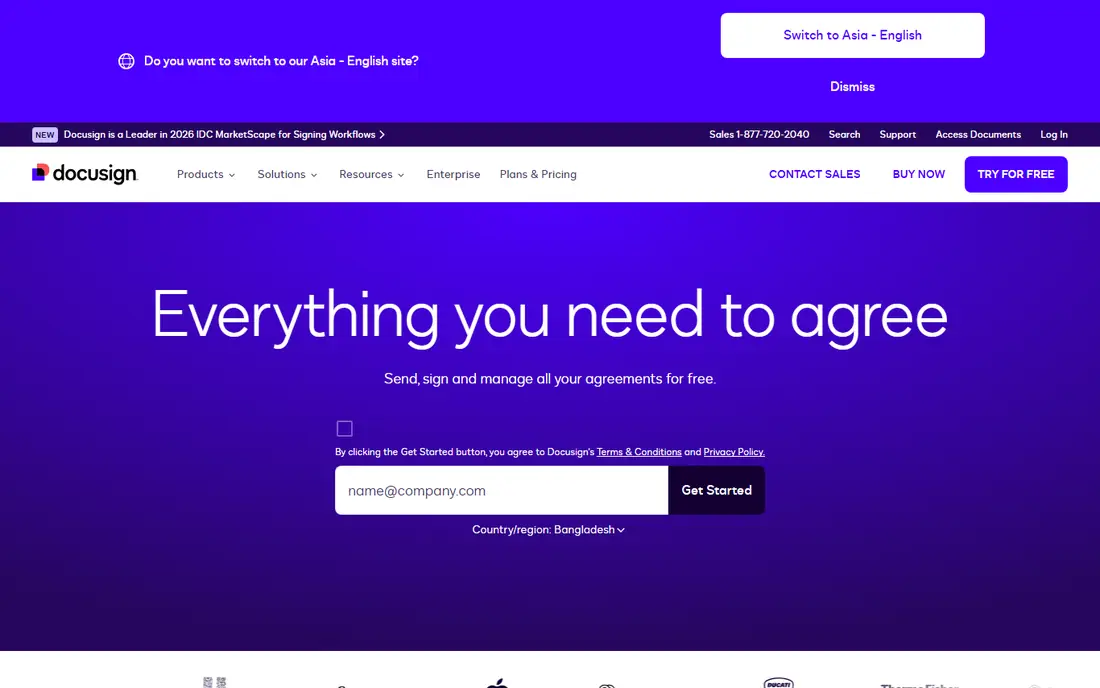
DocuSign is the default name in electronic signing, and that recognition has practical value. A client who receives a DocuSign envelope usually knows what to do, which cuts down on support messages and delays. Templates, reminders, bulk send and a detailed audit trail support high-volume teams, and integrations cover most CRMs, storage tools and business apps.
The cost is the catch. The Personal plan, at $15 per month in recent listings, covers a small number of sent envelopes per month, so a busy team will need a higher plan. Standard and Business Pro plans add users and features, but the bill grows with them. If brand trust and enterprise compliance matter most, DocuSign is the best digital signature service here. If price matters more, SignNow or PandaDoc may fit better.
- Signers recognise the brand at once
- Strong audit trail and compliance tools
- Very large integration catalogue
- Envelope limits on lower plans
- Per-seat cost rises on higher plans
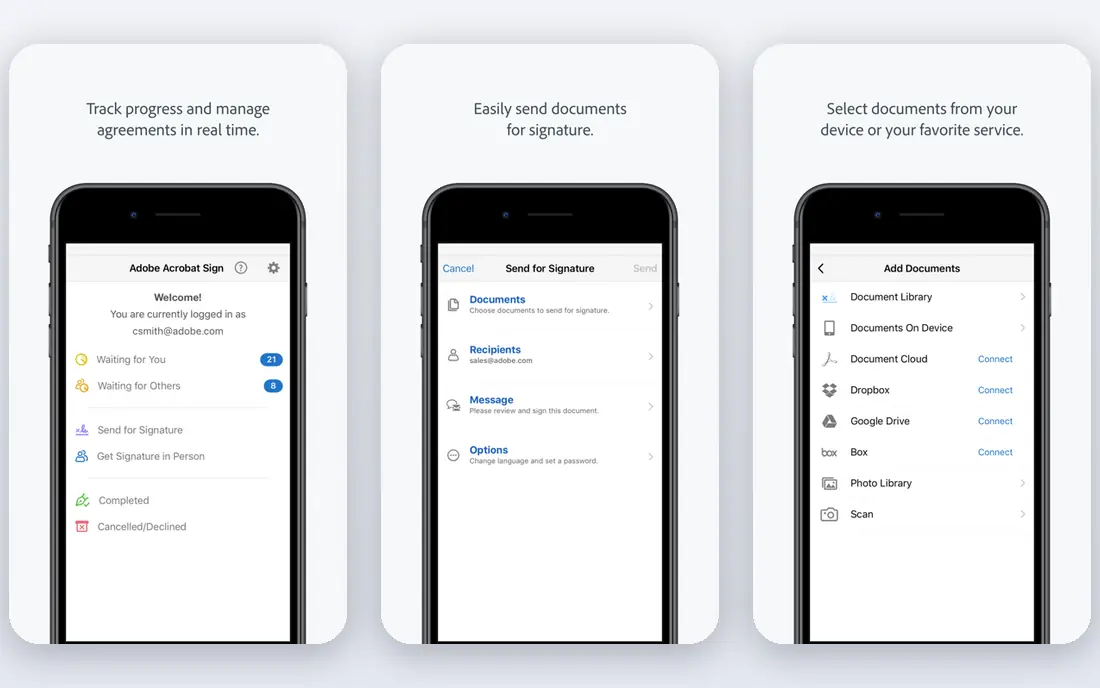
Adobe Acrobat Sign suits teams that already live in PDFs. If you edit, fill, convert and store PDFs in Acrobat, adding signing to the same workflow feels natural, and forms can include conditional fields and routing. Microsoft integrations also help teams that use Outlook, Teams or SharePoint daily.
Pricing can be confusing, because Acrobat Sign appears both as a standalone service and inside Acrobat plans, with different prices in different listings. Check the exact bundle you are buying, including sending limits and user count. For a PDF-heavy team, Adobe Acrobat Sign is one of the best electronic signature service options, even if the price page needs a careful read.
- Strong PDF editing and form tools
- Works inside Acrobat and Microsoft apps
- Good mobile signing
- Pricing varies by bundle
- Some features need an Acrobat plan
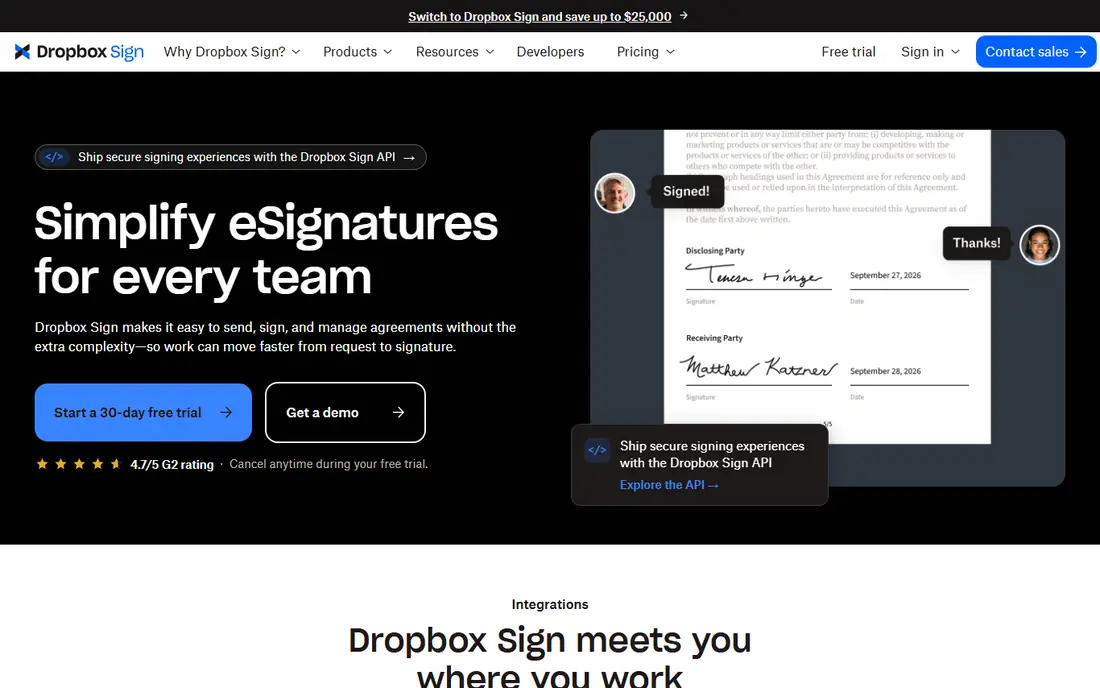
Dropbox Sign, formerly HelloSign, focuses on getting a document signed with little friction. Senders can add fields, set signing order and send reminders, while signers can sign on web or mobile without creating an account in most cases. That simplicity suits small teams, freelancers and firms that send contracts, NDAs and onboarding forms regularly.
It offers less depth than DocuSign for complex enterprise workflows, such as advanced compliance rules or large-scale bulk operations. The Essentials plan, at $15 per month in recent listings, covers basic team needs, while Standard adds more users and features. For a team that values a clean flow over enterprise weight, Dropbox Sign is the best digital signature app in this list for everyday use.
- Clean, fast signing flow
- Templates and reminders
- API for developers
- Fewer enterprise features than DocuSign
- Higher tiers cost more per user
SignNow, from airSlate, is the value pick for teams that send a lot. The Business plan, at $8 per user per month on annual billing in recent listings, undercuts most rivals, while still offering templates, in-person signing, bulk send and a wide integration list. For a small business watching every subscription, that gap adds up over a year.
The trade-off is polish and recognition. Signers may not know the name as well as DocuSign, and the interface is more functional than elegant. Neither point blocks a signature, but both matter if client trust is a key concern. If your team sends documents daily and wants the best e sign software for the money, SignNow is hard to beat.
- Low entry price
- Unlimited users on some business plans in recent listings
- Templates, bulk send and integrations
- Brand is less recognised than DocuSign
- Interface feels more basic
PandaDoc starts from the document, not the signature. You can build a proposal, quote or contract in its editor, add pricing tables, track when a recipient opens it, and collect a signature at the end. That flow suits sales teams, agencies and freelancers who send proposals that need approval before they become contracts.
The free plan covers basic electronic signing, which is useful for occasional use, but richer workflow, CRM and bulk features sit in paid plans. The Starter plan, at $19 per seat per month in recent listings, is the usual entry point for active teams. If proposals and contracts are one workflow for you, PandaDoc is the best contract signing software choice here.
- Free plan for basic signing
- Strong document editor for proposals and quotes
- CRM integrations and tracking
- Full signing and workflow features need paid plans
- Pricing rises per seat on higher tiers
Zoho Sign suits teams already using Zoho apps. A contract can move from Zoho CRM or Zoho Books into signing without retyping customer details, and signed documents return to the same system. Templates, reminders, bulk send and an audit trail cover most small-business signing needs, at a per-user price that undercuts larger rivals.
Outside the Zoho world, the brand carries less weight than DocuSign, and some advanced signing workflows need a higher tier. For a Zoho-based team, though, the integration value is real, and the tool is easy to justify. If you already run your business on Zoho, Zoho Sign is the best digital signature tool for your stack.
- Fits Zoho CRM, Books and other Zoho apps
- Templates and audit trail
- Low per-user price in recent listings
- Less recognised outside the Zoho world
- Advanced features need higher tiers
Signeasy is built for individuals and very small teams who want to sign and send without learning a large platform. You can upload a document, add signature fields, send it and track it from a phone or browser, with templates for repeat forms such as NDAs or freelance agreements. That light touch is the appeal.
Larger teams that need deep CRM integration, bulk operations or complex routing will find Signeasy thinner than DocuSign, SignNow or PandaDoc. The entry plan, at $10 per month in recent listings, suits a solo user with steady but modest volume. For occasional or light signing, Signeasy is one of the best digital signature tools in this list.
- Simple setup for solo users
- Mobile signing is strong
- Templates and reminders
- Team and API features are thinner than larger rivals
- Higher plans cost more for few users
Documenso offers a modern, open-source path to electronic signing. Teams can self-host the software, keep signing data on their own servers, and avoid per-document fees that come with some commercial plans. A free hosted plan covers light use, while paid plans add more documents, users and features.
The ecosystem is younger than DocuSign or Adobe, so integrations and enterprise compliance tools are less deep. Self-hosting also needs technical setup and upkeep. For a team that values openness, data control and low cost, Documenso is a fresh alternative among the best digital signature tools, and worth testing with a trial document before switching.
- Open source and self-hostable
- Free plan for light use
- Clean modern signing flow
- Smaller integration catalogue than established rivals
- Self-hosting needs technical skill
How we picked these
We compared official pricing and feature pages and public reviews for each tool, and we checked that each one is live and actively sold in October 2026. We favoured tools that cover templates, reminders, audit trails and mobile signing, and we mixed well-known leaders with value and open-source options. Prices shown are starting prices from recent listings, and where a price could not be pinned down we wrote See website rather than guessing.
What to check before you buy signing software
Start with sending limits. Some plans cap envelopes, documents or users, while others offer unlimited sending on higher tiers. Count how many documents you actually send in a busy month, including repeat sends and corrections, and choose a plan that covers that number with room to grow. A cheap plan that caps you at five envelopes will cost more in upgrades and delays.
Next, check the audit trail and legal standing for your use. Most tools in this list offer an audit trail with timestamps, signer identity checks and a certificate of completion, which supports validity under US ESIGN and UETA rules and similar laws elsewhere. If you sign high-value, regulated or notarised documents, confirm the exact compliance features and whether remote online notarisation is included or separate.
Finally, test the signer experience. Send yourself a test document, open it on a phone, and sign it without help. If the flow feels confusing, your clients will feel the same, and deals will stall. Also check templates, reminders and integrations with your CRM or storage tool, because those small features save the most time week after week.
Frequently asked questions
What is the best e signature software for a small business?
SignNow offers the lowest entry price for teams, while PandaDoc suits teams that build proposals first. Dropbox Sign suits small teams that want a simple flow, and DocuSign suits teams that need wide recognition. The best choice depends on volume, proposal needs and how much clients need to trust the sender name.
Is there a best free digital signature app?
PandaDoc offers a free plan for basic signing, and Documenso offers a free plan for light use. Free plans suit occasional signing, but they usually limit documents, templates or users. If you sign regularly, a paid plan with reminders and templates will save time.
Are electronic signatures legally valid?
In the United States, electronic signatures are generally valid under the ESIGN Act and state UETA laws for most contracts, provided intent and consent are clear and an audit trail is kept. Some documents, such as certain wills or court filings, may need special handling. Check local rules for your document type and country before relying on a signature.
What is the difference between an electronic signature and a digital signature?
In everyday use the terms overlap, but a digital signature often means a signature backed by cryptographic certificates, while an electronic signature can be a typed name, a drawn mark or a click-to-sign action. Most tools in this list offer electronic signing with an audit trail, and some offer certificate-based options. Check the tool's compliance page for the exact method it uses.
Which signing tool is best for contract signing software needs?
PandaDoc is a strong pick when contracts start as proposals or quotes, because the editor and signature sit in one document. DocuSign suits larger contract workflows with many parties and compliance needs. SignNow suits high-volume contract teams on a budget.
Do I need to pay per envelope or per user?
It depends on the tool. DocuSign uses envelope limits on lower plans, while SignNow and Zoho Sign charge per user. Count both your users and your monthly document volume, then compare the plan that covers both. A per-user plan can be cheaper for a small team that sends a lot, while an envelope plan can suit a larger team that sends little.
Sources
See where you really rank - block by block
ProMapRanker scans Google Maps across a grid of your service area. Simple monthly plans from $19, white-label on every plan.
Start freeKeep reading
 vercel alternatives
Vercel Alternatives in 2026
Compare the best Vercel alternatives for static sites, full-stack apps and backends, with free tiers, current pricing and honest trade-offs for developers.
Read → best veterinary software
Best Veterinary Software in 2026
We compared the best veterinary software for clinics of every size, from cloud practice tools to desktop systems, with detailed pricing and trade-offs.
Read → best truck gps app
Best Truck GPS App in 2026: 8 Apps Compared
Best truck GPS app picks for truckers, with truck routing, low bridge warnings, parking and fuel tools, plus current prices and free options for US drivers.
Read →