 ProMapRanker
Best Digital Publishing Platforms in 2026

Key takeaways
- Flipbook platforms turn a finished PDF into an interactive online publication, while design-led platforms also help you create the pages.
- Discovery matters as much as design: Issuu offers a built-in reader network, while other platforms focus on branded, private distribution.
- Lead capture, shoppable pages, and reader analytics sit on paid tiers, so check which features your plan actually includes.
- Free plans are useful for testing, but branding, page limits, and download options usually push serious publishers to a paid plan.
Quick comparison
| Pick | Great for | Pricing starts at | Free tier | |
|---|---|---|---|---|
 Issuu | Discovery and easy sharing | See website | Yes | Visit |
 Flipsnack | Interactive magazines with lead capture | $16 per month | Yes | Visit |
 Joomag | Branded magazines for content teams | See website | Free trial | Visit |
 Yumpu | Free publishing with search reach | See website | Yes | Visit |
 Publitas | Shoppable retail catalogs | See website | Free trial | Visit |
 Calameo | Quick free flipbooks | $14 per month | Yes | Visit |
 FlipHTML5 | Feature-packed flipbooks on a budget | See website | Yes | Visit |
 Publuu | Polished magazines with virtual bookshelves | See website | Free trial | Visit |
 FlippingBook | Marketing and sales documents | See website | Free trial | Visit |
The best digital publishing platforms
Digital publishing platforms sit between a PDF and a website. You upload a finished document, or build pages in the platform, and readers get a page-turning online edition they can open on any device, with links, video, and analytics layered on top. The right platform depends on what you publish: a magazine needs discovery and subscriptions, a catalog needs shopping links, and a sales brochure needs lead capture and tracking.
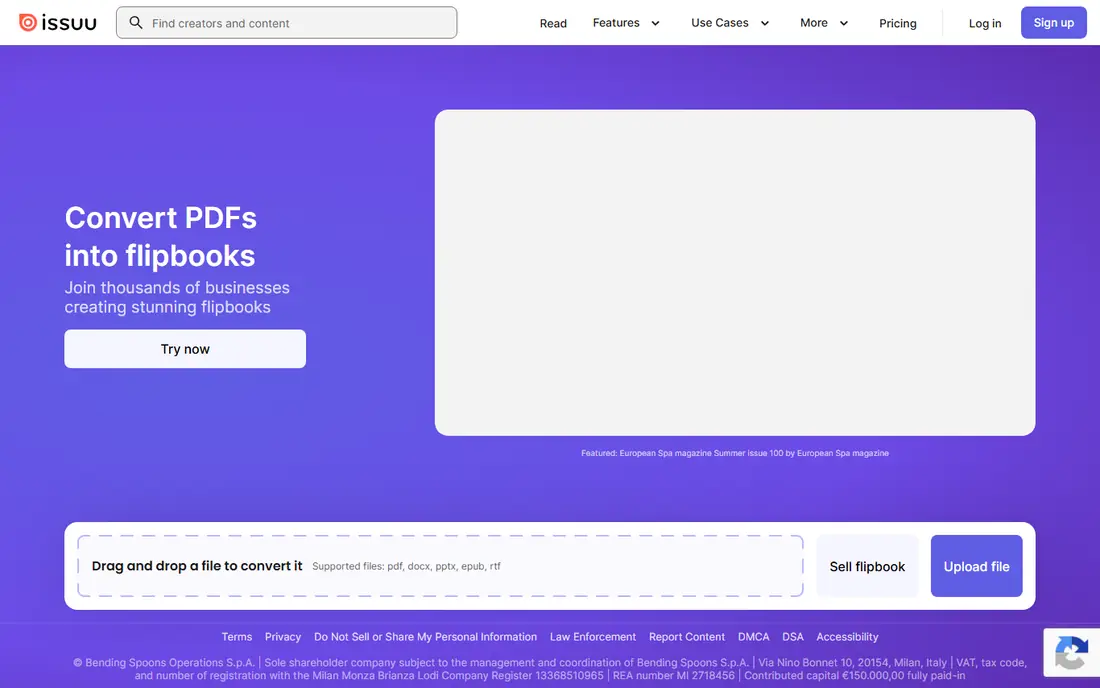
Issuu is still the best-known name in digital publishing, and its reader network is the reason. Upload a PDF and it becomes a readable online edition that people can find through Issuu itself, not only through your own website or email list. Sharing, embedding, and social distribution are simple, which suits small publishers and one-off publications.
The free plan is enough to test the format, but branding, analytics, and download options improve on paid plans, and prices vary by plan. If discovery matters more than deep branding or lead capture, Issuu is the natural first choice. If you need a fully white-label reader, compare Flipsnack or FlippingBook before you commit.
- Large built-in reader network
- Simple PDF upload and sharing
- Embeds for websites and social channels
- Serious features sit on paid plans
- Branding control is limited on lower tiers

Flipsnack is the strongest all-rounder for business publishing. You can upload a PDF or design pages in the browser, add links, video, and lead capture forms, and track which pages readers actually open. The free plan covers a few flipbooks with page limits and Flipsnack branding, while the Starter plan costs $16 per month on annual billing, or $35 per month billed monthly.
Higher tiers add full statistics, video, password protection, custom domains, and private sharing. That tiering is the main thing to watch: the features that make Flipsnack a sales tool, rather than a simple viewer, sit above the entry plan. For marketing and sales teams that publish regularly, it is still one of the best values here.
- Design editor plus PDF upload
- Lead capture forms
- Analytics and branding on paid plans
- Full analytics and video start on higher tiers
- Free plan carries Flipsnack branding
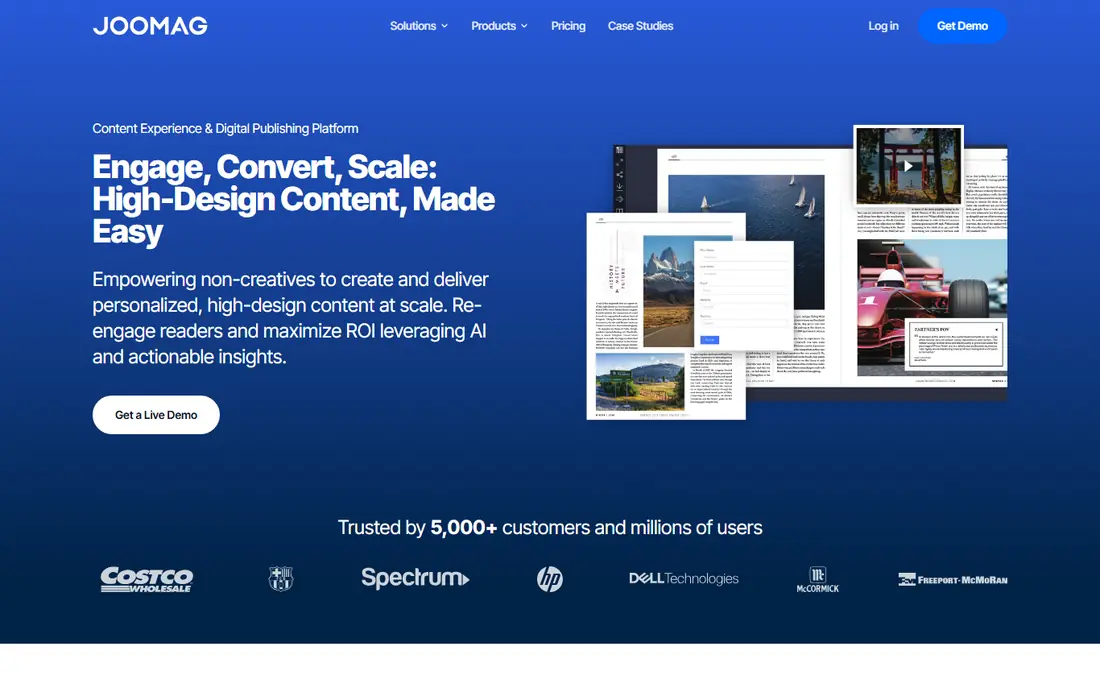
Joomag targets content teams and larger publishers that want branded magazines with measurable results. Publications can be gated, tracked at reader level, and connected to CRM systems, so a magazine becomes part of a sales or subscription funnel rather than a standalone document. Design tools, templates, and automation help teams produce issues on a schedule.
The drawback is pricing transparency. Joomag does not publish a simple price list in the same way Flipsnack does, so you will need a quote and a trial to judge value. For a small team publishing one brochure a year, Joomag is more than you need. For a publisher running a regular magazine with subscriptions and lead goals, its analytics depth justifies a closer look.
- Branded publications with CRM options
- Reader-level analytics
- Content automation features
- Pricing is sales-led and less transparent
- More platform than a small publisher needs
Yumpu is a good starting point if you want to publish online for free and be found through search. Upload a PDF, and Yumpu turns it into a readable web edition with a shareable link and embed code. The workflow is fast, which suits schools, clubs, small businesses, and publishers testing whether an online edition is worth the effort.
Paid plans add branding control, analytics, and extra features, so check the current plan page if you outgrow the free tier. Yumpu will not replace a design tool, since you bring a finished PDF, but for free distribution with decent search reach, it is one of the easiest options in this list.
- Free publishing option
- Search-friendly online editions
- Simple upload workflow
- Branding and advanced features need paid plans
- Design tools are lighter than Flipsnack
Publitas is the specialist pick when your publication is really a catalog. You can add product information pop-ups to catalog pages, import a product feed from your store, and track which products readers click. That makes a seasonal catalog measurable in a way a plain PDF never is, and it connects browsing directly to buying.
The narrow focus is also the limit. Publitas expects you to bring a finished PDF or a product feed, and it does not offer a general magazine design editor. If you sell through a catalog, that trade-off is worth it. If you publish magazines, reports, and brochures, a broader platform such as Flipsnack or Joomag fits better.
- Product overlays and shopping links
- Product feed import
- Analytics for catalog engagement
- Narrow focus on retail catalogs
- No built-in page design editor
Calameo is one of the quickest ways to turn a PDF into a flipbook. The free plan lets you publish and share online editions without a design learning curve, and paid plans start at $14 per month for extra features. Schools, associations, and small businesses that publish newsletters, menus, or event programs will find it more than enough.
Calameo does not match Flipsnack or Joomag for lead capture, reader analytics, or branding control. Treat it as a fast, low-cost publishing tool, not a marketing platform. If your main need is to put a readable document online quickly and cheaply, Calameo is a sensible pick.
- Fast free publishing
- Simple sharing and embedding
- Low paid starting price
- Analytics and branding are lighter than rivals
- Design tools are basic
FlipHTML5 packs a long feature list into a budget-friendly platform. You can upload a PDF, edit pages, add links, audio, and video, and publish a flipbook with a shareable link or embed code. The free plan is useful for testing the format, and paid plans add branding, analytics, and higher limits.
The interface carries more options than simpler tools, so first-time publishers may need a little time to find the settings they need. For a small business that wants multimedia flipbooks without paying for a premium platform, FlipHTML5 offers strong value, provided you check which features sit on the plan you choose.
- Many features for the price
- Page editor and multimedia options
- Free plan for testing
- Interface can feel busy
- Branding control and analytics depend on the plan
Publuu focuses on presentation. Its reader looks polished, and virtual bookshelves let you group issues, catalogs, and brochures into a branded collection readers can browse. Tracking, lead capture, and sharing options support marketing use, and back issues stay accessible in one place rather than scattered across links.
Publuu offers a free trial, but paid pricing needs a check of the current plan page. For a publisher with a back catalog of issues who wants a tidy, branded shelf to show readers, Publuu is an appealing alternative to Issuu. For a single one-off publication, a free tool may be enough.
- Polished reader with virtual bookshelves
- Tracking and lead options
- Clean presentation for back issues
- Pricing is not as transparent as Flipsnack
- Smaller brand than Issuu
FlippingBook is built for sales and marketing documents: proposals, brochures, product guides, and leave-behinds that start as a finished PDF. The reader is clean and fast, with lead capture forms, link tracking, and branding options that make a document feel like part of your website rather than a file download. Teams can also track who opened a document and which pages held attention.
Because there is no design editor, you need a finished PDF from another tool before you publish. That is fine for teams that already design in other software, and it keeps FlippingBook focused. If your documents are sales tools and you want to know how prospects read them, FlippingBook is a strong, focused choice.
- Clean reader focused on sales documents
- Lead capture and tracking
- Strong branding options
- No built-in design editor, so you bring a finished PDF
- Paid plans needed for full features
How we picked these
We compared platforms that are live in October 2026 and offer a real online publishing route, using vendor feature and pricing pages plus independent comparison guides. We kept a mix of discovery-led, design-led, and catalog-focused platforms, because different publications need different strengths. We weighted ease of publishing, reader quality, branding control, lead capture, analytics, and pricing transparency, and we marked prices as See website where vendors do not publish a stable starting price.
What to check before you choose a publishing platform
Start with your source file. If you already have finished PDFs, a flipbook platform is enough. If you need to design pages, check whether the platform has a real editor or only a PDF upload, since that decides your whole workflow. Also check page limits, file size limits, and whether readers can download the PDF, since those settings affect both user experience and content control.
Next, test the reader on a phone. Most readers now open publications on mobile, so check load speed, text readability, and link behaviour on a small screen before you commit. Then compare the paid tier you would actually need, not the entry tier, for branding, analytics, lead forms, and password protection. A cheap entry plan that lacks your must-have feature is not cheap once you upgrade.
Finally, think about distribution. A platform with a built-in audience, such as Issuu, helps a public magazine find readers. A branded, private reader suits sales documents and member content better. Pick the distribution model first, then the feature list, and you will avoid paying for tools your readers never see.
Frequently asked questions
What is the best digital publishing platform?
It depends on the publication. Issuu is best for discovery, Flipsnack is the best all-rounder for business magazines and brochures, Publitas is best for shoppable catalogs, and Calameo or Yumpu suit free, simple publishing.
What is the best digital publishing software for magazines?
For a regular magazine, Flipsnack and Joomag offer the strongest mix of design, branding, and analytics. Issuu adds discovery through its reader network, which helps a new magazine find an audience beyond its own mailing list.
Do I need design skills to use a digital publishing platform?
Not for flipbook platforms, since you upload a finished PDF. Design-led platforms such as Flipsnack add templates and a browser editor, which help if you do not already design in another tool, but a finished PDF still gives the best control over layout.
Can readers find my publication on search engines?
Many platforms publish editions as web pages that search engines can index, and Yumpu and Issuu in particular emphasise search and discovery. Check whether your plan allows public indexing, since private or password-protected editions are not meant to be found that way.
Can I sell products from a digital catalog?
Yes, on the right platform. Publitas supports product overlays and shopping links tied to a product feed, and Flipsnack and FlippingBook support links and lead forms that can send readers to a product page or checkout.
Sources
See where you really rank - block by block
ProMapRanker scans Google Maps across a grid of your service area. Simple monthly plans from $19, white-label on every plan.
Start freeKeep reading
 zscaler alternatives
Best Zscaler Alternatives in 2026
Looking for zscaler alternatives? We compare 9 SASE and zero trust platforms on architecture, data protection, pricing, and fit for your network and team.
Read → zapier alternatives free
Best Zapier Alternatives Free in 2026
Nine automation tools for zapier alternatives free in 2026, all with genuinely free tiers, plus free plan limits, starting prices and upgrade paths explained.
Read → which platform is best for online reputation
Which Platform Is Best for Online Reputation in 2026
Wondering which platform is best for online reputation? We compare 8 review, listing, and response tools for small and multi-location businesses and agencies.
Read →