 ProMapRanker
Best Digital Menu Board Software in 2026

Key takeaways
- Per-screen pricing is the main cost driver, so multiply the monthly rate by your screen count before you compare tools.
- Daypart scheduling lets one screen show breakfast, lunch, and dinner menus without manual swaps.
- Most tools run on hardware you already own, such as a smart TV, a media player, or a signage stick.
- Multi-location brands need central templates and local price controls, not only a pretty editor.
Quick comparison
| Pick | Great for | Pricing starts at | Free tier | |
|---|---|---|---|---|
 Yodeck | Most affordable all-rounder | $8 per month | Yes | Visit |
 ScreenCloud | Enterprise scale | $20 per month | Free trial | Visit |
 NoviSign | AI-assisted menu creation | $14 per month | Free trial | Visit |
 OptiSigns | Budget pick with many apps | $10 per month | Yes | Visit |
 truDigital | Multi-location restaurants | $31 per month | No | Visit |
 TelemetryTV | Data and scheduling depth | $8 per month | Free trial | Visit |
 Rise Vision | Schools and campus dining | $12 per month | Free trial | Visit |
 PosterBooking | Tight budgets and small shops | Free | Yes | Visit |
 Play Digital Signage | Simple cloud signage | $8 per month | Yes | Visit |
The best digital menu board software
We compared menu board tools on per-screen pricing, menu templates, daypart scheduling, hardware support, and multi-location controls.
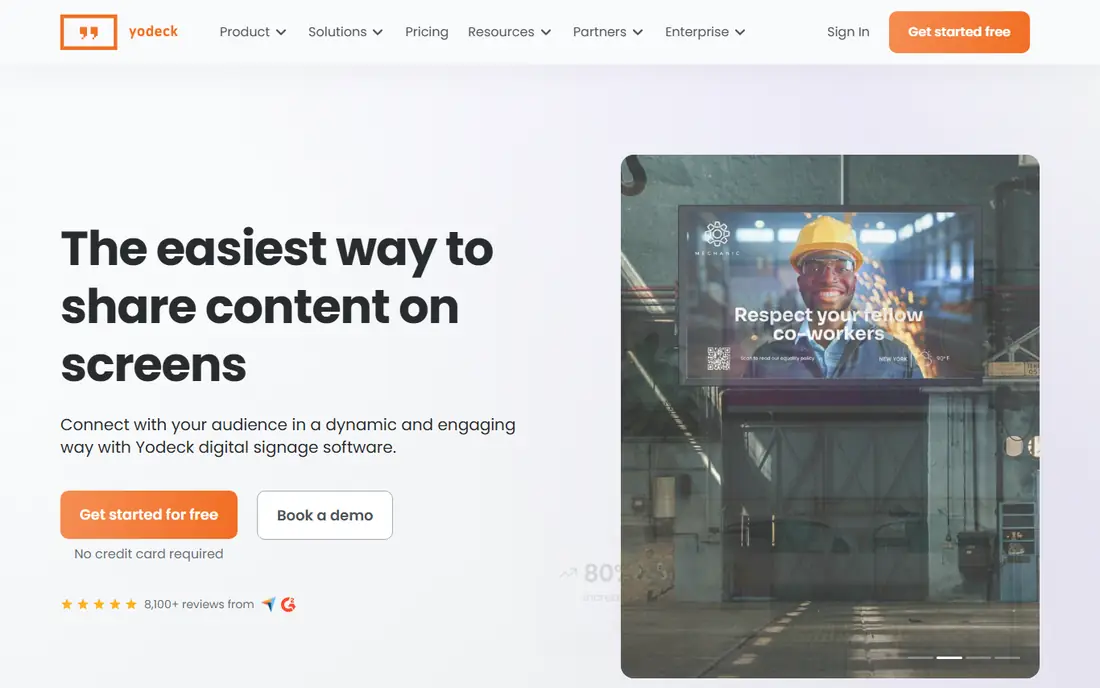
Yodeck is the most affordable all-rounder for small restaurants and cafes, with a free tier for one screen and paid plans from $8 per screen per month billed annually in published comparisons. It offers menu templates, scheduling, and many apps, plus free players on annual plans in vendor comparisons. That value makes it an easy first test for a single location.
The catch is tier and hardware fit. Advanced features, proof-of-play, and unlimited users sit on higher tiers, and Yodeck centers on Raspberry Pi players, which some IT teams may not prefer. If you need many screens or enterprise controls, price the higher tier, not only the entry rate.
- Free for one screen
- Low per-screen price
- Many apps and templates
- Advanced features need higher tiers
- Raspberry Pi players are central to its hardware story
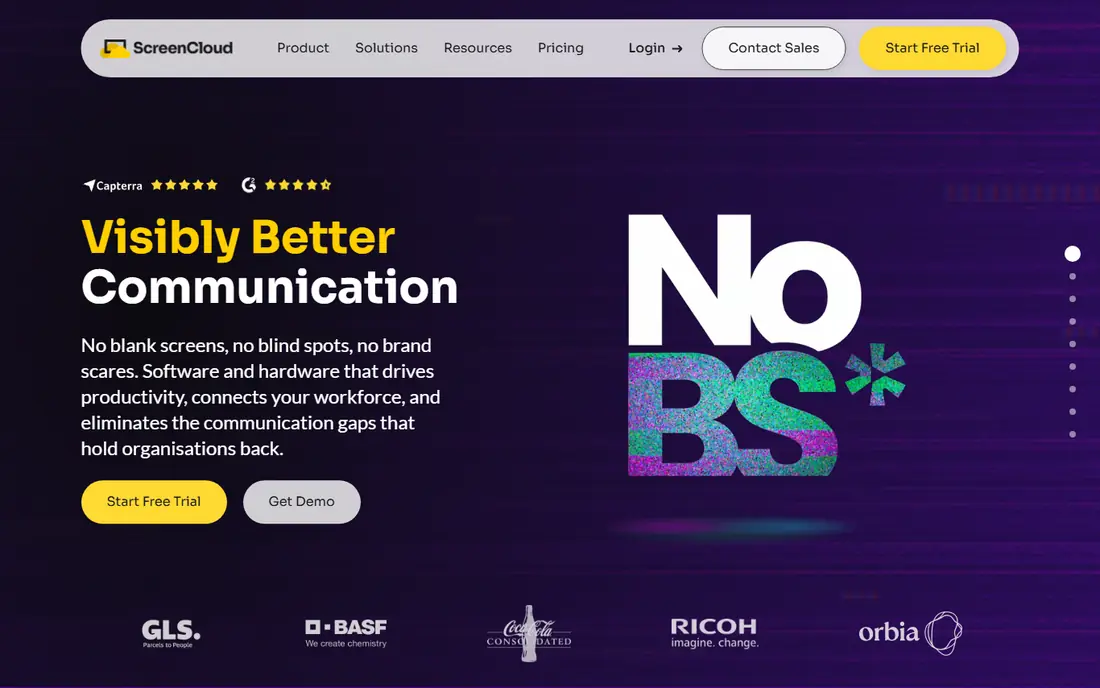
ScreenCloud suits franchises and larger brands that need dashboards, SSO, and enterprise integrations on screens. Its Core tier starts around $20 per screen per month billed annually in published comparisons, with Pro and Enterprise tiers for larger fleets. That control layer matters when head office must approve menus before they reach stores.
The catch is price and minimums. ScreenCloud costs two to three times a budget tool at the same screen count, and some tiers carry minimum screen counts. Small single-location restaurants will find Yodeck or OptiSigns better value. Choose ScreenCloud when governance and scale justify the premium.
- Enterprise controls and SSO
- App marketplace
- Multi-location management
- Higher per-screen price
- Minimum screen counts on some tiers
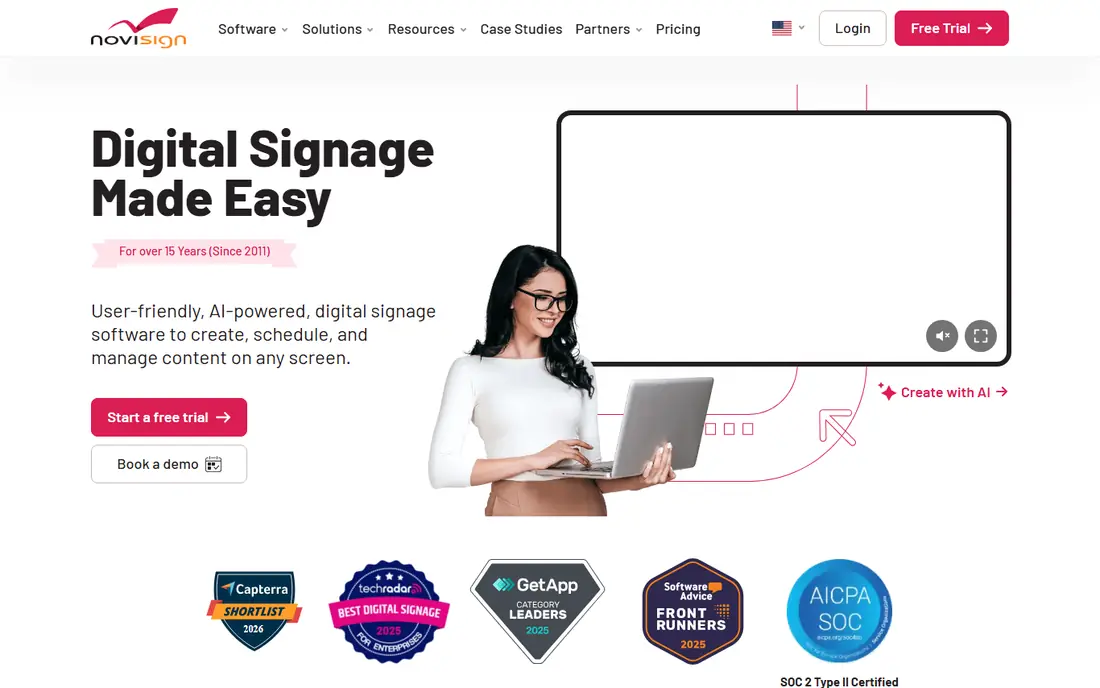
NoviSign helps non-designers build menus fast, with a drag-and-drop editor, menu templates, and AI assistance on higher tiers. It also supports interactive kiosks and touch displays, which suits quick-service restaurants that want ordering screens as well as menu boards. The 30-day trial gives time to build a real menu before paying.
The catch is price. NoviSign starts around $14 per screen per month billed annually, above Yodeck and OptiSigns, and AI features need a higher tier. If you only need a static menu on one screen, a cheaper tool may do the same job. Trial it with your actual menu items and prices.
- Drag-and-drop editor with AI help
- Menu templates
- Interactive kiosk options
- Higher price than budget tools
- AI features sit on higher tiers
OptiSigns is a strong budget pick for offices, cafes, and restaurants that want drag-and-drop menus and many apps without enterprise pricing. It starts at $10 per screen per month, works on many TVs and players, and offers a free tier for up to three screens with branding in published comparisons. Human support is a noted strength in vendor comparisons.
The catch is add-on cost. The free tier carries vendor branding, and add-ons bill per screen, so the total can rise above the entry rate. If you need many apps on many screens, price the full app set before you commit. For a small menu board setup, OptiSigns is hard to beat on value.
- Works on many TVs and players
- Large app catalog
- Free tier for up to three screens
- Free tier carries branding
- Add-ons bill per screen
truDigital is built specifically for multi-location restaurants, with dayparted menus and corporate controls that let head office lock templates while stores update local prices. At $31 per screen per month billed annually in published comparisons, it costs more than budget tools, but the restaurant focus shows in menu workflows.
The catch is price for small operators. A single-location cafe will pay a premium for multi-location controls it may not need, and there is no free plan in published comparisons. Shortlist truDigital when you run several locations and need consistent menus with local control, not for a single screen.
- Built for multi-location menus
- Daypart scheduling
- Corporate controls
- Higher per-screen price
- No free plan in published comparisons
TelemetryTV suits operations teams that want advanced scheduling, live data, and device management alongside menu boards. It starts around $8 per device per month in published comparisons, with higher tiers for larger fleets and more features. That mix helps restaurants that also show kitchen, queue, or sales data on screens.
The catch is tier complexity. Some enterprise features need higher tiers, and the per-device price varies by plan. If you only need a menu board, a simpler tool may be faster to set up. Trial TelemetryTV with your actual schedule and data sources before you scale.
- Advanced scheduling
- Apps and live data
- Device management
- Higher tiers needed for some enterprise features
- Pricing varies by tier
Rise Vision fits schools, campuses, and nonprofits that need menu boards plus emergency alerts and campus communications. It starts around $12 per display per month billed annually in published comparisons, with a free option for qualifying K-12 schools in some listings. That alert feature sets it apart from restaurant-only tools.
The catch is fit. Some features are built for schools and campuses, so a restaurant may pay for alert and campus tools it does not need. If you run campus dining, Rise Vision is a natural pick. If you run a single restaurant, compare Yodeck or OptiSigns first.
- Emergency alerts and scheduling
- Campus dining templates
- Display management
- Price is per display
- Some features suit schools more than restaurants
PosterBooking suits tight budgets and small shops that want a simple menu board without a per-screen fee at small scale. Published listings describe a free tier for up to 10 screens, with paid plans from $52 per month for 10 screens in some comparisons. That structure helps a small shop test digital menus at low cost.
The catch is free tier terms. Watermark and time limits vary by listing, so confirm the current free tier before you build a full menu around it. For larger fleets, the paid total may exceed a per-screen tool. Check the current terms on the vendor site before you commit.
- Free tier for up to 10 screens in some listings
- Simple setup
- Low paid entry
- Free tier limits and watermark terms vary
- Paid plans start higher for larger fleets
Play Digital Signage suits lean teams that want simple cloud signage without a complex setup. Published listings describe a first screen free and paid plans from $8 per screen per month, with scheduling and remote updates from one dashboard. That simplicity helps a cafe or small restaurant that needs a menu board live this week.
The catch is breadth. Its app catalog and enterprise features are smaller than ScreenCloud or OptiSigns, so multi-location brands with complex needs may outgrow it. If your menu is simple and your screen count is small, Play Digital Signage is a low-friction test.
- First screen free in published listings
- Simple cloud setup
- Scheduling tools
- Smaller app catalog than larger rivals
- Enterprise features are limited
How we picked these
Our method was to compare official pricing pages and published 2026 digital signage and menu board comparisons, with attention to per-screen rates, free tiers, scheduling, and hardware support. We described tools from public sources only and did not invent benchmark figures for uptime, speed, or engagement. We favored tools with clear per-screen pricing and menu-specific templates.
Set up menu boards that staff can actually update
Start with one menu and one schedule. Build breakfast, lunch, and dinner versions with daypart scheduling, so screens change on their own and staff do not swap files by hand. Keep prices in a central template where possible, and let each location update only the fields it owns, such as local prices or sold-out items.
Check readability from the ordering point, not from your desk. Use large prices, short item names, and high contrast, and test the board from the distance where customers actually stand. A menu that looks good on a laptop can be unreadable on a wall screen, especially for prices and allergen notes.
Plan for offline and failure cases. Ask how long a screen keeps playing if the internet drops, how staff can switch to a backup menu, and who gets an alert when a screen goes dark. A menu board that fails during lunch service costs more than the monthly fee, so test the offline behavior before you roll out to every location.
Frequently asked questions
How much does digital menu board software cost?
Published cloud rates in 2026 run from free tiers for a few screens to about $8 to $31 per screen per month for paid tools. Multiply the per-screen rate by your screen count, then add hardware, mounts, and any app add-ons for a realistic total.
Do I need special hardware for menu boards?
Not always. Most tools run on a smart TV browser, a media player, or a signage stick, and some vendors bundle players on annual plans. For reliability at scale, a dedicated player is often worth the extra cost, especially for screens that run all day.
What is daypart scheduling?
Daypart scheduling shows different menus at different times of day, such as breakfast in the morning and dinner in the evening, without manual swaps. It helps restaurants that change menus by time, day, or location from one dashboard.
Can I update menus from one place for many locations?
Yes, with multi-location tools that offer central templates and local controls. Head office can lock branding and core items while stores update local prices or availability. Check permission controls before you roll out to many sites.
Is there free digital menu board software?
Yes, with limits. Yodeck offers one screen free, OptiSigns offers up to three screens free with branding, and PosterBooking offers a free tier in some listings. Open-source tools are free if you host and maintain them yourself, but they need IT time.
Sources
See where you really rank - block by block
ProMapRanker scans Google Maps across a grid of your service area. Simple monthly plans from $19, white-label on every plan.
Start freeKeep reading
 worlds best local seo company
8 Worlds Best Local SEO Companies for Map Pack Growth in 2026
Compare the worlds best local seo company options for Google Business Profile work, citations, reviews, and multi-location rankings and reporting in 2026.
Read → world's best web hosting company
World's Best Web Hosting Company in 2026
Searching for the world's best web hosting company? We compared 10 hosts on price, renewal rates, speed, and support to help you choose well today in 2026.
Read → who's got the best nanny tax services
Who's Got the Best Nanny Tax Services in 2026
We answer who's got the best nanny tax services, comparing full filing, back taxes, software, and pricing so families can handle nanny taxes correctly.
Read →