 ProMapRanker
Shortlist


Agencies billing per client · Pricing starts at: $20 per client per month
Key takeaways
- Top of the list is AgencyAnalytics, which targets agencies billing per client.
- Databox is the one to check for KPI dashboards and goals.
- Before buying Klipfolio, weigh this: setup needs more skill.
- A free plan is available from 3 of the 6 tools: Looker Studio, Whatagraph, Databox.
- The cheapest monthly starting price in the list is $20 per client per month, offered by AgencyAnalytics.
Direct answer
For agencies billing per client, AgencyAnalytics is where this list starts. For a different need, Supermetrics covers moving data to sheets and BI and Klipfolio covers analyst-led dashboards. Prices, free plans and limits for all 6 tools follow.
Quick comparison
| Pick | Great for | Pricing starts at | Free tier | |
|---|---|---|---|---|
| AgencyAnalytics | Agencies billing per client | $20 per client per month | Free trial | Visit |
 Supermetrics | Moving data to sheets and BI | $37 a month | Free trial | Visit |
 Klipfolio | Analyst-led dashboards | $120 a month | Free trial | Visit |
 Looker Studio | Google-stack teams | Free | Yes | Visit |
 Whatagraph | Visual cross-channel reports | See website | Yes | Visit |
 Databox | KPI dashboards and goals | $71 a month | Yes | Visit |
The 6 tools in detail
Short on time? The summary and table above give the quick view of 6 digital marketing reporting tools, and the profiles that follow give the detail behind each entry.
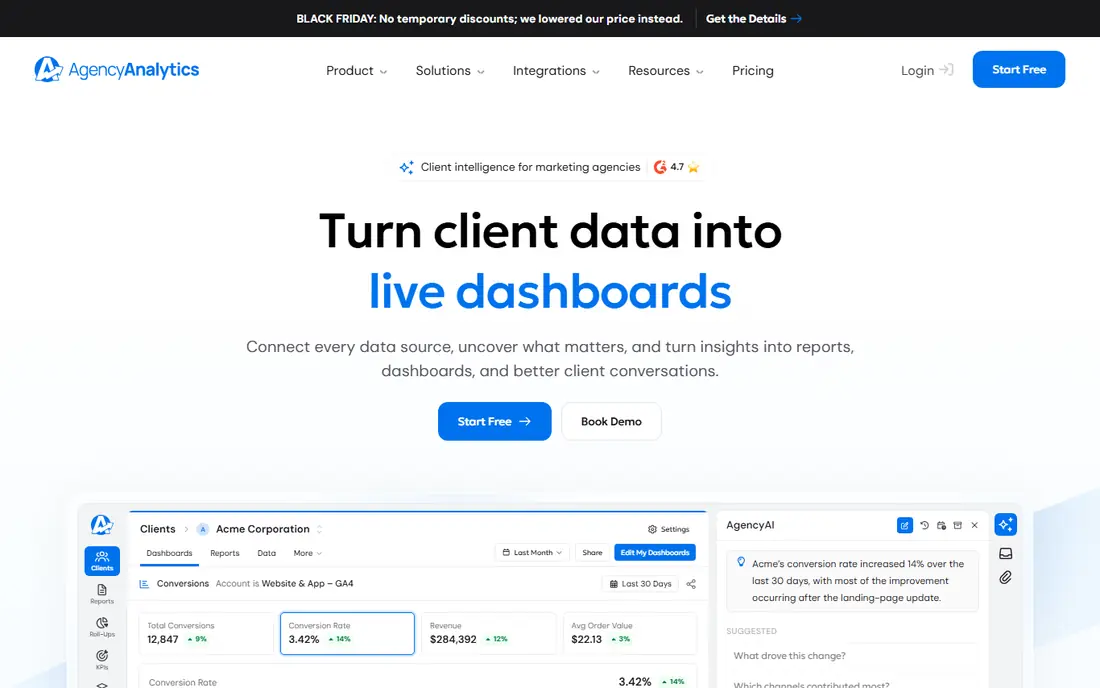
AgencyAnalytics serves agencies billing per client. A 14-day trial lets you test a real client report before paying.
At 25 clients, roundups place the bill near $500 a month. The pricing model is also the catch. AgencyAnalytics pricing: $20 per client per month. Free access: Free trial.
Watch-outs: Bigger clients cost the same as small ones.
- Per-client pricing with no base fee
- Built-in SEO tools
- Cost grows with every client
Supermetrics is built with moving data to sheets and BI in mind. If you want clean data first, Supermetrics is the pick.
Beyond that, the trade-off is extra work. As for the details, Supermetrics is different from most tools here: it moves marketing data into spreadsheets, warehouses, or BI tools, instead of producing finished client reports itself. Supermetrics cost at the entry level: $37 per month. Free options: Free trial.
The main drawbacks: It is a data mover.
- Moves data to Sheets, BigQuery
- Broad connector list
- Needs a dashboard tool on top
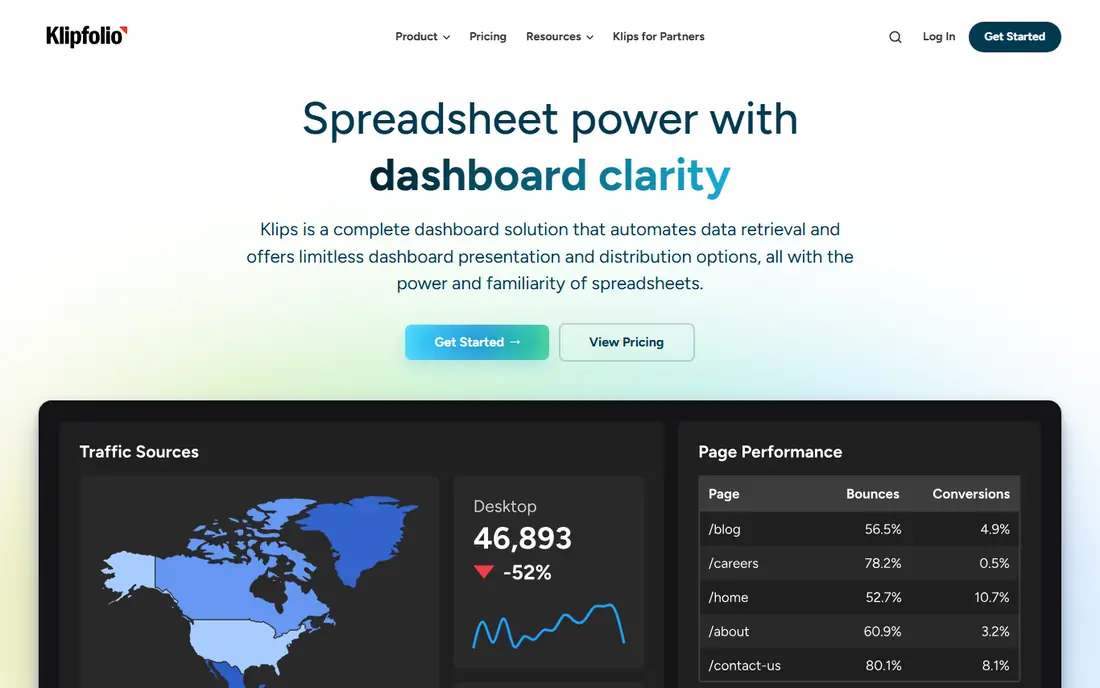
Where Klipfolio fits: analyst-led dashboards. That control helps teams that compare channels on the same definitions.
For analyst-led teams, Klipfolio gives you control that more straightforward tools lack, at a mid-range starting price. Starting cost for Klipfolio: $120 per month. Free options: Free trial.
Strengths: Adaptable dashboards.
Trade-offs to know: White-label bundle costs more.
- Deep formula and metric control
- A decent match for analysts
- Setup needs more skill
In short, Looker Studio is for Google-stack teams. Looker Studio, formerly Google Data Studio, is my free starting point for teams that report primarily on Google Ads, Analytics, and Search Console.
The main drawbacks: Setup needs more skill.
If your data is largely Google, start here. From a buyer's view, the core platform is free, dashboards are adaptable, and sharing with clients or managers is straightforward. Price to start with Looker Studio: Free. Looker Studio includes a free tier.
- Adaptable dashboard design
- Free core system
- Non-Google connectors frequently need premium partners
Whatagraph targets visual cross-channel reports. Reports look refined for clients, data from multiple channels can be combined, and recent AI features help summarise performance. That design strength matters when reports go straight to clients without additional editing.
Downsides: Higher entry price in euros.
In daily use, pricing is higher than most tools here, with roundups placing entry plans near 199 euros a month and higher plans far above that. White-label also needs a higher plan. Pricing for Whatagraph is not stated here, so ask the vendor for current figures. Free access exists with Whatagraph.
- Solid visual report design
- Cross-channel data blending
- White-label needs higher plans
Databox is built with KPI dashboards and goals in mind. Agency pricing needs care. Recent roundups place the Agency base near $79 a month for four clients, plus $20 per extra client, with white-label as a premium add-on.
Where it falls short: Agency pricing layers on per-client packs.
For everyday use, goals, forecasts, and anomaly notes help managers spot problems early, and mobile access keeps dashboards visible outside the office. For KPI-led teams, Databox remains a strong pick. Starting cost for Databox: $71 per month. A free plan is available with Databox.
- Live KPI dashboards
- Mobile access
- White-label is a premium add-on
What went into this list
Pricing pages, product documentation and feature lists were the main sources, and every entry carries at least one honest drawback. Figures are shown as the vendors publish them. Billing terms, seat minimums and add-ons can change the real cost. Tools are placed by general fit for digital marketing reporting tools, with price clarity and free access as tie-breakers. A different team can reasonably rank them differently.
Pre-purchase checklist
- Confirm the entry price on the vendor page. For Whatagraph that means a quote rather than a fixed price.
- Read the fine print on the free plans from Looker Studio, Whatagraph and Databox; seat, project and feature caps differ.
- Take the trial from AgencyAnalytics, Supermetrics and Klipfolio and push a live task through it before you pay.
- Read the limits listed for AgencyAnalytics first: cost grows with every client.
- Before you load data into Whatagraph, check what an export looks like and who can run it.
- Work out what Supermetrics costs with your real seat count, add-ons and usage, not just the entry price.
Frequently asked questions
Is AgencyAnalytics the right pick for everyone comparing digital marketing reporting tools?
No single tool suits every team. AgencyAnalytics comes first because it fits agencies billing per client, while Supermetrics suits moving data to sheets and BI and Klipfolio suits analyst-led dashboards. Match the tool to your own size, budget and workflow before deciding.
How are the tools for digital marketing reporting tools ordered?
AgencyAnalytics sits first and Databox last because the order follows typical fit for digital marketing reporting tools, then price clarity and free access. It is a judgement call, so read each profile for fit and limits.
Is Looker Studio really free?
premium partner connectors are normally needed for non-Google systems, and those costs add up. A premium Pro licence also exists for added features, but the core remains free.
What is the cheapest option for digital marketing reporting tools in this list?
On published monthly entry prices, AgencyAnalytics is the lowest here at $20 per client per month. Entry price is only part of the cost, because seats, add-ons and billing terms can change the total.
What is white-label reporting?
Some tools bundle it on all plans, whereas others charge additional or reserve it for higher plans. Check white-label terms before you promise branded reports to clients.
Do I need a reporting tool if I use Google Analytics?
Analytics displays website data well, but it does not combine ad spend, social, search, email, and CRM results into one client report. Reporting tools pull those sources together, standardise metrics, and automate monthly reports.
Sources
See where you really rank - block by block
ProMapRanker scans Google Maps across a grid of your service area. Simple monthly plans from $19, white-label on every plan.
Start freeKeep reading
 zoho inventory alternatives
6 Alternatives to Zoho Inventory, Compared on Price and Fit
Zoho Inventory alternatives: 6 tools compared on price, free plans and fit. Katana leads the list for manufacturers. Fit and flaws are laid out for each entry.
Read → zoho crm alternatives
Best Zoho CRM Alternatives (2026)
Need Zoho CRM alternatives? We compare 7 tools on cost, free access and who each suits. Every pick gets a straight assessment. Built for quick decisions.
Read → zelle alternatives
Best Zelle Alternatives in 2026
Compare the best Zelle alternatives for sending money to friends, paying sellers and moving funds abroad, with honest notes on fees, speed and safety in 2026.
Read →