 ProMapRanker
6 Best Digital Forms Software Hipaa Compliant Options for 2026


Field teams that collect inspection · Pricing starts at: $29 per user a month billed yearly for Essentials, 3-user minimum
Direct answer
GoCanvas leads the list, best for field teams that collect inspection. If your case is different, Formstack suits regulated teams that want forms, document generation and e-signatures in one suite and Jotform suits small to mid-sized practices that want a self-serve HIPAA setup. All 6 tools are compared below on price, free plan and limits.
Key takeaways
- GoCanvas sits first on this list: field teams that collect inspection, home visit or outreach forms offline on mobile devices.
- 2 of 6 tools offer a free plan: Jotform, Cognito Forms.
- Formstack comes with a trade-off: HIPAA is a premium add-on on the Forms and Suite plans with no published add-on price, so the true HIPAA cost is not visible before a sales conversation.
- FormAssembly suits large healthcare and higher education teams that run Salesforce and need strict audit controls.
- Starting prices begin at $15 per user per month with TrueContext (formerly ProntoForms).
Quick comparison
| Pick | Great for | Pricing starts at | Free tier | |
|---|---|---|---|---|
| GoCanvas | Field teams that collect inspection | $29 per user a month billed yearly for Essentials, 3-user minimum | Free trial | Visit |
 Formstack | Regulated teams that want forms | $99 per month (third-party reported); $83 per month billed yearly | Free trial (14 days) | Visit |
 Jotform | Small to mid-sized practices that want a self-serve HIPAA setup | $34 per month billed yearly for Bronze; HIPAA on Gold at $99 a month billed yearly or $129 per month billed per month | Yes | Visit |
 Cognito Forms | Intake forms with calculations, branching logic and staff review steps | $19 a month billed annually for Pro; HIPAA on Enterprise at $129 a month billed yearly or $174 per month billed monthly | Yes | Visit |
 TrueContext (formerly ProntoForms) | Field service teams that require dispatch | $15 per user a month (third-party reported) for Essentials; Advanced at $45 per user a month (third-party reported) | Free trial | Visit |
 FormAssembly | Large healthcare and higher education teams | Quote | Free trial (14 days) | Visit |
6 options for digital forms software hipaa compliant in detail
ProMapRanker compared 6 tools for digital forms software hipaa compliant. The goal is a practical shortlist: published prices, free plan facts, best-fit use cases and honest limits for every entry.
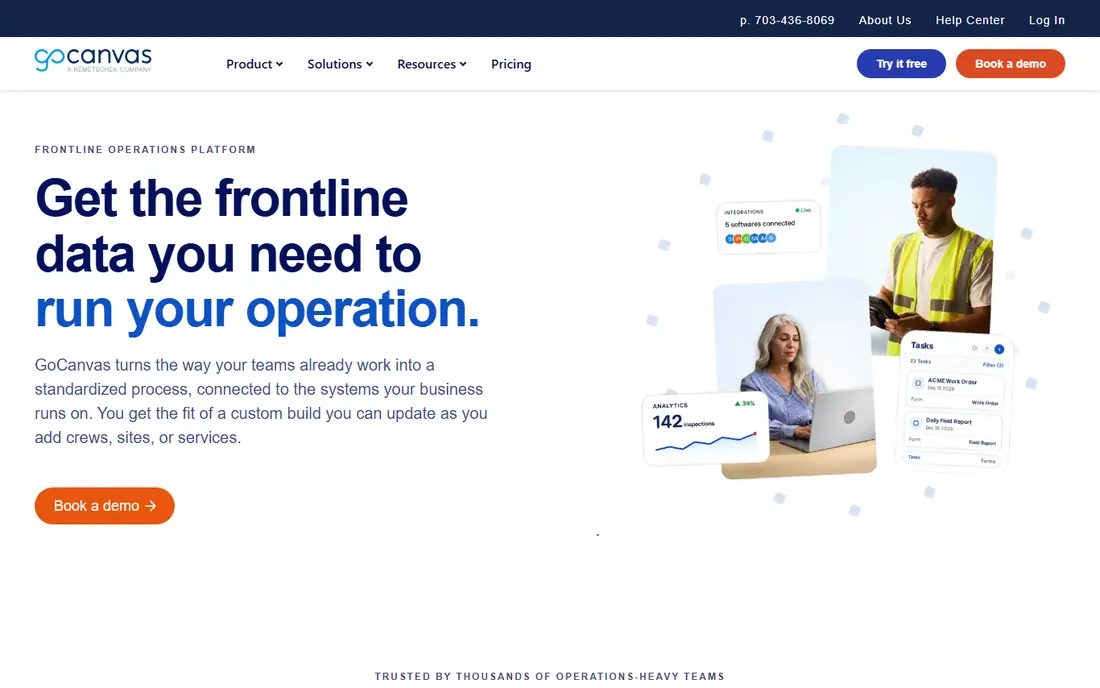
Choose GoCanvas for field teams that collect inspection, home visit or outreach forms offline on mobile devices. GoCanvas is aimed at field work instead of patient-facing web intake. Its pricing page was opened on 12 November 2026 and lists Essentials at 29 dollars, Pro at 39 dollars and Max at 49 dollars per user a month, all billed yearly with a 3-user minimum.
Where it shines: Straightforward per-user pricing with a 3-user minimum.
In daily use, if that confirmation is given, its offline access and dispatch features suit home visits well. If it is not given, use it only for forms that contain no patient data. Price to start with GoCanvas: $29 per user per month billed annually for Essentials, 3-user minimum. Trial and free access: Free trial.
- Offline mobile access
- Unlimited forms and submissions
- The vendor pricing page opened on 12 November 2026 does not state which plan carries HIPAA features or a BAA, so a healthcare buyer cannot confirm compliance from the pricing page alone
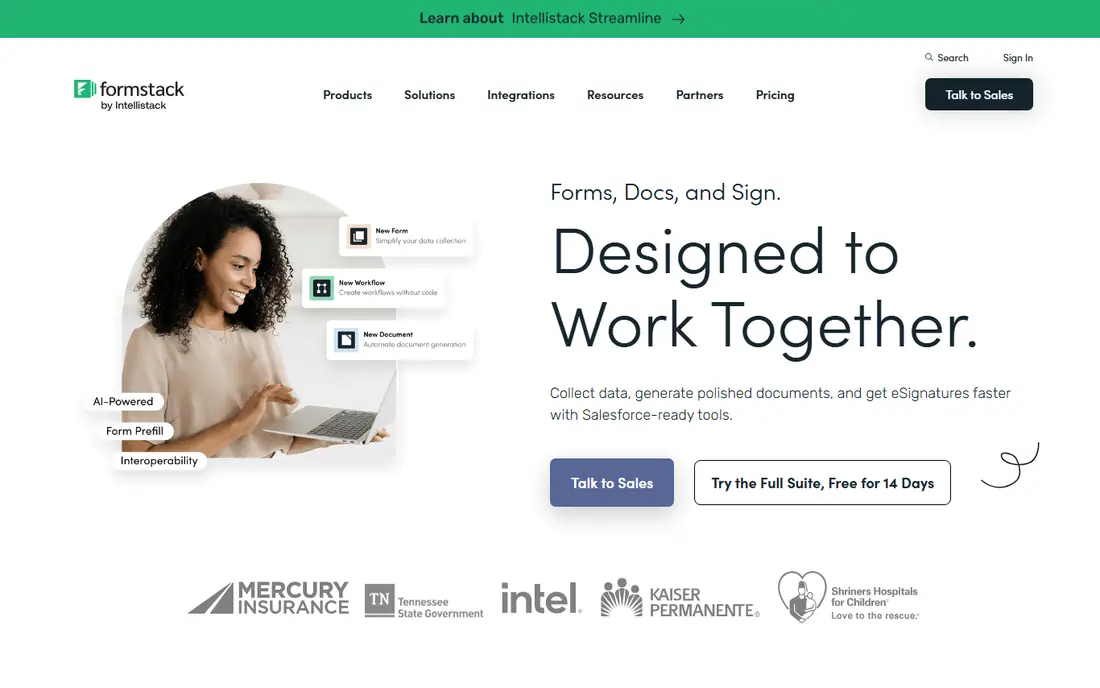
Formstack targets regulated teams that want forms, document generation and e-signatures in one suite. Formstack sells HIPAA as a premium add-on on its Forms and Suite plans and comes with it on Enterprise, based on NexHealth checks published in October 2026.
On top of that, ask Formstack to quote the HIPAA add-on in writing and to confirm which plan the BAA will name. Formstack starts at: $99 per month. As for free access: Free trial (14 days).
- Audit trails and field-level security on HIPAA accounts
- Solid fit for Salesforce workflows
- HIPAA is a premium add-on on the Forms and Suite plans with no published add-on price, so the true HIPAA cost is not visible before a sales conversation

Jotform targets small to mid-sized practices that want a self-serve HIPAA setup with a signed BAA. The central weakness is cost at the point of compliance, since a practice that only needs a handful of intake forms still pays the full Gold price to get the BAA.
Entry price for Jotform: $34 per month billed annually for Bronze. Jotform has a free plan.
What to check first: The jump from Silver at 49 dollars a month to Gold at 129 dollars a month is steep for a solo practice.
- HIPAA features and a BAA are available on Gold without a sales call
- Built-in e-signatures and payment collection
- Lower plans cannot hold protected health information at any price
Cognito Forms
Great for: Intake forms with calculations, branching logic and staff review steps
Choose Cognito Forms for intake forms with calculations, branching logic and staff review steps. The free Individual plan must never be used for protected health information.
Its pricing page was opened on 12 November 2026 and lists HIPAA compliance on the Enterprise plan only, at 129 dollars a month billed yearly, with unlimited entries, 20 users and single sign-on. On cost, Cognito Forms starts like this: $19 per month billed annually for Pro. Free access exists with Cognito Forms.
- E-signatures included from Pro
- Unlimited entries on Enterprise, so high-volume intake does not raise the bill
- HIPAA is gated to the top Enterprise plan, so a small team pays for 20 users and 100 GB of storage just to reach compliance
TrueContext (formerly ProntoForms)
Great for: Field service teams that require dispatch
TrueContext (formerly ProntoForms) is a good fit for field service teams that require dispatch, workflows and analytics on mobile forms. TrueContext is the current name for ProntoForms, which rebranded in 2022, and its homepage was opened on 12 November 2026.
As for the details, the site presents it as a field intelligence platform for service teams, and it reports more than 100,000 users. Beyond that, no source checked confirms that TrueContext will sign a HIPAA BAA. What you pay to start with TrueContext (formerly ProntoForms): $15 per user per month. Trial and free access: Free trial.
- Strong fit for asset and safety inspections
- Unlimited forms and submissions on premium plans
- No published BAA or HIPAA plan was found in the sources checked for this guide, so a healthcare buyer cannot treat it as HIPAA ready without written vendor confirmation
Pick FormAssembly if this describes you: large healthcare and higher education teams that run Salesforce and need strict audit controls. That makes it a solid fit for a hospital or university with a procurement process.
A poor fit for a small clinic that wants a price today. Pricing for FormAssembly is quote based, so budget talks start with the vendor. Trial and free access: Free trial (14 days).
Where it shines: PCI DSS Level 1; Workflow approvals and multi-party signing.
- Including HIPAA with a BAA
- SOC 2 and FedRAMP High on Gov Cloud
- No published prices on any plan, so every buyer must go through a demo or sales conversation to learn the cost
Choosing digital forms software hipaa compliant: what matters
Choose a general form builder when patients fill in forms on your website, by email link, or in a waiting room on a shared device. Beyond that, choose a field forms app when staff collect data away from the clinic, frequently offline, on a phone or tablet.
A closer look at digital forms software hipaa compliant
A tool is HIPAA compliant for your use only when the vendor signs a Business Associate Agreement that handles the service, encrypts protected health information in transit and at rest, and keeps audit logs. Also, marketing language about secure forms does not meet that test.
What to look for in digital forms software hipaa compliant
Check five things before you collect patient data. First, get the signed BAA and confirm it names your plan. In practice, for related buying guides, see our best HIPAA compliance software guide, our best HIPAA compliant CRM software guide, and our best EMR EHR software guide.
How we compared the tools
Selection started from tools commonly considered for digital forms software hipaa compliant, then narrowed to 6 that have clear pricing information or a clear quote process. Treat prices as a snapshot: vendors change plans often, so check the vendor site for the figure that applies today. Position on the page reflects fit for a typical buyer first, with price clarity and free access breaking ties. Treat it as a guide, not a ruling.
Things to verify first
- Confirm the entry price on the vendor page. For FormAssembly that means a quote rather than a fixed price.
- Read the fine print on the free plans from Jotform and Cognito Forms; seat, project and feature caps differ.
- Run a trial of GoCanvas, Formstack, TrueContext (formerly ProntoForms) and FormAssembly with real work before paying for a year; your own workflow is the best test.
- Before choosing GoCanvas, weigh its main limit: the vendor pricing page opened on 12 November 2026 does not state which plan carries HIPAA features or a BAA, so a healthcare buyer cannot confirm compliance from the pricing page alone.
- Make sure Jotform lets you export your data in a format another tool can read.
- Ask Cognito Forms which support channels and response times come with the plan you would buy.
Frequently asked questions
Do I need a BAA even if the form tool encrypts my data?
Yes, you need a signed BAA before a vendor takes care of protected health information on your behalf, even if the tool encrypts data in transit and at rest. More specifically, encryption is a safeguard, not a contract. Get the agreement signed and keep a copy with your compliance records.
What is the cheapest option for digital forms software hipaa compliant in this list?
On published monthly entry prices, TrueContext (formerly ProntoForms) is the lowest here at $15 per user per month. Entry price is only part of the cost, because seats, add-ons and billing terms can change the total.
What is the cheapest HIPAA compliant forms tool?
Cognito Forms Enterprise is next at 129 dollars a month billed yearly. Formstack starts lower on paper, but HIPAA is a premium add-on with no published price, so its total is higher. Always compare the HIPAA level price, not the lowest advertised price.
Is GoCanvas the right pick for everyone comparing digital forms software hipaa compliant?
No single tool suits every team. GoCanvas comes first because it fits field teams that collect inspection, home visit or outreach forms offline on mobile devices, while Formstack suits regulated teams that want forms, document generation and e-signatures in one suite and Jotform suits small to mid-size practices that want a self-serve HIPAA setup with a signed BAA. Match the tool to your own size, budget and workflow before deciding.
Is Jotform HIPAA compliant?
Yes, Jotform is HIPAA compliant on its Gold and Enterprise plans, where HIPAA features can be enabled and a BAA can be signed. Gold costs 99 dollars a month billed yearly.
Which options for digital forms software hipaa compliant have a free plan?
Jotform and Cognito Forms offer a free plan in this list. Free plans usually cap users, projects or features, so check the limits on the vendor page. Several others offer a trial instead.
Sources
See where you really rank - block by block
ProMapRanker scans Google Maps across a grid of your service area. Simple monthly plans from $19, white-label on every plan.
Start freeKeep reading
 zscaler alternatives
Best Zscaler Alternatives in 2026
Looking for zscaler alternatives? We compare 9 SASE and zero trust platforms on architecture, data protection, pricing, and fit for your network and team.
Read → zapier alternatives free
Best Zapier Alternatives Free in 2026
Nine automation tools for zapier alternatives free in 2026, all with genuinely free tiers, plus free plan limits, starting prices and upgrade paths explained.
Read → which platform is best for online reputation
Which Platform Is Best for Online Reputation in 2026
Wondering which platform is best for online reputation? We compare 8 review, listing, and response tools for small and multi-location businesses and agencies.
Read →