 ProMapRanker
Comparing 6 Digital Accessibility Platforms in 2026


AI-assisted testing in the dev pipeline · Pricing starts at: See website
Direct answer
Start with Evinced if you need AI-assisted testing in the dev pipeline. For a different need, accessiBe covers quick widget deployment for SMBs and Siteimprove covers accessibility plus site quality checks. Prices, free plans and limits for all 6 tools follow.
Key takeaways
- This list starts with Evinced, which is built for AI-assisted testing in the dev pipeline.
- Evinced, Deque and the 4 others all sell by quote; expect sales conversations before you see a price.
- A fair warning about Siteimprove: accessibility is one module among plenty of, Pricing scales with the full suite, Can feel wide if you only need accessibility.
- Deque fits developer-first testing with axe tools.
Quick comparison
| Pick | Great for | Pricing starts at | Free tier | |
|---|---|---|---|---|
| Evinced | AI-assisted testing in the dev pipeline | See website | Free trial | Visit |
 accessiBe | Quick widget deployment for SMBs | See website | No | Visit |
 Siteimprove | Accessibility plus site quality checks | See website | Free trial | Visit |
 AudioEye | Managed accessibility with legal support | See website | No | Visit |
 DubBot | Accessibility monitoring with plain-language fixes | See website | Free trial | Visit |
 Deque | Developer-first testing with axe tools | See website | Free trial | Visit |
Digital Accessibility Platforms compared in detail
If you are comparing digital accessibility platforms, this page covers 6 tools in one place: what each is best for, what it costs to start, whether it has a free plan, and the main limit to know about.
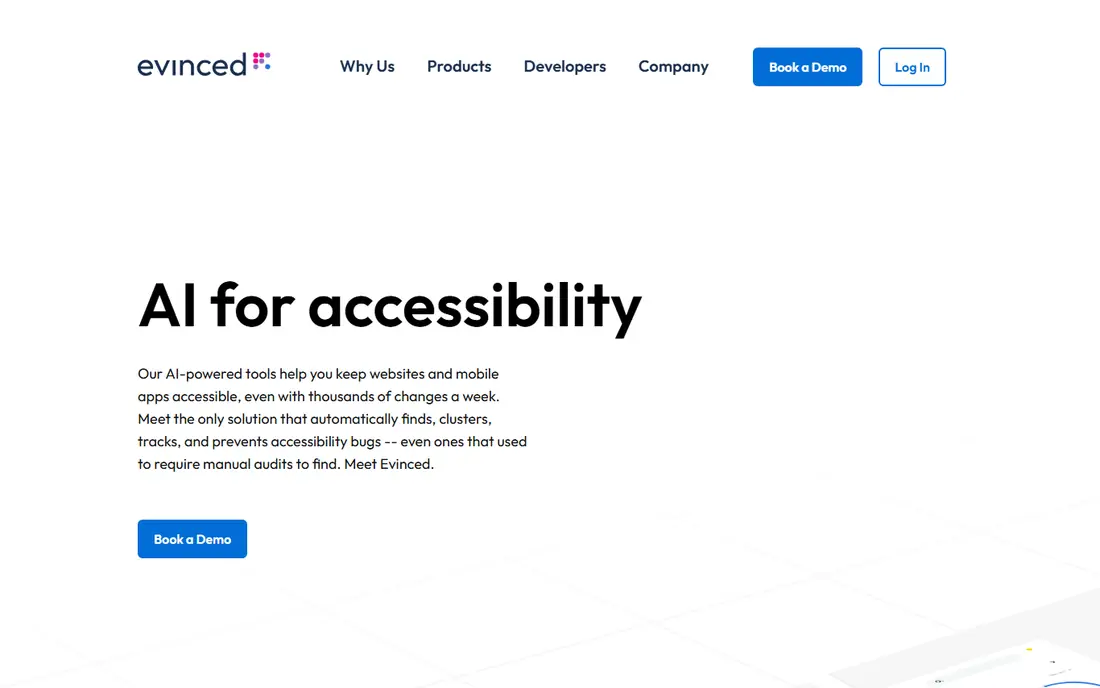
Evinced makes the most sense for AI-assisted testing in the dev pipeline. The system handles both web and mobile, which matters as accessibility requirements increasingly extend to apps.
It is a newer name than Deque, so the ecosystem of plugins and community answers is thinner, but for engineering-led organizations that want modern, low-noise testing, Evinced is worth evaluating alongside the incumbents. Check the vendor site for Evinced pricing; none is listed in this comparison. As for free access: Free trial.
- Purpose-built for continuous integration
- Handles web and mobile apps
- Newer brand with smaller community, Developer-centric like Deque, Pricing not published
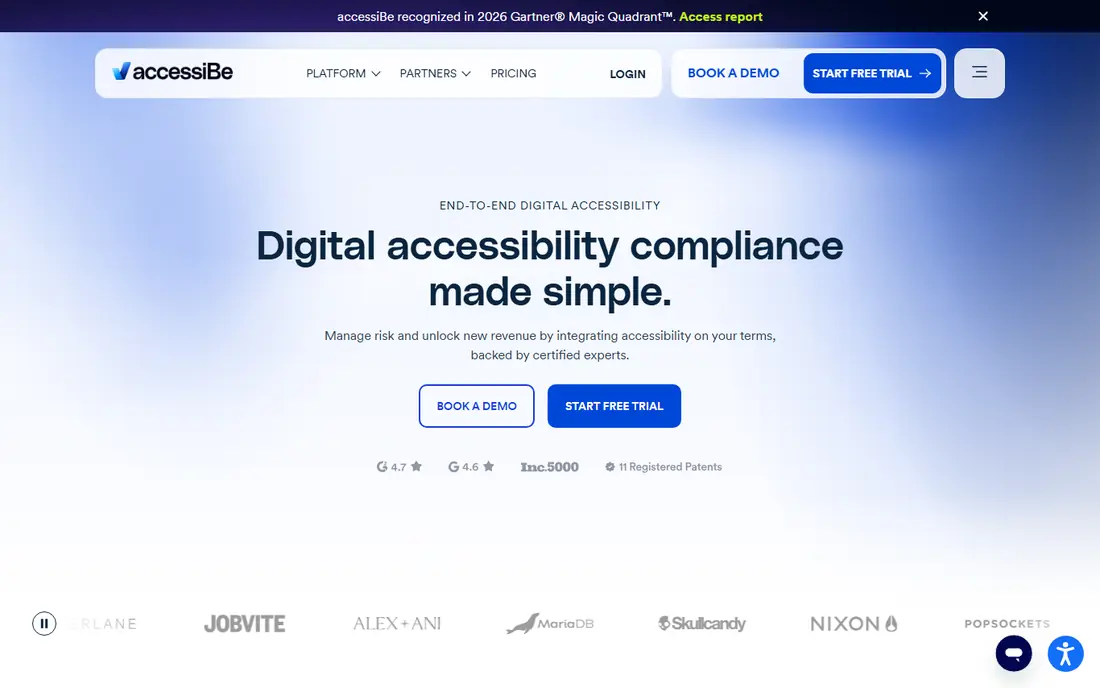
accessiBe targets fast widget deployment for SMBs. You add a JavaScript snippet, the accessWidget appears, and the company claims its AI rescans and adjusts the site every 24 hours. Critics in the accessibility community argue overlays do not fix underlying code, and that debate is worth reading before you buy.
But as a pragmatic first step with litigation support attached, accessiBe remains one of the fastest routes from zero to monitored. For a small business owner who just received a demand letter and needs to display action this week, that speed is the whole pitch. For everyday use, the company has expanded beyond the widget. accessFlow provides developers a system to find and fix issues in source code, and accessiBe gives you manual audits and remediation services for customers who want more than automation. accessiBe shows no starting price here, so confirm the cost on the vendor site. There is no free plan with accessiBe.
Limits to weigh: Annual billing with no monthly choice on some levels.
- AccessFlow helps developers fix code straight
- Deploys in minutes with one snippet
- Widget-only approach draws criticism from accessibility advocates

Think of Siteimprove for accessibility plus site quality checks. The same crawl that flags WCAG violations also finds broken links, spelling errors, and SEO problems, and the dashboard prioritizes everything by impact.
Accessibility depth is solid for a generalist product, with checks mapped to WCAG criteria and guidance written for content editors rather than engineers. Check the vendor site for Siteimprove pricing; none is listed in this comparison. As for free access: Free trial.
Where Siteimprove stands out: Accessibility alongside SEO, QA, analytics.
Where it falls short: Can feel wide if you only need accessibility.
- Decent reporting for non-technical stakeholders
- Clear prioritization of issues by impact
- Accessibility is one module among plenty
AudioEye is a good fit for managed accessibility with legal support. AudioEye has been in the accessibility business longer than most of the widget-first vendors, and it displays in how the service is structured. The product runs automatic scans and applies fixes where it safely can, then routes the rest to human testers who verify with assistive technology.
Where AudioEye stands out: Works with most CMS systems.
Drawbacks to consider: Can be pricey for very large sites.
That two-layer approach is the honest answer to the limits of automation. It is why AudioEye presents up in so numerous ADA defense conversations. More specifically, the company also leans into the legal side. Worth adding: the trade-off is cost and opacity: pricing relies on your page count and traffic. You will talk to sales before you see a number. As for the details, plans can contain continuing monitoring, an accessibility statement. Support if a claim arrives, which is exactly the bundle a general counsel wants to see. Check the vendor site for AudioEye pricing; none is listed in this comparison. No free plan comes with AudioEye.
- Contains legal support and indemnification choices
- Merges automation with certified human testers
- Some fixes still need developer time
DubBot is a good fit for accessibility monitoring with plain-language fixes. DubBot is an automated accessibility monitoring tool with a solid following in higher education and government.
The product stays centred on monitoring and remediation workflow instead of trying to handle every aspect of site governance. Check the vendor site for DubBot pricing; none is listed in this comparison. Free access: Free trial.
- Well suited to distributed content teams
- Solid higher-education customer base
- Narrower focus than full governance suites, Quote-based pricing, Smaller company
Deque makes the most sense for developer-first testing with axe tools. The commercial product adds axe Monitor for scheduled scanning across large sites, workflow for assigning and tracking fixes, and integrations that put checks inside your build pipeline.
Where it is weaker: Enterprise pricing for the full system.
This is the choice for organizations that want to fix accessibility at the source rather than patching it at the edge. Deque does not show a starting price in this comparison, so check the vendor site for current pricing. Trial and free access: Free trial.
- Connects with CI/CD and major frameworks
- Solid documentation and community
- Less hand-holding than managed services
A closer look at digital accessibility platforms
A demand letter arrives on a Tuesday morning. It names your website, cites the ADA, and provides you a deadline to fix barriers a scanner would have flagged months ago. This is how most businesses start caring about digital accessibility: not from a strategy deck, but from a legal notice.
More specifically, plaintiffs target sites with obvious barriers like missing alt text, keyboard traps, and unlabeled forms.
What went into this list
Selection started from tools commonly considered for digital accessibility platforms, then narrowed to 6 that have clear pricing information or a clear quote process. Prices and plan limits come from vendor pages and can change, so confirm them on the vendor site before you buy. The ranking is editorial: typical fit first, then clear pricing, then free access. If your needs are unusual, read the profiles rather than relying on position.
What to check before you buy
- Ask each vendor, from Evinced to Deque, for a written quote; none of them publishes a starting price.
- Use real work to test the free trial from Evinced, Siteimprove, DubBot and Deque, rather than a demo project.
- Read the limits listed for Evinced first: newer brand with smaller community, Developer-centric like Deque, Pricing not published.
- Ask Evinced whether prices are locked for the first term and what happens at renewal.
- Ask Deque which support channels and response times come with the plan you would buy.
Frequently asked questions
How much does a digital accessibility system cost?
Most vendors price by page count, traffic, or number of domains, and most keep exact prices behind a sales conversation. Expect a few hundred dollars a year for small sites on widget plans and five figures annually for enterprise programs.
Does any tool for digital accessibility platforms here have a free plan?
No tool in this list, Evinced and Deque included, has a permanent free plan. Evinced, Siteimprove, DubBot, Deque offer a trial. Trials and quotes are the usual route, so plan a short evaluation period.
Can I try these options before paying?
Often, yes. Evinced, Siteimprove, DubBot and Deque offer a free trial. Use your own data and a real task during the test, and check what the free tier or trial limits before you rely on it.
How are the tools for digital accessibility platforms ordered?
Evinced sits first and Deque last because the order follows typical fit for digital accessibility platforms, then price clarity and free access. It is a judgement call, so read each profile for fit and limits.
Can an accessibility widget alone make my site ADA compliant?
No. Widgets boost the experience for some visitors and display good-faith effort. But they do not rewrite your underlying code, and courts and auditors evaluate the code. Use a widget as one layer, paired with scanning and real fixes.
Do these tools publish their prices?
No. None of the tools, from Evinced to Deque, shows a fixed starting price here, so budget time for quotes.
Sources
See where you really rank - block by block
ProMapRanker scans Google Maps across a grid of your service area. Simple monthly plans from $19, white-label on every plan.
Start freeKeep reading
 zscaler alternatives
Best Zscaler Alternatives in 2026
Looking for zscaler alternatives? We compare 9 SASE and zero trust platforms on architecture, data protection, pricing, and fit for your network and team.
Read → zapier alternatives free
Best Zapier Alternatives Free in 2026
Nine automation tools for zapier alternatives free in 2026, all with genuinely free tiers, plus free plan limits, starting prices and upgrade paths explained.
Read → which platform is best for online reputation
Which Platform Is Best for Online Reputation in 2026
Wondering which platform is best for online reputation? We compare 8 review, listing, and response tools for small and multi-location businesses and agencies.
Read →