 ProMapRanker
Best Diagramming Software in 2026
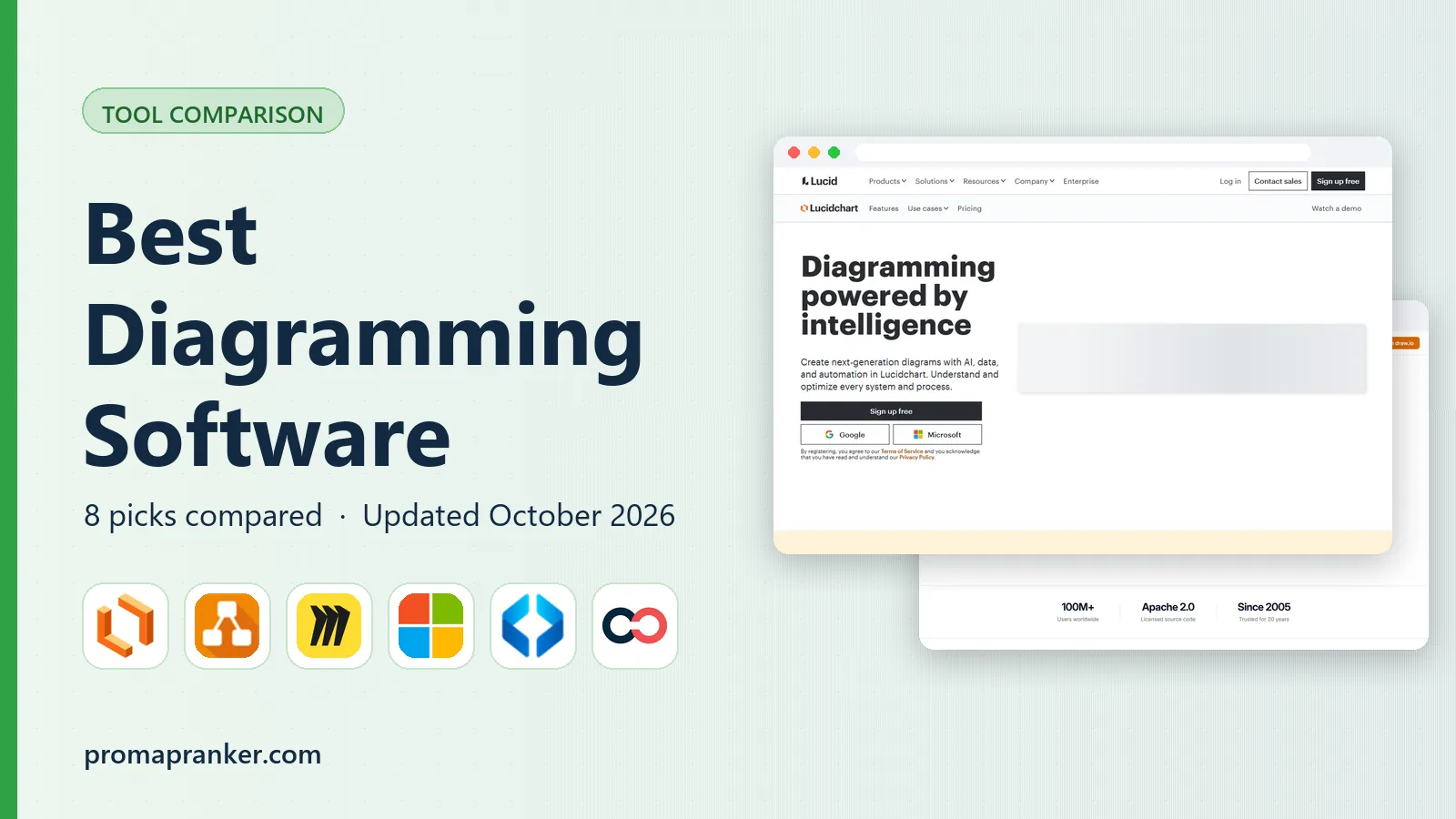

Structured technical diagrams · Pricing starts at: $7.95 per month
Key takeaways
- diagrams.net is free with no document limits, which makes every paid tool compete on collaboration and polish.
- Lucidchart leads for structured technical diagrams, while Miro leads for whiteboard-style workshops that turn into diagrams.
- Microsoft Visio wins where Microsoft 365 already lives, and SmartDraw suits template-driven business diagrams.
- Check export formats, real-time editing, and integration with your docs before you pay.
- A clean diagram matters less than a diagram your team will actually update.
Quick comparison
| Pick | Great for | Pricing starts at | Free tier | |
|---|---|---|---|---|
| Lucidchart | Structured technical diagrams | $7.95 per month | Yes | Visit |
 diagrams.net | Free unlimited diagramming | Free | Yes | Visit |
 Miro | Whiteboard-to-diagram work | $8 per month | Yes | Visit |
 Microsoft Visio | Microsoft 365 shops | $5 per month | No | Visit |
 SmartDraw | Template-driven business diagrams | $9.95 per month | Free trial | Visit |
 Creately | Visual team collaboration | $8 per month | Yes | Visit |
 Whimsical | Fast clean flowcharts | $10 per month | Yes | Visit |
 Excalidraw | Sketch-style quick diagrams | Free | Yes | Visit |
The best diagramming software
We compared tools that make flowcharts, UML, org charts, network diagrams, and process maps. Our pick for most teams is Lucidchart for structured work, with diagrams.net as the free pick and Miro as the pick for collaborative workshops.

Lucidchart is the structured diagramming leader for technical and operations teams. It covers flowcharts, UML, entity-relationship diagrams, org charts, and network maps with clean shapes and consistent formatting. Real-time collaboration, comments, and integrations with Google Workspace, Jira, Confluence, and Slack keep diagrams close to the work they describe.
The free plan allows only a few documents, so regular users need a paid plan, commonly listed from $7.95 per month for Individual on annual billing. Very large diagrams can also feel slow. If your diagrams are documentation that must stay accurate and shared, Lucidchart's structure and collaboration justify the price.
- Large template and shape libraries
- Real-time collaboration
- Visio import and export
- Free plan limits documents
- Advanced features need Team plans
- Heavy diagrams can lag
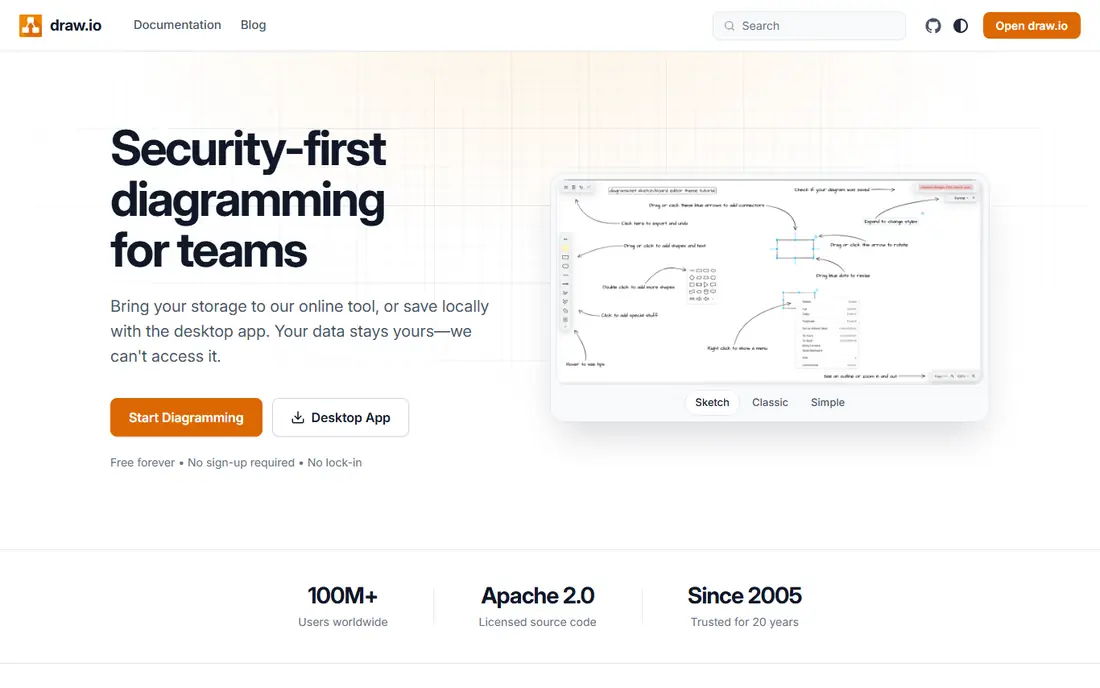
diagrams.net, also known as draw.io, is the free default for teams that want professional diagrams without seat fees. The web and desktop editors cover flowcharts, network diagrams, org charts, and software architecture, with exports to common image and document formats. Storage through Google Drive, OneDrive, or a local file keeps diagrams under your control.
The trade-off is polish and collaboration. Real-time editing and commenting are simpler than Lucidchart or Miro, and the interface feels more utilitarian. For technical teams that value cost, privacy, and file control over a slick canvas, diagrams.net is hard to beat, and it is the first tool to try before paying for anything else.
- Fully free core editor
- No document limits
- Works with Google Drive, OneDrive, Confluence, and Jira
- Less polished than paid rivals
- Collaboration is simpler
- Interface feels utilitarian

Miro starts as a whiteboard and grows into diagrams, which suits workshops, brainstorming, and planning sessions. Sticky notes, flowcharts, mind maps, and agile boards can live on one canvas, and teams can move from a rough idea to a structured diagram without switching tools. The free plan allows a few editable boards, while Starter is commonly listed from $8 per member per month on annual billing.
Miro is less structured than Lucidchart for formal UML or network documentation, and version control is thinner. It also needs an internet connection for full use. If your diagrams begin as group discussion rather than as formal documentation, Miro's canvas and collaboration make it the better pick.
- Infinite canvas for workshops
- Huge template library
- Strong real-time collaboration
- Less structured than Lucidchart for technical diagrams
- No true offline mode
- Costs grow per member
Microsoft Visio suits organizations already deep in Microsoft 365. Flowcharts, network diagrams, org charts, and floor plans can be built with desktop-grade tools and shared through Teams, SharePoint, and OneDrive. Visio Plan 1 is commonly listed from $5 per user per month, with higher plans adding desktop apps and more features.
Visio has no free plan, and the web experience differs from the desktop app, so teams should check which plan covers their needs. Real-time collaboration is also less fluid than Miro or Lucidchart. If your company already pays for Microsoft 365 and your diagrams must live inside that system, Visio is the natural choice.
- Deep Microsoft 365 integration
- Desktop-grade diagrams
- Familiar for Office users
- No free plan
- Web and desktop features differ by plan
- Weaker real-time collaboration than Miro
SmartDraw suits business users who want a template for almost any diagram, from org charts and floor plans to network maps and project charts. Its intelligent formatting arranges shapes and connectors as you add content, which saves time for users who do not want to align every box by hand. Integrations with Microsoft 365, Google Workspace, and Confluence help diagrams sit near documents.
SmartDraw has no free plan, only a trial, and its interface feels less modern than Lucidchart or Miro. Collaboration is also thinner. For a business user who values templates and automatic layout over real-time co-editing, SmartDraw remains a practical, template-rich pick.
- Very large template set
- Intelligent formatting that arranges shapes
- Business and technical diagrams in one tool
- No free plan
- Interface feels dated to some users
- Collaboration is thinner than Lucidchart
Creately blends diagramming with visual project work, so a flowchart can sit next to tasks, timelines, and data fields for the same project. That combination suits product, operations, and project teams that want diagrams to connect to work, not just sit in a file. A free plan lets small teams start, while paid plans are commonly listed from $8 per month.
Large diagrams can feel slow, and offline use is limited, so teams with huge architecture maps should trial performance first. Creately also competes with Lucidchart on structure and with Miro on collaboration, without beating either at its own specialty. If you want one canvas for diagrams and project visuals, Creately is a good middle ground.
- Diagram plus project workflow in one place
- Many templates
- Real-time collaboration
- Large diagrams can lag
- Offline use is limited
- Some advanced features need higher plans
Whimsical is the pick when speed and clarity matter more than diagram breadth. Flowcharts, wireframes, mind maps, and sticky-note boards look clean with little effort, and new users can build a readable diagram in minutes. That simplicity suits startups, product teams, and anyone who needs a diagram for a meeting, not a formal specification.
The range is narrower than Lucidchart or SmartDraw, and network or engineering diagrams may need another tool. Paid pricing is commonly listed from $10 per editor per month on annual billing, so costs depend on how many people edit versus view. For fast, clean diagrams that people actually read, Whimsical is excellent.
- Very fast and clean flowcharting
- Minimal learning curve
- Good for startups and product teams
- Fewer diagram types than Lucidchart or EdrawMax
- Paid plans charge per editor
- Less depth for network diagrams
Excalidraw is a free, sketch-style canvas for quick diagrams that look like whiteboard drawings. It opens in a browser with no account needed, which makes it ideal for a fast architecture sketch, a meeting note, or a diagram to paste into a document. The hand-drawn style also signals that a diagram is a draft, which can invite feedback rather than formal review.
Excalidraw is not the tool for formal UML, detailed network specs, or large documentation sets. Templates are fewer, and team storage and collaboration need extra setup compared with Lucidchart or Miro. For quick, shareable sketches that explain an idea in minutes, it is one of the best free tools available.
- Free no-account editor
- Hand-drawn style that feels approachable
- Open source and easy to share
- Not built for formal UML or network specs
- Collaboration and storage need extra setup
- Fewer templates
How we picked these
We compared official pricing pages, product documentation, and public reviews for diagramming tools that are actively maintained in October 2026. We kept tools that cover distinct needs, from free sketching to structured technical diagrams to whiteboard collaboration, and we noted where free plans limit documents or boards. We favored tools with clear export options and integrations with common docs and project systems.
How to choose a diagramming tool
Start with the diagram type you make most often. Formal UML, entity-relationship, and network diagrams point to Lucidchart, diagrams.net, or Visio. Workshops, brainstorming, and product planning point to Miro or Whimsical. Quick sketches point to Excalidraw. A tool that is excellent for one type can be awkward for another, so match the tool to the job, not to a general ranking.
Next, check how diagrams will be shared and updated. If diagrams live in Confluence, Jira, Google Docs, or Microsoft Teams, pick a tool with a strong integration there. If several people edit at once, test real-time editing and commenting on a real diagram. Also check exports, since a diagram that cannot leave the tool cleanly as an image or PDF becomes a trap when you need it in a report.
Finally, weigh cost against use. A free tool that your team actually updates beats a paid tool that sits unused. Trial the free plan or trial period with a real diagram from your current work, and note whether the team edits it again a week later. That second edit is the real test of a diagramming tool.
Frequently asked questions
What is the best diagramming software?
Lucidchart is the best all-round pick for structured diagrams, diagrams.net is the best free pick, and Miro is the best pick for collaborative workshops. Microsoft Visio suits Microsoft 365 shops, while Whimsical suits fast, clean flowcharts. Choose by diagram type and collaboration needs.
What are the best diagramming tools for free?
diagrams.net and Excalidraw are fully free for core diagramming, while Lucidchart, Miro, Creately, and Whimsical offer free plans with limits on documents or boards. Start free, and only pay when you hit a limit on documents, collaboration, or templates that blocks real work.
What is the best diagramming tool for technical teams?
Lucidchart and diagrams.net suit technical teams best, with Visio as the pick inside Microsoft 365. Lucidchart offers stronger collaboration and templates, while diagrams.net offers free, file-controlled diagramming. Both handle UML, entity-relationship, and network diagrams well.
What are the top diagramming software reviews saying about Miro?
Reviews commonly praise Miro for real-time collaboration, templates, and workshop use, while noting that it is less structured than Lucidchart for formal technical diagrams. That matches our view: choose Miro when diagrams start as group work, and Lucidchart when they start as formal documentation.
Can I use diagramming software offline?
diagrams.net offers a desktop editor that works offline with local files, while most cloud tools, including Miro and Lucidchart, need an internet connection for full collaboration. Visio desktop apps also work offline, depending on the plan. Check offline support if you work on planes or in secure environments.
Which diagramming tool is easiest for beginners?
Whimsical and Excalidraw are easiest for beginners because they have minimal learning curves and clean canvases. SmartDraw also suits beginners who want a template for almost any diagram. Lucidchart and diagrams.net take a little longer to learn but offer more depth for technical work.
Sources
See where you really rank - block by block
ProMapRanker scans Google Maps across a grid of your service area. Simple monthly plans from $19, white-label on every plan.
Start freeKeep reading
 zscaler alternatives
Best Zscaler Alternatives in 2026
Looking for zscaler alternatives? We compare 9 SASE and zero trust platforms on architecture, data protection, pricing, and fit for your network and team.
Read → zapier alternatives free
Best Zapier Alternatives Free in 2026
Nine automation tools for zapier alternatives free in 2026, all with genuinely free tiers, plus free plan limits, starting prices and upgrade paths explained.
Read → which platform is best for online reputation
Which Platform Is Best for Online Reputation in 2026
Wondering which platform is best for online reputation? We compare 8 review, listing, and response tools for small and multi-location businesses and agencies.
Read →